
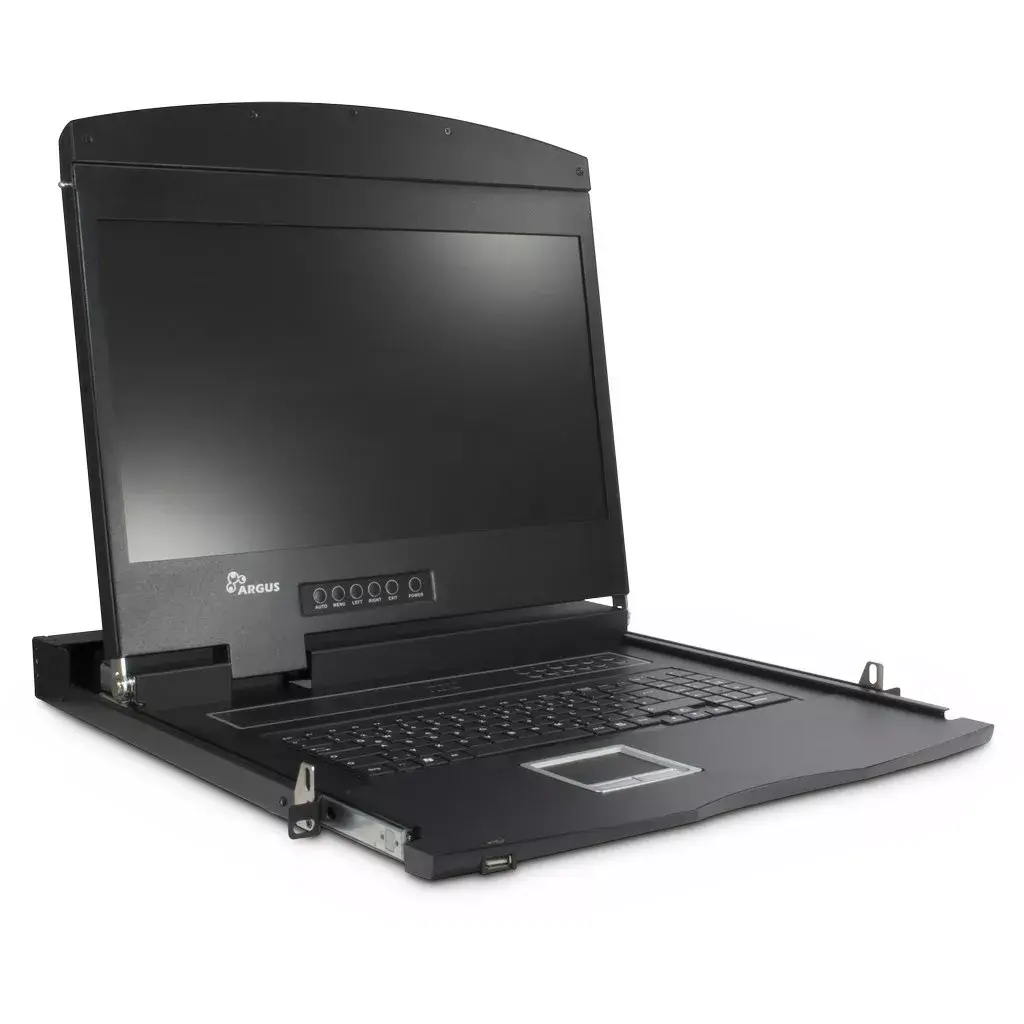
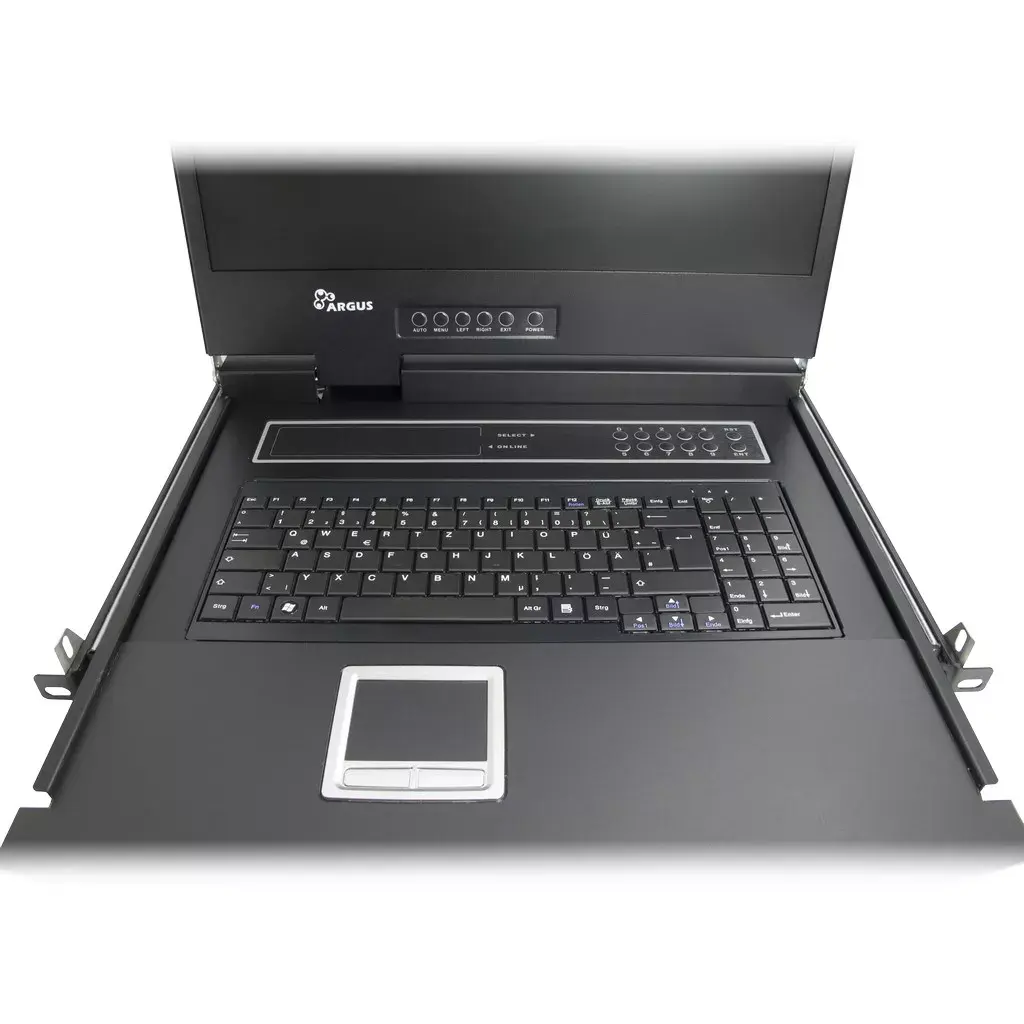
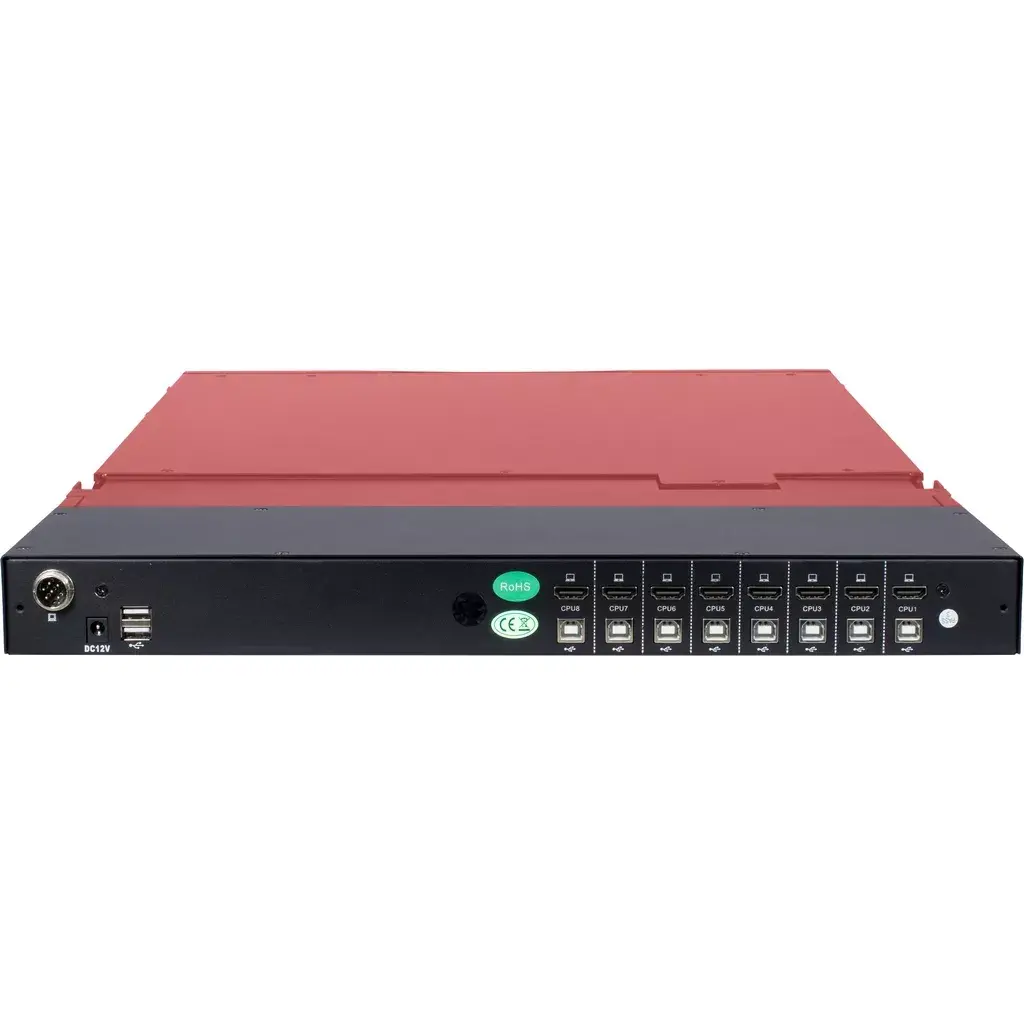
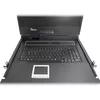
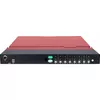
Rack Console Inter-Tech AS-9108 HLS 19"
1,057.49 €
{{selectedOffer && selectedOffer.price | formatAmount}}
Offer for legal entity, cashless payment.
Why is an item available only for a legal entity?
This is due to long delivery times and limited product warranties.
This is due to long delivery times and limited product warranties.
Short description
The Inter-Tech AS-9108 HLS rack console features a 19" display with a resolution of 1280 x 1024 pixels and a brightness of 300 cd/m². It includes USB ports for both keyboard and mouse, and an HDMI video port. The console operates on a 12V power supply and is compatible with input voltages of 110-240 V. Its compact dimensions (482 mm width, 44.5 mm height, 615 mm depth) make it ideal for various setups.
Cheapest delivery:
Unisend LV
Pick-up points
Unisend LV
Cost
1.79 €
Deliver
{{selectedOffer.parcelStationDeliveryString}}
Customer service center
2b. Kengaraga str., Riga, Latvia, LV-1063
19.08.2026
{{selectedOffer.officeDeliveryString}}
free
Courier Delivery
Please note that in case of a large parcel additional delivery costs may apply!
From 13.03 € (Weight: 16.48 kg)
Parcel couriers
Unisend LV / Venipak Locker LV / Latvijas Pasts pakomāts / DPD Paku skapis / Omniva LV
24.08.2026
{{selectedOffer.parcelStationDeliveryString}}
From 1.79 €

Leasing for legal entities:
from 36.8 euros per month


