FAQ
What payment options are available?
AiO.lv offers several payment methods: Bank transfer. All transactions are 100% secure and encrypted.
Can this product be purchased for a company (with VAT)?
Yes. AiO.lv works with legal entities in Latvia and across Europe. The product price already includes VAT. For certain product categories, as well as for companies from other EU countries with a valid VAT number, a 0% VAT rate may apply. We issue the invoice immediately after the order is placed, support electronic BIS invoices, and automatically generate all necessary accounting documents. You can complete the purchase for a company online — simply select the company profile and choose bank transfer as the payment method during checkout.
What is the warranty period?
All j5 create products come with an official 2 Years warranty. It covers all manufacturing defects and malfunctions that may occur during use. The warranty is valid at all authorized j5 create service centers and through AiO.lv
Can the product be returned after purchase?
Yes, you can return the product within 14 days of purchase if you bought it as a consumer (not a legal entity). Returns are possible without giving any reason — the main condition is that the product retains its original appearance and full set of accessories. We will make the process as simple and convenient as possible: just contact our customer support team, and we will help you arrange the return.
Where should I contact for warranty service?
For warranty-related questions you can contact the AiO.lv (SIA VSPRO) customer support team. We will assist with consultation, warranty claim processing, and coordination with certified service centers.
How can I tell if this product suits my needs?
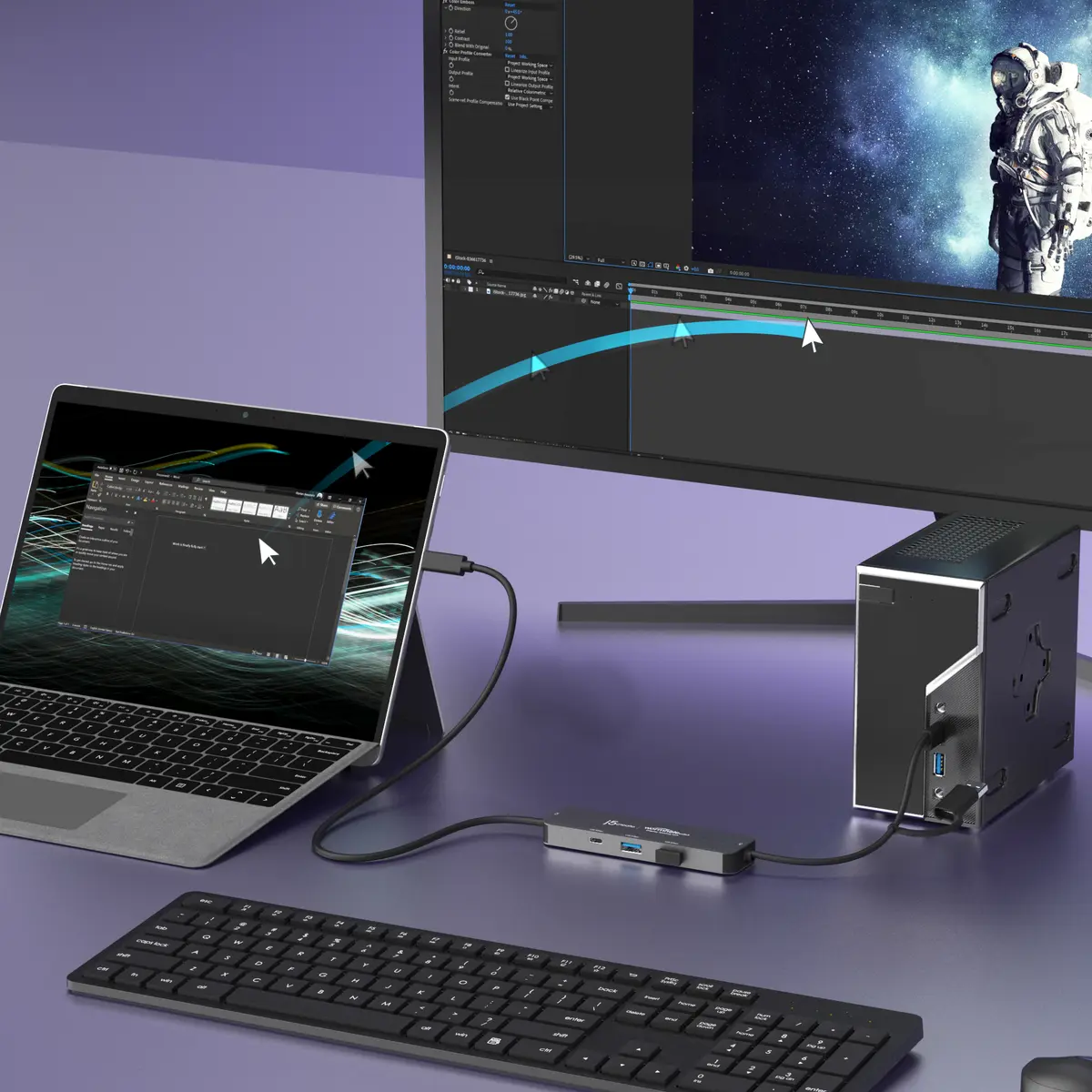
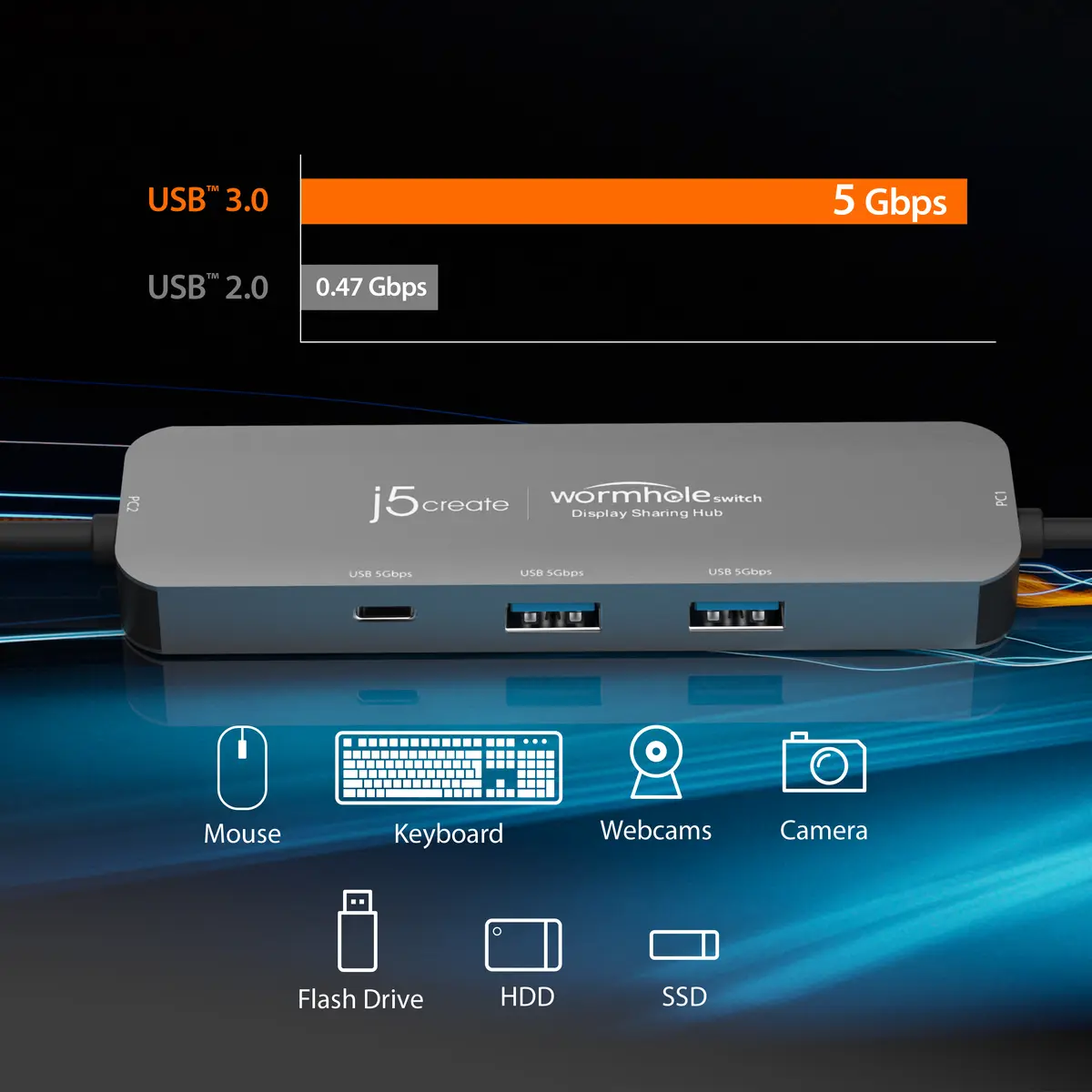
When making a choice, we recommend paying attention to the key features: usb 3.2 gen 1 (3.1 gen 1) type-a ports quantity, host interface, compatibility with your devices or usage conditions, material quality, functionality, and warranty terms. These characteristics will help you determine how well the model meets your needs.
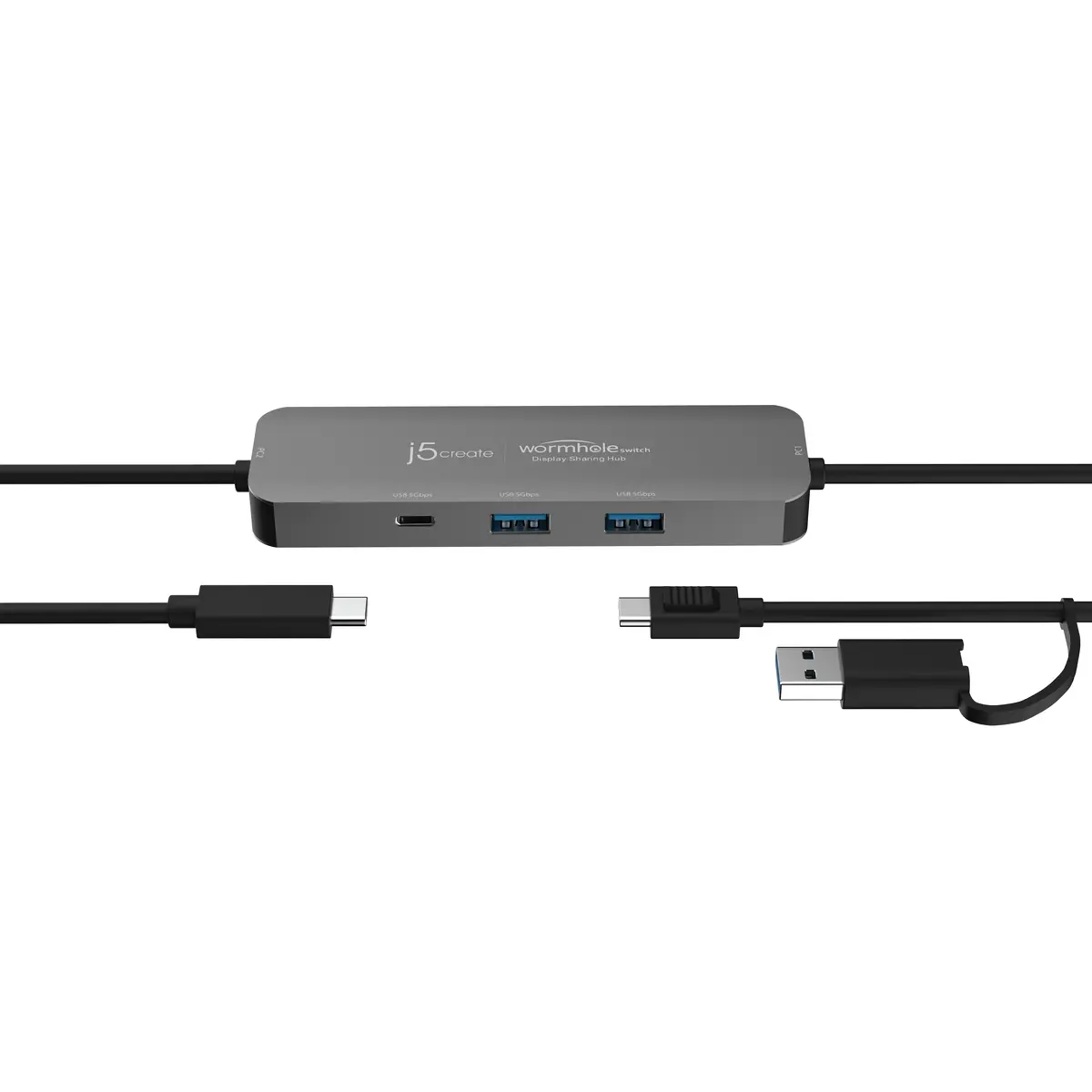
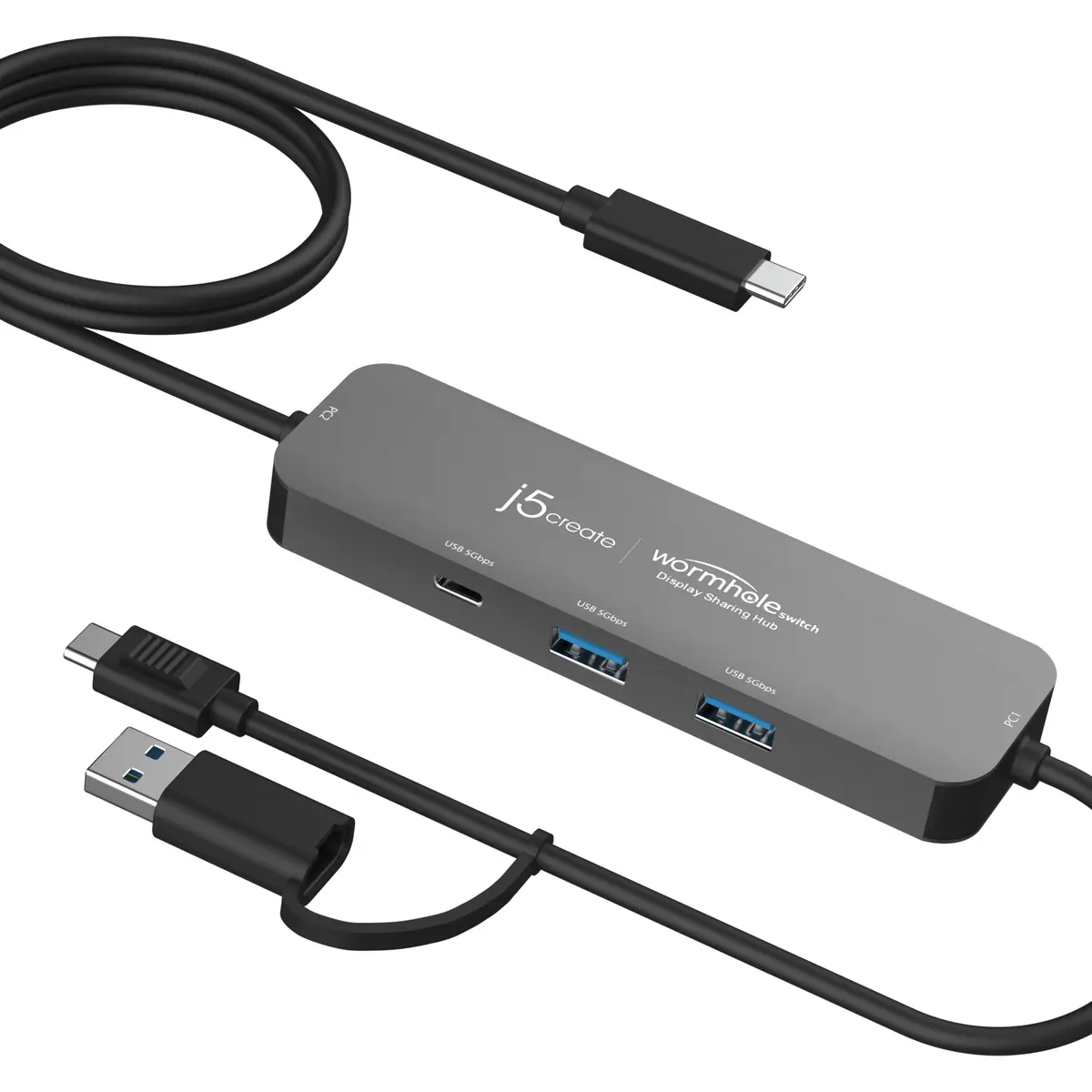
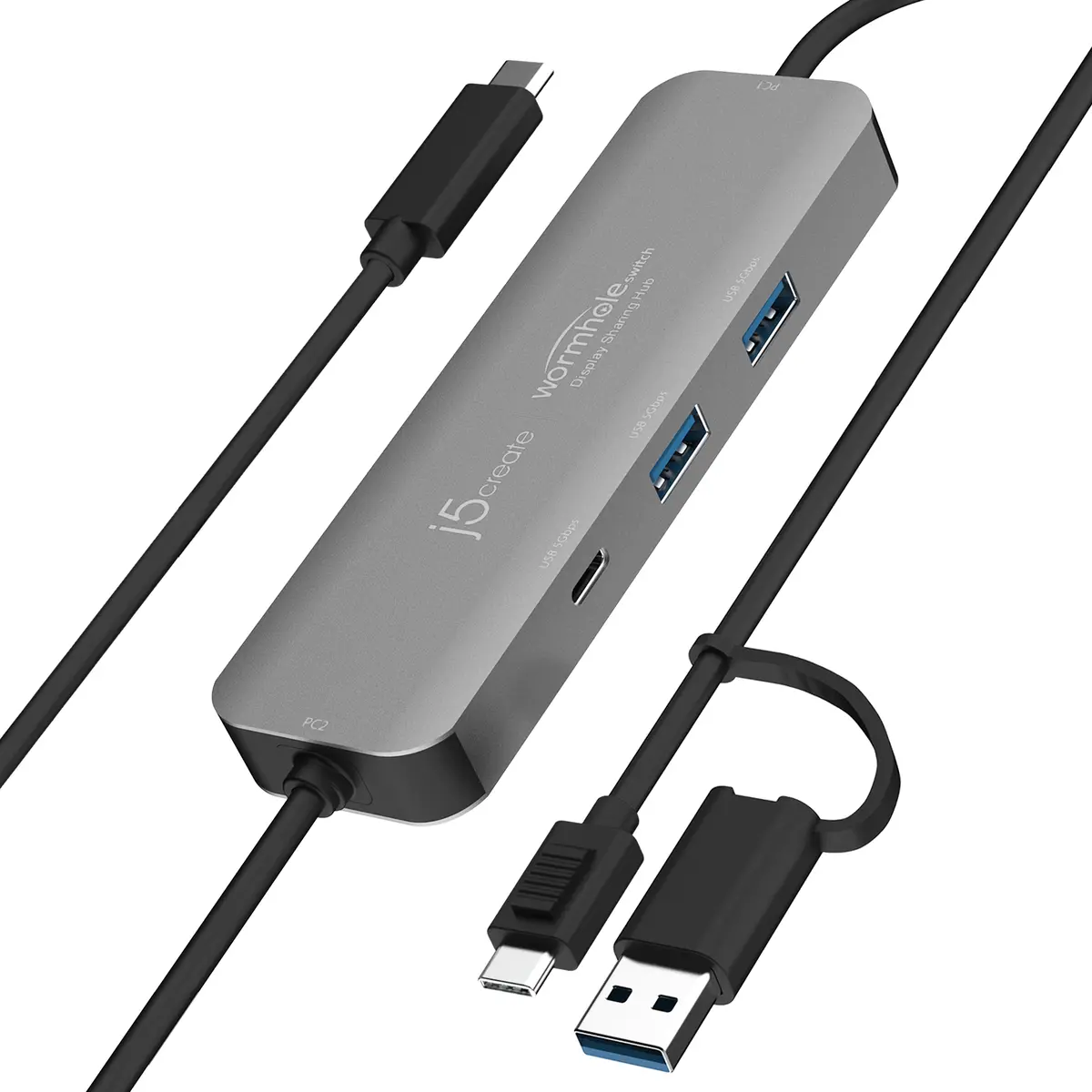
Where can I download the instructions for j5create JCH462 Wormhole Switch Display Sharing Hub?
You can download the instructions in PDF format from the “Instructions” section on the product description page. The file contains complete information about installation, setup, and usage.