Save time and money with our discounts!
In cart {{totalProductsCount}} item(s)
Your cart is empty
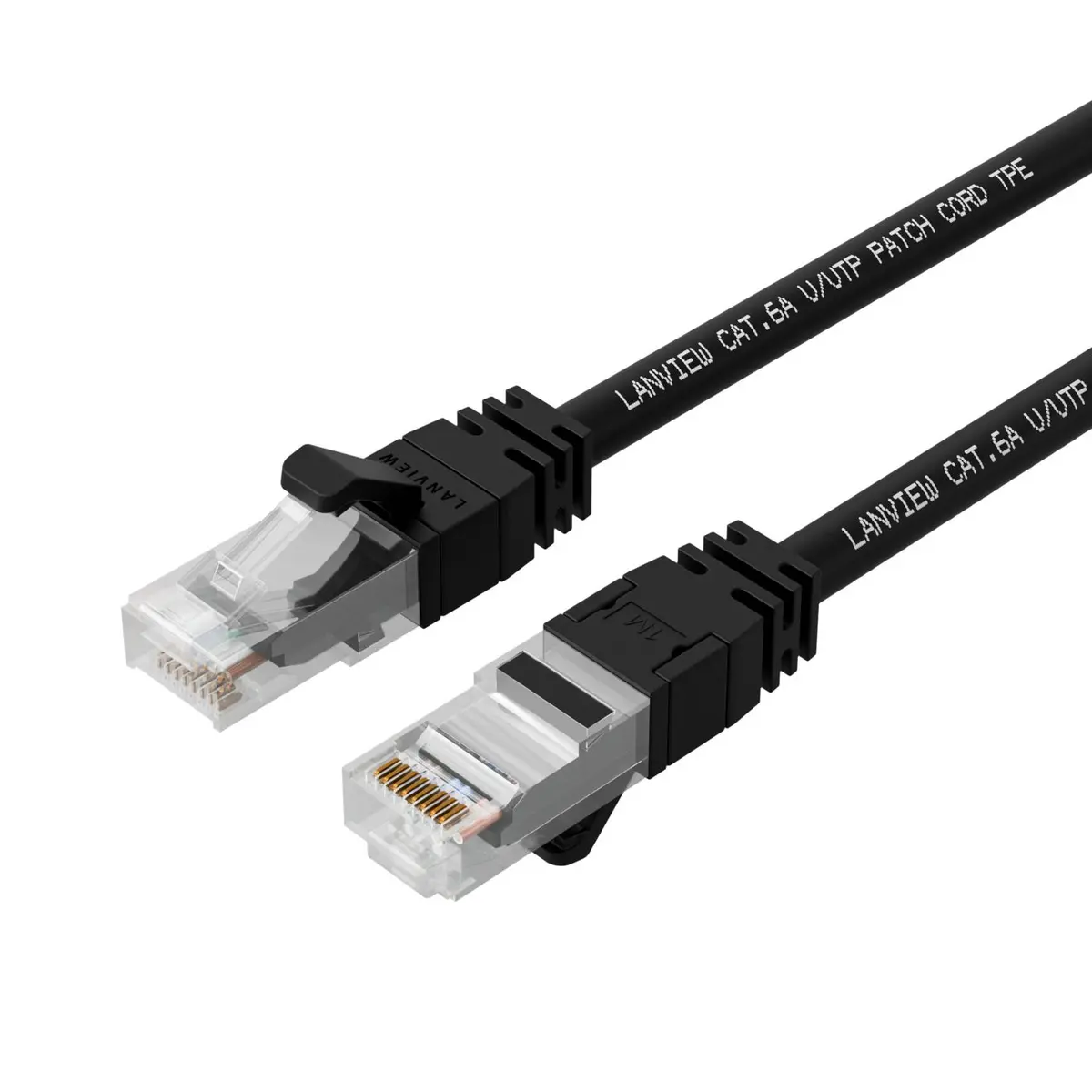
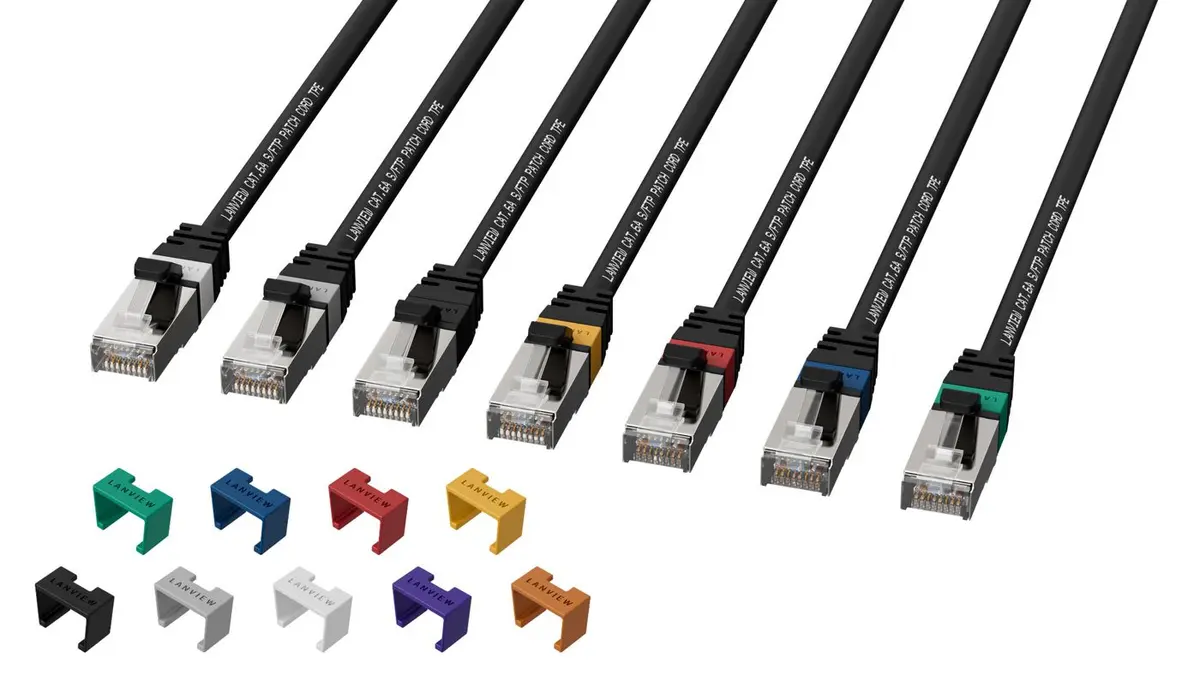
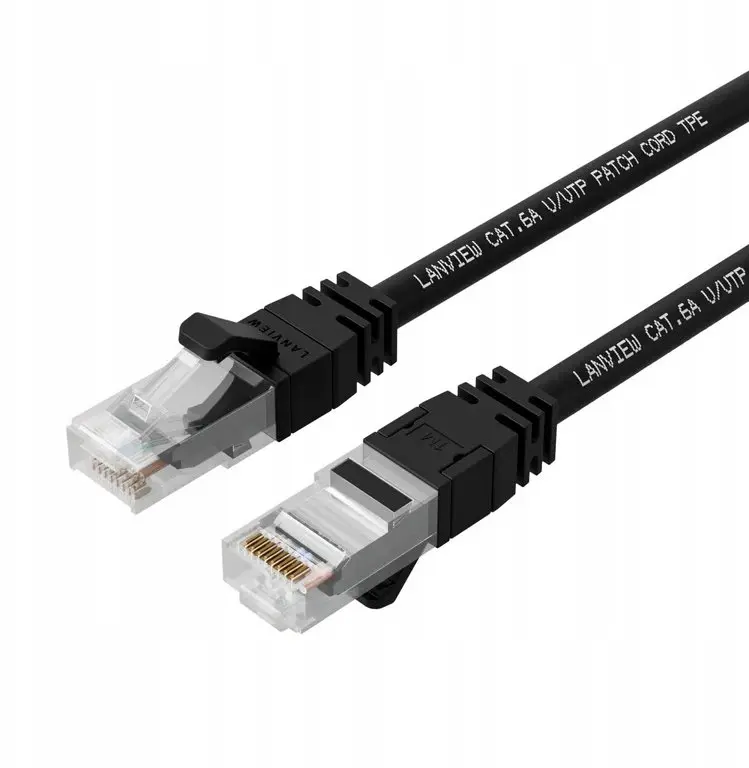
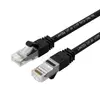
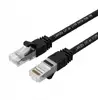
Lanview LV-SFTP6A02B Cat6a S/FTP Networking Cable RJ-45 Male to Male 2 m Black
The Lanview LV-SFTP6A02B Cat6a S/FTP Networking Cable is designed to deliver high-speed, reliable data transmission for modern wired networks. With a length of 2 metres and a sleek black colour, this patch cable fits seamlessly into professional network installations, data centres, and office or home environments. It features durable construction and advanced shielding to maintain a stable and secure connection.
This networking cable utilizes Cat6a performance standards and S/FTP shielding, which effectively minimises electromagnetic interference and signal degradation. The connectors are equipped with gold-plated contacts for enhanced signal transfer and long-term reliability. The flexible cable design, supported by a TPE LSZH halogen-free jacket, makes installation easier in tight spaces while ensuring safety compliance. Additionally, it supports Power over Ethernet up to 100W and bandwidth frequencies up to 500MHz.
When it may not be suitable
This cable may not be suitable if you require a longer reach than the fixed 2-metre length, as stretching or extending patch cables is not recommended. It is also not intended for outdoor installations where exposure to direct sunlight and extreme weather conditions could compromise the jacket and shielding.
How to use
To use the networking cable, insert the RJ-45 male connector from one end into the port of your network device, such as a computer, router, or switch, until you hear a click. Connect the remaining RJ-45 connector to the corresponding port on your target network hardware. Ensure the cable is routed safely without sharp bends or excessive tension to maintain optimal signal integrity and longevity.
Usage recommendations: Handle the cable with care during installation, avoiding sharp angles and tight pulls. Keep away from sources of high electromagnetic interference if extra protection is needed, and regularly inspect connections to ensure stable network performance.
{{highlightedFeature.featureTitle}}:
{{getProductFeatureValueById(product, highlightedFeature.featureId)}}
{{ productComparisonGenerationError }}