
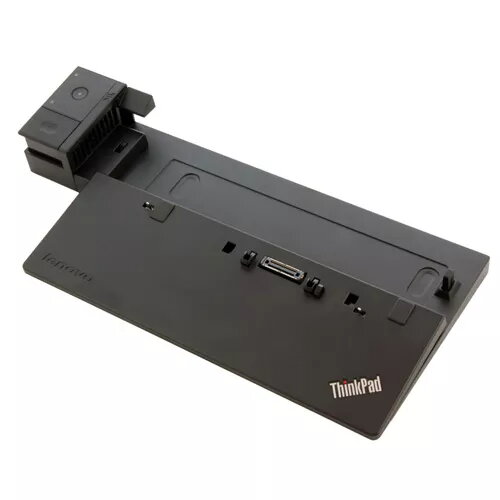
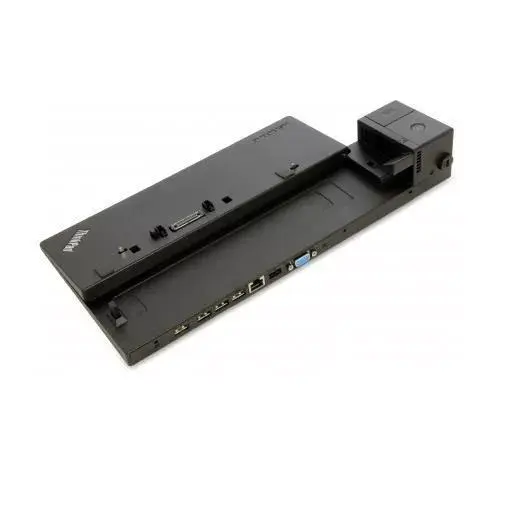
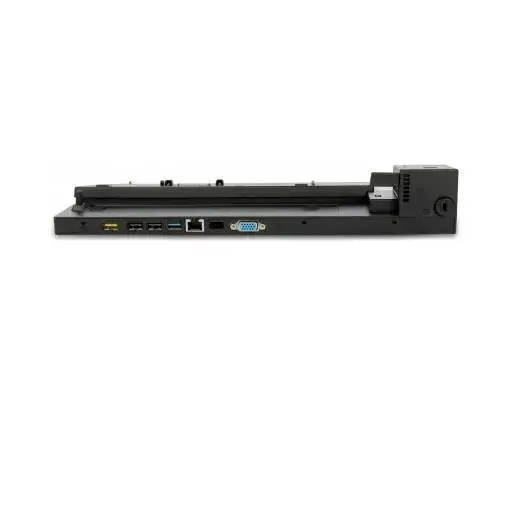
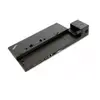
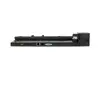
Docking Station Lenovo 40A00065IT
131.49 €
{{selectedOffer && selectedOffer.price | formatAmount}}
Offer for legal entity, cashless payment.
Why is an item available only for a legal entity?
This is due to long delivery times and limited product warranties.
This is due to long delivery times and limited product warranties.
Short description
The Lenovo 40A00065IT docking station offers seamless connectivity with Ethernet LAN data rates of 10/100/1000 Mbit/s. Designed for Lenovo laptops, it features a sleek black design and is certified by multiple standards including FCC and CE. With a power consumption of 65 W, it provides efficient performance. Dimensions: 345 mm width, 162.5 mm depth, and 55.6 mm height make it a compact addition to your workspace.

Cheapest delivery:
Unisend LV
Pick-up points
Unisend LV
Cost
1.79 €
Deliver
{{selectedOffer.parcelStationDeliveryString}}
Customer service center
2b. Kengaraga str., Riga, Latvia, LV-1063
13.08.2026
{{selectedOffer.officeDeliveryString}}
free
Courier Delivery
Please note that in case of a large parcel additional delivery costs may apply!
From 4.99 € (Weight: 0.82 kg)
Parcel couriers
Unisend LV / Venipak Pickup LV / Venipak Locker LV / Latvijas Pasts pakomāts / DPD Paku skapis / Omniva LV / Latvijas Pasts nodaļa
18.08.2026
{{selectedOffer.parcelStationDeliveryString}}
From 1.79 €

Payment Methods:
Cash payment, Bank transfer, Bank cards on-line, Apple Pay, Google Pay
Available for private customers at price 164.49 €:
4 pcs.


