
Powerful EcoFlow stations for energy anywhere!
In cart {{totalProductsCount}} item(s)
Your cart is empty
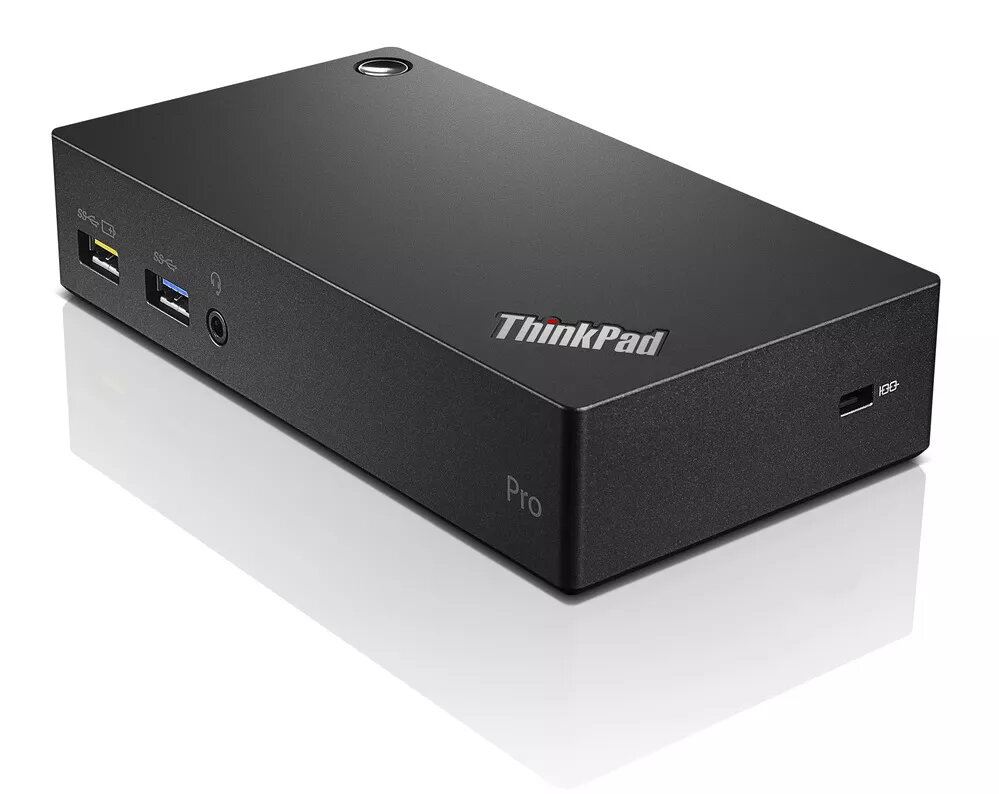
USB Hub Lenovo Think Pad USB 3.0 Pro 40A70045DK
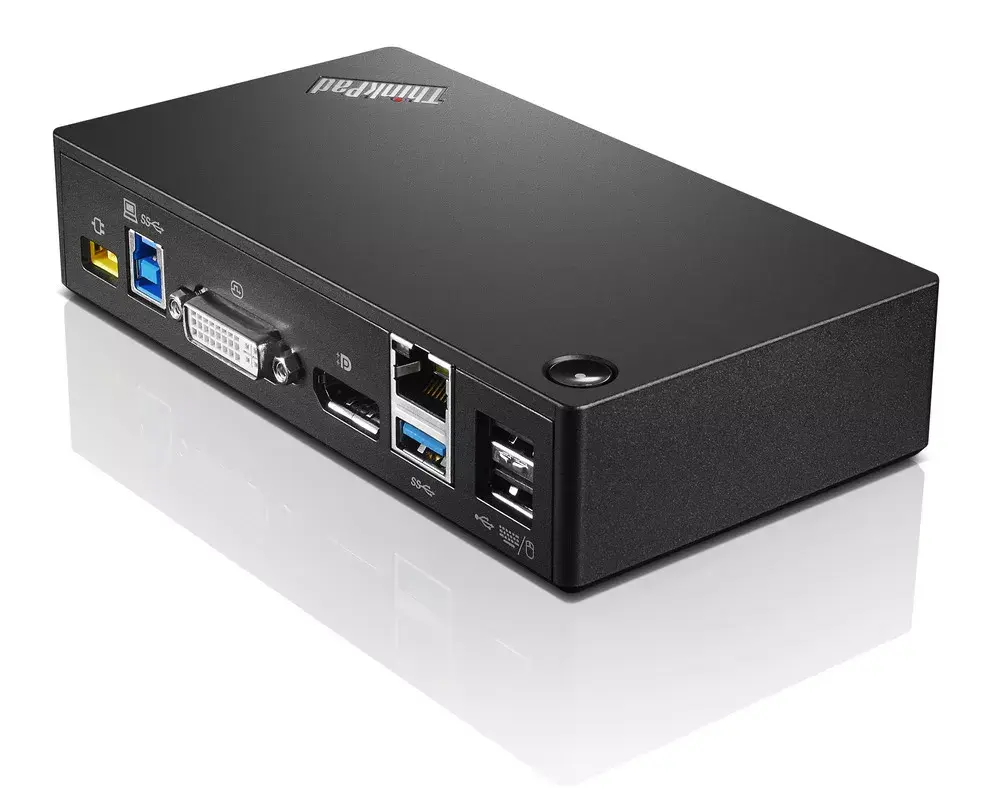
The Lenovo ThinkPad USB 3.0 Pro Dock (model 40A70045DK) is a compact wired docking hub that expands connectivity for compatible laptops and workstations. It provides multiple USB 3.2 Gen 1 Type‑A ports, USB 2.0 ports, a Gigabit Ethernet (RJ‑45) port and a DVI‑I video output, enabling connection to peripherals, wired networks and external displays. The dock requires AC power to operate and has a maximum digital resolution support of 2560 x 1600 pixels.
This USB hub offers a mix of high‑speed USB 3.2 Gen 1 Type‑A ports and legacy USB 2.0 ports for broad device compatibility, plus a Gigabit Ethernet port for reliable wired network connection. The DVI‑I video output supports both digital and analog displays, while the compact footprint and 45 W power draw make the unit suitable for desktop or portable docking setups. Designed for universal workspace connectivity, the dock simplifies connecting multiple peripherals through a single unit.
Place the dock on a stable surface and connect its AC power adapter. Use a USB cable to connect the dock to your laptop or host device. Attach peripherals—USB devices to the Type‑A ports, Ethernet cable to the RJ‑45 port, and an external monitor to the DVI‑I port. Install any required drivers if prompted by your operating system. Once connected and powered, the host should recognize attached devices and network interfaces automatically.
For best performance, connect high‑bandwidth peripherals (external drives, webcams) to the USB 3.2 Gen 1 ports and use the USB 2.0 ports for low‑speed devices. Ensure the dock’s AC adapter remains connected while using multiple devices or powering displays to avoid unexpected disconnections.
{{highlightedFeature.featureTitle}}:
{{getProductFeatureValueById(product, highlightedFeature.featureId)}}
{{ productComparisonGenerationError }}
