

Save time and money with our discounts!
In cart {{totalProductsCount}} item(s)
Your cart is empty
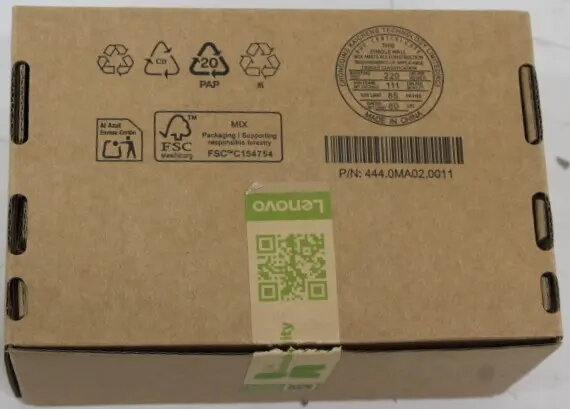
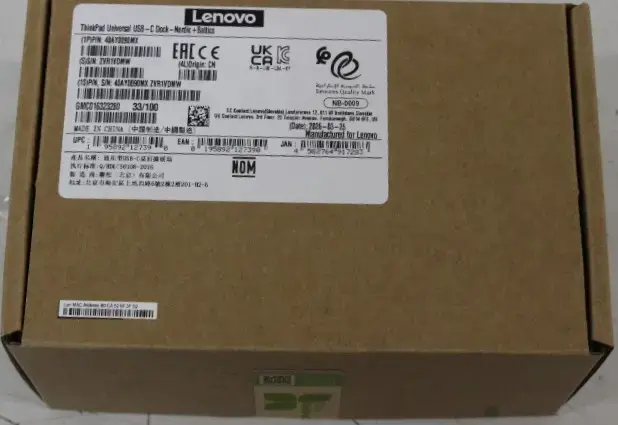
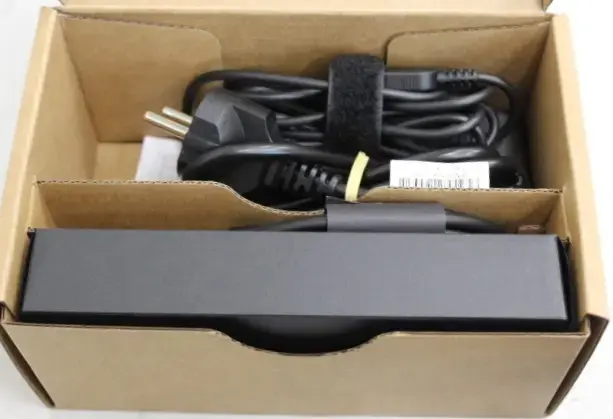
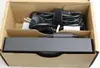
Lenovo ThinkPad Universal USB-C Docking Station with 65W Power Delivery, HDMI, 2x DisplayPort, VGA, and Multiple USB Ports
The Lenovo ThinkPad Universal USB-C Docking Station is a comprehensive connectivity solution designed to transform your laptop into a powerful workstation. By utilizing a single USB-C connection, this dock provides the necessary power to charge your device while simultaneously managing multiple peripherals, external displays, and network connections. It is engineered to streamline your desk setup, reducing cable clutter and enhancing overall productivity in professional and home office environments.
This docking station offers significant flexibility by supporting a wide range of display outputs, including HDMI, VGA, and dual DisplayPort interfaces, allowing for multi-monitor configurations. With 65W power delivery, it ensures your laptop remains charged during intensive tasks. The inclusion of various USB ports, including high-speed USB 3.0 and USB-C, provides ample connectivity for external drives, keyboards, mice, and other accessories. Furthermore, the integrated Ethernet LAN port guarantees a stable and fast wired network connection, which is essential for reliable data transfer and video conferencing.
This docking station may not be suitable for users whose laptops do not support USB-C power delivery or data transfer via the USB-C port. Additionally, it is not intended for high-performance gaming setups that require specialized graphics processing or power delivery exceeding the 65W capacity provided by this unit.
To set up the docking station, connect the included power adapter to the dock and a wall outlet. Connect the USB-C cable from the dock to your laptop's compatible USB-C port. Once connected, your laptop will recognize the dock, and you can begin plugging in your monitors, mouse, keyboard, and Ethernet cable. Ensure that your laptop drivers are up to date to allow for optimal performance of all connected peripherals and display outputs.
Usage recommendations: For the best experience, keep the docking station firmware updated through the Lenovo support website. Always use the provided power adapter to ensure consistent power delivery to your laptop and connected devices.
{{highlightedFeature.featureTitle}}:
{{getProductFeatureValueById(product, highlightedFeature.featureId)}}
{{ productComparisonGenerationError }}
