This is due to long delivery times and limited product warranties.
JBL speakers and headphones for pure and deep sound!
In cart {{totalProductsCount}} item(s)
Your cart is empty
USB KM Switch Lindy 2 Port
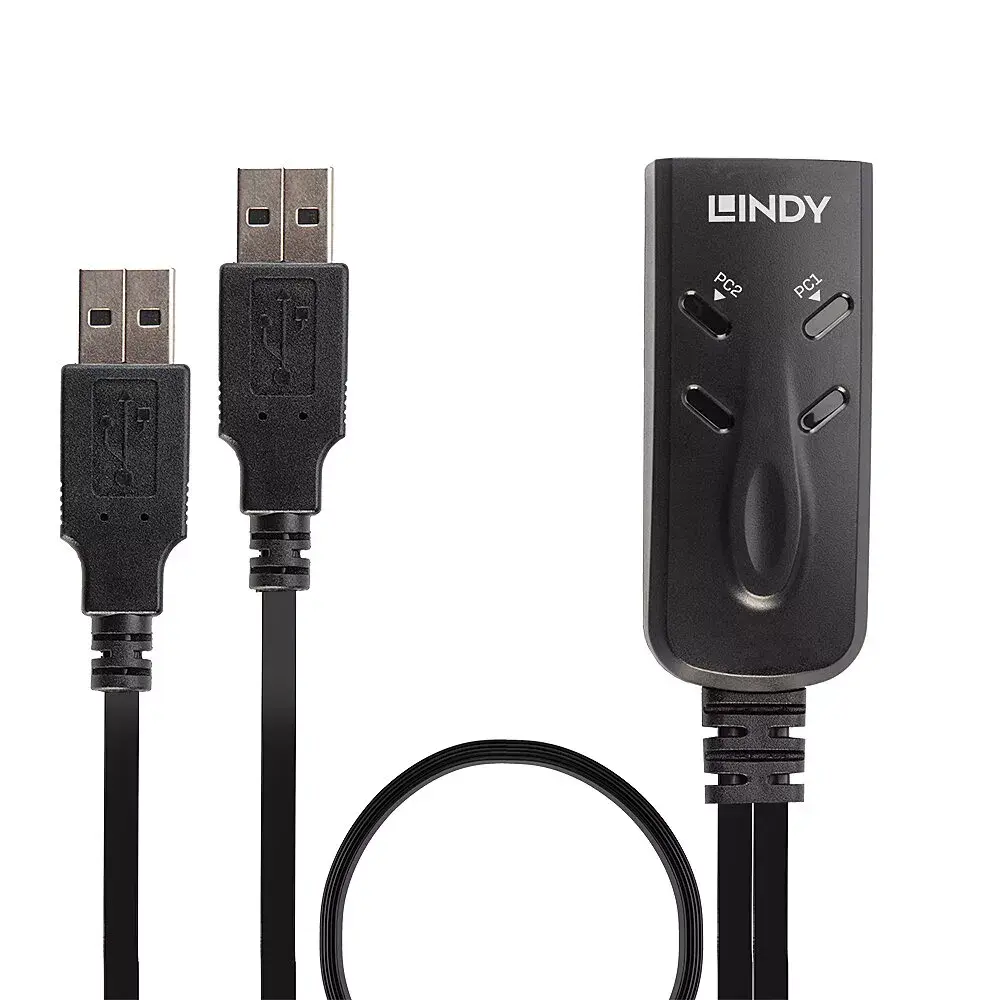
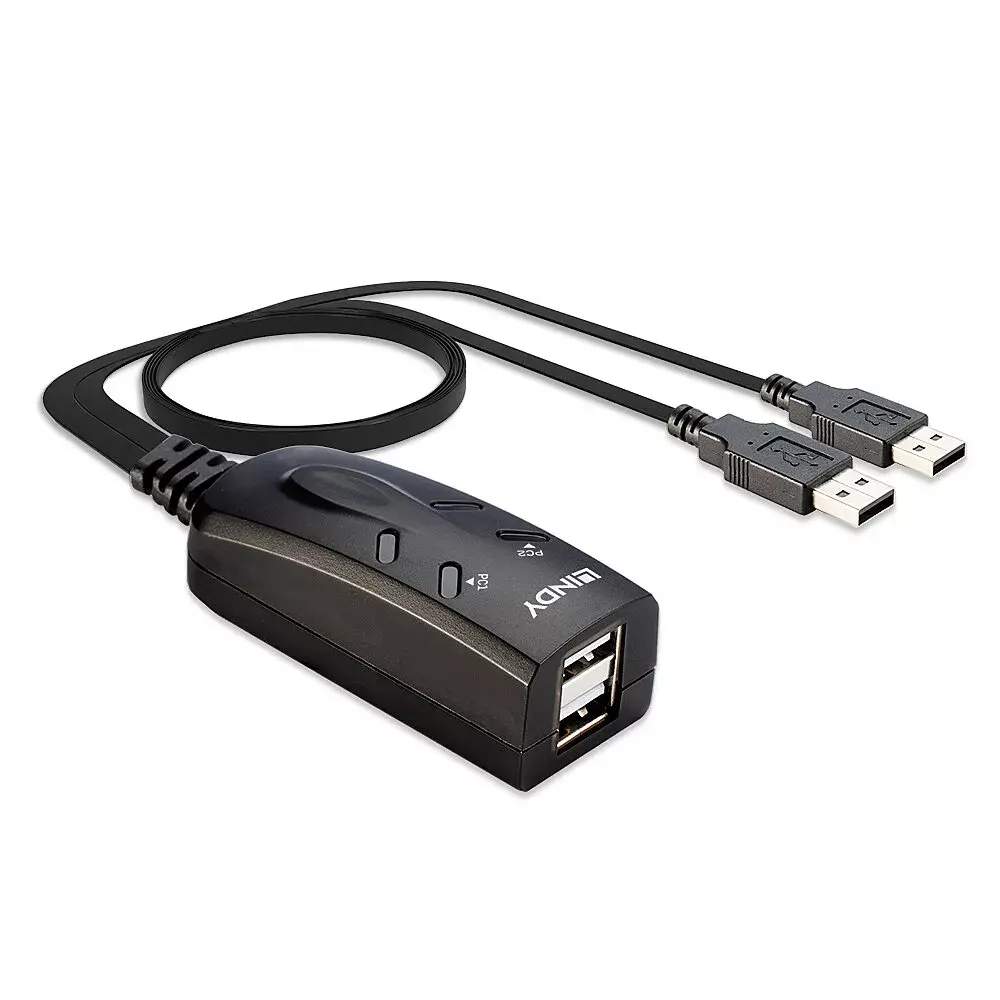
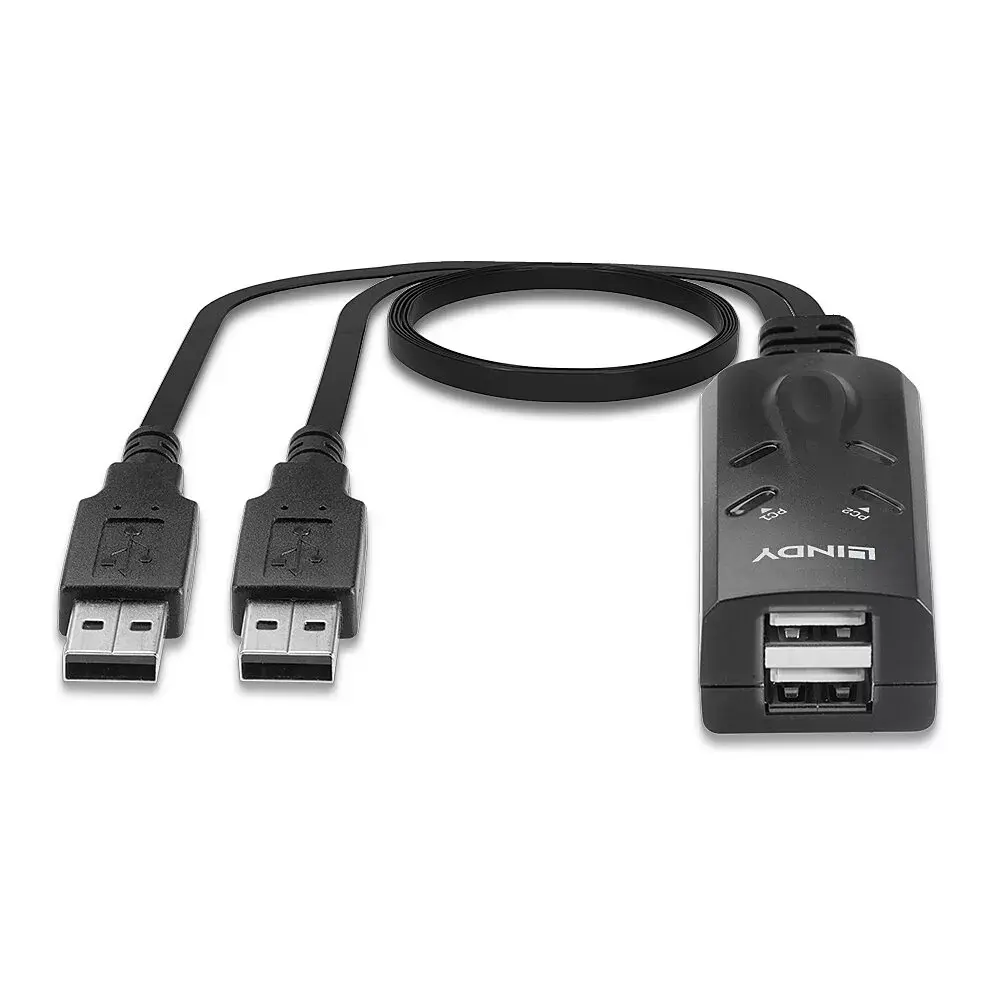
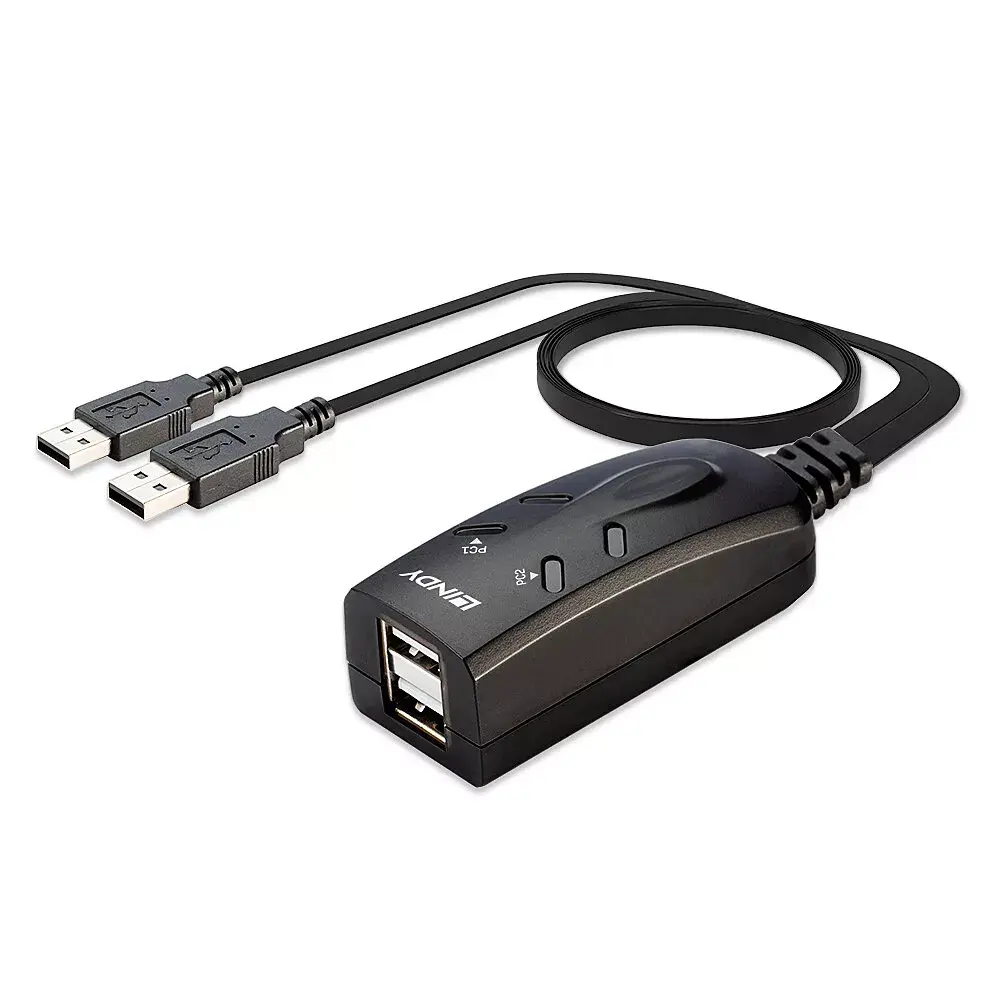
The Lindy 2 Port USB Keyboard and Mouse Switch lets a single keyboard and mouse control two separate computers with their own displays. It supports hotkey switching and includes software that enables switching by moving the mouse across screens. The switch uses Transparent USB emulation to recognise a wide range of keyboard and mouse models and provide access to their full functions, delivering broad compatibility. It is simple to set up and works with many Lindy USB extenders, making it suitable for business, education, or home use. Note: the auto-switching software requires Windows display scaling set to 100%. Software control and hotkey switching are not compatible with devices running macOS 10.15 due to macOS 10.15 incompatibility with 32-bit software.
The KM switch supports both hotkey switching and mouse-driven switching, offering flexible control between two computers. Transparent USB emulation enables recognition of specific keyboard and mouse models and access to all their functions for near-universal compatibility. Setup is straightforward and the unit interoperates with many Lindy USB extenders, allowing deployment in classrooms, offices, or homes. The included software facilitates easy screen-to-screen switching on Windows when display scaling is 100%.
Connect the keyboard and mouse to the KM switch and connect each computer to the switch using the provided USB cables. Install the Lindy switching software on Windows systems if you want mouse-sweep switching and ensure Windows display scaling is set to 100%. Use the configured hotkey sequence to toggle control between computers, or move the mouse across the boundary between screens to switch when the software is active. No special drivers are required for basic hotkey operation thanks to USB emulation.
For reliable mouse-sweep switching on Windows, set display scaling to 100% before installing the Lindy software. If you use macOS 10.15, rely on basic hotkey-free operation where possible or consult Lindy support for alternatives, as software control and hotkeys are not supported on macOS 10.15.
{{highlightedFeature.featureTitle}}:
{{getProductFeatureValueById(product, highlightedFeature.featureId)}}
| Warehouse | Stock | Delivery to the store | Store Price | |
| EU3 | 12 | 03.07.2026 Best delivery | 46.99 € | |
| WH320 | 12 | 03.07.2026 Best delivery | 48.99 € | |
| WH354 | 10 | 10.07.2026 | 51.49 € |
|
46.99 €
Stock:
12
Delivery Date:
03.07.2026
Best delivery
Warehouse: EU3
|
|
48.99 €
Stock:
12
Delivery Date:
03.07.2026
Best delivery
Warehouse: WH320
|
|
51.49 €
Stock:
10
Delivery Date:
10.07.2026
Warehouse: WH354
|
|
43.99 €
Stock:
10
Delivery Date:
03.07.2026
Best delivery
Warehouse: EU6
|
|
46.99 €
Stock:
32
Delivery Date:
17.07.2026
Warehouse: EU4
|
|
47.49 €
Stock:
7
Delivery Date:
03.07.2026
Best delivery
Warehouse: EU9
|
|
54.99 €
Stock:
7
Delivery Date:
17.07.2026
Warehouse: WH109
|