This is due to long delivery times and limited product warranties.
Hurry and order now – up to 50% off!
In cart {{totalProductsCount}} item(s)
Your cart is empty
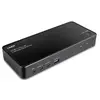
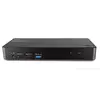
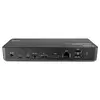
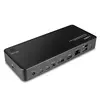
KVM Docking Station Lindy 2 Port Type C
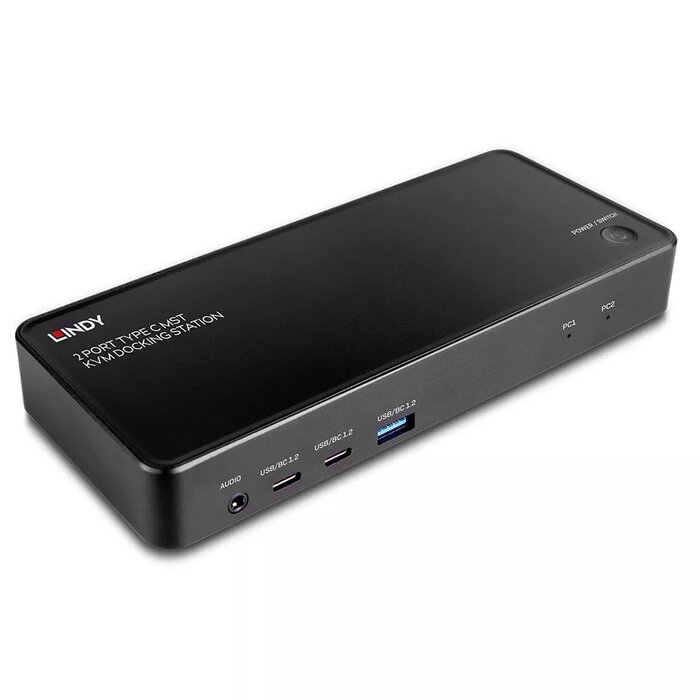
The Lindy 2 Port Type C MST KVM Docking Station is a compact desktop docking solution that combines a Type C KVM switch with a full set of workstation interfaces. It provides two USB 3.2 Type-C host inputs to connect and switch between source devices such as laptops, tablets or smartphones, plus multiple peripheral ports and video outputs for a shared workstation setup.
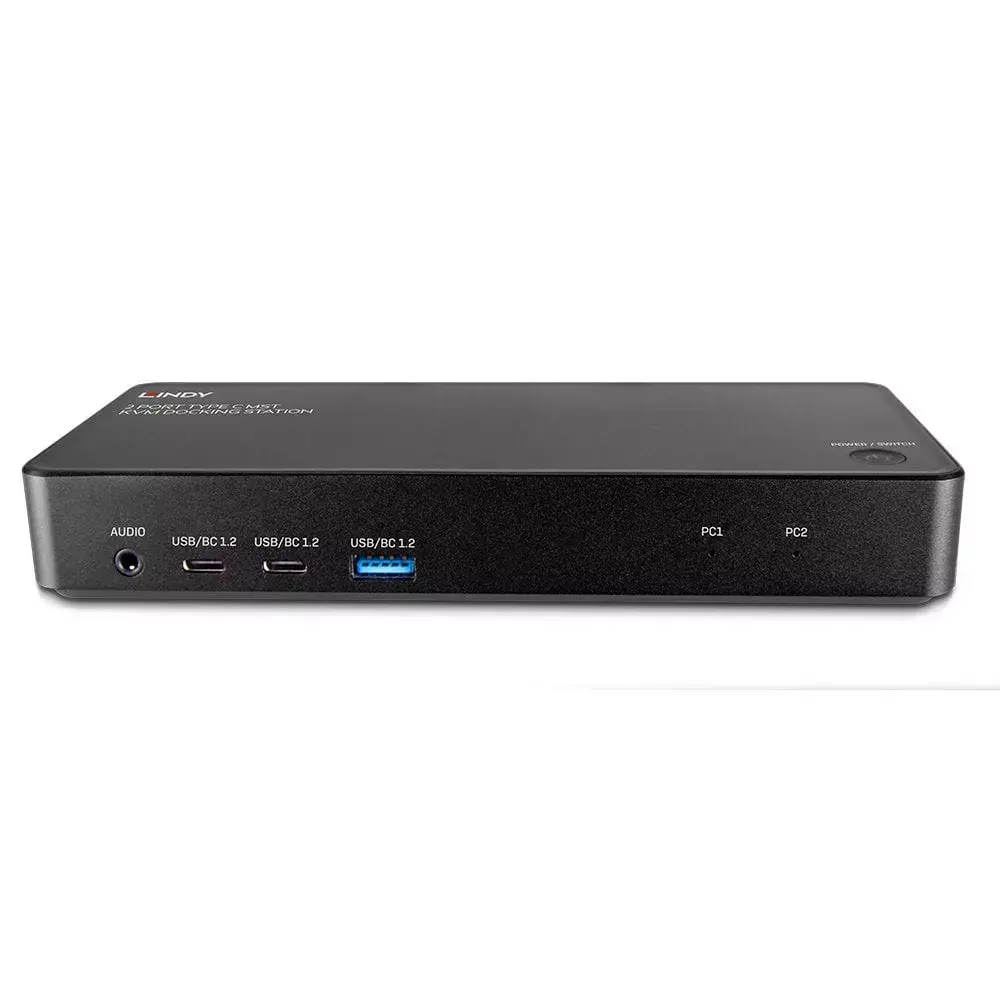
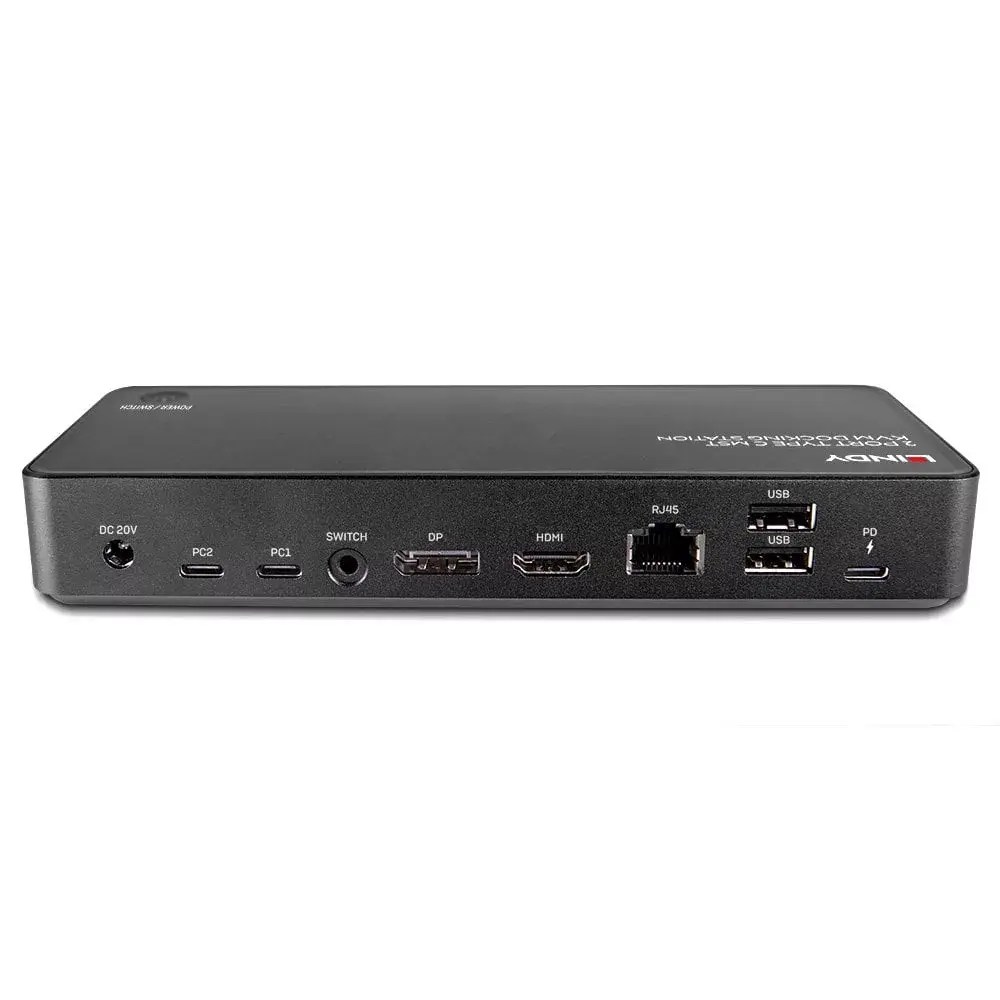
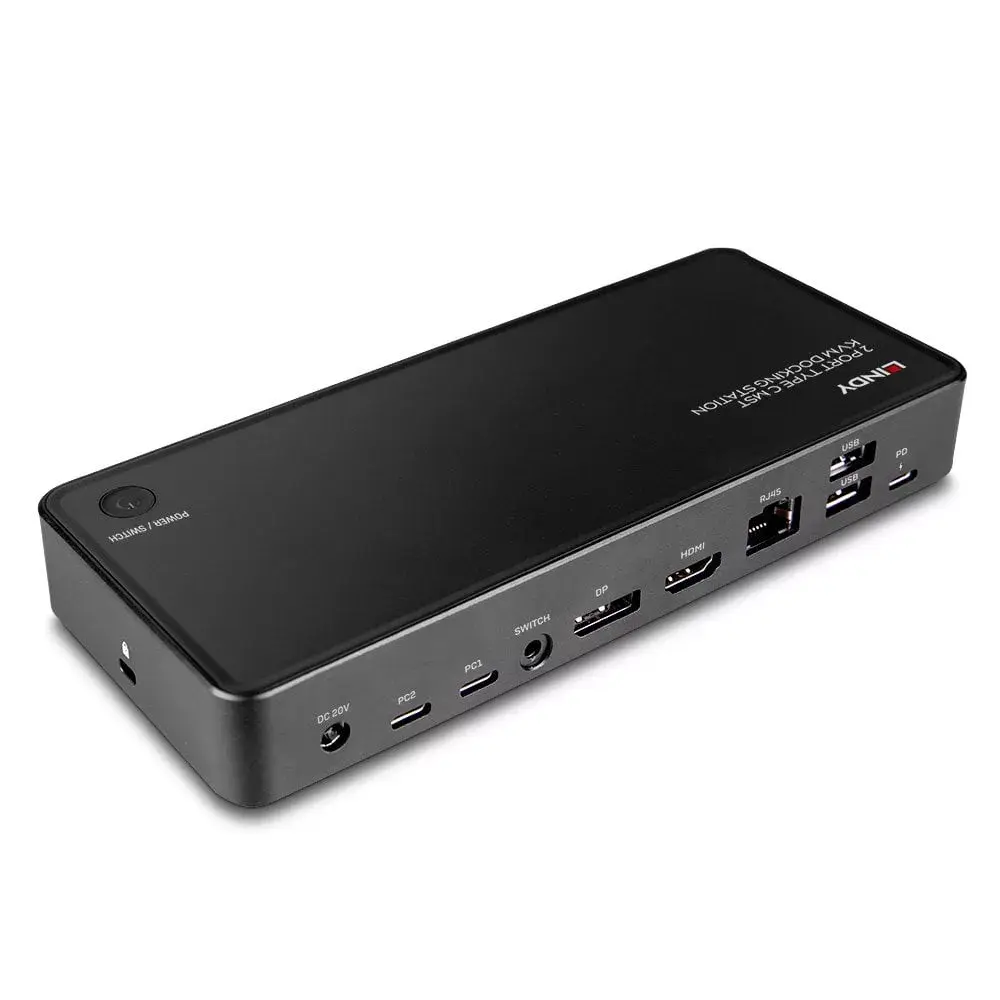
This docking station supports DisplayPort Alternate Mode over USB-C to drive two external displays via one HDMI and one DisplayPort output at up to 3840x2160 @ 60Hz. It also offers MST capability to manage dual-monitor setups (for example one monitor at 4K30 and a second at 1920x1080 @ 60Hz). Front-panel USB Type-C and Type-A ports provide up to 5 Gbps data transfer and BC 1.2 charging. Both Type-C inputs support USB Power Delivery 3.0 with PC1 accepting up to 100W (when an additional PD power supply is connected) and PC2 providing up to 65W using the included power adapter. The unit includes Gigabit Ethernet and a 3.5 mm audio port and is built with an aluminium and plastic housing.
Connect your primary and secondary source devices to the two USB-C host inputs. Attach displays to the HDMI and DisplayPort outputs and, if required, connect an additional USB-C PD power supply to the PC1 PD port to enable up to 100W PD output. Plug in peripherals to the front USB ports and connect the docking station to the network and audio devices using the RJ-45 and 3.5 mm ports. Switch between connected source devices by pressing the top-mounted button on the unit.
For optimal video performance at 3840x2160 @ 60Hz, ensure the connected source devices support DisplayPort Alternate Mode and use high-quality certified USB-C cables. When using two monitors with different resolutions, configure display settings on the host devices to match the MST capability and avoid exceeding the specified per-port power limits by connecting the appropriate PD power supply.
{{highlightedFeature.featureTitle}}:
{{getProductFeatureValueById(product, highlightedFeature.featureId)}}