Powerful EcoFlow stations for energy anywhere!
In cart {{totalProductsCount}} item(s)
Your cart is empty
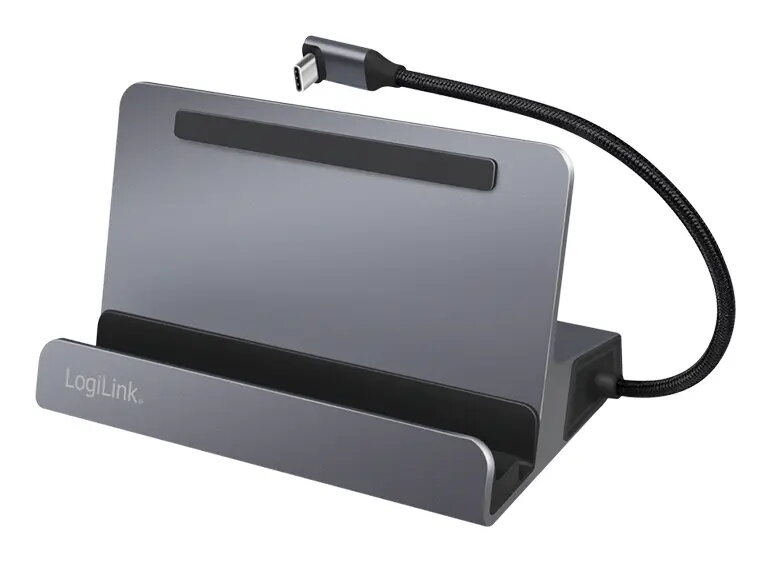
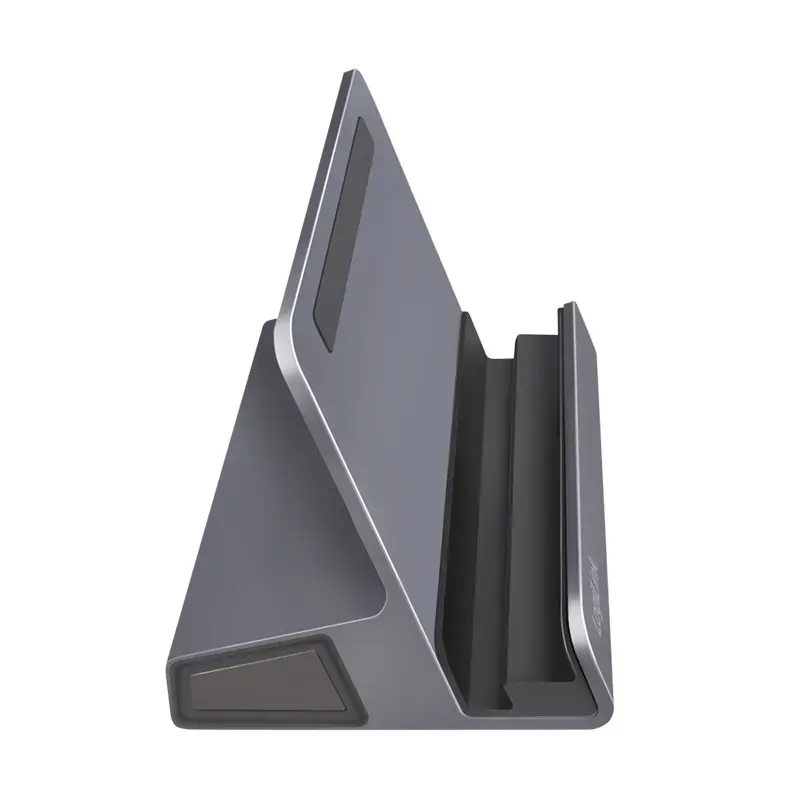
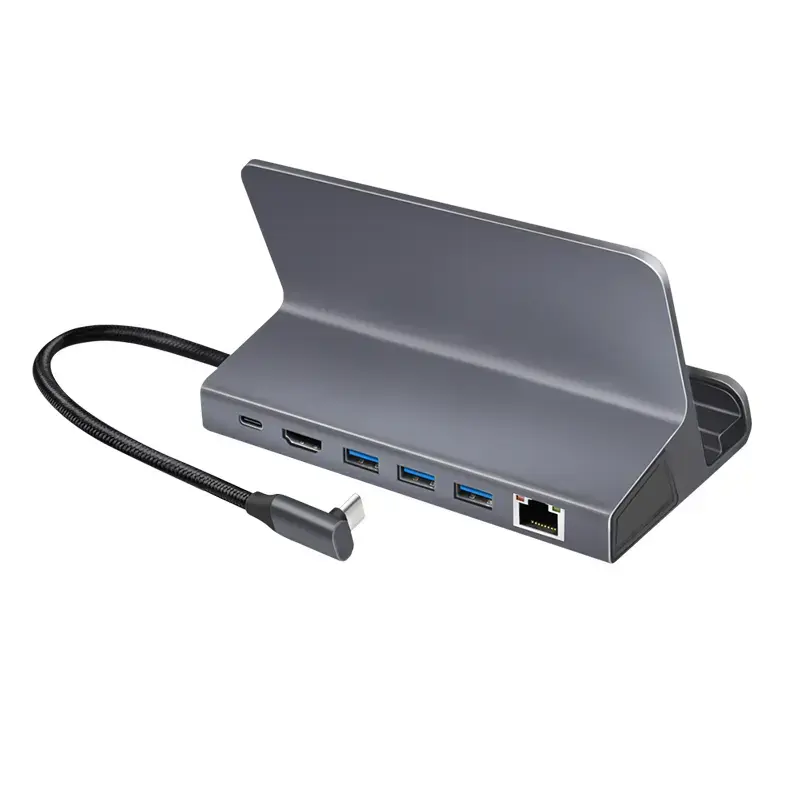
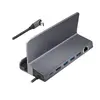
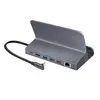
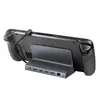
LogiLink UA0408 Universal USB-C Docking Station with Tablet Stand, HDMI 4K, 3x USB-A, Gigabit Ethernet
The LogiLink UA0408 is a versatile USB-C docking station designed to serve as a central hub for your mobile devices, featuring an integrated tablet stand that helps organize your workspace. This device connects via a single USB-C cable, providing a comprehensive connectivity solution that includes high-resolution video output, high-speed data transfer, and reliable wired networking.
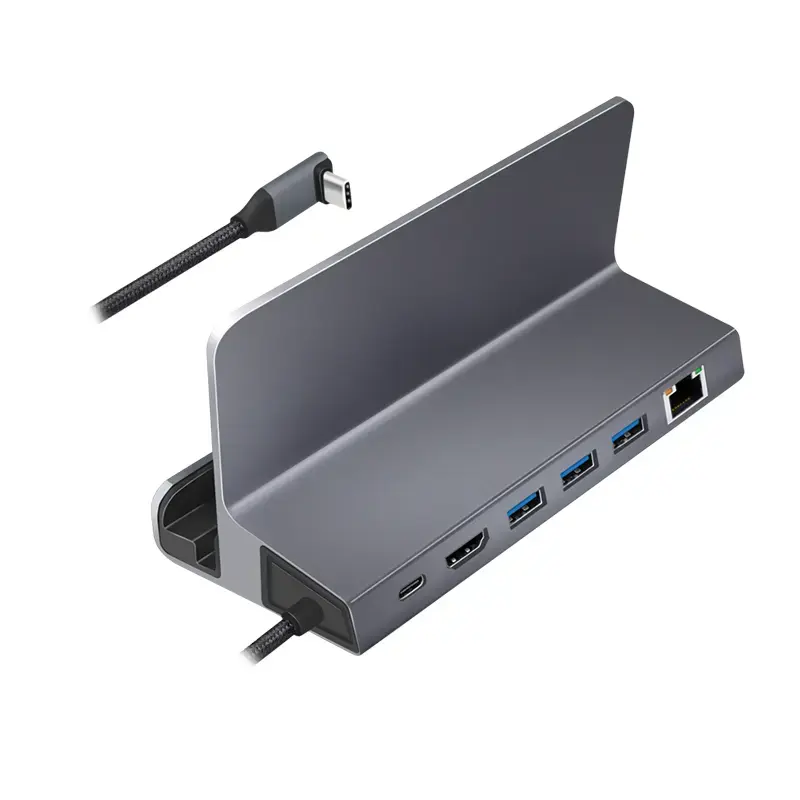
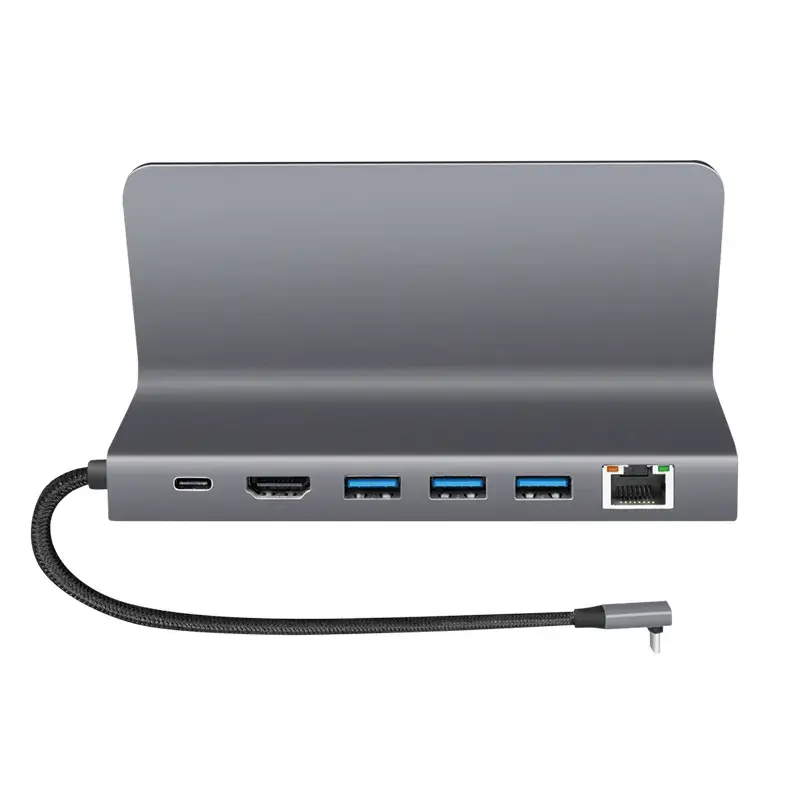
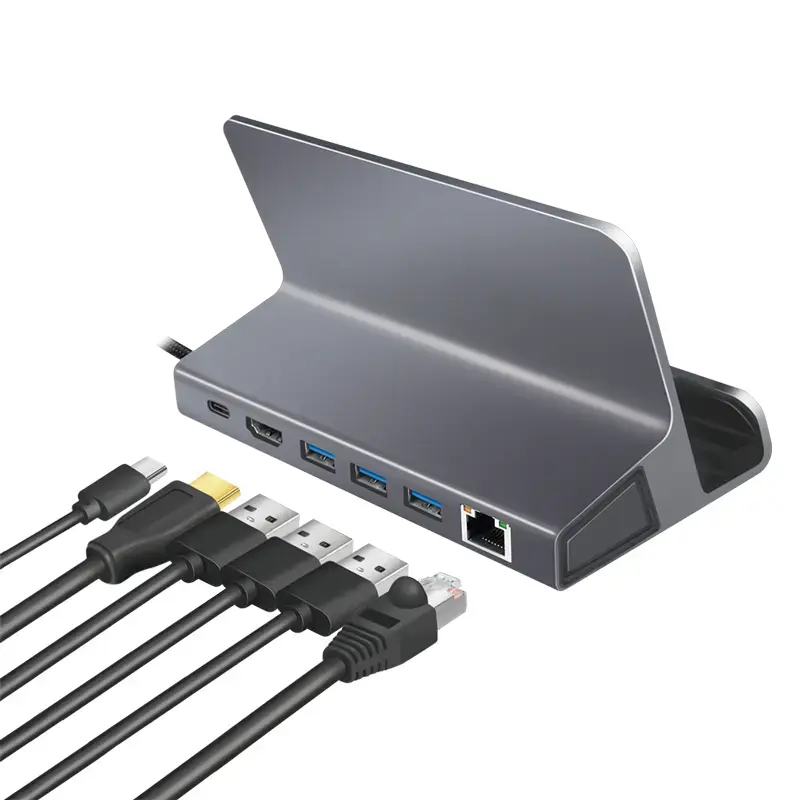
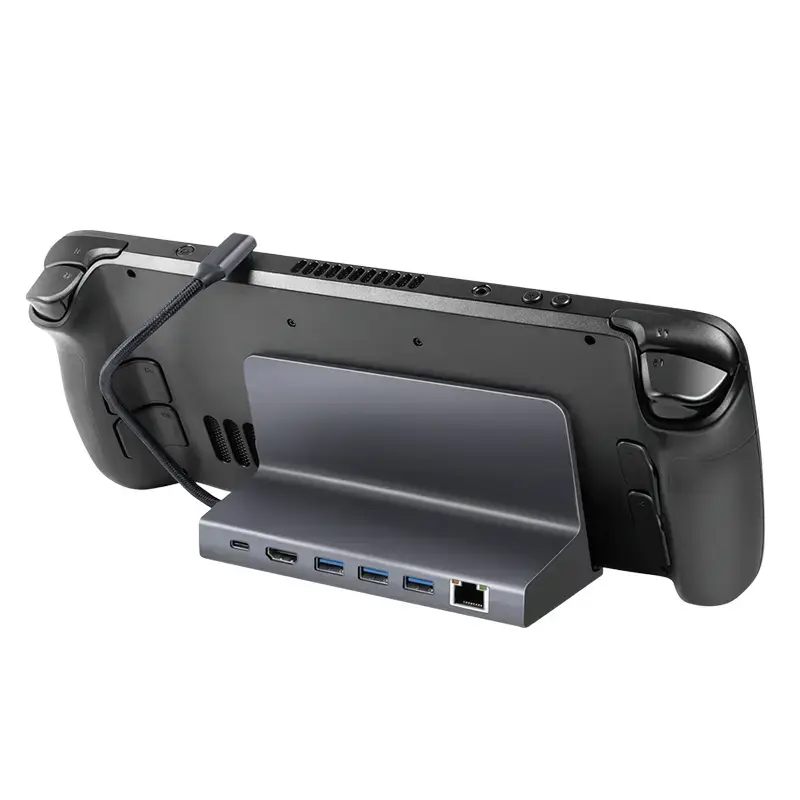
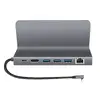
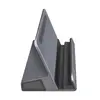
This docking station offers significant flexibility by combining a functional stand with a high-performance port replicator. The integrated stand supports various tablet models, ensuring an ergonomic viewing angle for work or media consumption. With support for 4K resolution at 60Hz, users can enjoy crisp visual output on external monitors. The inclusion of 100W Power Delivery allows for efficient charging of connected laptops or tablets, while the three USB 3.2 Gen 1 ports provide ample connectivity for peripherals such as keyboards, mice, and external drives. The Gigabit Ethernet port ensures a stable and fast wired internet connection, which is essential for professional tasks.
This device may not be suitable for users whose host devices do not support USB-C Power Delivery or DisplayPort Alt Mode, as these features are required for charging and video output. Additionally, it is not intended for high-power desktop components that exceed the capabilities of the USB-C interface.
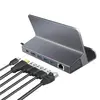
To use the LogiLink UA0408, place your tablet or laptop on the integrated stand and connect the attached USB-C cable to your device's USB-C port. If you require power, connect your device's original power adapter to the docking station's PD port. Once connected, you can plug your HDMI monitor, Ethernet cable, and USB peripherals into the respective ports on the back of the dock. The device is plug-and-play, meaning it should be automatically recognized by most modern operating systems without the need for additional drivers.
For optimal performance, always use a high-quality USB-C cable and ensure that the power adapter connected to the dock provides sufficient wattage for your specific laptop or tablet requirements.
{{highlightedFeature.featureTitle}}:
{{getProductFeatureValueById(product, highlightedFeature.featureId)}}
{{ productComparisonGenerationError }}