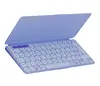
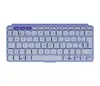
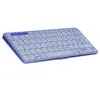
-
Pointing device:
-
No
-
Operating relative humidity (H-H):
-
5 - 95
-
Package weight:
Weight of the packaged product.
-
335.4 g
-
Battery capacity:
A measure of the charge stored by the battery. Determined by the mass of active material contained in the battery.
-
220 mAh
-
Numeric keypad:
Small, palm-sized, seventeen key section of a computer keyboard, usually on the very far right. The numeric keypad features digits 0 to 9, addition (+), subtraction (-), multiplication (*) and division (/) symbols, a decimal point (.) and Num Lock and Enter keys. Laptop keyboards often do not have a numpad, but may provide numpad input by holding a modifier key (typically labelled "Fn") and operating keys on the standard keyboard.
-
No
-
Hot keys:
-
Yes
-
Operating temperature (T-T):
The minimum and maximum temperatures at which the product can be safely operated.
-
0 - 42
-
Bluetooth version:
The type of bluetooth technology in the product e.g. Bluetooth Smart (v4.0).
-
5.0
-
Number of batteries supported:
The number of batteries that can be used with the product.
-
1
-
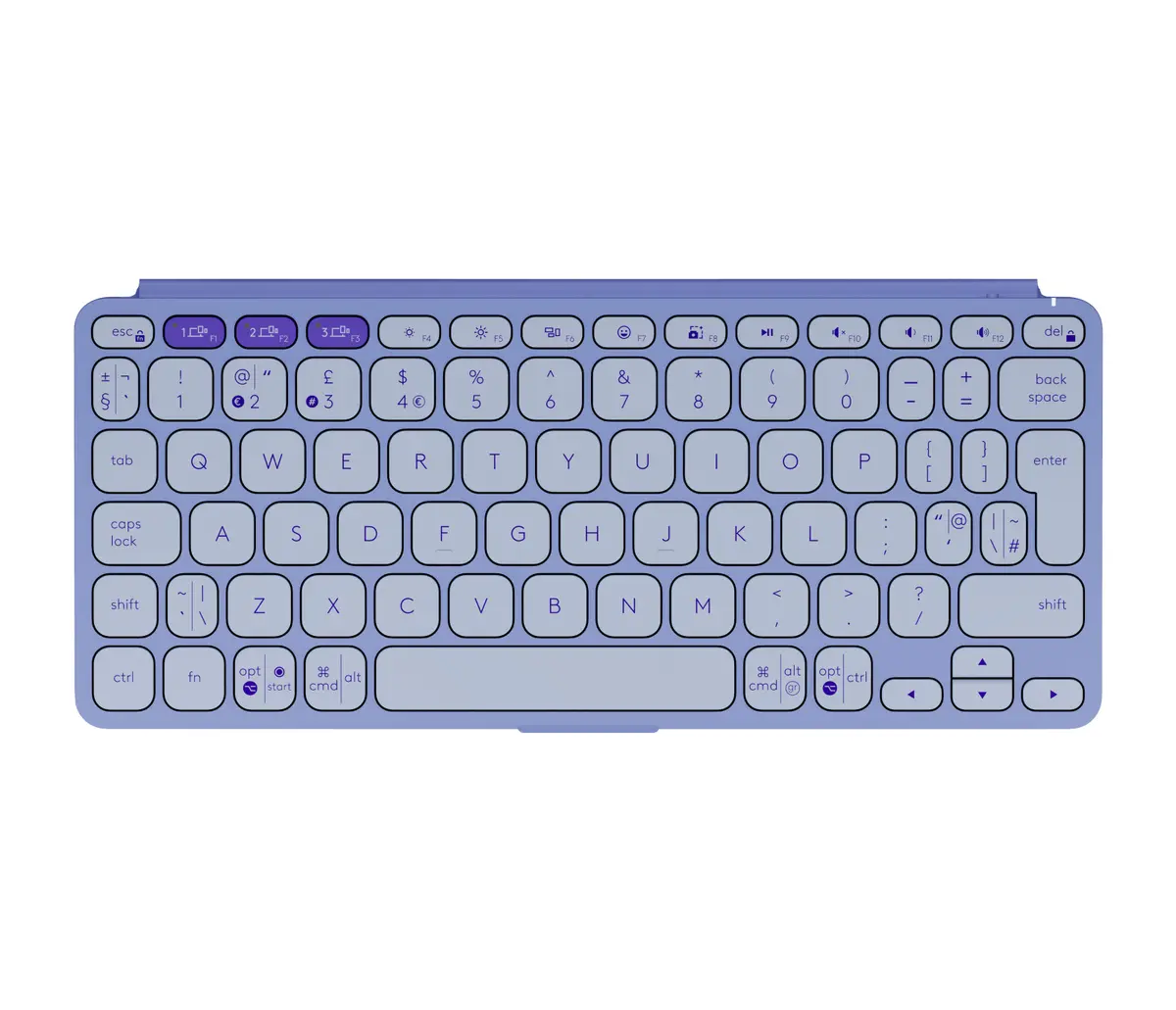
Keyboard layout:
The type of keys on a keyboard, and their position on the keyboard. This can differ from country to country.
-
QWERTY
-
Wireless range:
-
10 m
-
Connectivity technology:
The technology that enables connectivity of the device, e.g. wired or wireless.
-
Wireless
-
Product colour:
The colour e.g. red, blue, green, black, white.
-
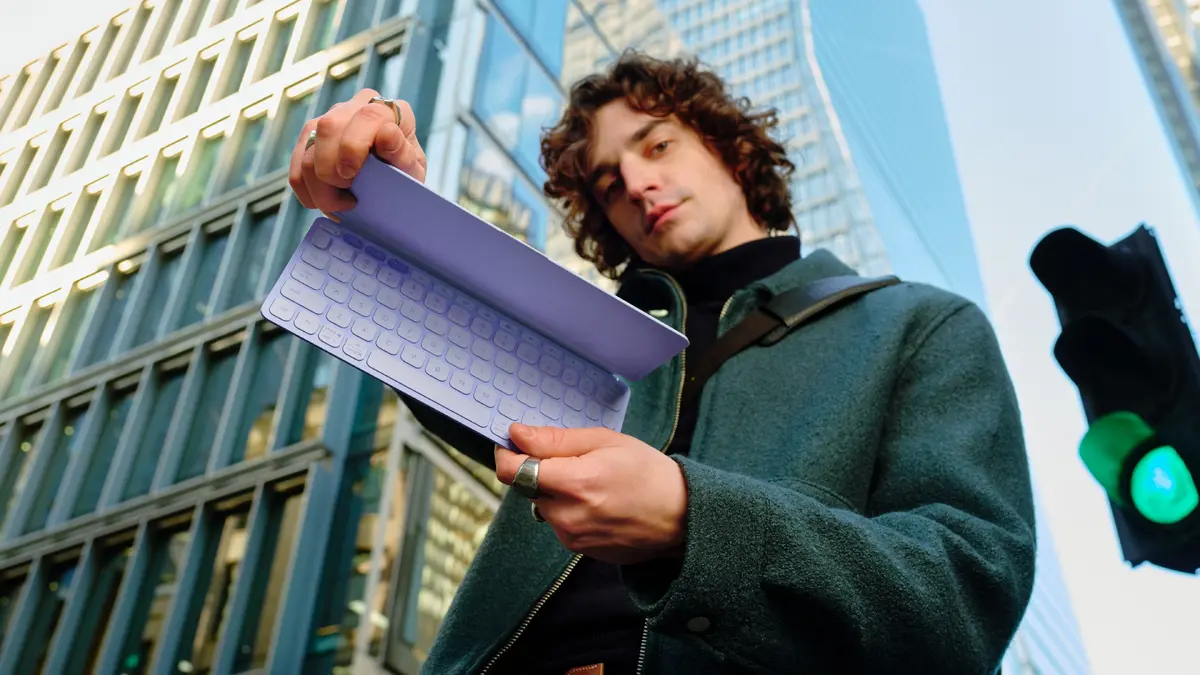
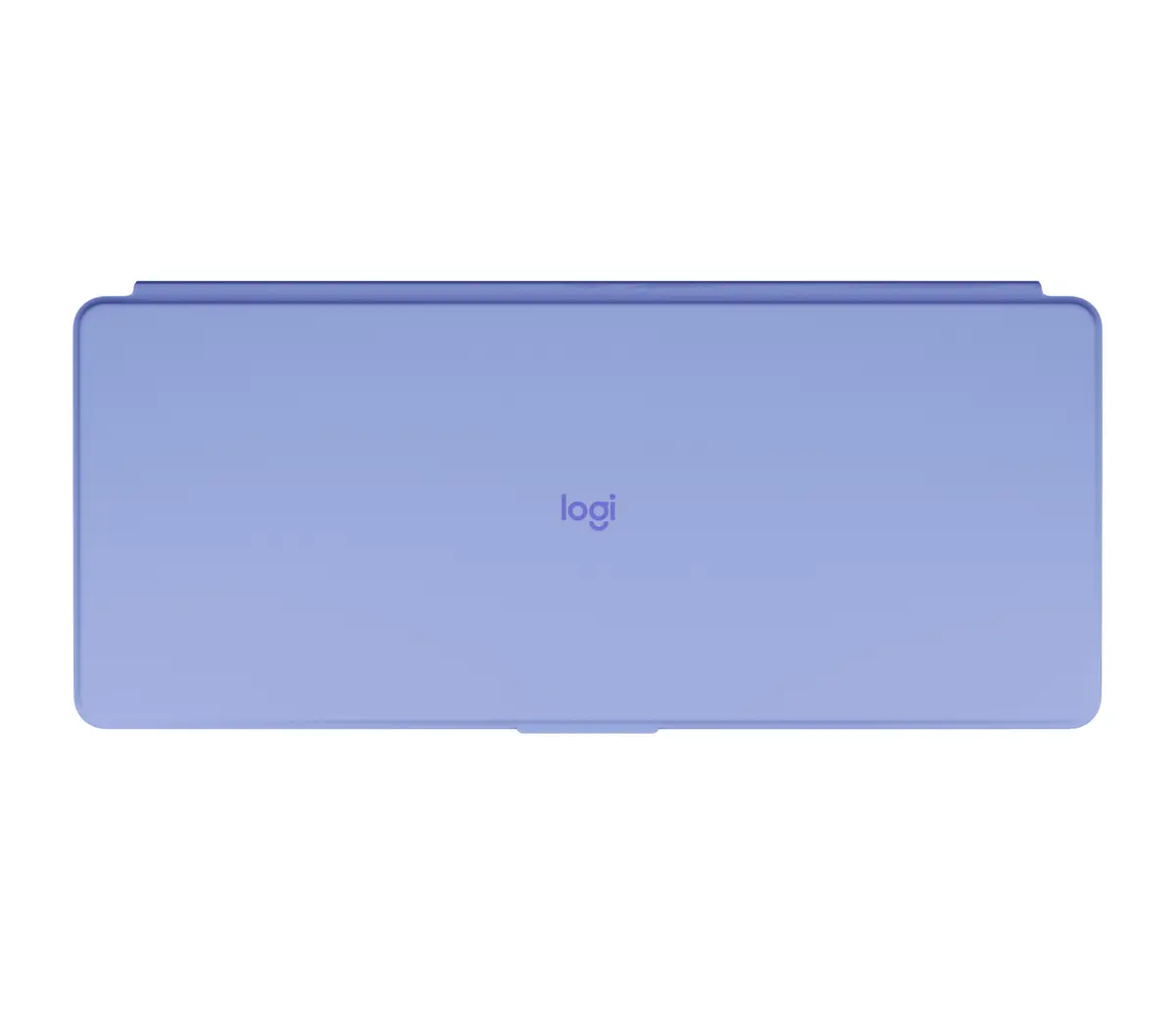
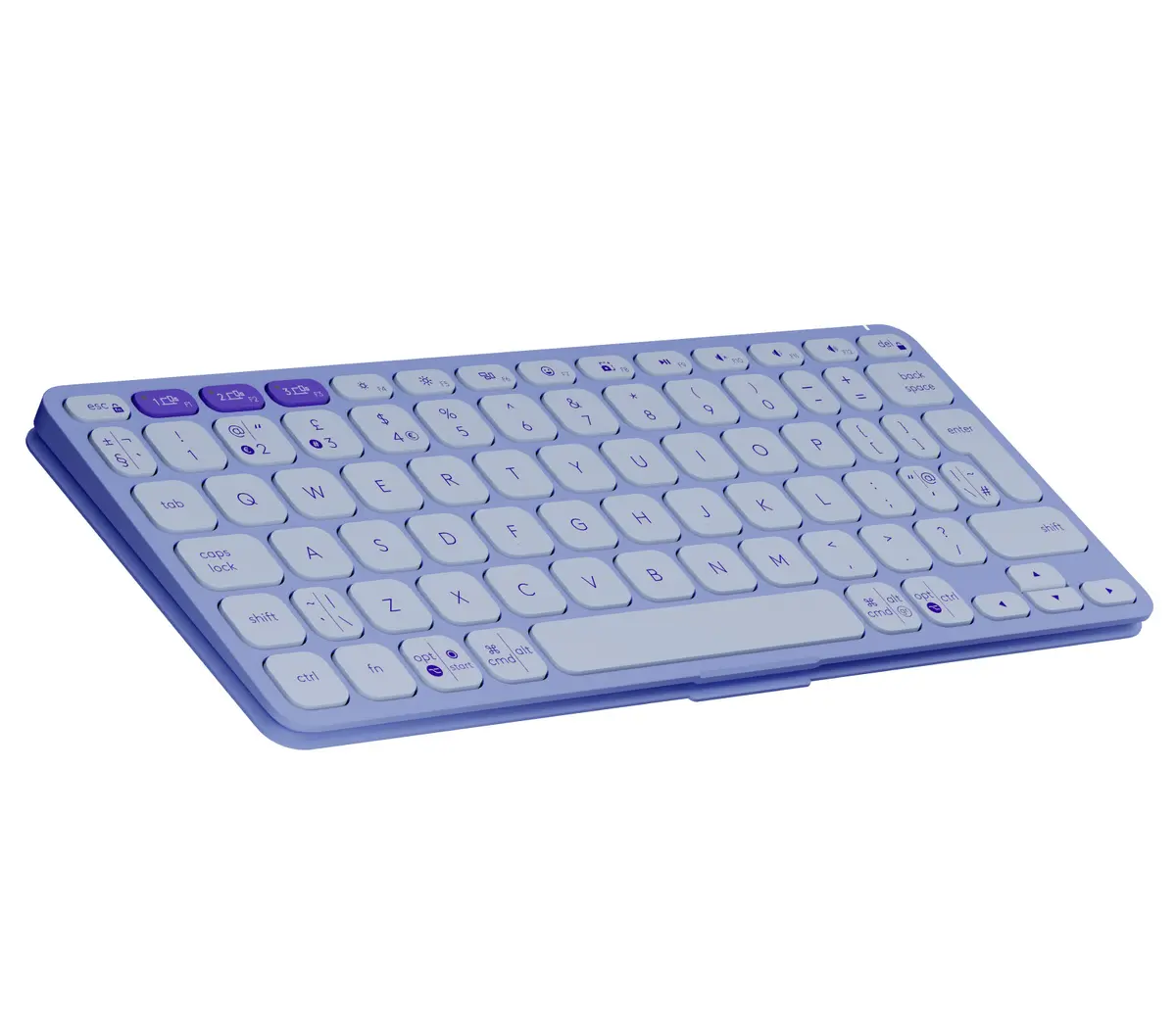
Lilac
-
Mouse included:
A mouse is included with this product.
-
No
-
Backlight:
Product has a built-in light source for its illuminating.
-
No
-
Package depth:
The distance from the front to the back of the packaging.
-
270 mm
-
Package height:
The distance from the top to the bottom of the packaging.
-
30 mm
-
Package width:
The distance from one side of the packaging to the other.
-
120 mm
-
Package type:
The type of product package e.g. box.
-
Box
-
Batteries included:
-
Yes
-
Keyboard dimensions (WxDxH):
-
105 x 8.97 x 250
-
Keyboard weight:
-
222 g
-
Windows operating systems supported:
Windows vesions wich can be used with the device.
-
Windows 10, Windows 11
-
Mac operating systems supported:
Mac operating systems e.g. OS X can be used with the device.
-
Mac OS X 14.0 Sonoma
-
Linux operating systems supported:
8 RT. Linux (9.4, 9.5), Red Hat Enterprise Linux 5.0 (supported with a pre-built package); SUSE Linux (10.3, 11.0, 11, 11.1, 11.2), Fedora (9, 9.0, 10, 10.0, 11.0, 11, 12, 12.0), Ubuntu (8.04, 8.04.1, 8.04.2, 8.10, 9.04, 9.10, 10.04), Debian (5.0, 5.0.1, 5.0.2, 5.0.3)
-
Y
-
Other operating systems supported:
-
ChromeOS
-
Power source type:
What the power source is.
-
Battery
-
User guide:
-
Yes
-
Device interface:
The ports (sockets) where the device connects with other devices.
-
Bluetooth
-
Keyboard language:
The letters which are marked on the keys for convenience of the keyboard usage with specific language.
-
US International
-
Keyboard form factor:
Keyboard size, e.g. standard, mini.
-
Mini
-
Mobile operating systems supported:
The operating systems e.g. Android, iOS, that can be used with the mobile device.
-
Android 12.0, iOS, iPadOS
-
Number of batteries (keyboard):
-
2
-
Keyboard battery type:
-
CR2032
-
Packaging content:
-
Keyboard Batteries (2 Coin Cell) Documentation
-
Multimedia keys:
-
Yes
-
Key travel distance:
-
1 mm
-
Keyboard key switch:
The characteristics of the key switch, mechanical vs rubber dome. A mechanical key switch is usually more expensive, gives a stronger feedback and can be more precise.
-
Scissor key switch
-
Key pitch:
-
18 mm
-
Multi-device support:
-
Yes
-
Bluetooth Low Energy (BLE):
-
Yes
-
Sustainability certificates:
-
Forest Stewardship Council (FSC)
-
Warranty period:
-
2 year(s)