Save time and money with our discounts!
In cart {{totalProductsCount}} item(s)
Your cart is empty
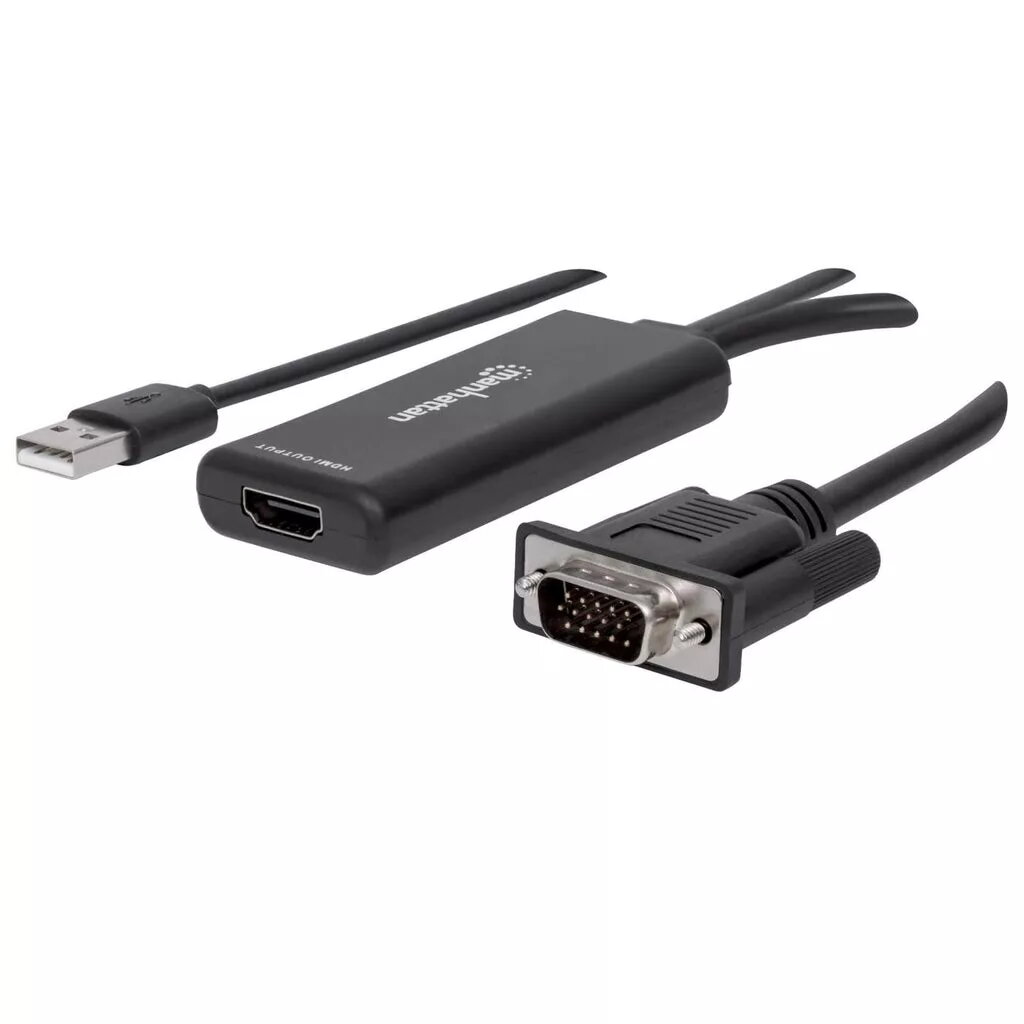
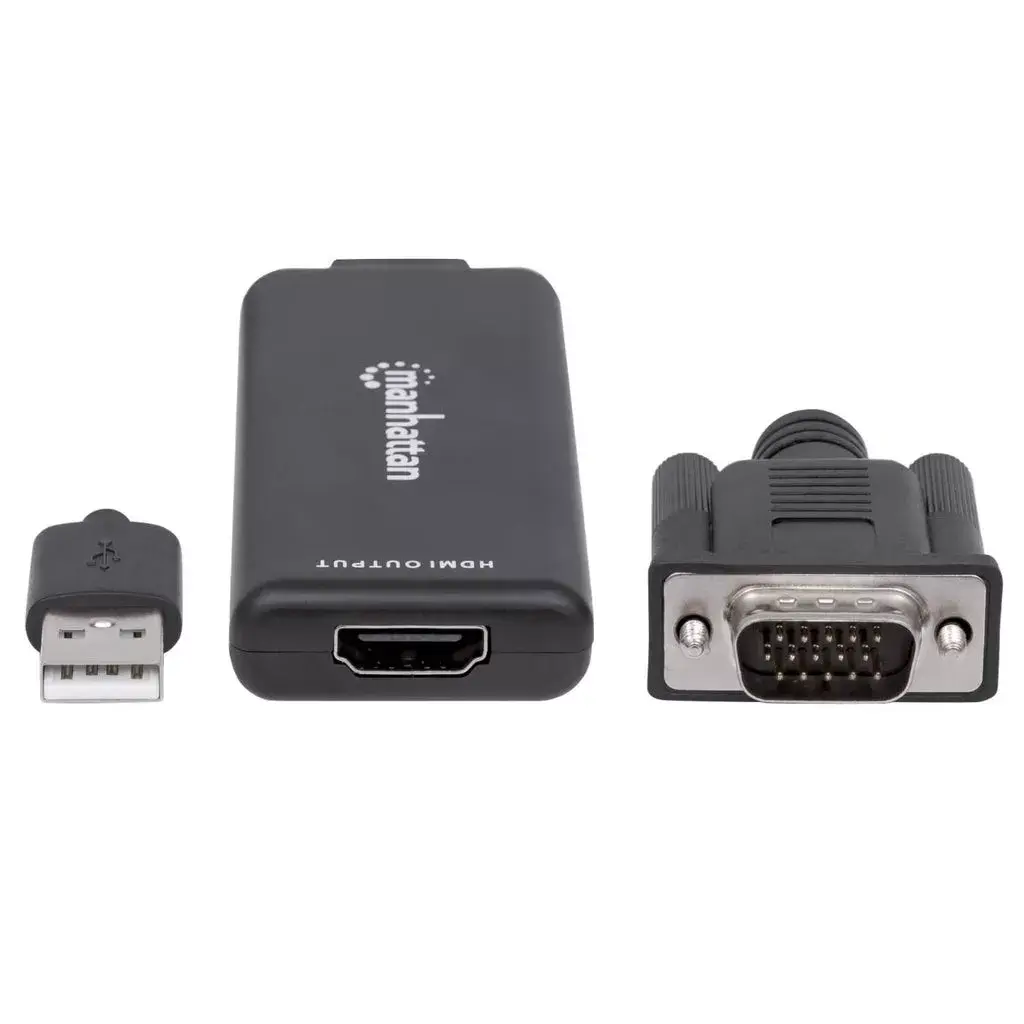
Manhattan VGA and USB-A to HDMI Converter 152426 with 1080p at 60Hz resolution, 24-bit color, and 1 m cable length for converting analog video and aud...
The Manhattan VGA and USB-A to HDMI Converter is designed to bridge legacy hardware and modern displays by transforming analog VGA video and USB audio signals into a digital HDMI output. This device enables smooth signal transmission, allowing older desktop computers and laptops to connect seamlessly with contemporary HDMI monitors, televisions, and projectors without requiring complex software or external power adapters.
This converter offers a reliable method for extending the lifespan of older computer systems by making them compatible with modern high-definition display equipment. By combining VGA video and USB audio into a single digital HDMI stream, it eliminates the need for separate audio cables and simplifies desktop organization. The integrated cable provides sufficient reach for most office and home setups, while the plug-and-play functionality ensures immediate operation upon connection to supported operating systems.
This device is not designed to convert digital HDMI signals into analog VGA, meaning it will not work when connecting a modern HDMI source to an older VGA-only monitor. Additionally, it requires an available USB Type-A port for audio transmission and power, making it unsuitable for devices lacking both VGA and USB-A connectivity.
To set up the converter, connect the VGA connector to the video output port of your computer and plug the USB Type-A connector into an available USB port for audio and power supply. Next, connect a standard HDMI cable from the female HDMI port on the converter to the input port on your monitor, television, or projector. Power on your computer and display device, then adjust the display settings on your operating system to recognize the secondary screen and configure the desired resolution.
For optimal performance, ensure both connectors are securely plugged into the source computer and avoid bending the integrated cable sharply to maintain signal integrity.
{{highlightedFeature.featureTitle}}:
{{getProductFeatureValueById(product, highlightedFeature.featureId)}}
{{ productComparisonGenerationError }}