Save time and money with our discounts!
In cart {{totalProductsCount}} item(s)
Your cart is empty
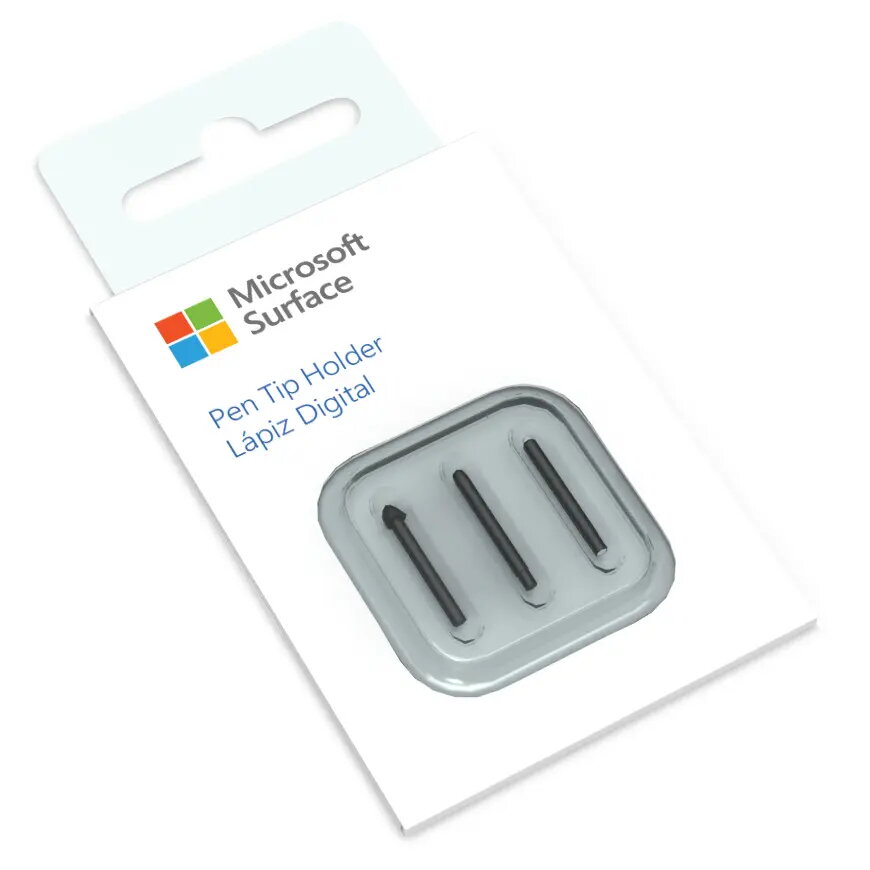
Replacement Tips for Microsoft Surface Pen V2 — Black, 3 pieces, compatible with Surface Pen
Replacement Tips for Microsoft Surface Pen V2 — Black, 3 pieces are spare nibs designed for use with Microsoft Surface Pen (single side button). These black tips provide the contact point between the pen and touch display to restore consistent writing and drawing performance on compatible Surface devices. The pack contains three identical tips and the small dimensions make them easy to store with your pen or in a carry case.
These replacement tips restore precise pen-to-screen interaction and can prolong the usable life of your Surface Pen by replacing worn nibs. Each tip is manufactured to match the physical fit and contact behaviour of original Surface Pen nibs, ensuring consistent pressure response and accurate tracking. The pack of three gives spare parts on hand so you can change tips quickly without interrupting work or creative tasks.
To replace a tip, gently pull the worn nib straight out from the pen shaft using your fingers or light pliers designed for nib removal. Align the replacement tip with the pen opening and push it in until it seats firmly; avoid excessive force. After installation, test the pen on the touchscreen to confirm normal pressure sensitivity and tracking. Keep unused tips in their pack or a small container to prevent loss.
Choose the tip feel that matches your writing preference — medium for a balanced, pencil-like resistance or a low-friction tip for smoother strokes. Replace tips when you notice reduced precision, increased noise, or visible wear to maintain consistent performance. Store spare tips away from dust and extreme temperatures.
{{highlightedFeature.featureTitle}}:
{{getProductFeatureValueById(product, highlightedFeature.featureId)}}
{{ productComparisonGenerationError }}