Powerful EcoFlow stations for energy anywhere!
In cart {{totalProductsCount}} item(s)
Your cart is empty
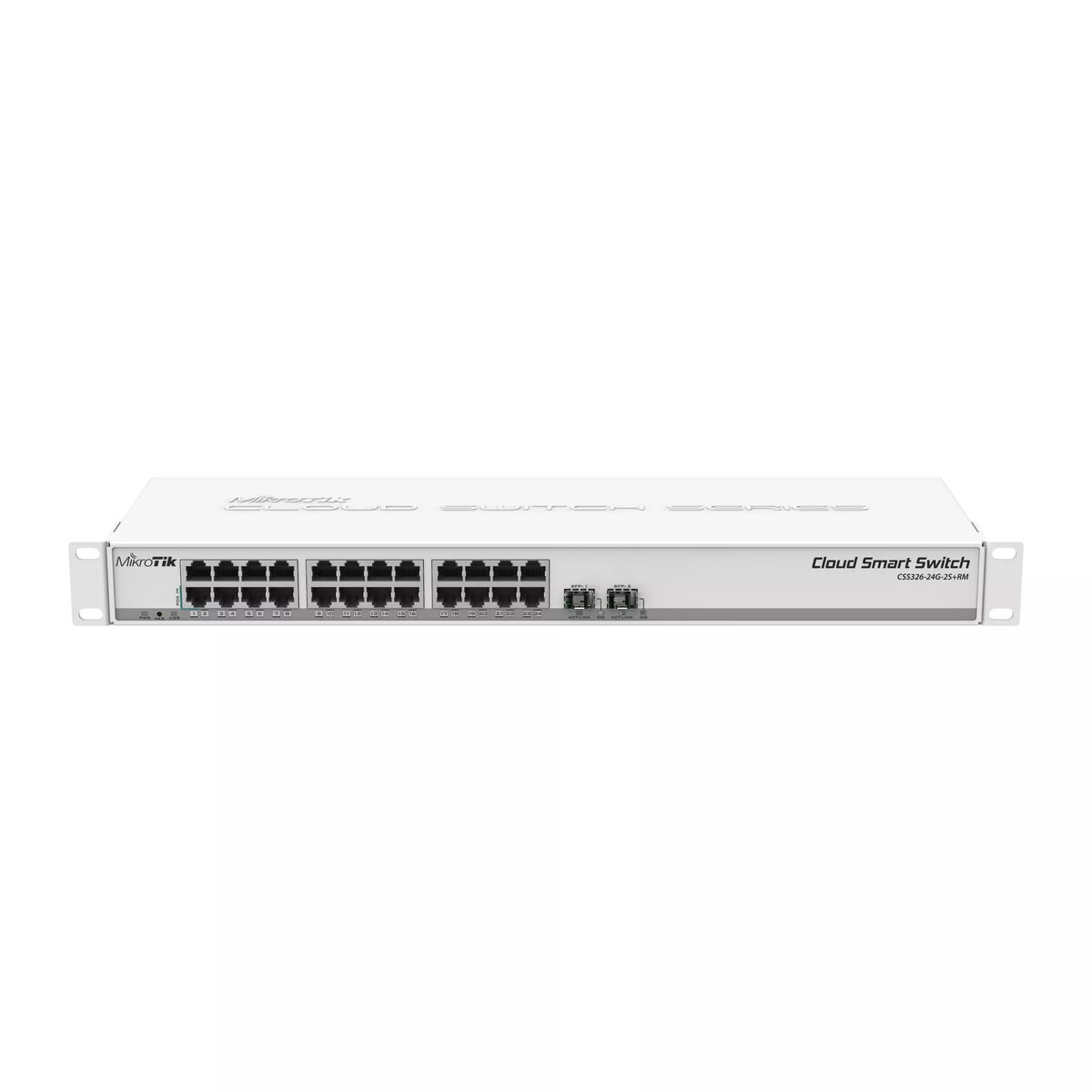
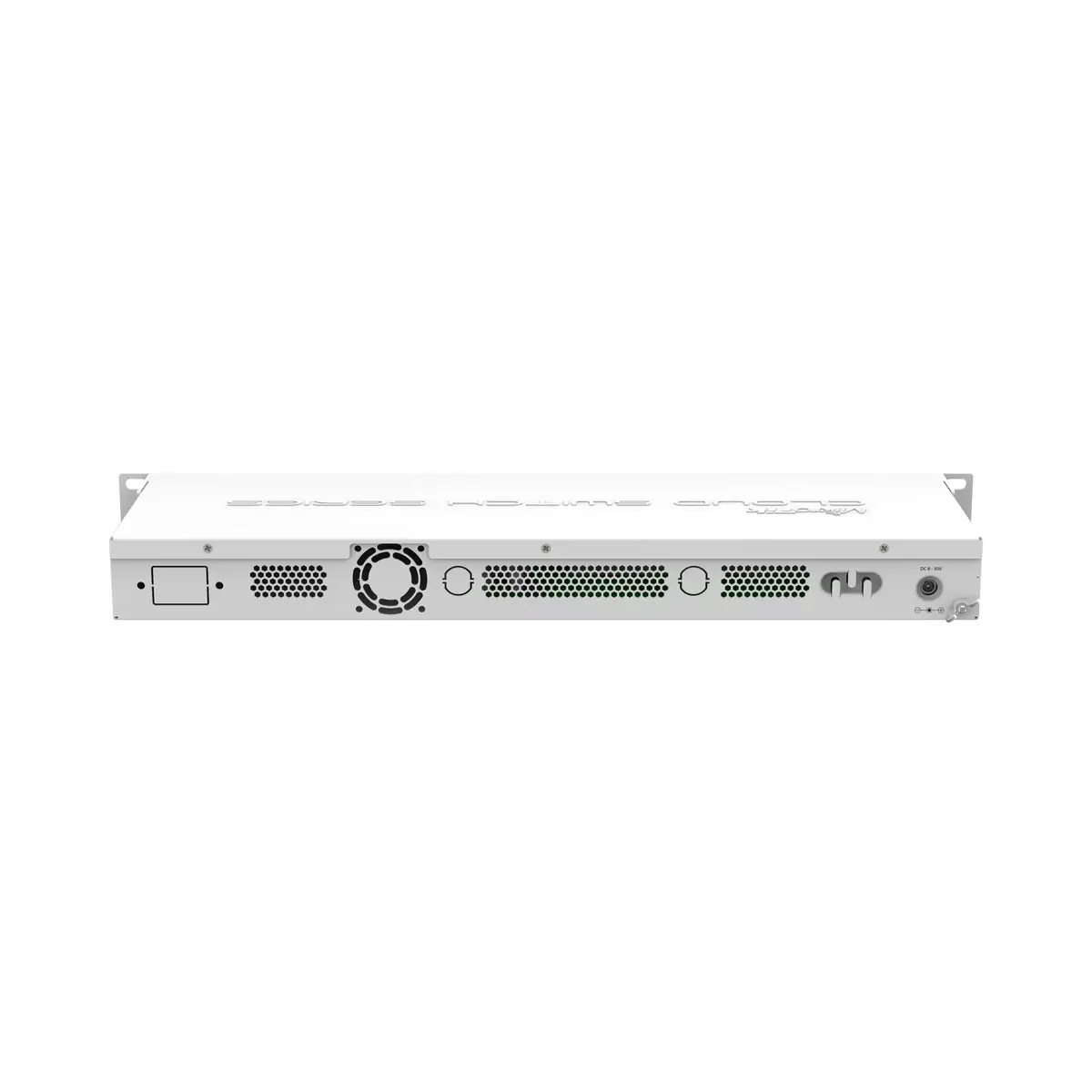
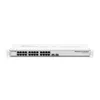
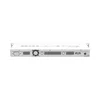
Managed Switch MikroTik CSS326-24G-2S+RM Gigabit Ethernet 24 Ports PoE 1U
The MikroTik CSS326-24G-2S+RM Managed Switch is a 1U rack-mountable network switch that provides 24 Gigabit Ethernet RJ-45 ports and two SFP+ cages for 1.25 Gb SFP or 10 Gb SFP+ modules. Powered by a Marvell DX switching chip and running MikroTik's SwOS, the device delivers wire-speed connectivity and a range of managed switch functions including VLAN tagging following IEEE 802.1Q, MAC filtering, traffic mirroring and bandwidth control. The switch comes in a white enclosure and supports Power over Ethernet (PoE) to power compatible devices directly over the network cabling.
The CSS326-24G-2S+RM combines a high port density of 24 Gigabit Ethernet ports with two high-speed SFP+ uplinks, enabling flexible network topologies and aggregation. SwOS provides a web-based interface tailored to switch management needs, allowing straightforward configuration of VLANs, MAC and IP-related adjustments, port-to-port forwarding and traffic shaping. Hardware-level wire-speed switching ensures low-latency performance for typical business and campus networks, while PoE support reduces the need for separate power supplies for compatible endpoints.
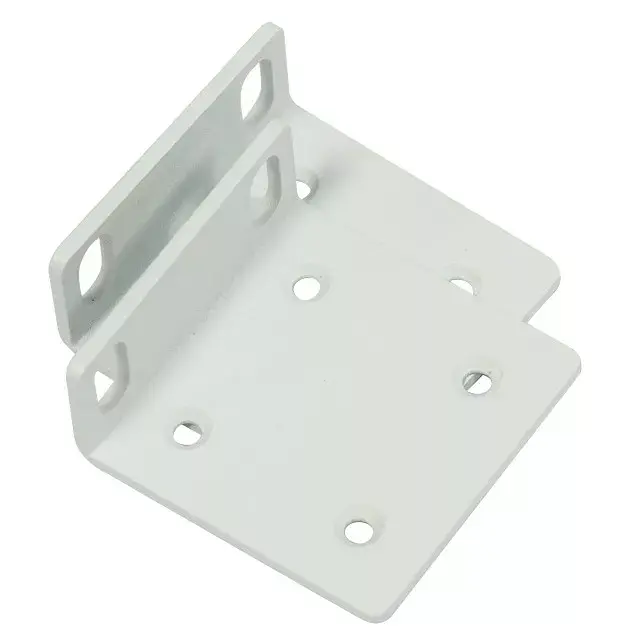
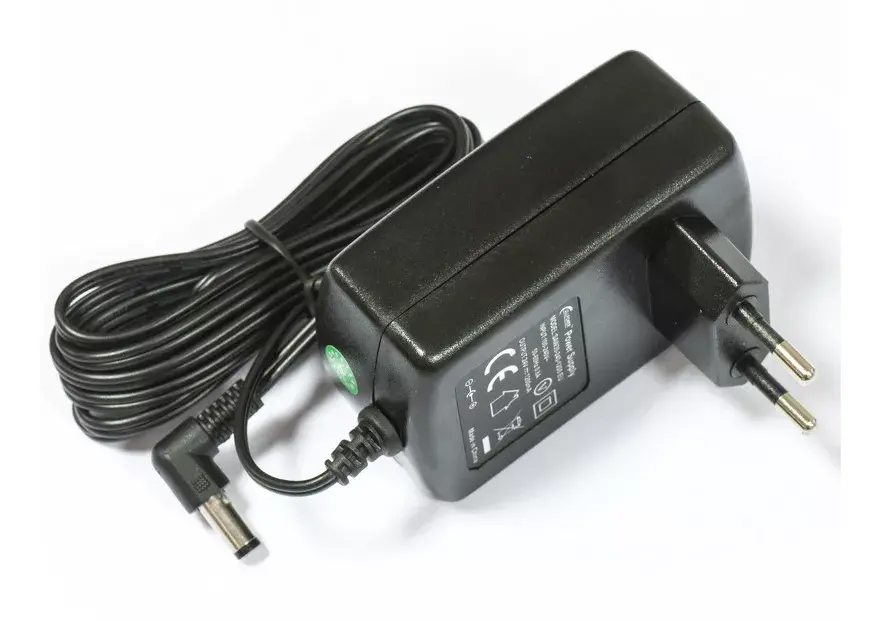
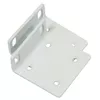
Install the switch in a 1U rack space using the supplied mounting hardware and connect power according to the product manual. Use the web browser interface provided by SwOS to set basic network parameters, create and assign VLANs, enable PoE on supported ports, and configure port-to-port forwarding or MAC filters. Insert compatible SFP or SFP+ modules into the cages for fiber or high-speed uplink connections and verify link status in the SwOS status pages. Apply bandwidth limits or traffic mirroring where needed to manage network performance and troubleshooting.
For stable operation, place the switch in a ventilated rack space and ensure firmware/SwOS updates are applied as provided by the manufacturer. When deploying PoE devices, confirm total power budget and distribute PoE-enabled endpoints across ports to avoid exceeding available power. Use VLANs to segment traffic and SFP+ uplinks for aggregation to the core to maintain optimal throughput.
{{highlightedFeature.featureTitle}}:
{{getProductFeatureValueById(product, highlightedFeature.featureId)}}
{{ productComparisonGenerationError }}