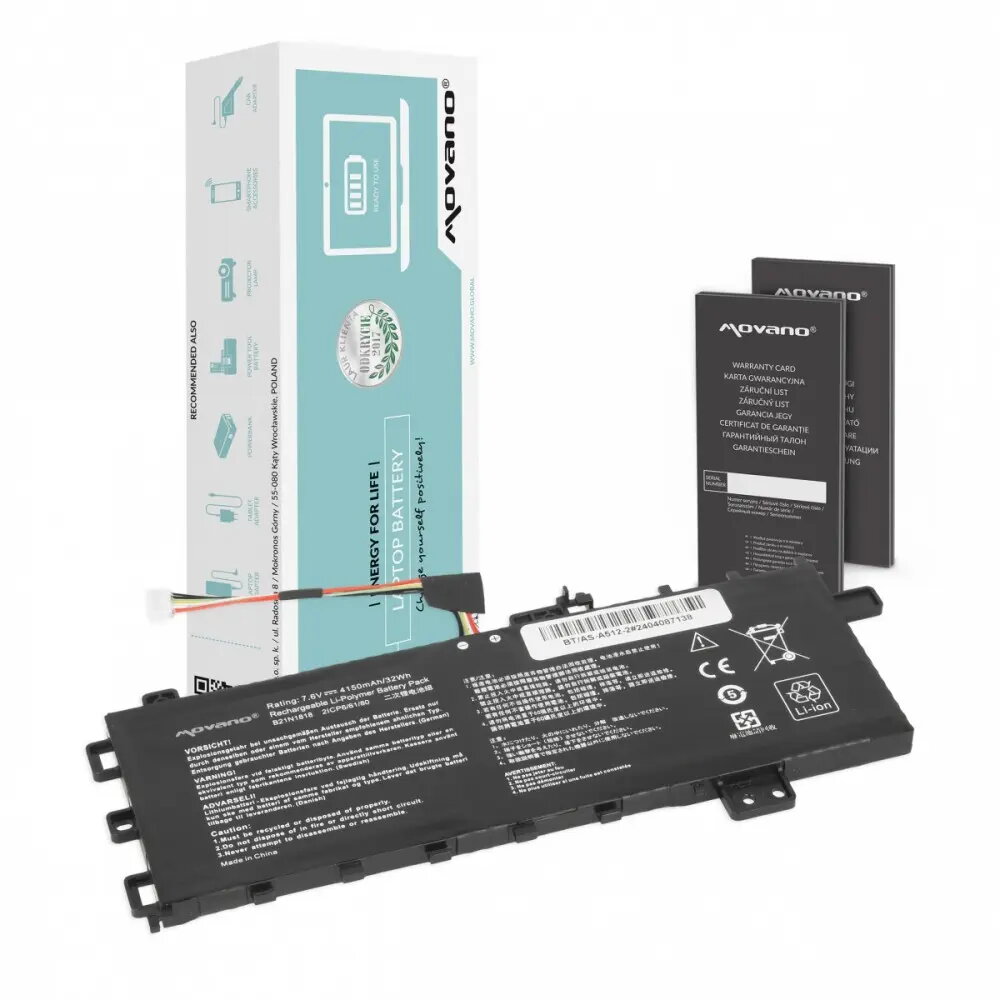
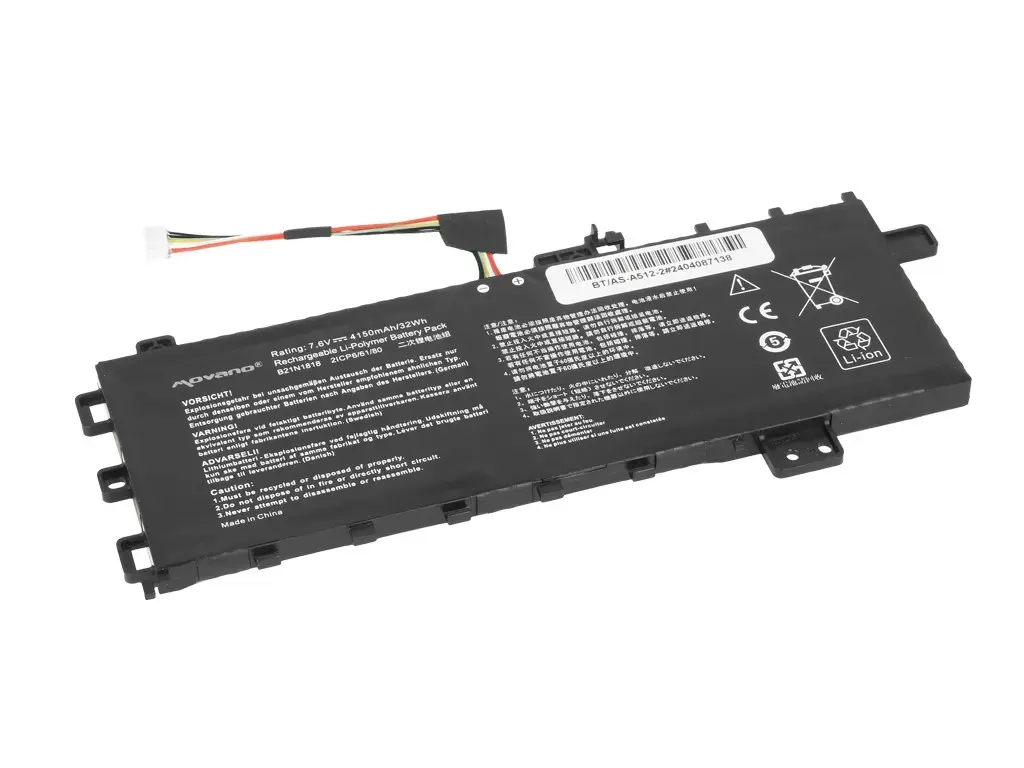
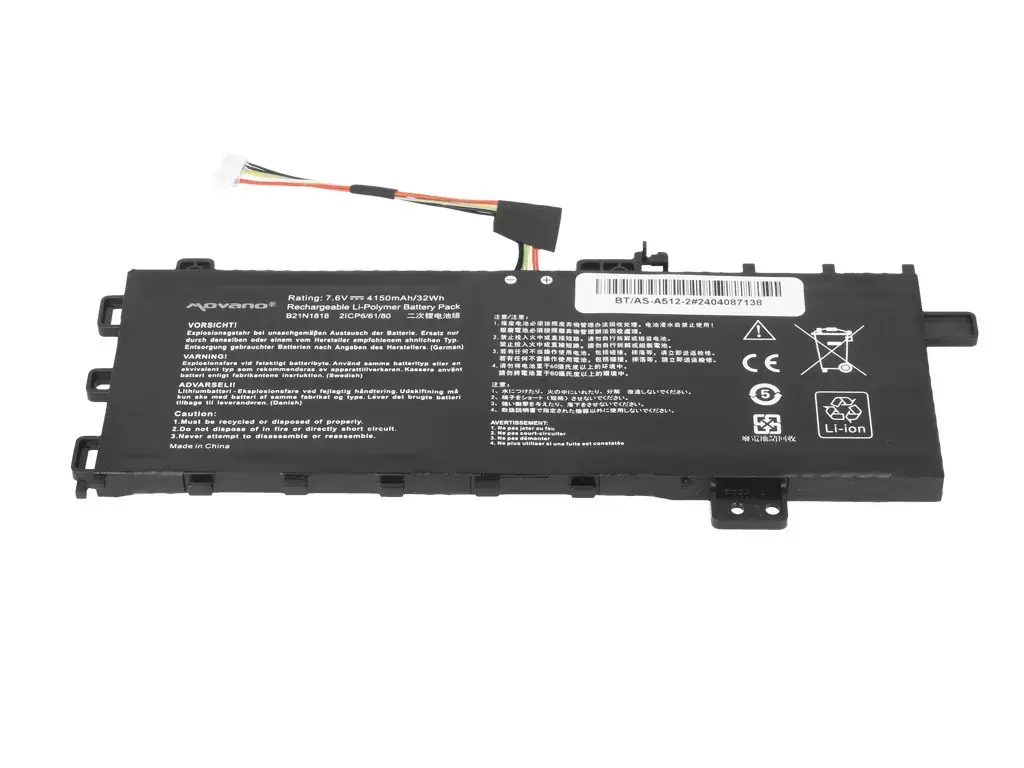
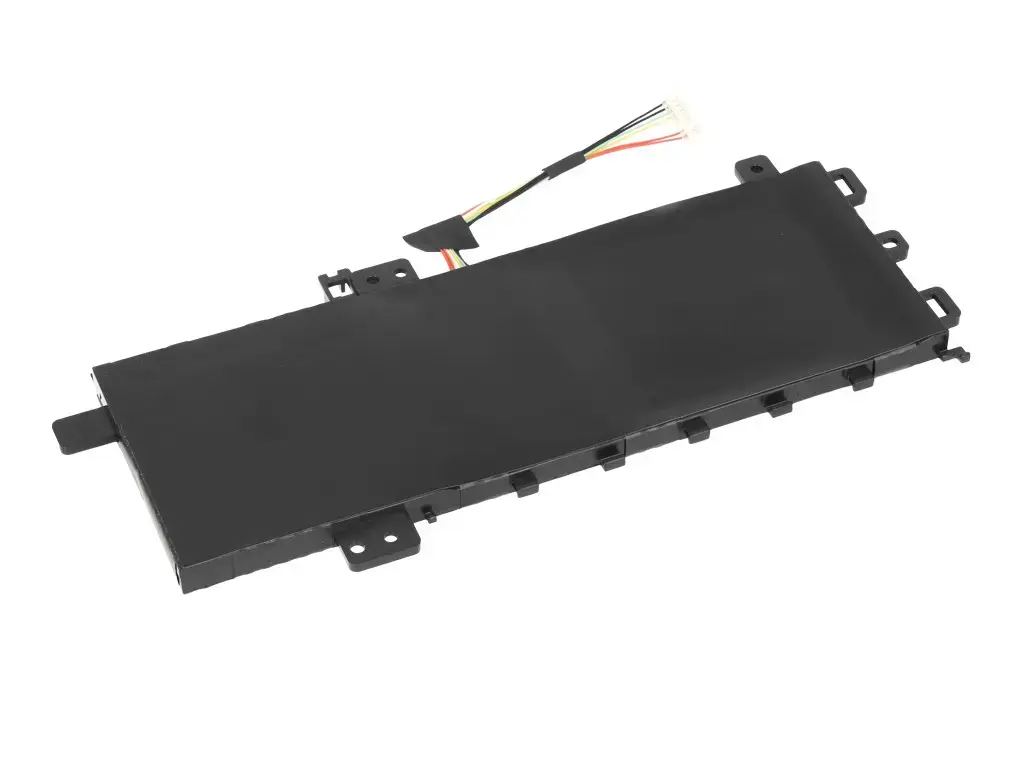
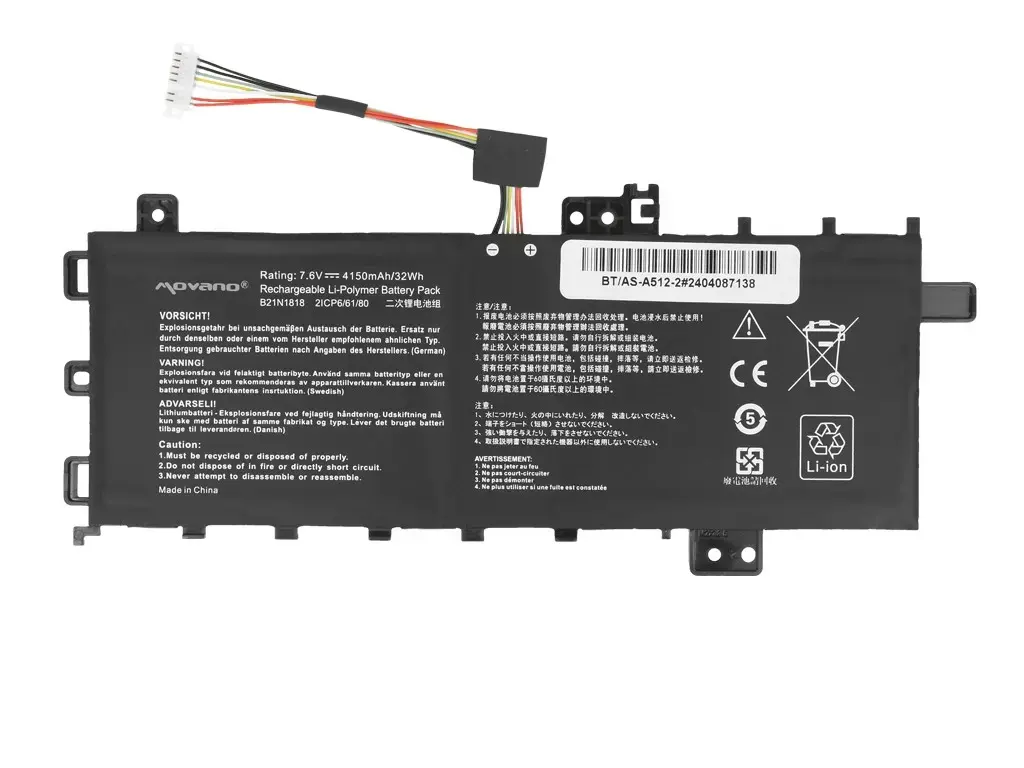
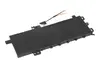
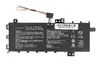
The Movano B21N1818 laptop battery is a high-quality power solution specifically engineered for the Asus Vivobook 15 series, including models A512, R512, and X512. This lithium-ion replacement battery provides a reliable energy source for your portable computer, ensuring that your device remains operational during your daily tasks. With a capacity of 4150 mAh and 32 Wh, it is designed to meet the power requirements of your laptop, offering a stable and consistent performance that helps restore your device's original mobility.
Advantages
Choosing this Movano replacement battery offers several benefits for users looking to extend the life of their laptop. It is built with high-grade lithium-ion cells that provide consistent power delivery and long-term reliability. The battery is designed to fit seamlessly into your Asus Vivobook, ensuring compatibility and ease of installation. By replacing an aging or degraded battery, you can significantly improve the runtime of your laptop, allowing for more productive hours away from a power outlet without the risk of unexpected shutdowns.
Suitable for
- Replacing degraded batteries in Asus Vivobook 15 A512, R512, and X512 series laptops.
- Users who require a reliable backup power source for mobile computing.
- Restoring original battery life to laptops used for office work, study, or media consumption.
When it may not be suitable
This battery is not compatible with laptop models outside of the specified Asus Vivobook 15 series. It is also not intended for use in devices that require a different voltage or physical form factor, as attempting to install an incompatible battery can cause damage to the laptop's internal components.
Key specifications
- Battery type: Lithium-ion
- Capacity: 4150 mAh
- Energy: 32 Wh
- Compatibility: Asus Vivobook 15 A512, R512, X512 series
How to use
To install the battery, first ensure that your laptop is completely powered off and disconnected from the power adapter. Carefully remove the bottom casing of your laptop to access the battery compartment. Disconnect the old battery connector from the motherboard, unscrew the mounting screws, and remove the old unit. Place the new Movano battery into the designated slot, secure it with the screws, and reconnect the power cable to the motherboard. Once installed, replace the casing and charge the battery fully before its first use to ensure optimal calibration.
What to consider before purchase
- Verify your laptop model number matches the supported series.
- Check the physical shape and connector type of your current battery.
- Ensure you have the necessary tools to open your laptop chassis.
Usage recommendations: For the best performance, avoid letting the battery drain to zero percent frequently. Keep your laptop in a cool, dry environment and perform a full charge cycle occasionally to maintain battery health.