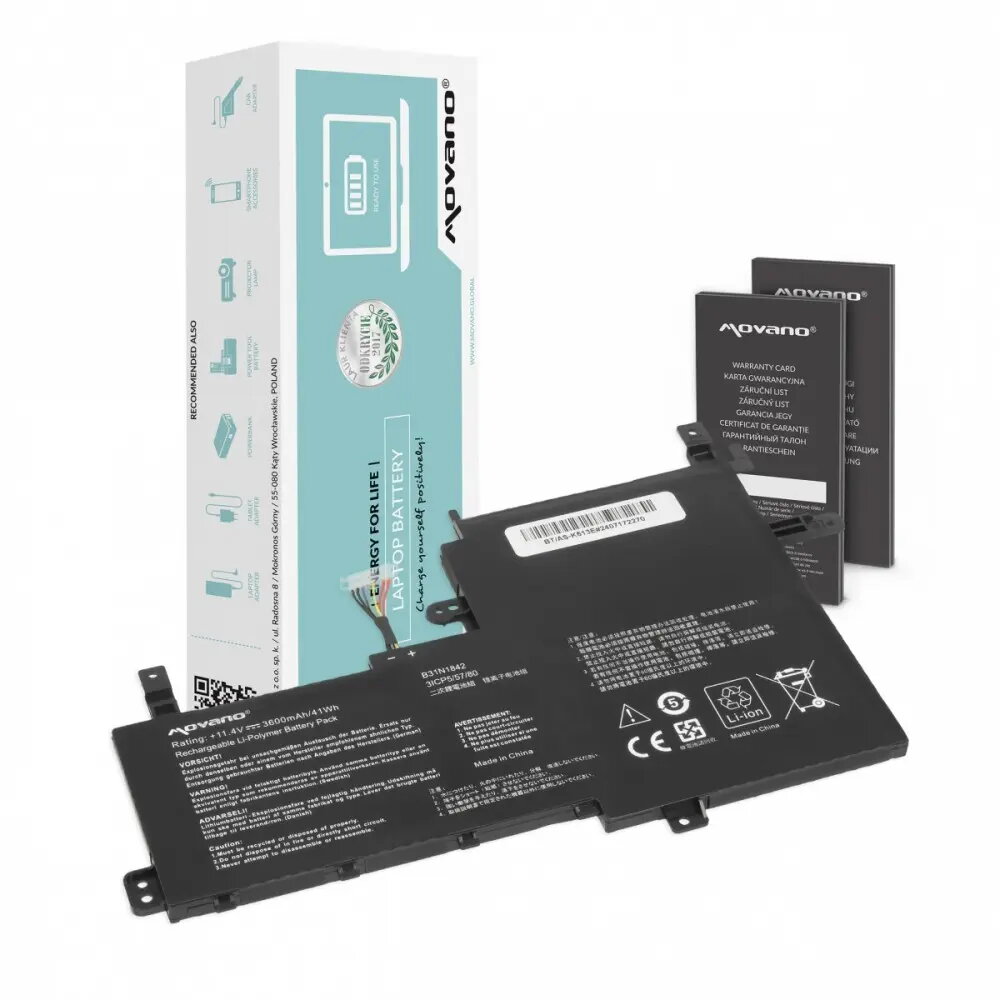
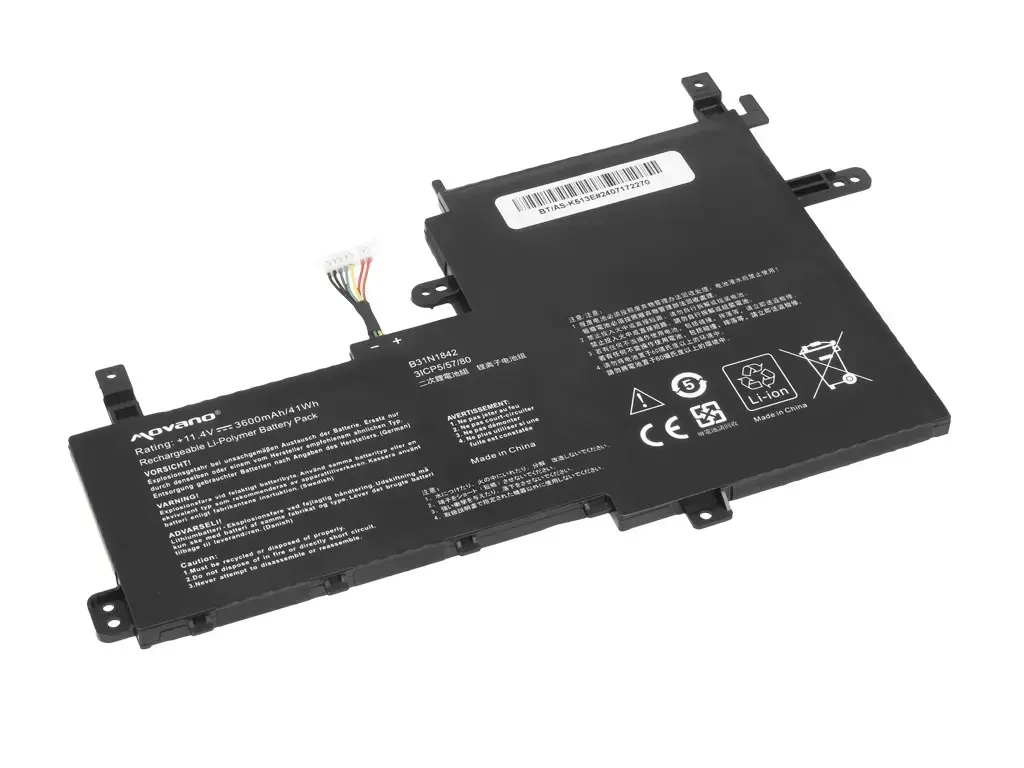
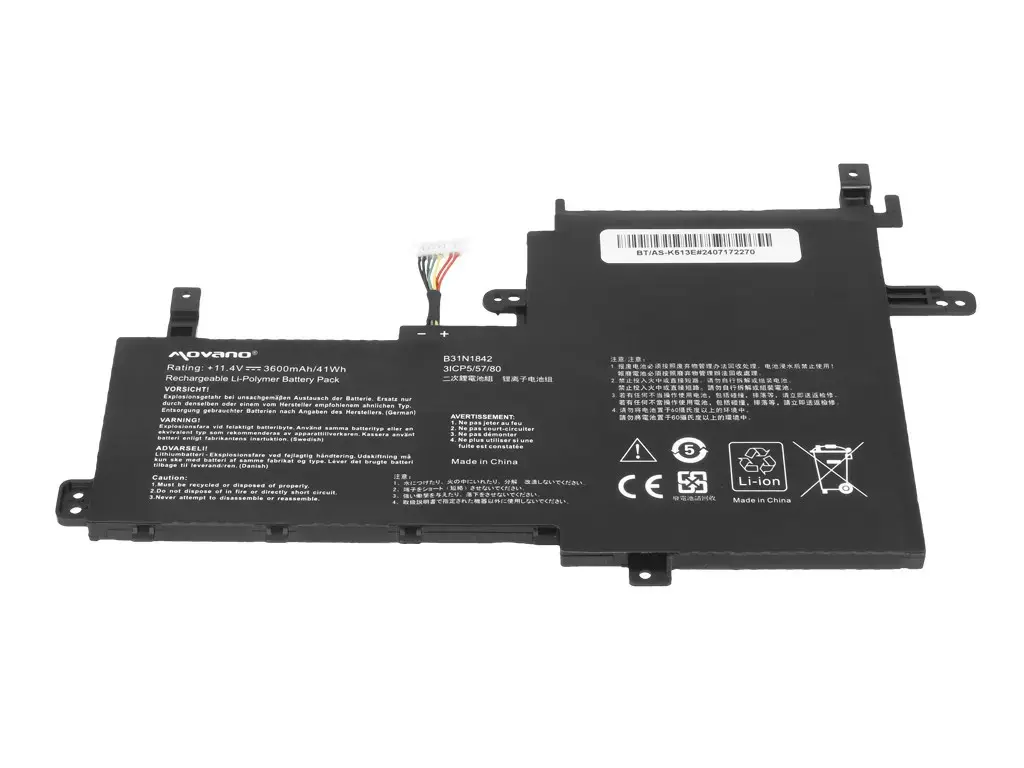
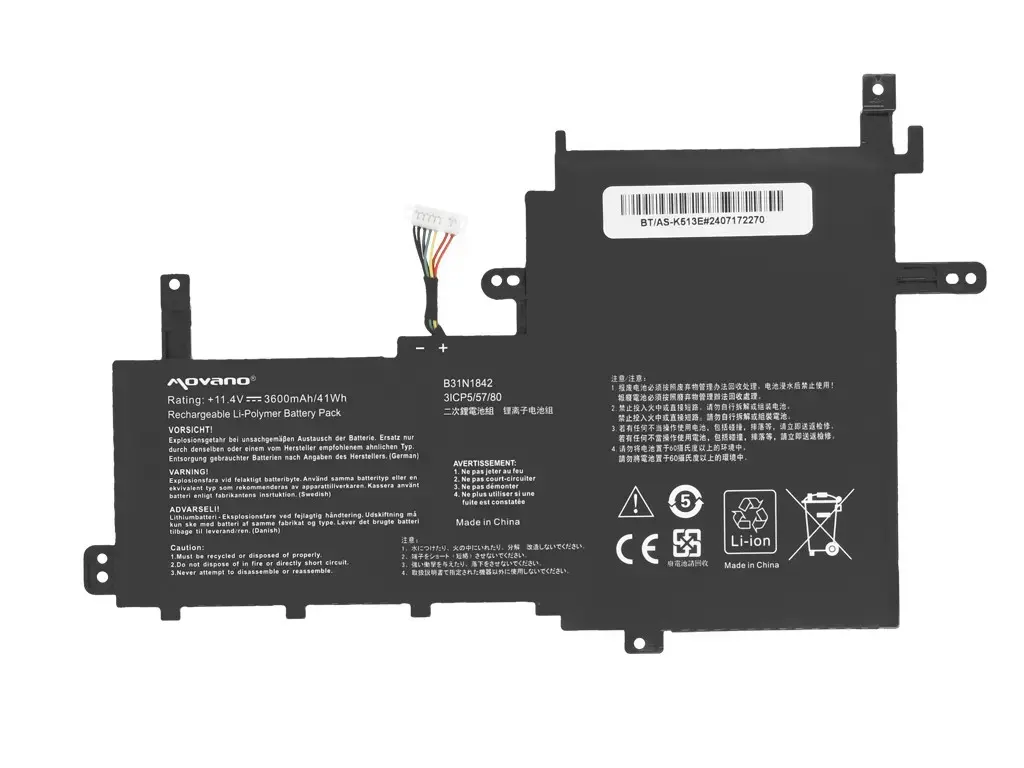
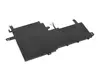
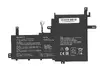
The Movano B31N1842 replacement battery is a reliable power solution specifically engineered for Asus Vivobook series laptops, including models K513E, M513I, S513E, V531FA, and X531F. This lithium-ion battery is designed to meet or exceed original manufacturer standards, providing a stable energy supply for your portable computer. With a capacity of 3600 mAh and 41 Wh, it restores the original runtime of your device, allowing you to work, study, or enjoy multimedia content without constant reliance on a power outlet.
The Movano battery utilizes high-quality cells that ensure consistent performance and longevity. By replacing a degraded battery with this unit, you can effectively extend the operational life of your laptop, avoiding the inconvenience of sudden shutdowns or limited mobility. The design is fully compatible with the internal architecture of the specified Asus models, ensuring a precise fit and safe operation during charging and discharging cycles.
Advantages
This battery offers a seamless integration with your laptop, maintaining the original power management protocols of the device. It provides a cost-effective alternative to expensive original parts while delivering comparable capacity and safety standards. The use of advanced lithium-ion technology minimizes the memory effect, allowing for flexible charging habits without compromising the overall health of the battery over time.
Suitable for
- Replacing a worn-out or faulty battery in Asus Vivobook K513E, M513I, S513E, V531FA, and X531F laptops.
- Users who require extended battery life for mobile work or travel.
- Restoring the portability of a laptop that no longer holds a charge.
When it may not be suitable
This battery is not compatible with laptop models outside of the specified Asus Vivobook series. Attempting to install this unit in an unsupported device may result in physical damage or electrical failure.
Key specifications
- Capacity: 3600 mAh
- Energy: 41 Wh
- Technology: Lithium-ion
- Compatibility: Asus Vivobook K513E, M513I, S513E, V531FA, X531F
How to use
To install the battery, ensure your laptop is completely powered off and disconnected from the AC adapter. Open the laptop chassis according to the manufacturer's service manual, carefully disconnect the old battery connector, and remove the unit. Insert the new Movano battery into the compartment, secure it with the original screws, and reconnect the power cable. Once installed, close the casing and charge the battery to its full capacity before the first use to calibrate the power management system.
What to consider before purchase
- Verify your exact laptop model number to ensure compatibility.
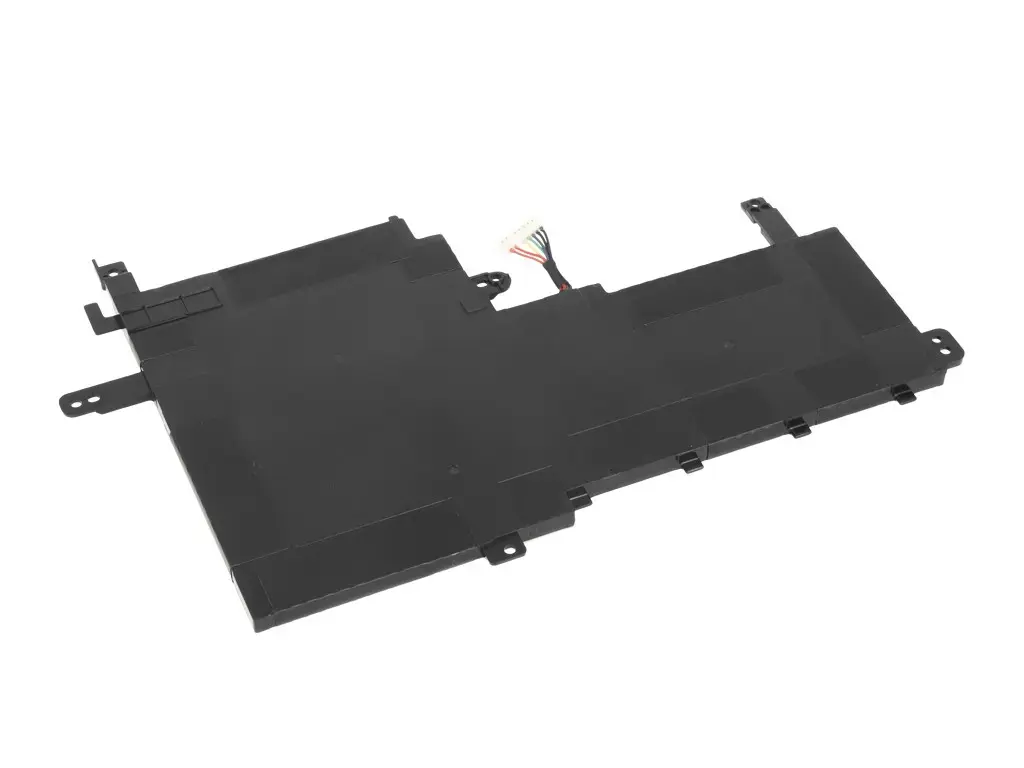
- Check the physical dimensions and connector type of your current battery.
- Ensure you have the necessary tools for opening your laptop chassis.
Usage recommendations
For optimal battery health, avoid letting the charge drop to zero percent frequently. Keep your laptop in a cool, dry environment and ensure that the ventilation system is clean to prevent overheating, which can negatively impact battery performance.