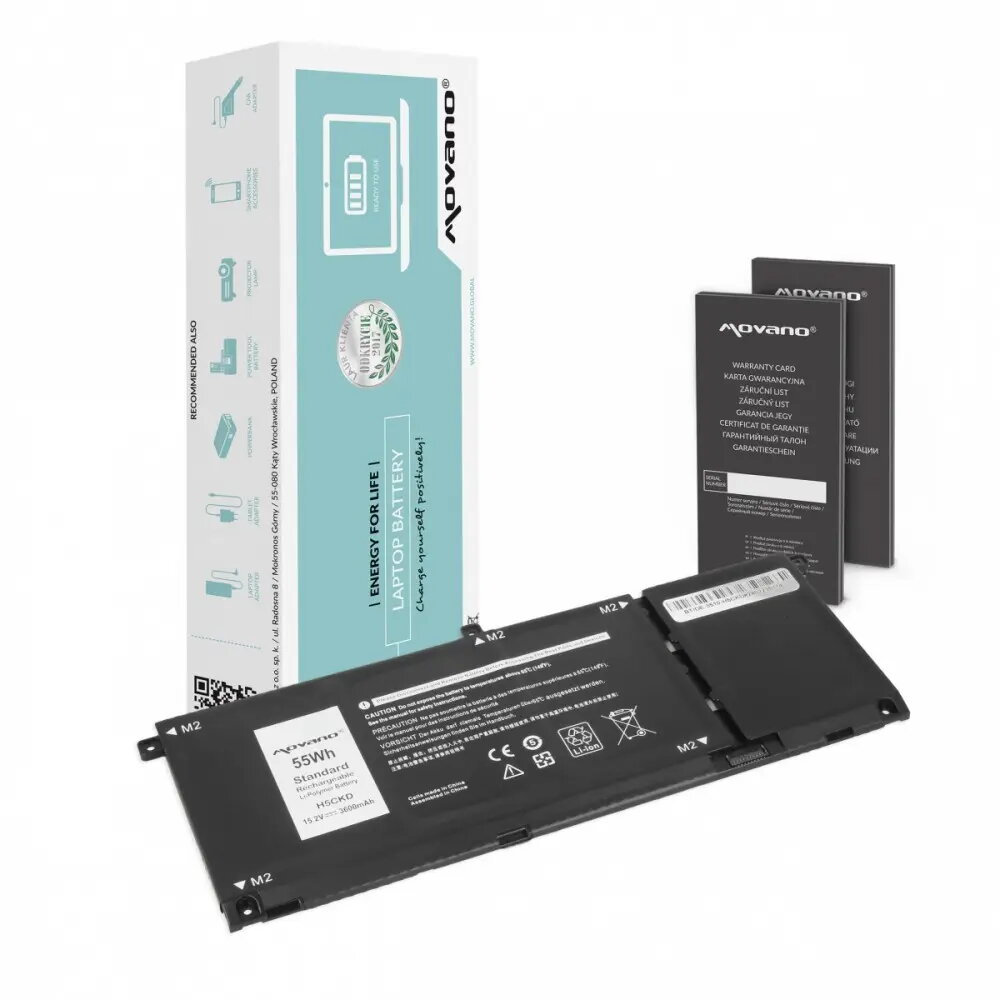
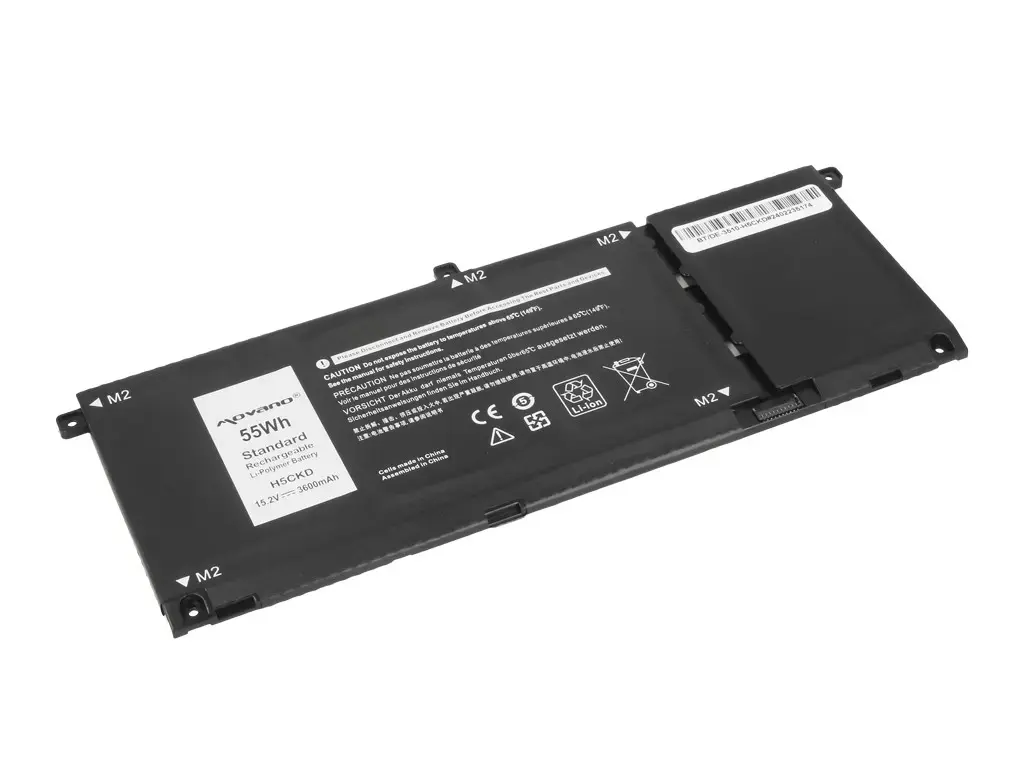
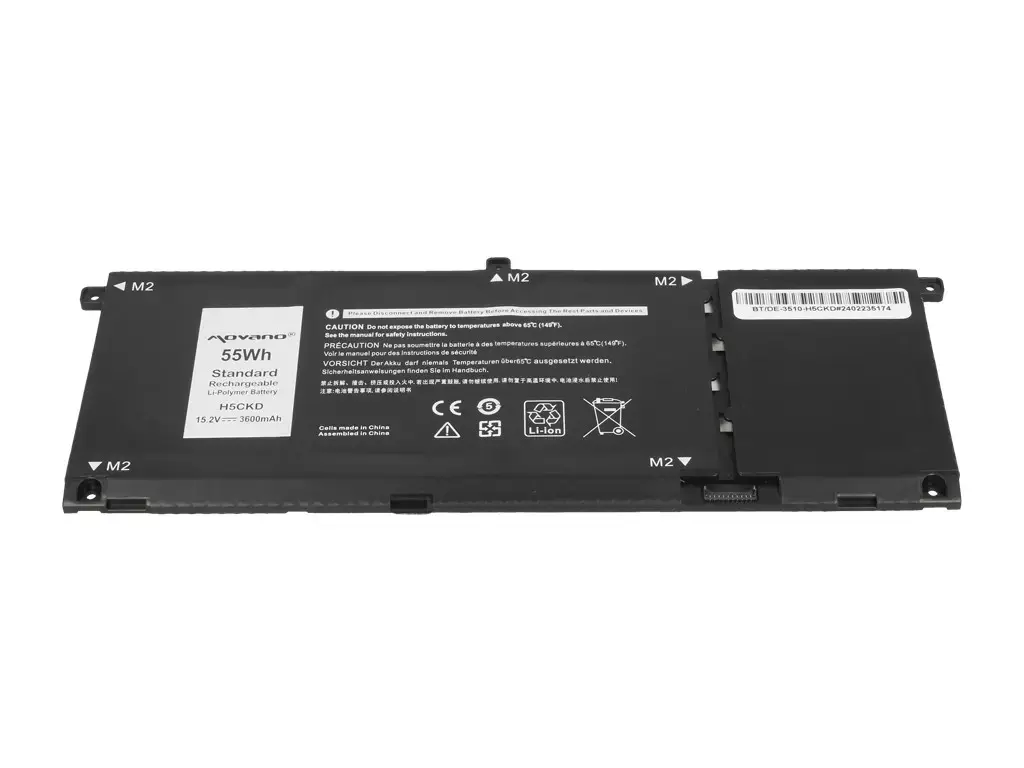
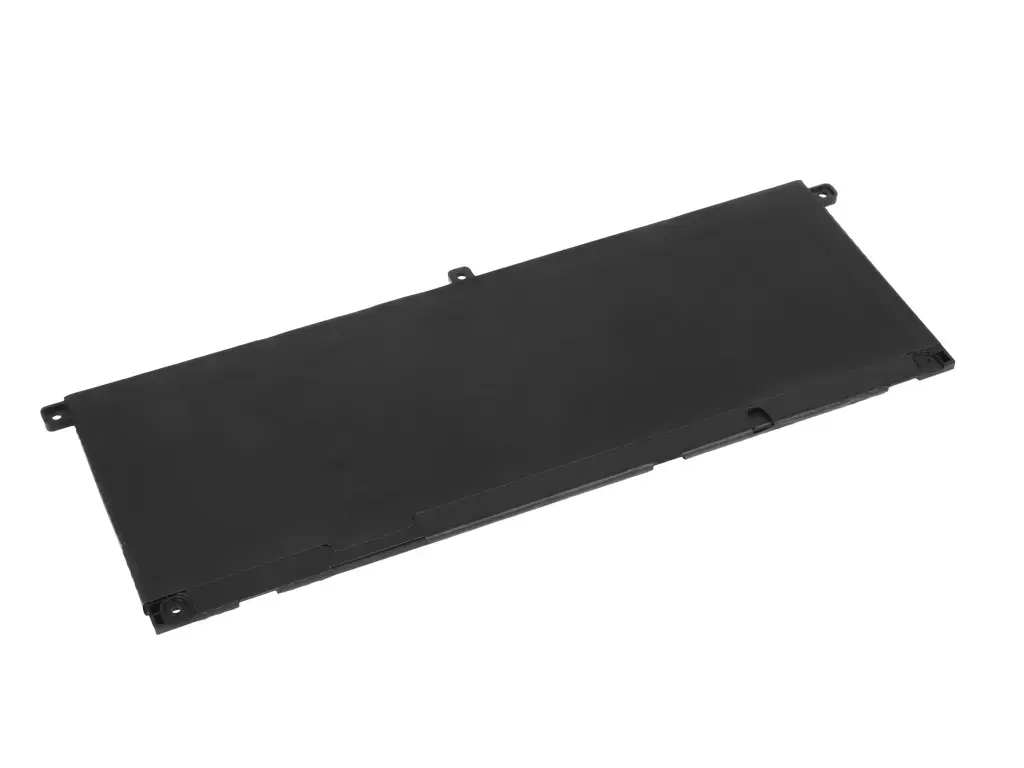
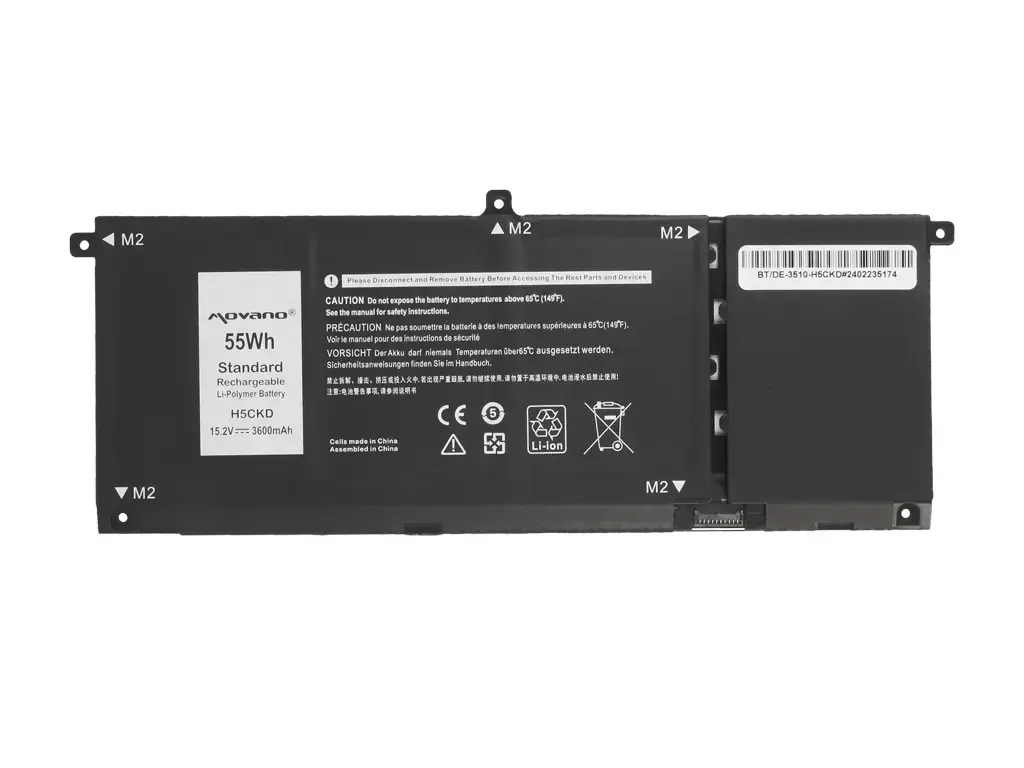
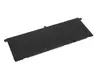
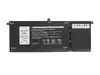
The Movano H5CKD laptop battery is a high-quality replacement power source specifically engineered for compatibility with Dell Inspiron 5400, 5401, 5402, 5406, 5501, and 5508 series laptops. Designed to meet or exceed original manufacturer standards, this lithium-ion battery provides a reliable energy supply for your mobile computing requirements. It is an essential component for users looking to restore their laptop's original portability and performance, ensuring that your device remains powered throughout your daily tasks, whether you are working in the office, at home, or on the move.
Advantages
This replacement battery offers consistent power delivery and stable voltage, which is critical for maintaining the health of your laptop's internal components. By utilizing high-grade lithium-ion cells, the battery provides a dependable capacity of 3600 mAh and 55 Wh, allowing for extended usage times between charges. Its precise design ensures a perfect fit within the battery compartment, facilitating easy installation and secure operation. Furthermore, the battery is equipped with modern safety features to protect against overcharging, overheating, and short-circuiting, providing peace of mind during intensive use.
Suitable for
- Replacing degraded or non-functional original batteries in Dell Inspiron laptops.
- Users who require extended battery life for professional work or academic tasks.
- Maintaining mobile productivity while traveling or working away from power outlets.
When it may not be suitable
This battery is not compatible with Dell laptop models outside of the specified Inspiron 5400, 5401, 5402, 5406, 5501, and 5508 series. Attempting to install it in unsupported devices may result in physical damage or electrical failure. It is also not intended for use in environments with extreme temperatures that exceed the operational limits of lithium-ion technology.
Key specifications
- Battery Type: Lithium-ion
- Capacity: 3600 mAh
- Energy: 55 Wh
- Compatibility: Dell Inspiron 5400, 5401, 5402, 5406, 5501, 5508
How to use
To install the battery, first ensure your laptop is completely powered off and disconnected from the AC adapter. Open the laptop chassis according to the manufacturer's service manual to access the battery compartment. Carefully disconnect the old battery connector from the motherboard, remove the mounting screws, and lift the old unit out. Place the new Movano battery into the slot, secure it with the screws, and firmly connect the power cable to the motherboard. Once installed, close the chassis and charge the battery fully before the first use to calibrate the power management system.
What to consider before purchase
- Verify your laptop model number matches the supported series exactly.
- Check the physical shape and connector type of your current battery if possible.
- Ensure you have the necessary tools to open your specific laptop model.
Usage recommendations
For optimal battery longevity, avoid letting the charge drop to zero percent frequently. If the laptop will not be used for an extended period, store the battery in a cool, dry place with approximately 50 percent charge.