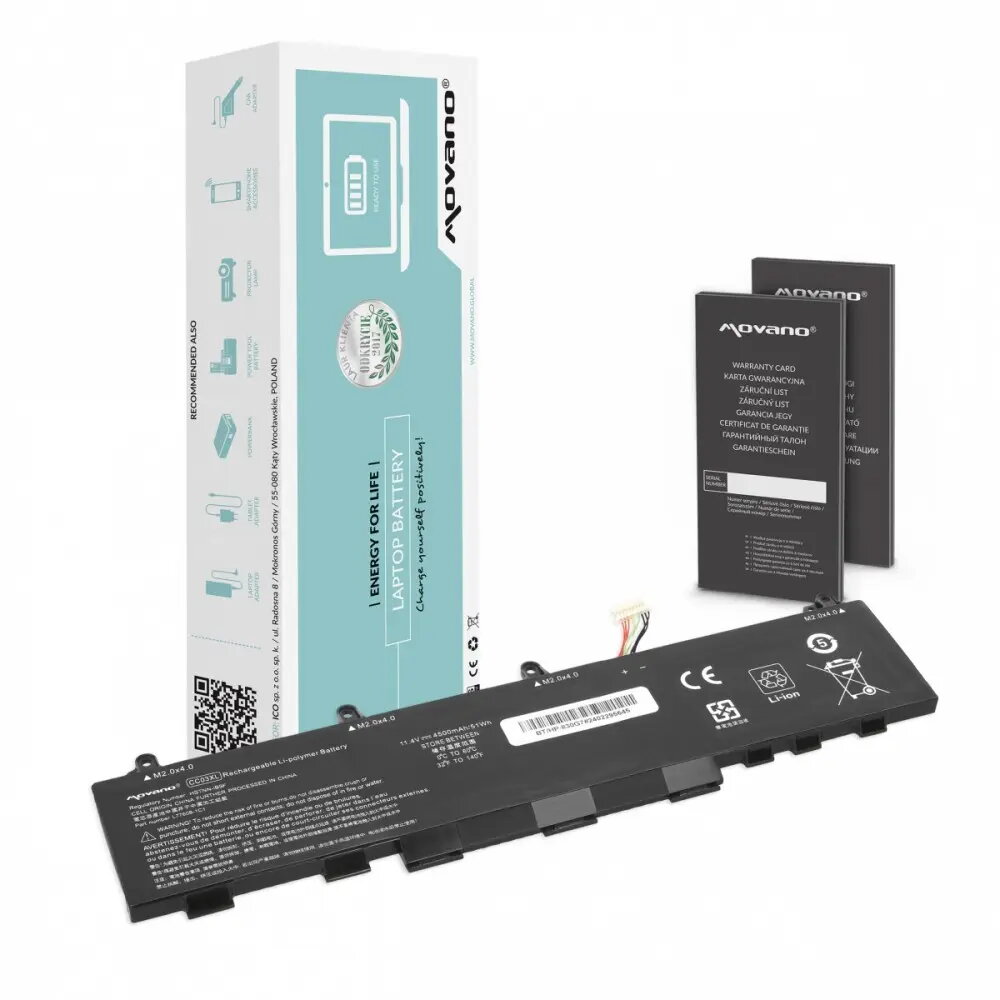
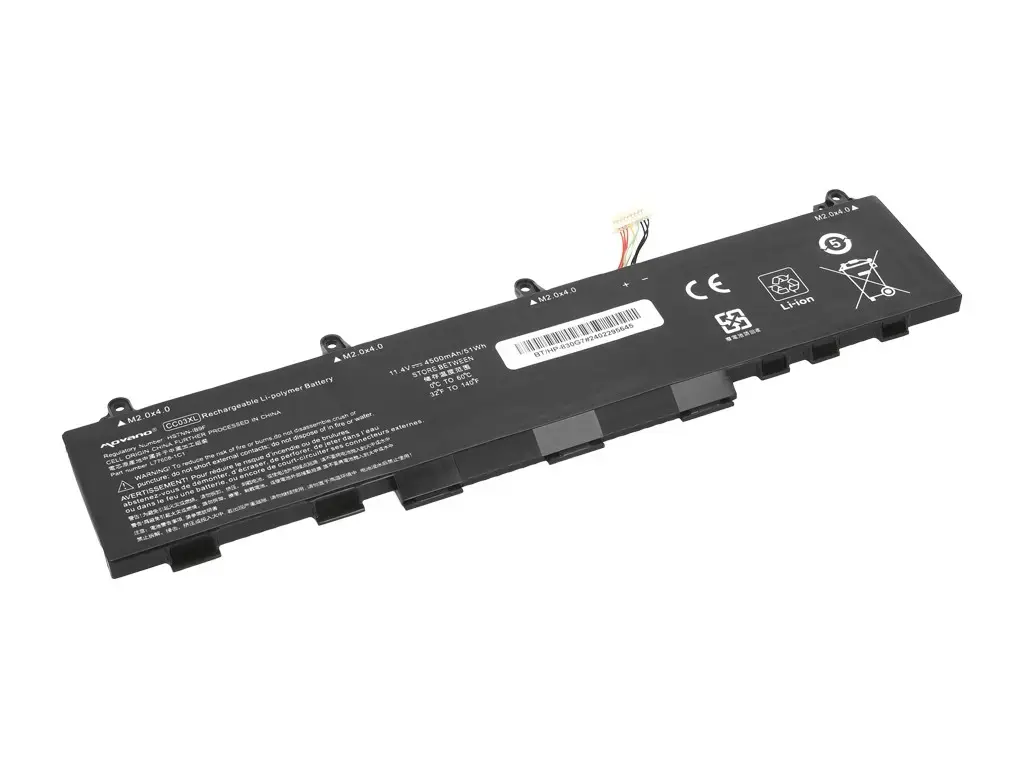
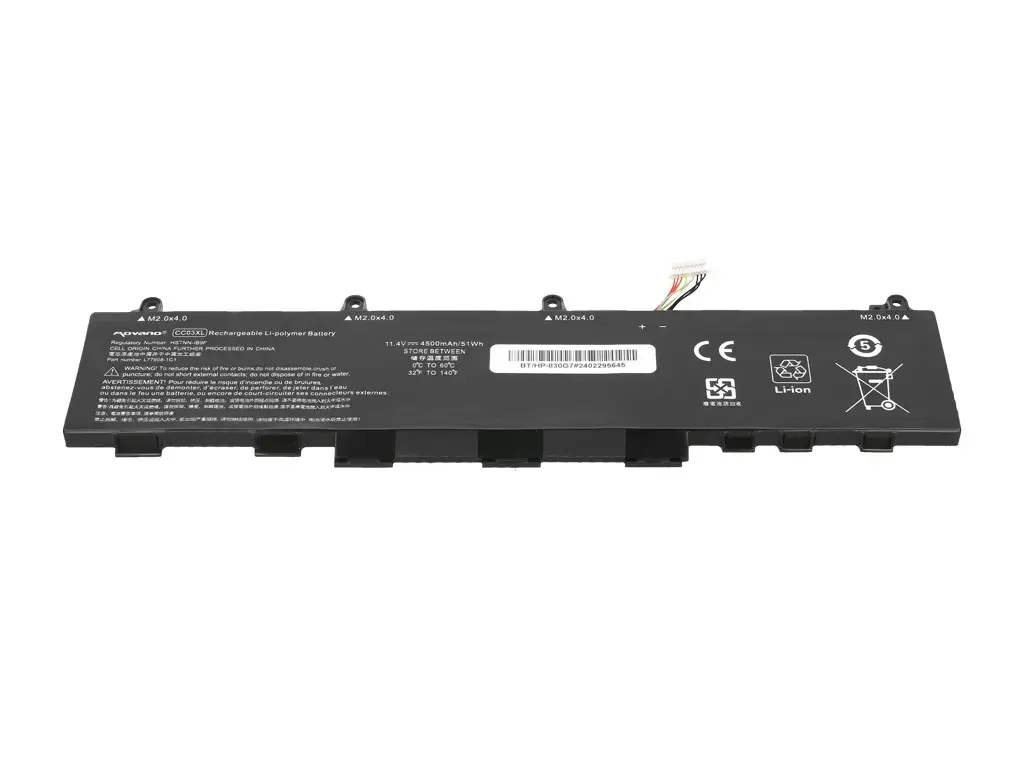
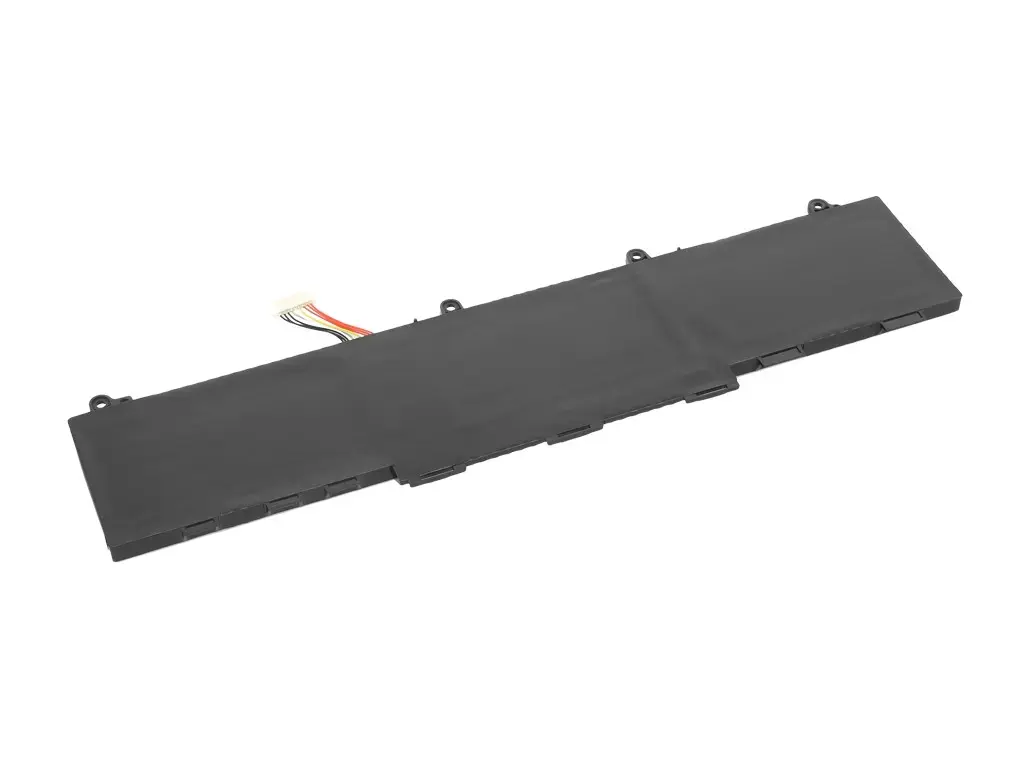
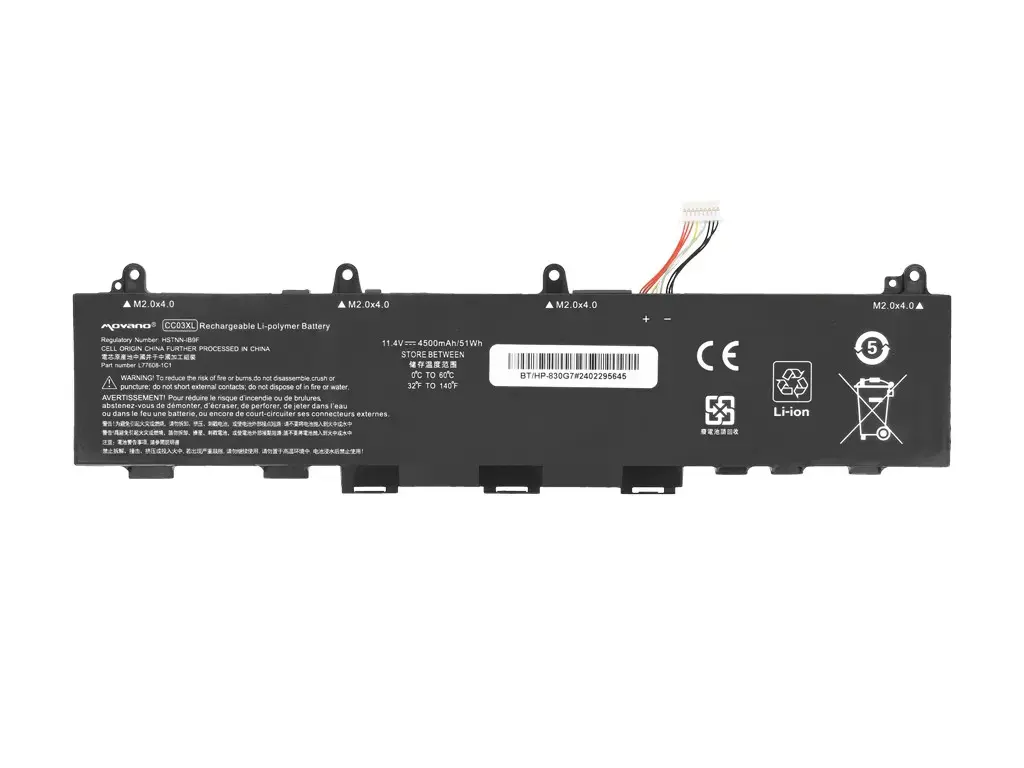
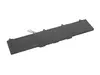
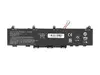
The Movano CC03XL laptop battery is a high-quality replacement power source specifically engineered for HP EliteBook 830 G7, 840 G7, 830 G8, 840 G8, and ZBook Firefly 14 G7/G8 series laptops. Designed to meet the rigorous demands of professional computing, this lithium-ion battery offers a capacity of 4500 mAh and 51 Wh, ensuring your device remains powered throughout your workday. It serves as a reliable alternative to the original manufacturer component, maintaining consistent performance and safety standards for your mobile workstation.
Advantages
This replacement battery provides a seamless fit for compatible HP laptop models, ensuring that installation is straightforward and that the device recognizes the power source immediately. By utilizing high-quality lithium-ion cells, the battery delivers stable voltage and reliable capacity, which helps in maintaining the overall efficiency of your laptop. It is an ideal solution for extending the operational life of your device without the need for frequent charging, allowing for greater mobility and productivity in various professional environments.
Suitable for
- HP EliteBook 830 G7 and 840 G7 laptops
- HP EliteBook 830 G8 and 840 G8 laptops
- HP ZBook Firefly 14 G7 and G8 series
- Users requiring a reliable replacement for a degraded original battery
When it may not be suitable
This battery is not compatible with laptop models outside of the specified HP EliteBook and ZBook Firefly series. Attempting to install this unit in an unsupported device may result in physical damage or electrical failure.
Key specifications
- Capacity: 4500 mAh
- Energy: 51 Wh
- Technology: Lithium-ion
- Compatibility: HP EliteBook 830/840 G7/G8 and ZBook Firefly 14 G7/G8
How to use
To install the battery, first power down your laptop and disconnect the power adapter. Open the bottom chassis of the laptop according to the manufacturer's service manual. Carefully disconnect the old battery connector from the motherboard and remove the securing screws. Place the new Movano CC03XL battery into the compartment, secure it with the screws, and reconnect the power cable. Once installed, close the chassis and charge the battery fully before the first use to ensure proper calibration.
What to consider before purchase
- Verify your specific laptop model number to ensure compatibility
- Check the physical dimensions and connector type of your current battery
- Ensure your laptop is powered off and disconnected from the mains before starting the replacement process
Usage recommendations
For optimal battery health, avoid letting the charge drop to zero percent frequently. Keep the laptop in a cool, dry environment and ensure that the device's ventilation remains unobstructed to prevent overheating, which can degrade battery performance over time.