JBL speakers and headphones for pure and deep sound!
In cart {{totalProductsCount}} item(s)
Your cart is empty
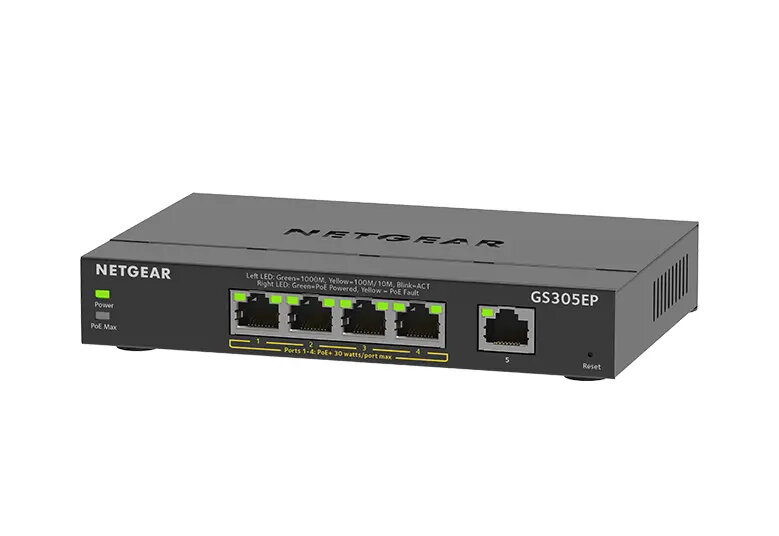
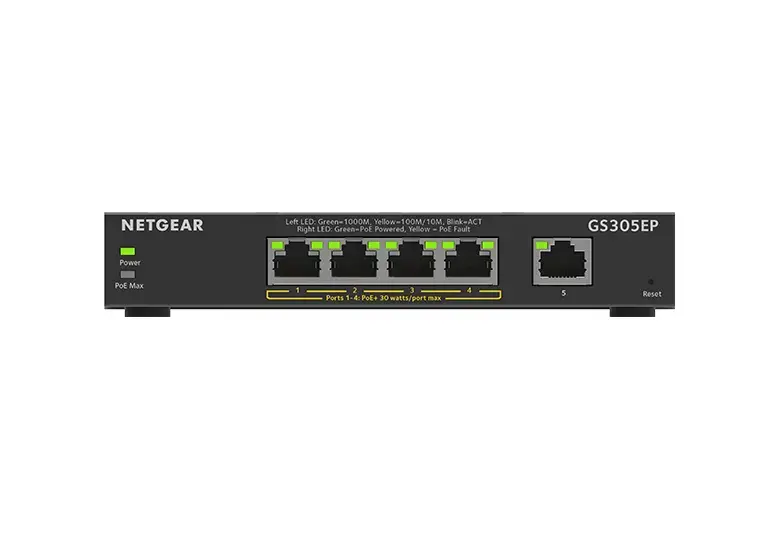
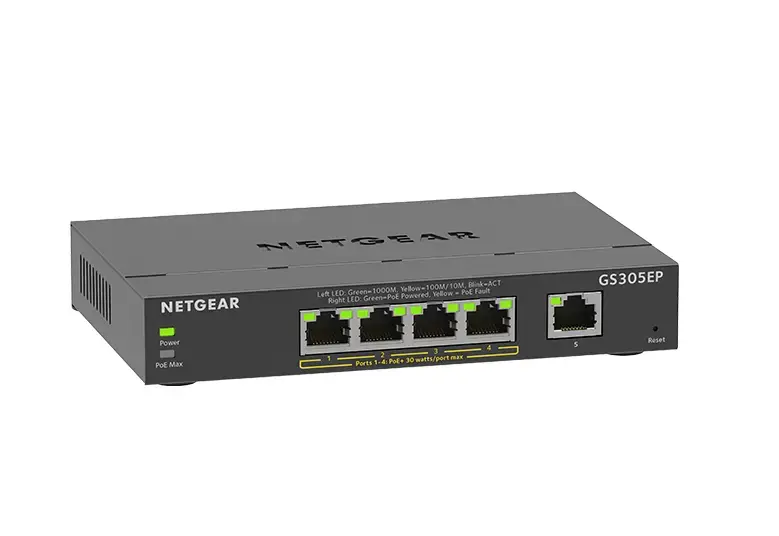
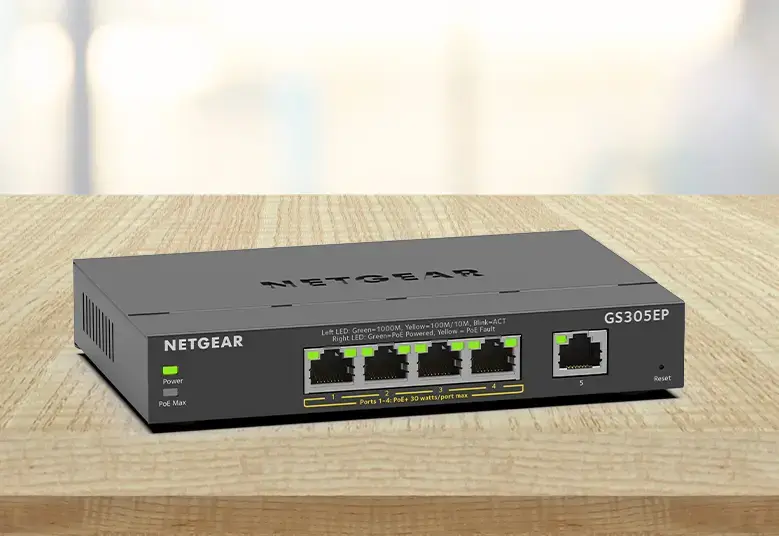
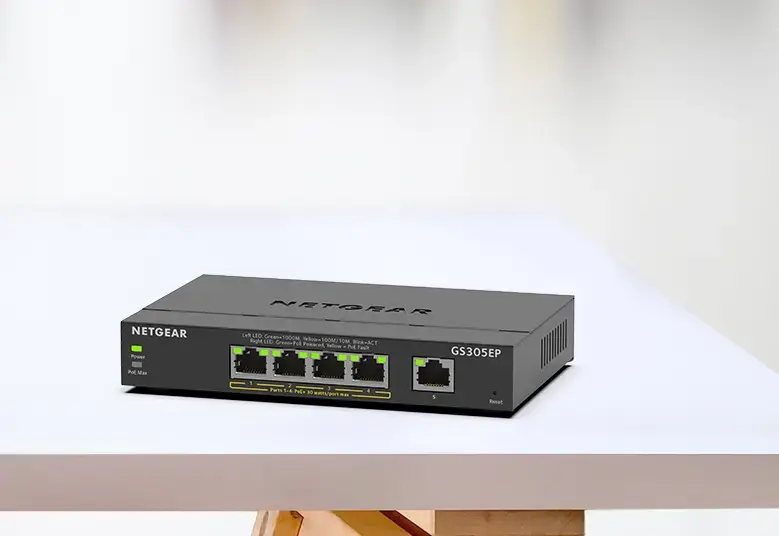
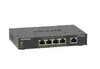
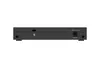
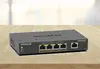
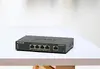
Netgear GS305EP Managed L3 Gigabit Ethernet Switch with 5 PoE+ Ports
The Netgear GS305EP is a managed L3 Gigabit Ethernet switch designed to provide reliable and efficient network connectivity for small to medium-sized businesses. Featuring 5 RJ-45 ports with Power over Ethernet (PoE+) support, this device allows for the simultaneous data transmission and power supply of connected hardware. With a robust switching capacity of 10 Gbit/s and a 4000-entry MAC address table, it ensures smooth traffic management and high performance for professional networking environments.
This switch offers significant flexibility through its advanced PoE controls, which include remote power cycling and power allocation overrides, ensuring that critical devices like security cameras and access points remain operational. The managed L3 functionality provides essential tools such as VLAN and Quality of Service (QoS) support, allowing administrators to prioritize traffic and segment the network for improved security and efficiency. Its compact, wall-mountable design makes it an ideal choice for installations where space is limited, while the intuitive web-based interface simplifies configuration and maintenance tasks.
This device is not designed for high-density enterprise environments that require 10G uplink speeds or extensive Layer 3 routing protocols beyond basic management. It may also be insufficient for setups requiring more than five simultaneous wired connections.
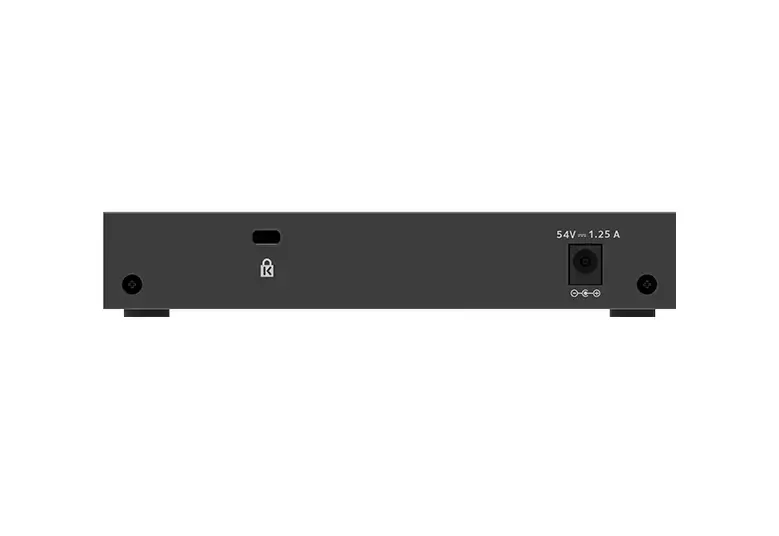
To use the Netgear GS305EP, connect the device to a power source using the included power supply and link it to your router or main network switch via one of the Ethernet ports. Once connected, access the web-based management interface through a browser to configure VLANs, QoS settings, and PoE power allocation for each port. Devices such as IP cameras or VoIP phones can then be plugged directly into the remaining ports to receive both data and power automatically.
Usage recommendations: Regularly update the switch firmware through the web interface to ensure optimal security and performance. Monitor the PoE power budget in the dashboard to prevent overloading the switch when adding new powered devices.
{{highlightedFeature.featureTitle}}:
{{getProductFeatureValueById(product, highlightedFeature.featureId)}}
{{ productComparisonGenerationError }}