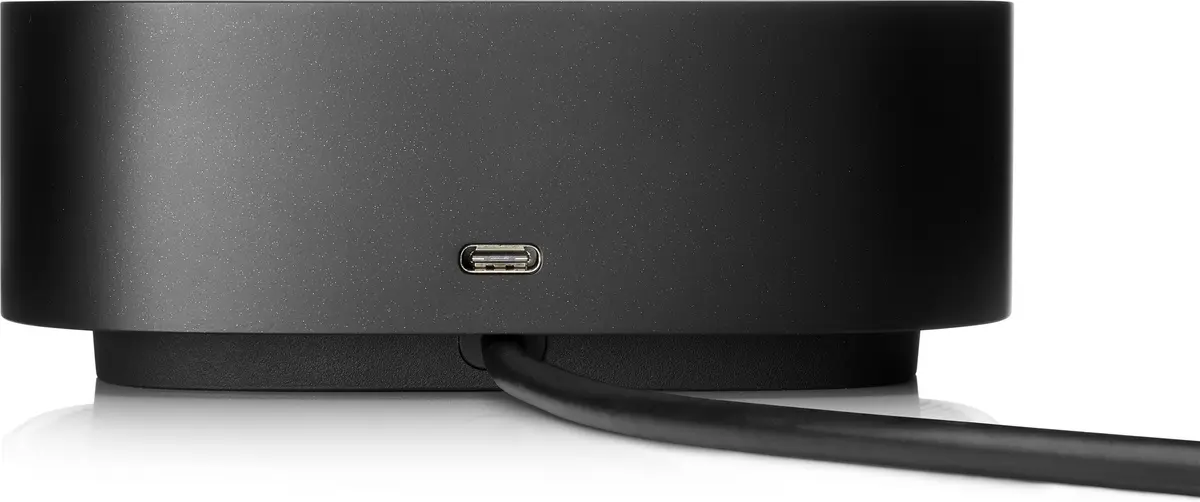
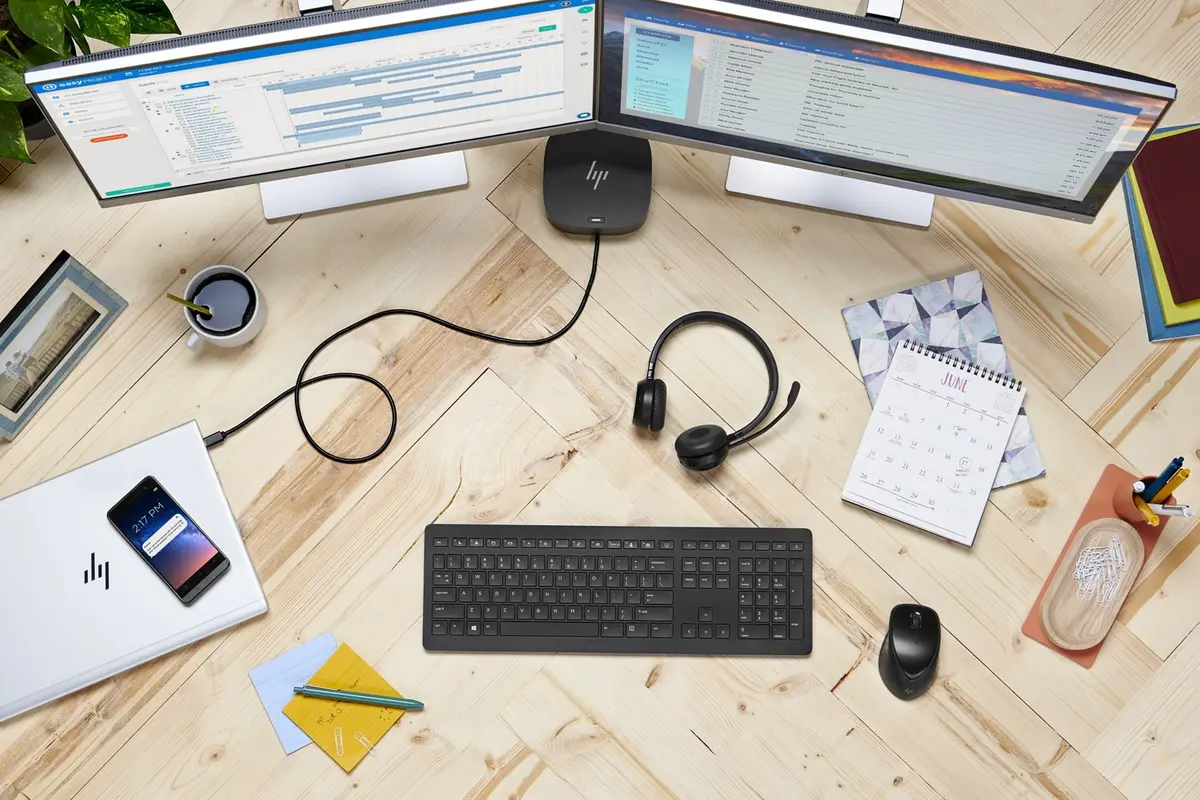
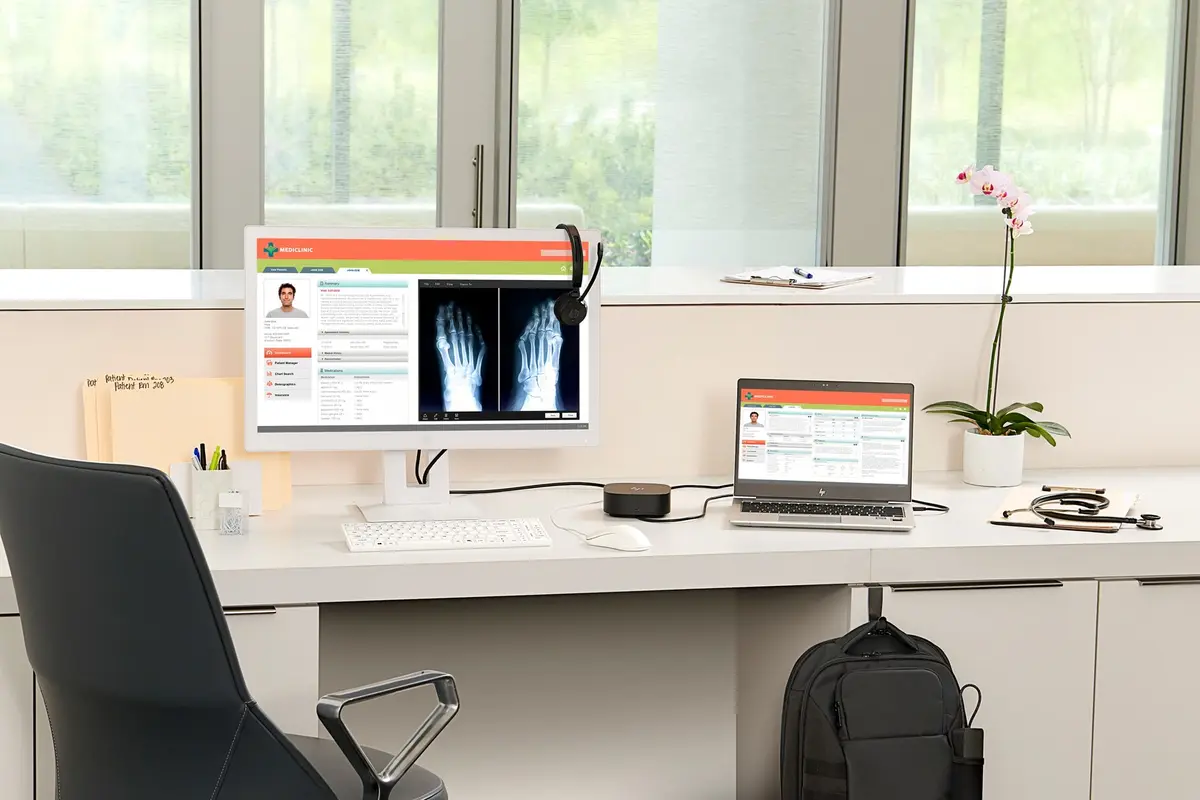
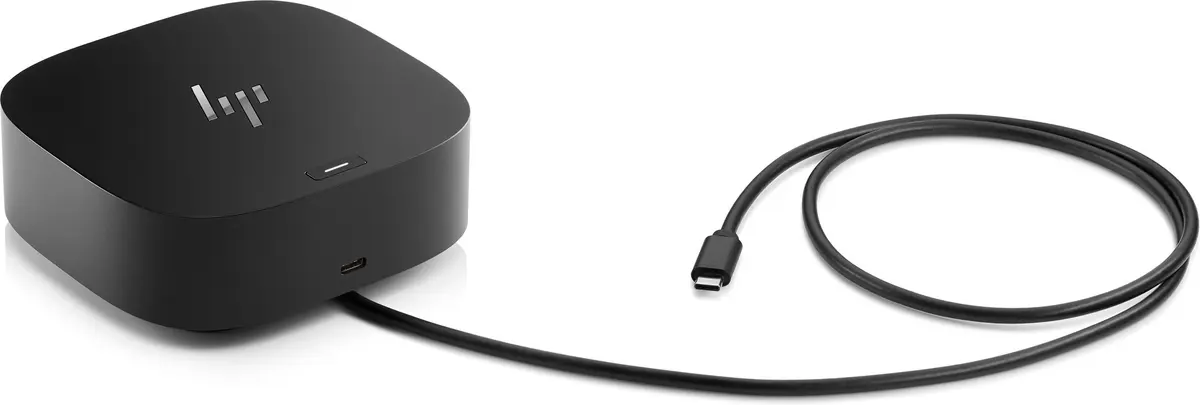
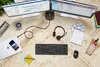
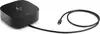
This product page focuses on the HP USB-C Dock G5 Wired Docking Station with 100 W Power Supply, compared against similar alternatives within the HP USB-C Dock G5 lineup. All of these devices are designed to streamline workspace connectivity by linking multiple peripherals, displays, and a wired network through a single cable, though they differ in power supply wattage and operating system compatibility.
⚙️ The specifications comparison covers host connection types, peripheral and display ports, power delivery capabilities, and operating system support to highlight practical differences between the models.
| Parameter | HP USB-C Dock G5 (100W) | HP USB-C Dock G5 (5TW10AA#ABB) | HP USB-C Dock G5 (MOBHP-STA0068) | HP USB-C Dock G5 (26D32AA#ABU) | HP USB-C Dock G5 (26D32AA) | HP USB-C Dock G5 (5TW10AA) | Practical Conclusion |
|---|
| Host Interface | Wired USB-C | Wired USB-C | Wired USB-C | Wired USB-C | Wired USB-C | Wired USB-C | All models share the same wired USB 3.2 Gen 1 Type-C connection standard for host notebooks. |
| USB Type-A Ports | 4x USB-A | 4x USB-A | 4x USB-A | 4x USB-A | 4x USB-A | 4x USB-A | Peripheral connectivity for mice, keyboards, and storage drives is identical across all versions. |
| Ethernet LAN | Yes (RJ-45) | Yes (RJ-45) | Yes (RJ-45) | Yes (RJ-45) | Yes (RJ-45) | Yes (RJ-45) | Reliable wired network integration is supported on every option. |
| Power Delivery | 100 W | 130 W | Not specified | Not specified | Not specified | 100 W | Higher-wattage versions (up to 130W) better support power-hungry mobile workstations, while 100W units suit standard laptops. |
| Supported OS | Windows, macOS, ChromeOS | Windows, ChromeOS | Windows, MacOS | Windows, MacOS | Windows, MacOS | Windows, ChromeOS | Selection depends on your operating system environment, with some variants tailored for Windows and macOS and others for ChromeOS. |
◎ Suitability and use-case evaluation helps determine which specific version fits your notebook requirements and working environment.
| Use Case | Recommended Product | Why |
|---|
| Standard office productivity with Windows and ChromeOS | HP USB-C Dock G5 (100W) | Provides adequate power delivery and full port connectivity for standard business laptops. |
| Higher-performance workstations requiring more power | HP USB-C Dock G5 (5TW10AA#ABB) | Delivers up to 130W of power, making it better suited for demanding laptops. |
| Integration with Apple macOS environments | Modifications with macOS support | Ensures compatibility with macOS operating systems for seamless daily use. |
Recommendation: The HP USB-C Dock G5 with a 100W power supply is an ideal, versatile choice for general business productivity across Windows, macOS, and ChromeOS devices. Select a specific model variation based on your laptop's power delivery requirements and operating system compatibility.