-
USB Type-C DisplayPort Alternate Mode:
-
Yes
-
Headphone outputs:
Number of sockets /ports where headphones are connected.
-
1
-
Microphone in:
The socket where a microphone is connected to the device.
-
No
-
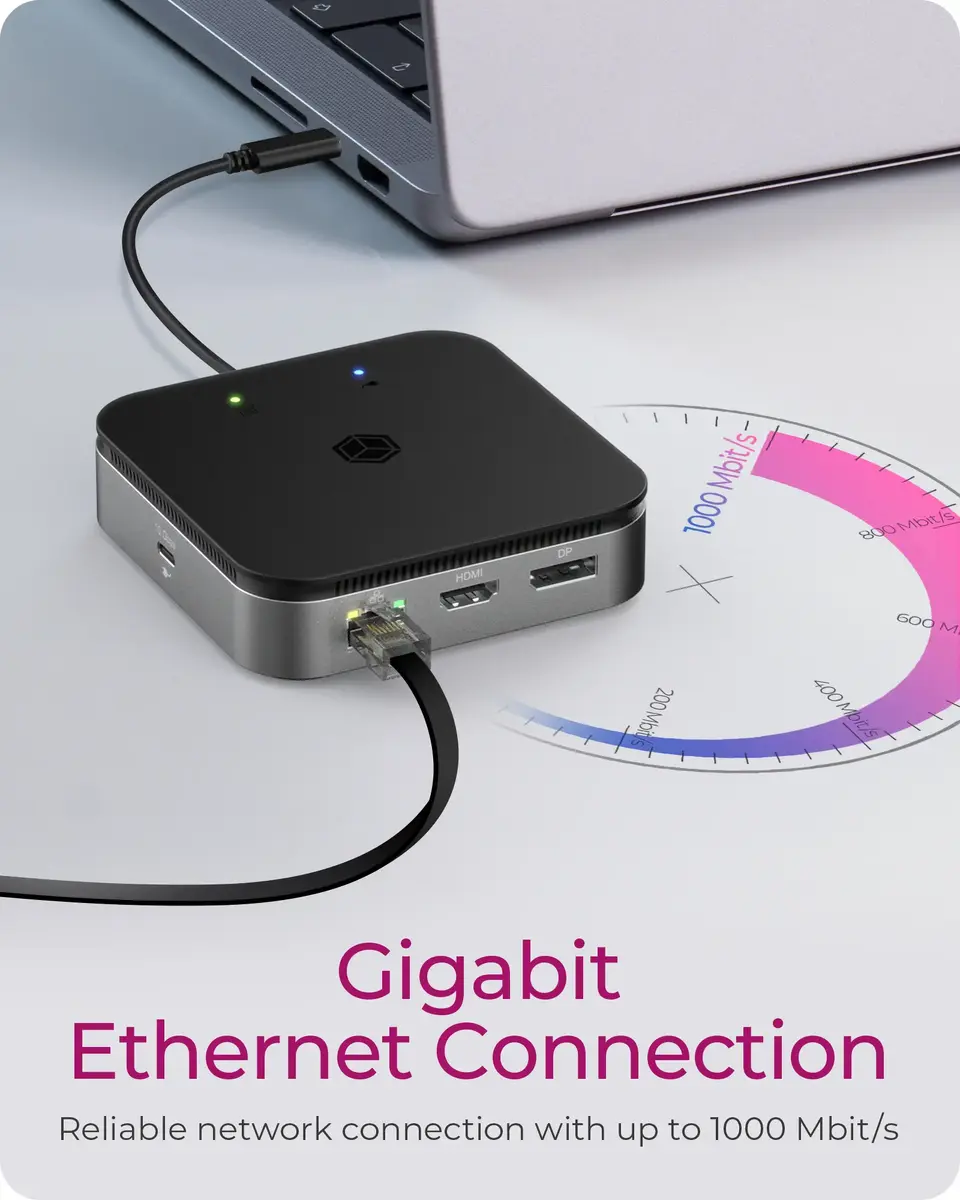
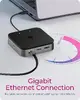
Ethernet LAN (RJ-45) ports:
Number of Ethernet LAN (RJ-45) ports (connecting interfaces) in the device. Ethernet LAN (RJ-45) ports allow a computer to connect to the ethernet.
-
1
-
Headphone connectivity:
How headphones connect to a device e.g. wirelessly or via a cable and connector.
-
3.5 mm
-
HDMI version:
-
2.1
-
HDMI ports quantity:
The number of sockets (ports) for HDMI connections. HDMI (High-Definition Multimedia Interface) is a compact audio/video interface for transferring uncompressed video data and compressed/uncompressed digital audio data from a HDMI-compliant device ("the source device") to a compatible computer monitor, video projector, digital television, or digital audio device. HDMI is a digital replacement for existing analog video standards.
-
1
-
Combo headphone/mic port:
-
Yes
-
DisplayPort version:
-
1.4
-
DisplayPorts quantity:
Number of DisplayPorts. A DisplayPort is a digital display interface developed by the Video Electronics Standards Association (VESA). The interface is primarily used to connect a video source to a display device such as a computer monitor, though it can also be used to carry audio, USB, and other forms of data.
-
1
-
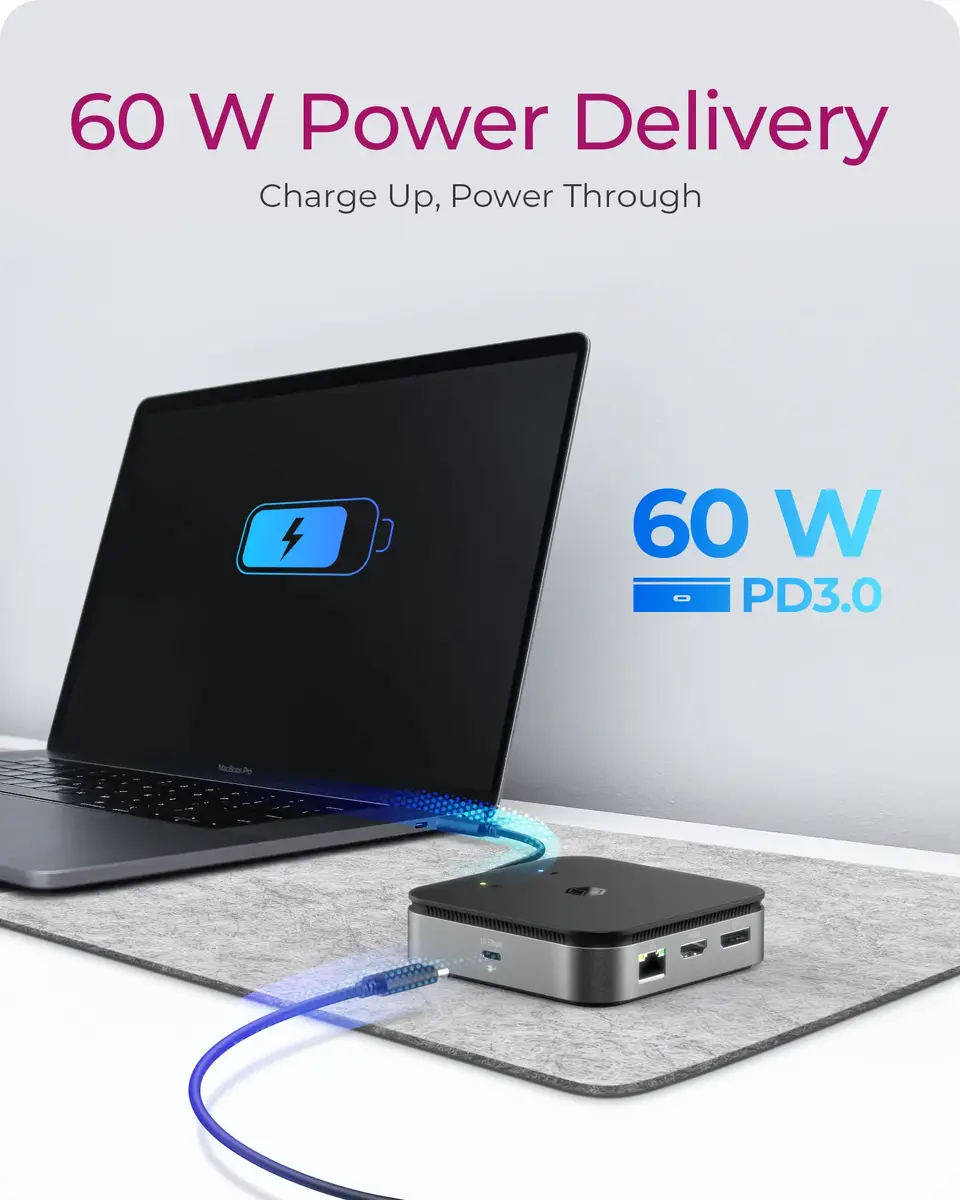
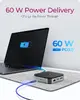
USB Power Delivery (USB PD):
-
Yes
-
USB Power Delivery revision:
-
3.0
-
USB Power Delivery up to:
-
60 W
-
USB 2.0 ports quantity:
Number of USB 2.0 ports (connecting interfaces) in the device. USB 2.0 was released in April 2000 (now called "Hi-Speed"), adding higher maximum signaling rate of 480 Mbit/s (effective throughput up to 35 MB/s or 280 Mbit/s), USB 2.0 ports are usually black.
-
0
-
USB 3.2 Gen 2 (3.1 Gen 2) Type-C ports quantity:
Number of USB 3.1 (3.1 Gen 2) ports with Type-C connector. USB 3.1 (3.1 Gen 2) is USB interface version which supports transfer rate up to 10 Gbit/s (SuperSpeed+). USB Type-C connector has symmetrical design architecture and compatible with Thunderbolt 3 interface.
-
1
-
USB 3.2 Gen 2 (3.1 Gen 2) Type-A ports quantity:
-
2
-
USB 3.2 Gen 1 (3.1 Gen 1) Type-A ports quantity:
-
0
-
Host interface:
Interface that enables a host controller to communicate with a driver.
-
USB4
-
Connectivity technology:
The technology that enables connectivity of the device, e.g. wired or wireless.
-
Wired