
Leave your address - as soon as the price of the product goes down, you'll know about it right away
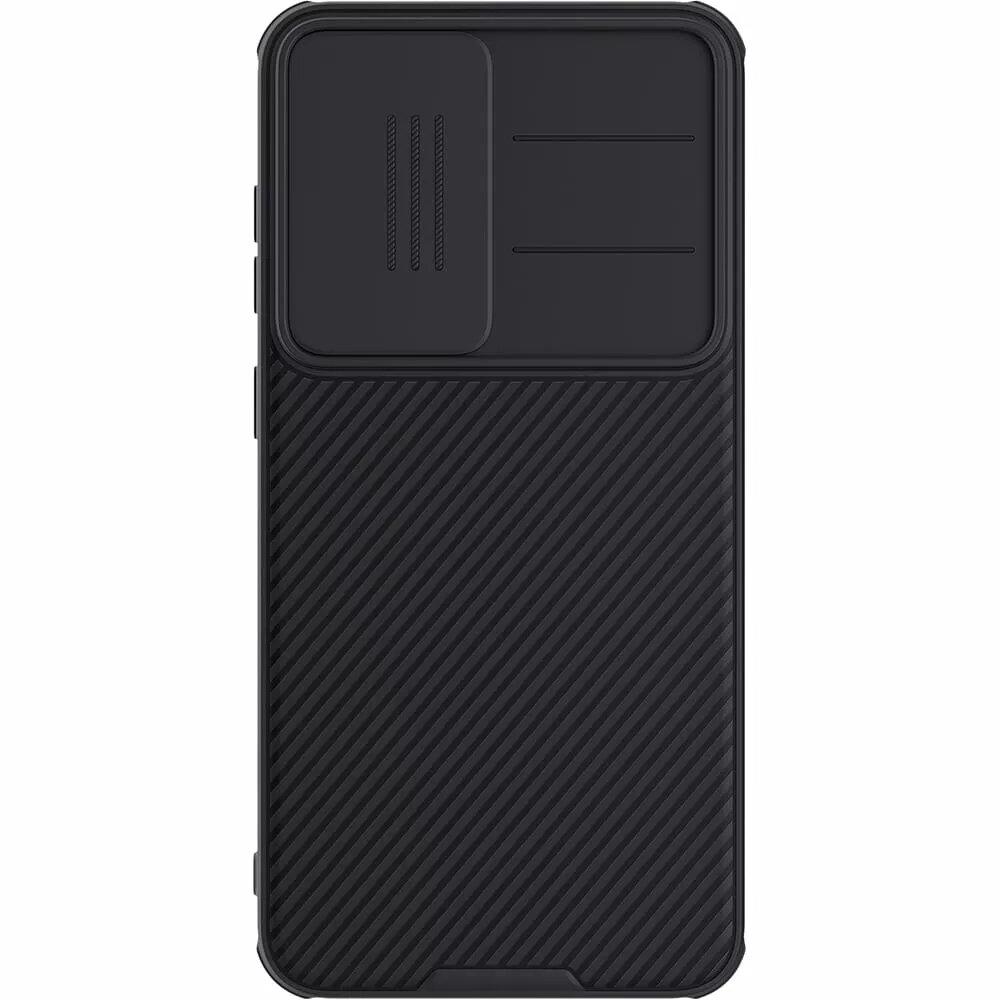
Back cover Nillkin CamShield PRO for Samsung Galaxy S25, magnetic, black
In cart {{totalProductsCount}} item(s)
Your cart is empty
Back cover Nillkin CamShield PRO for Samsung Galaxy S25, magnetic, black
Leave your address - as soon as the price of the product goes down, you'll know about it right away
Back cover Nillkin CamShield PRO for Samsung Galaxy S25, magnetic, black
The Nillkin CamShield PRO back cover for Samsung Galaxy S25 is a protective case engineered to safeguard the phone’s rear surface and camera module. Made to fit the Galaxy S25 precisely, the case has a built-in sliding camera cover that shields lenses when not in use while preserving full access to ports, buttons and charging connectors. Its magnetic design allows secure attachment to compatible magnetic mounts and accessories without affecting everyday handling. The slim profile maintains the phone’s ergonomics while adding reliable protection for everyday use and travel.
This black CamShield PRO cover offers a dedicated sliding camera shutter that protects camera lenses from scratches and dust when the camera is not active. The case is precisely cut to maintain unobstructed access to side buttons, speaker outlets and charging ports, and its magnetic compatibility ensures stable mounting on magnetic holders. The material provides impact resistance for the rear panel while keeping the overall thickness minimal to preserve pocketability and handling.
Align the case with the phone so that the camera module and side buttons match the cutouts, then press the phone into the cover until it snaps into place. Slide the integrated camera shutter over the lenses when the camera is not in use to protect them from dust and scratches. Attach the phone to magnetic mounts by aligning the case with the mount surface; ensure the mount is compatible with magnetic cases and that both surfaces are clean before mounting. Remove the case by gently prying from an edge and working around the perimeter to release the phone without forcing.
Regularly slide the camera cover closed during transport to minimize lens exposure. Clean the case and camera cover with a soft, lint-free cloth; avoid harsh solvents. Check that any magnetic mount is suitable for use with phone cases and follow the mount manufacturer's instructions to prevent unintended detachment.
{{highlightedFeature.featureTitle}}:
{{getProductFeatureValueById(product, highlightedFeature.featureId)}}