
Leave your address - as soon as the price of the product goes down, you'll know about it right away
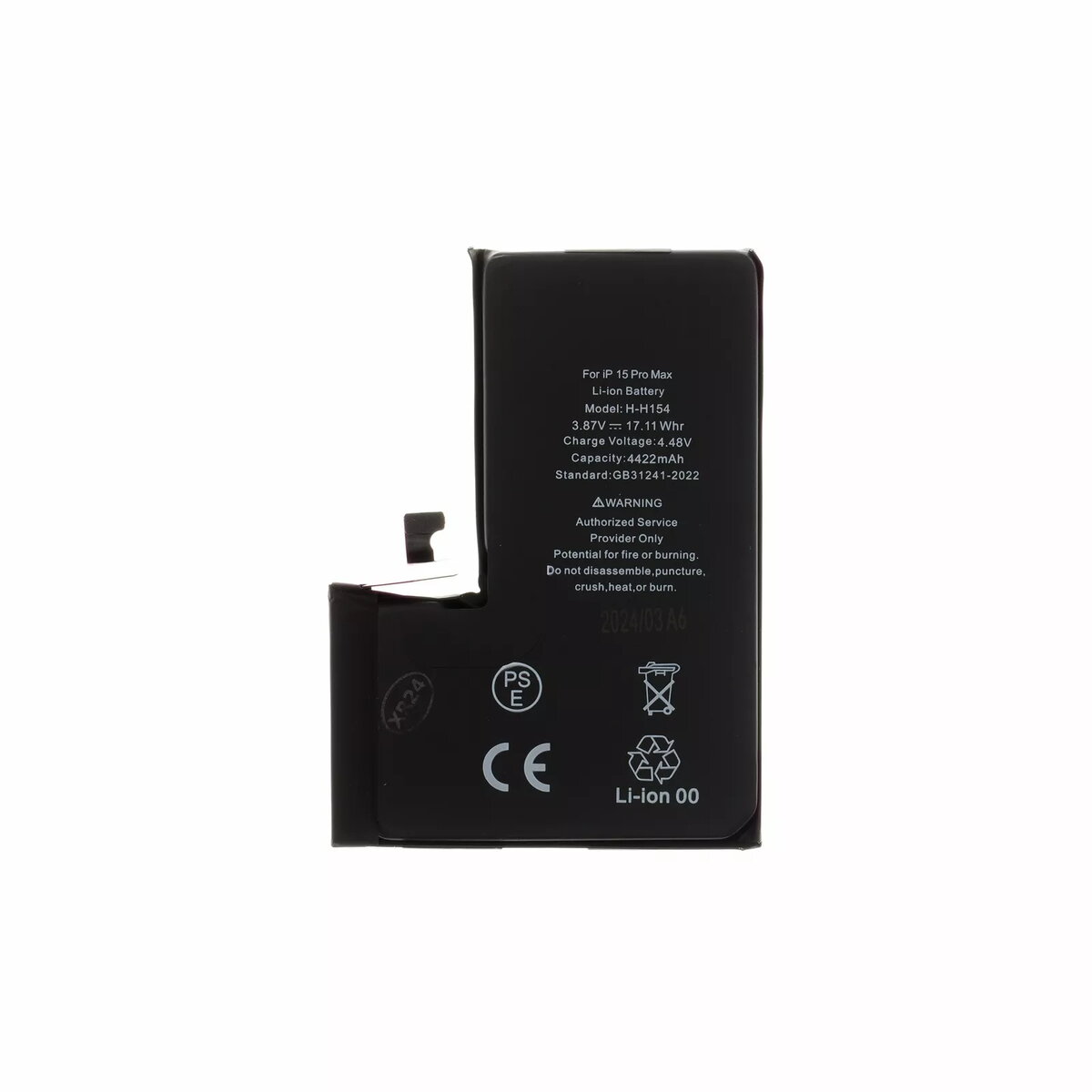
Battery for iPhone 15 Pro Max, 4422 mAh Li‑Ion replacement battery
In cart {{totalProductsCount}} item(s)
Your cart is empty
Battery for iPhone 15 Pro Max, 4422 mAh Li‑Ion replacement battery
Leave your address - as soon as the price of the product goes down, you'll know about it right away
Battery for iPhone 15 Pro Max, 4422 mAh Li‑Ion replacement battery
Replacement Li‑Ion battery for iPhone 15 Pro Max with a nominal capacity of 4422 mAh. This battery is designed to restore original runtime and support the phone's power management functions, enabling normal charging behavior and stable power delivery. It is intended for service or DIY replacement of a degraded or failing battery to improve daily battery life and reduce unexpected shutdowns. Installation requires compatible tools and basic repair skills; follow safety and device-specific disassembly procedures.
The 4422 mAh Li‑Ion cell offers capacity similar to the original factory battery to maintain comparable screen-on and standby times. It supports the phone's charging circuitry and power management to ensure proper charge acceptance and discharge behavior. The replacement battery reduces the frequency of recharging during typical use and helps prevent performance throttling caused by a weak battery. The design aims to fit the iPhone 15 Pro Max battery compartment and align with connector placement for straightforward installation by experienced users or technicians.
Power off the iPhone before beginning replacement. Use appropriate precision tools and an anti-static workspace. Carefully open the device following iPhone 15 Pro Max disassembly guidelines, disconnect the existing battery connector, and remove adhesive holding the old battery. Install the replacement battery by aligning the connector and securing the cell with appropriate adhesive strips designed for smartphone batteries. Reconnect the battery, reassemble the device, and perform a full charge cycle to calibrate the charge indicator. If uncertain, seek a professional repair service to avoid damage to the device or risk of injury.
Use only compatible tools and follow safety instructions for lithium‑ion batteries: avoid puncturing the cell, prevent short circuits, and dispose of the removed battery at an authorized recycling facility. After installation, monitor charging and temperature during the first few cycles to confirm normal operation.
{{highlightedFeature.featureTitle}}:
{{getProductFeatureValueById(product, highlightedFeature.featureId)}}