Leave your address - as soon as the price of the product goes down, you'll know about it right away
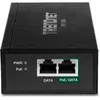
Trendnet TPE-119GI Gigabit Ethernet PoE Injector
In cart {{totalProductsCount}} item(s)
Your cart is empty
Trendnet TPE-119GI Gigabit Ethernet PoE Injector
Leave your address - as soon as the price of the product goes down, you'll know about it right away
Trendnet TPE-119GI Gigabit Ethernet PoE Injector
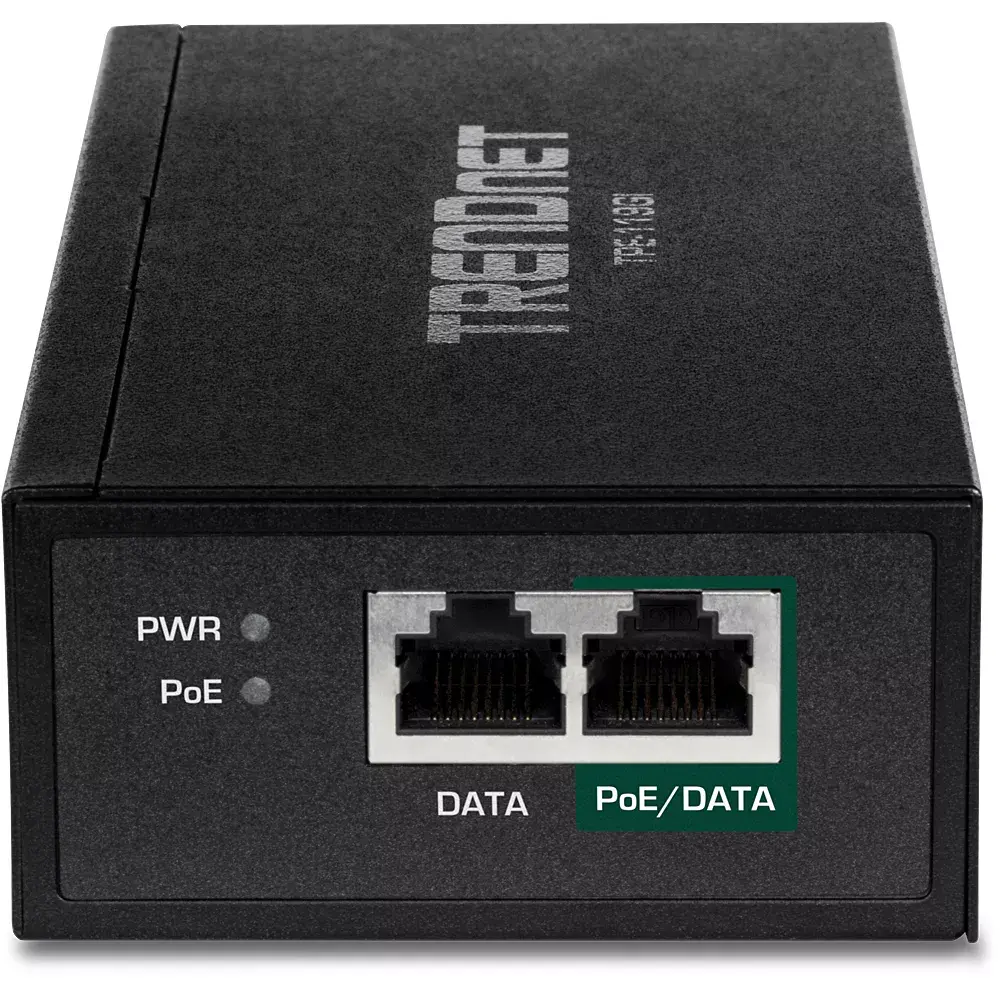
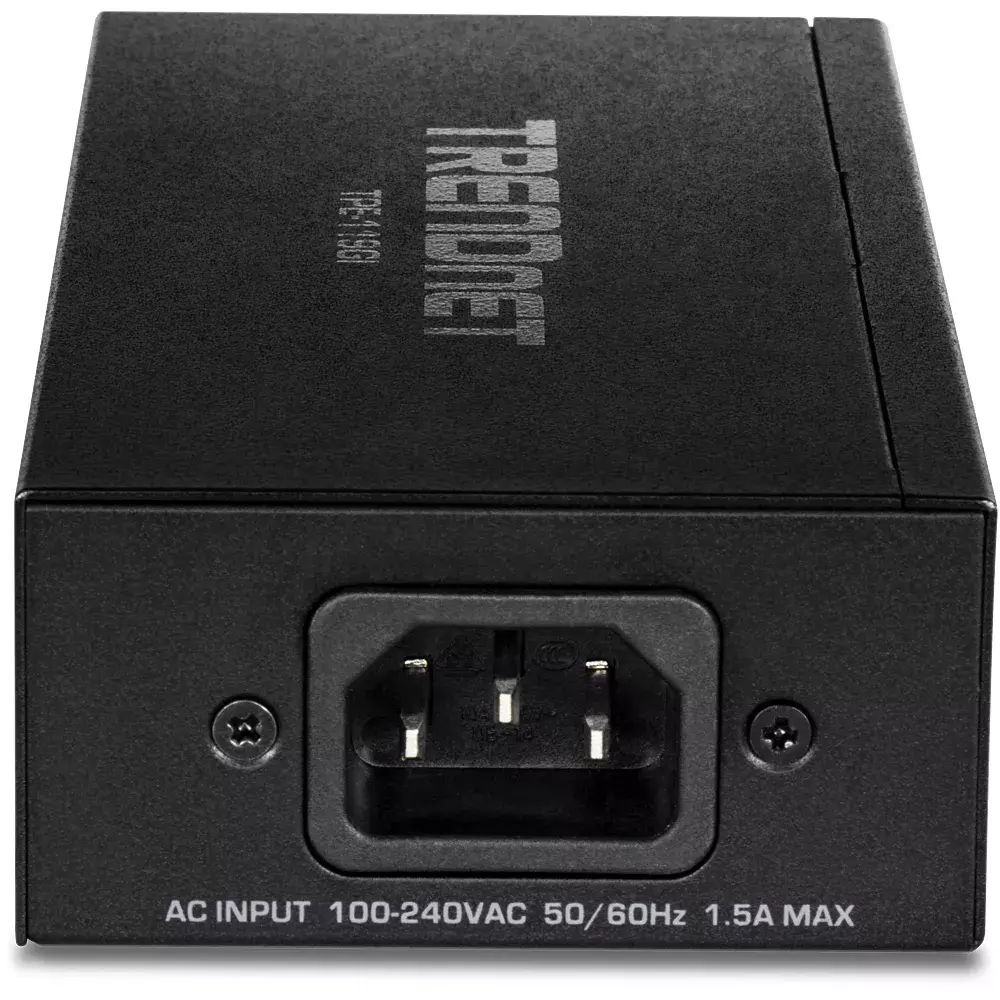
The Trendnet TPE-119GI Gigabit Ethernet PoE Injector is a high-performance networking solution designed to deliver both electrical power and data connectivity over a single Ethernet cable. By utilizing advanced auto-sensing technology, this device ensures that the correct wattage is supplied to connected equipment, supporting IEEE 802.3af, 802.3at, and 802.3bt standards. It effectively converts a standard non-PoE port into a high-powered 4PPoE Gigabit port, allowing for flexible network installations without the need for additional power outlets near the end device.
This injector offers significant versatility by supporting a wide range of power requirements, including PoE, PoE+, and 4PPoE up to 95W. Its integrated power supply eliminates the need for bulky external adapters, simplifying cable management and reducing installation complexity. The device maintains high-speed data transmission at 10, 100, and 1000 Mbit/s, ensuring that network performance remains unaffected while powering demanding hardware. Furthermore, its ability to extend network connectivity up to 100 meters provides great flexibility for positioning devices in optimal locations throughout a building.
This device may not be suitable for environments requiring power delivery beyond the 95W 4PPoE standard or for installations where the cable distance exceeds the 100-meter limit defined by Ethernet standards. It is also not intended for use in outdoor environments unless housed in a protective, weather-resistant enclosure.
To use the Trendnet TPE-119GI, connect your non-PoE network switch to the data input port of the injector using a standard Ethernet cable. Then, connect your PoE-enabled device to the output port using another Ethernet cable. Once the device is plugged into a standard AC power outlet, the integrated LED indicators will display the power and PoE status, confirming that the connection is active and the device is receiving power.
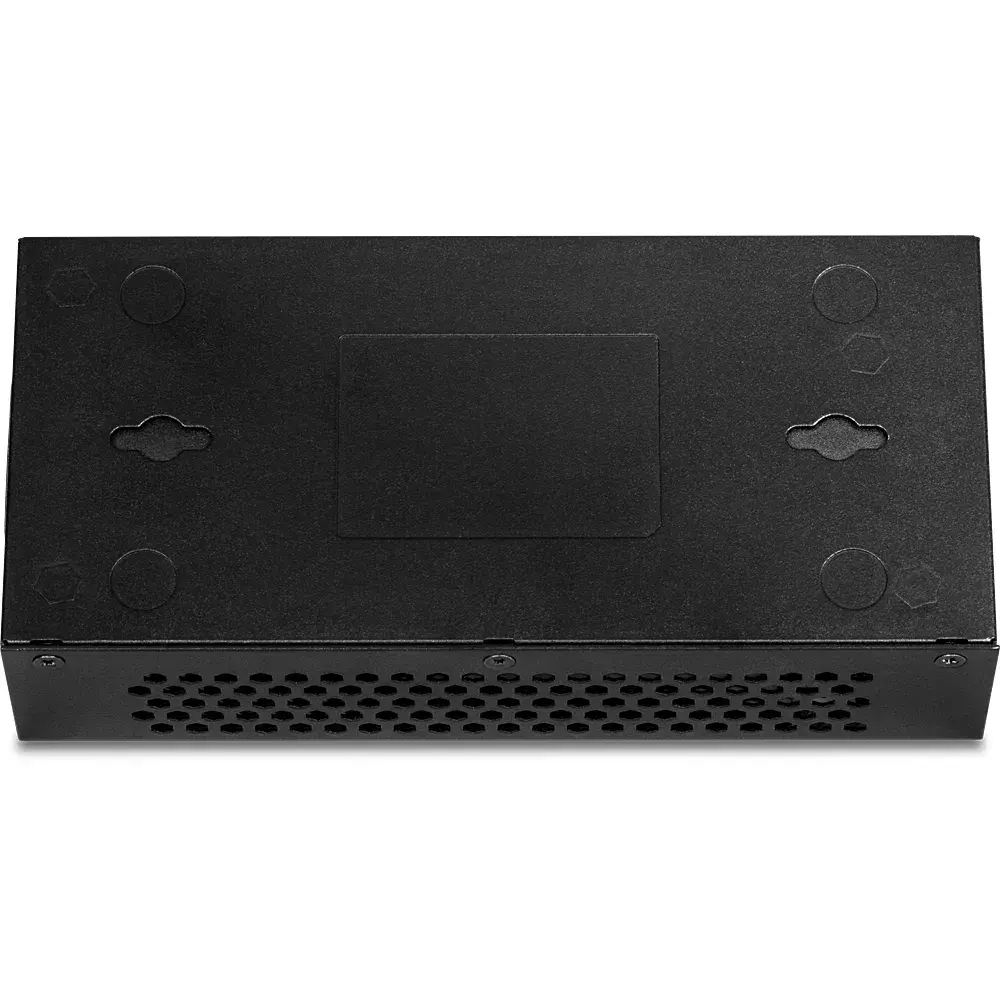
Usage recommendations: For optimal performance and safety, always use high-quality Cat5e or Cat6 Ethernet cables. Ensure the device is placed in a well-ventilated area to prevent overheating during continuous operation.
{{highlightedFeature.featureTitle}}:
{{getProductFeatureValueById(product, highlightedFeature.featureId)}}