Leave your address - as soon as the price of the product goes down, you'll know about it right away
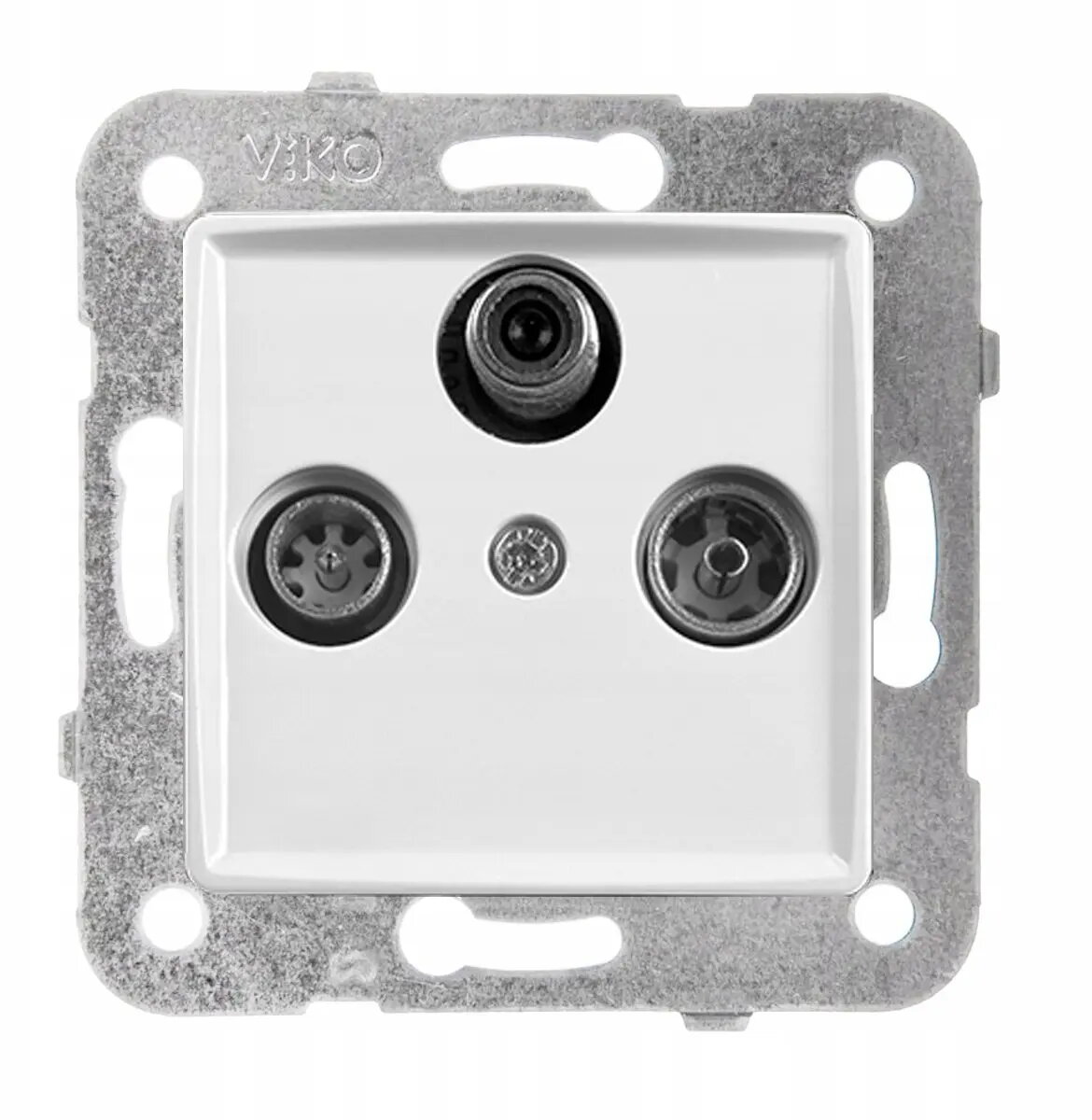
Panasonic LINNERA S RTV-SAT End Socket, Glossy White
In cart {{totalProductsCount}} item(s)
Your cart is empty
Panasonic LINNERA S RTV-SAT End Socket, Glossy White
Leave your address - as soon as the price of the product goes down, you'll know about it right away
Panasonic LINNERA S RTV-SAT End Socket, Glossy White
The Panasonic LINNERA S RTV-SAT end socket is a high-quality terminal connector designed for efficient television and satellite signal distribution. Featuring a sleek, glossy white finish, this socket integrates seamlessly into modern home multimedia systems, providing both aesthetic appeal and reliable performance. It is engineered for secure flush mounting, ensuring a clean, professional appearance on your walls while maintaining optimal signal integrity for your RTV and satellite equipment.
This end socket offers superior signal transmission quality, minimizing interference and ensuring a stable connection for your entertainment devices. The durable construction and high-quality materials used by Panasonic guarantee long-term reliability and resistance to wear. Its minimalist design with a glossy white finish complements various interior styles, making it a versatile choice for both residential and office environments. The flush-mount installation provides a tidy look, hiding wiring behind the wall surface for a clutter-free space.
This end socket is not designed for use with high-speed internet data cables or fiber optic connections. It is also unsuitable for outdoor installations or environments with high humidity, as it lacks specific weatherproofing features.
Installation should be performed by a qualified professional to ensure safety and signal quality. The socket is designed to be installed in a standard wall box. First, ensure the power is disconnected if working near electrical lines. Strip the coaxial cable, insert the inner conductor into the terminal, and secure the shielding to the grounding clamp. Once the connections are verified, mount the socket into the wall box and attach the faceplate.
For the best signal quality, ensure that coaxial cables are not bent at sharp angles during installation and that all connections are firmly tightened to prevent signal loss.
{{highlightedFeature.featureTitle}}:
{{getProductFeatureValueById(product, highlightedFeature.featureId)}}