Filters you can trust. Pure water every day.
In cart {{totalProductsCount}} item(s)
Your cart is empty
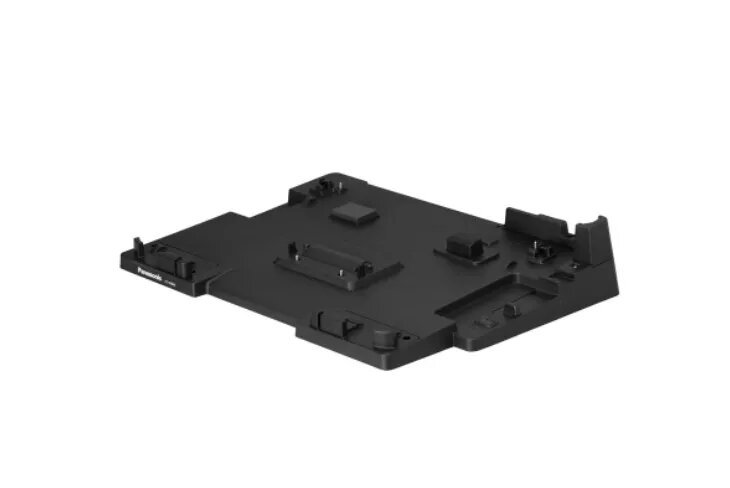
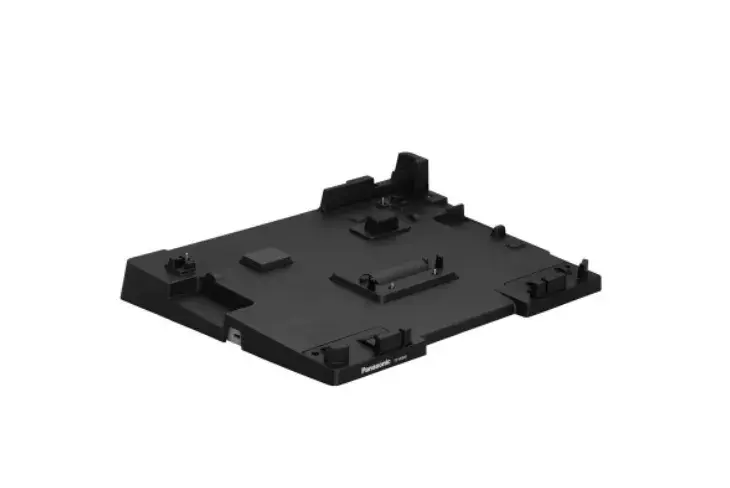
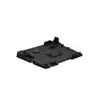
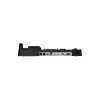
Docking Station Panasonic FZ-VEB401U Black AC Power Kensington Lock
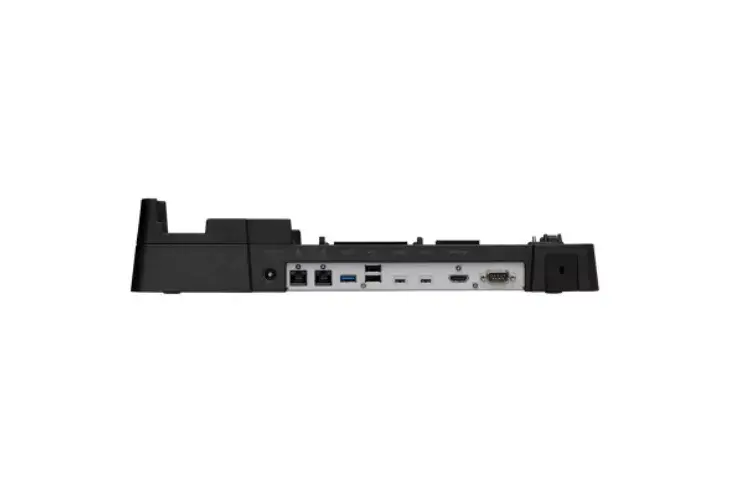
The Panasonic FZ-VEB401U is a black docking station designed to expand connectivity for compatible Panasonic TOUGHBOOK 40 laptops. It integrates AC power delivery, a Kensington lock slot for physical security, LED power indicators and a selection of ports to connect networking equipment, displays and peripherals while keeping a compact footprint.
The docking station offers dual Ethernet (RJ-45) ports for flexible wired networking, a full-size HDMI port for external displays, and a mix of USB ports including one USB 3.2 Gen 1 (Type-A) and two USB 2.0 ports for legacy and high-speed devices. Its AC power input supplies the laptop and connected peripherals, and the Kensington lock slot enables securing the unit in shared or public environments. LED indicators provide simple visual status of power.
Place the docking station on a stable surface and connect its AC power adapter to a mains outlet. Attach your Panasonic TOUGHBOOK 40 to the docking connector according to the laptop’s docking instructions. Connect external devices: plug network cables into the RJ-45 ports, connect a monitor to the HDMI port, and attach peripherals to the USB ports. Use the Kensington lock slot to secure the dock if required. Observe the LED indicators to confirm power status before using connected devices.
Use compatible AC adapter and docking procedure specified by Panasonic for the TOUGHBOOK 40. For reliable network performance, use quality Ethernet cables and, if using both LAN ports, ensure network settings on the connected laptop are configured to your IT requirements.
{{highlightedFeature.featureTitle}}:
{{getProductFeatureValueById(product, highlightedFeature.featureId)}}
{{ productComparisonGenerationError }}