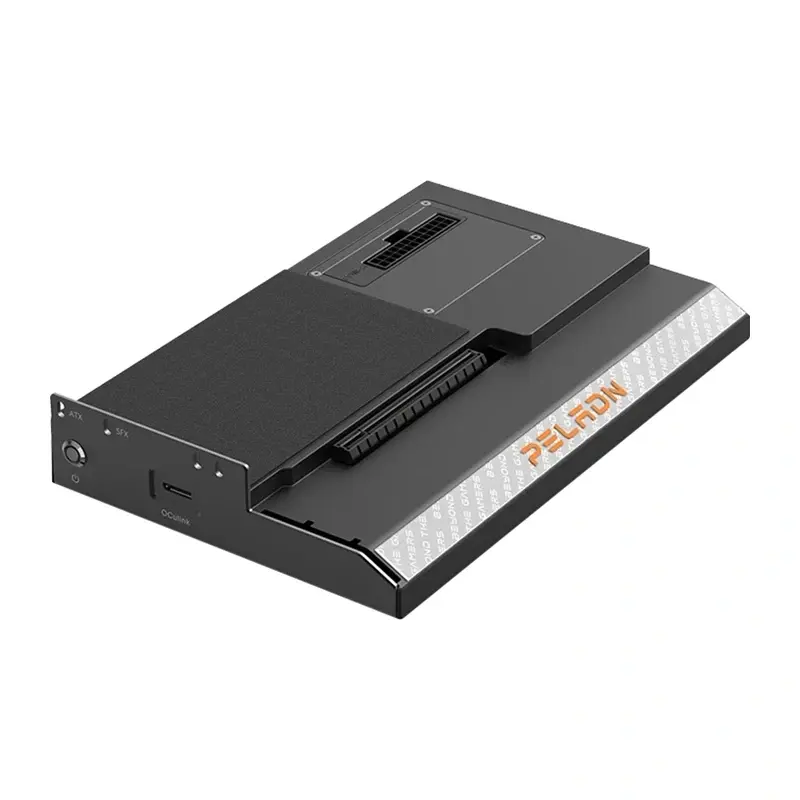
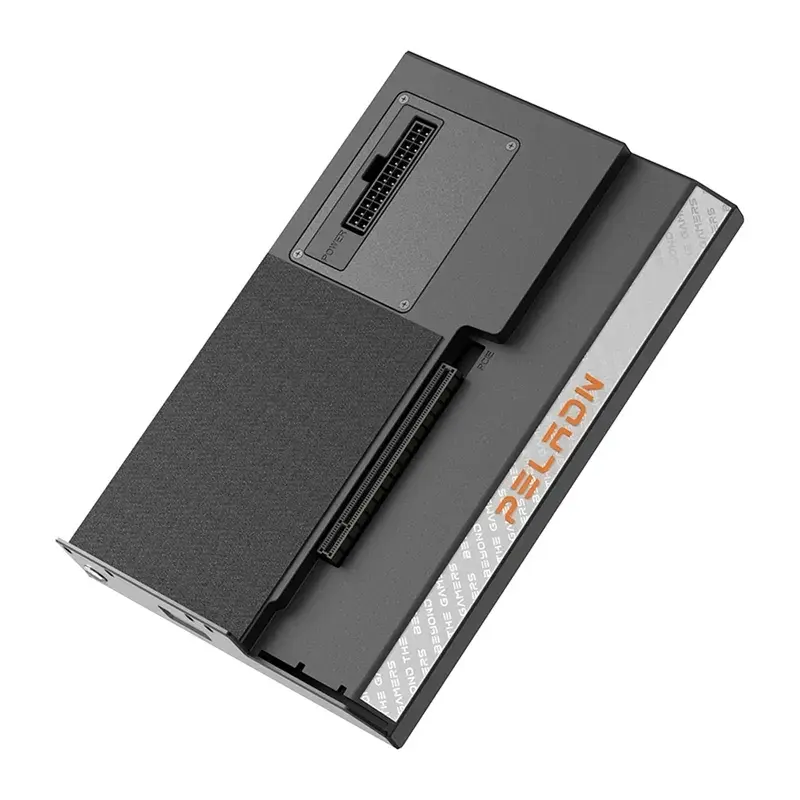
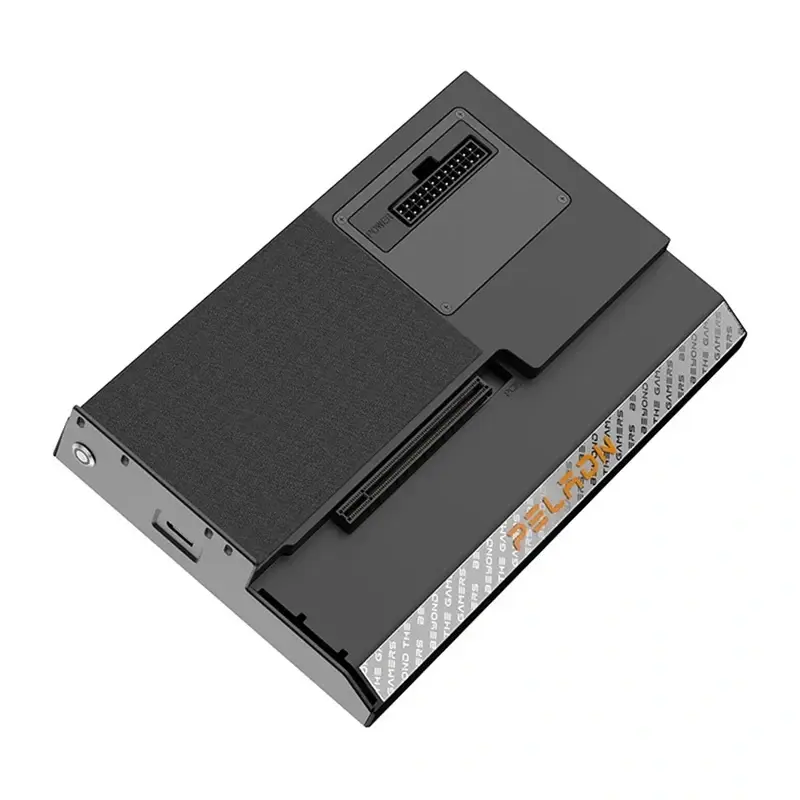
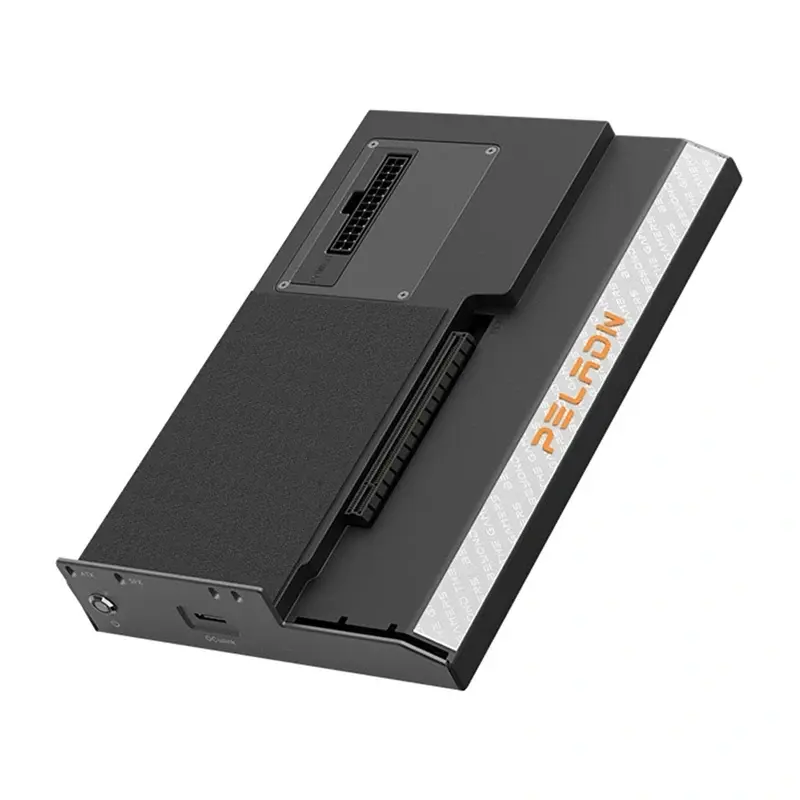
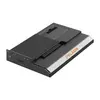
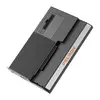
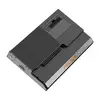
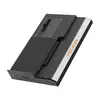
In this overview, the Peladn S-2 Oculink Docking Station is compared with alternative docking stations from the same manufacturer, such as the Peladn X-2 Thunderbolt 3 Docking Station, Peladn S-3 Thunderbolt 5 Docking Station, Peladn G2E Thunderbolt 5 Docking Station Silver, Peladn G2E Thunderbolt 5 Docking Station Gray, and Peladn S-1 Docking Station with Thunderbolt 3 Interface. While all these devices are designed to expand connectivity, the Peladn S-2 Oculink Docking Station stands out with its dedicated Oculink interface built for external GPU connectivity and high-speed data transfer, whereas the alternatives rely on Thunderbolt standards for universal laptop and workstation peripheral management.
⚙️ The specifications comparison below evaluates connection interfaces, primary use cases, hardware integration capabilities, and practical differences that determine the right choice for your setup.
| Comparison parameter | Peladn S-2 Oculink Docking Station | Peladn X-2 Thunderbolt 3 Docking Station | Peladn S-3 Thunderbolt 5 Docking Station | Peladn G2E Thunderbolt 5 Docking Station Silver | Peladn G2E Thunderbolt 5 Docking Station Gray | Peladn S-1 Docking Station with Thunderbolt 3 Interface | Practical significance |
|---|
| Connection interface | Oculink | Thunderbolt 3 | Thunderbolt 5 | Thunderbolt 5 | Thunderbolt 5 | Thunderbolt 3 | The Oculink interface on the Peladn S-2 Oculink Docking Station enables direct external graphics integration, whereas Thunderbolt alternatives cater to universal office and professional workstations. |
| Primary purpose | External graphics connectivity and high-speed data transfer | Peripheral expansion for laptops and workstations | High-bandwidth multi-periphery and multi-monitor connectivity | Display and fast storage integration for creative studios | Efficient peripheral management and multi-monitor setups | Streamlined laptop connectivity for monitors and storage | The Peladn S-2 Oculink Docking Station is built for demanding GPU-focused workflows, while the other models focus on general office and creative productivity. |
| Target environment | Systems with Oculink support | Laptops and workstations | Modern laptops and professional environments | Professional workstations and creative studios | Demanding computing setups and offices | Laptops requiring essential connectivity expansion | Your choice depends on whether your computer hardware supports an Oculink connection or standard Thunderbolt ports. |
◎ The suitability table below evaluates which product is most appropriate for different user needs, system requirements, and practical usage scenarios.
| Use case | Recommended product | Why |
|---|
| Integrating an external graphics card for high-performance computing | Peladn S-2 Oculink Docking Station | Utilizes the Oculink standard, which is specifically designed for efficient external graphics card connectivity and maximum data throughput. |
| Professional peripheral expansion via Thunderbolt 3 | Peladn X-2 Thunderbolt 3 Docking Station or Peladn S-1 Docking Station with Thunderbolt 3 Interface | Provides reliable interface expansion for laptops and workstations equipped with Thunderbolt 3 ports. |
| Multi-monitor setups and high-bandwidth device integration | Peladn S-3 Thunderbolt 5 Docking Station, Peladn G2E Thunderbolt 5 Docking Station Silver, or Peladn G2E Thunderbolt 5 Docking Station Gray | Features the advanced Thunderbolt 5 interface to simultaneously connect multiple displays, fast storage, and peripherals. |
Choosing between the Peladn S-2 Oculink Docking Station and the alternative models depends on your hardware ecosystem: if you require specialized external graphics connectivity via the Oculink standard, then the Peladn S-2 Oculink Docking Station is the ideal choice, whereas standard workstations, multi-monitor configurations, and general peripheral management are better served by the Thunderbolt series.