Save time and money with our discounts!
In cart {{totalProductsCount}} item(s)
Your cart is empty
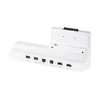
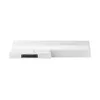
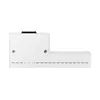
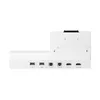
Docking Station Samsung CY-TF65BRC
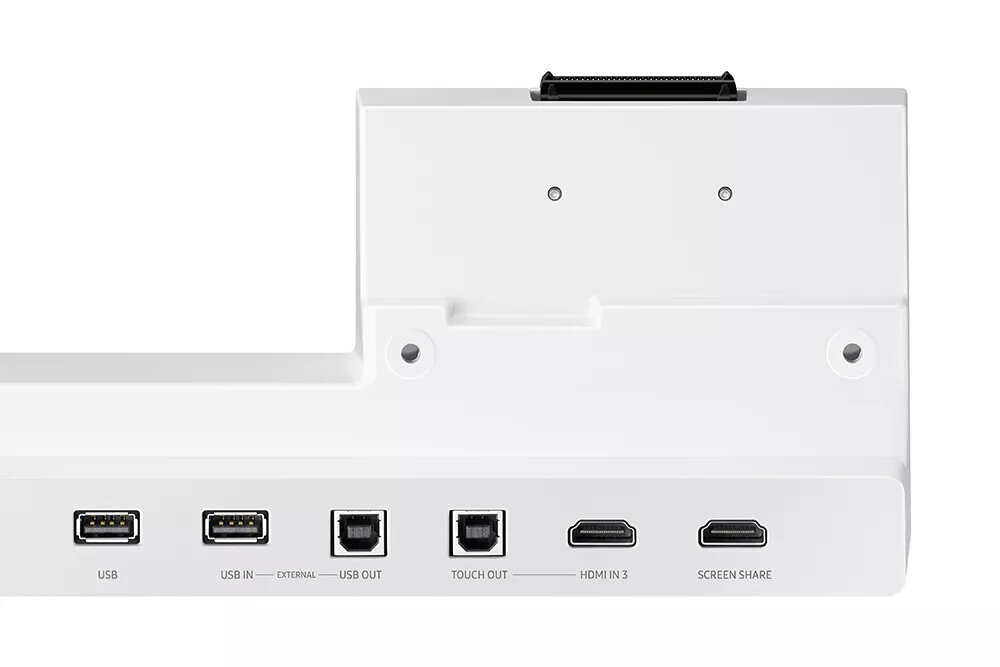
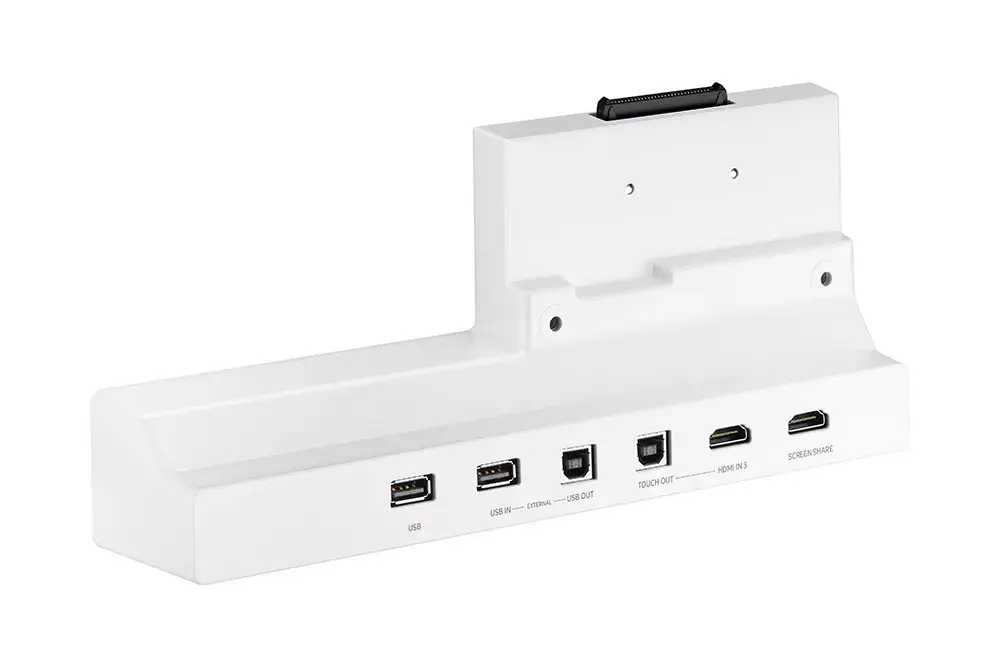
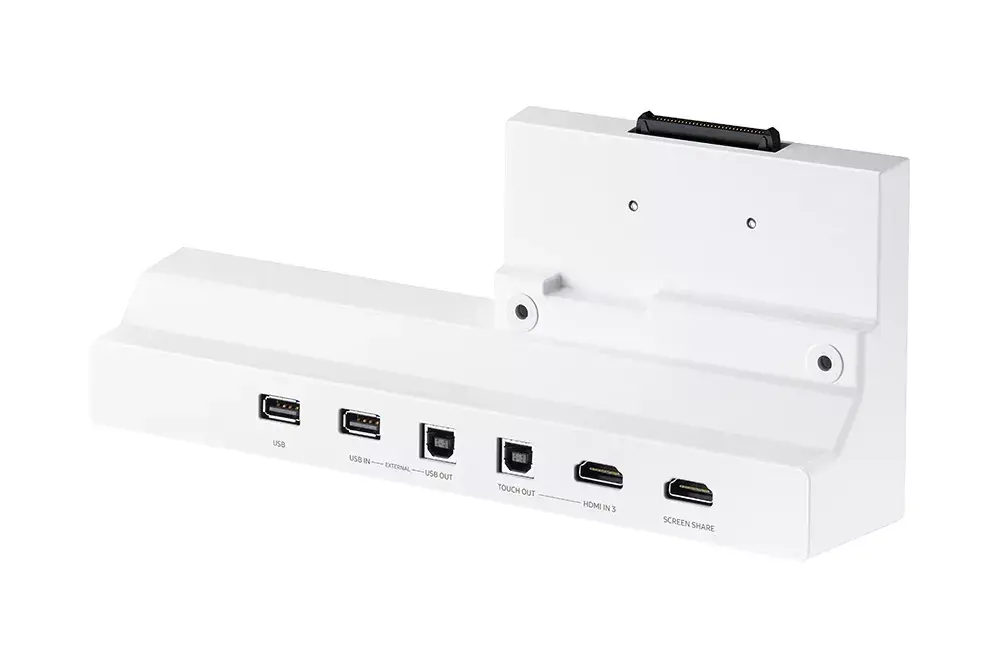
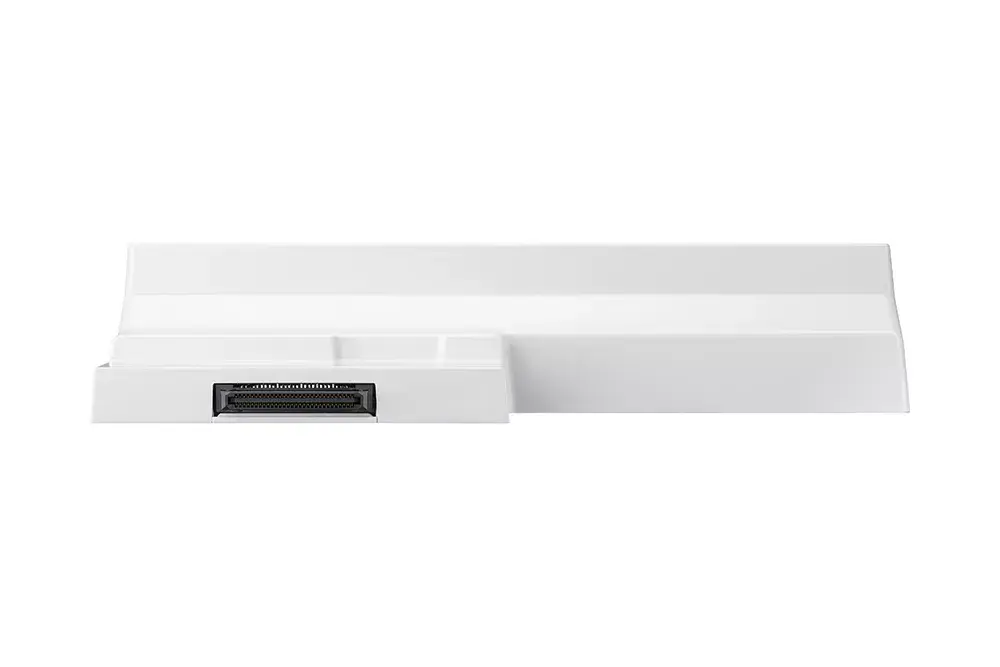
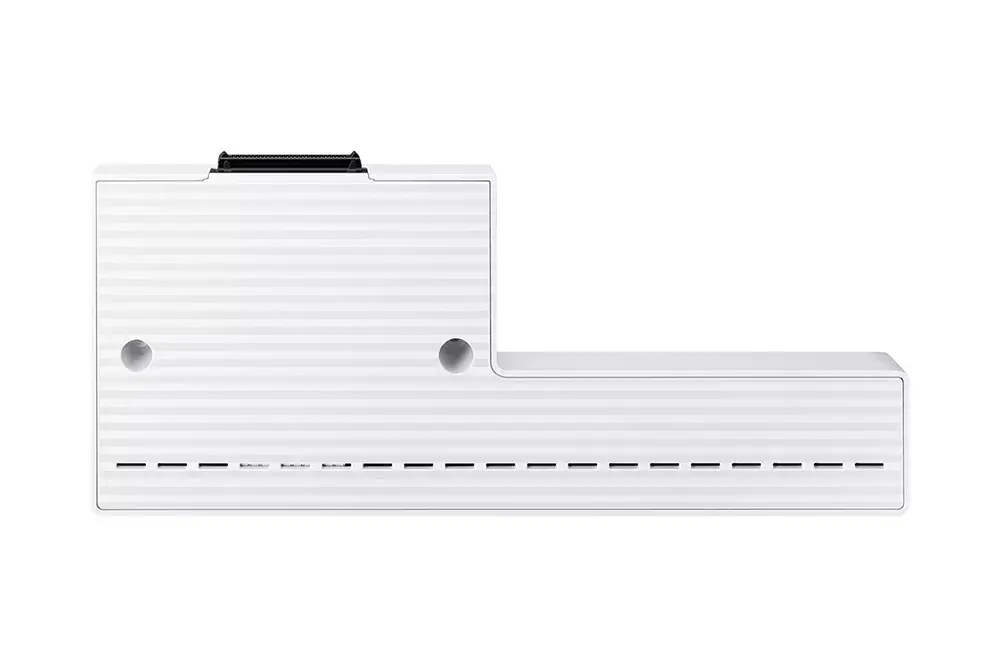
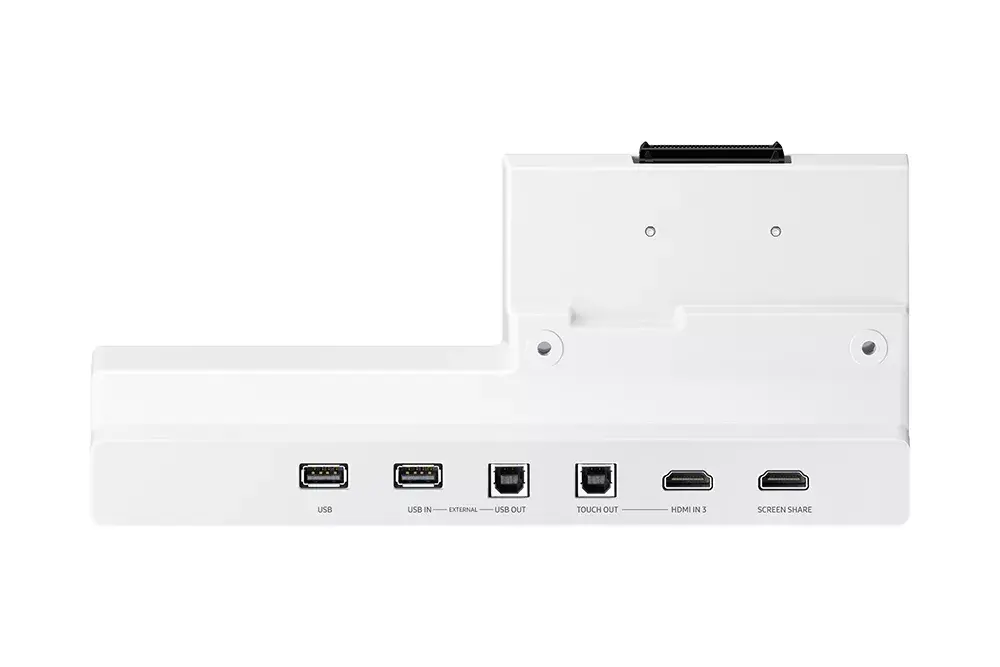
The Samsung CY-TF65BRC is an optional connectivity tray designed for the Flip 2 series. This compact white docking station provides a simple way to extend a laptop's ports with HDMI, USB 2.0 and USB Type-B connections, while keeping a small footprint suitable for desktops and flexible workspaces.
The dock offers a compact form factor (269.8 mm × 56.9 mm × 111.3 mm) and lightweight construction (0.5 kg), allowing easy placement and transport. Built-in HDMI and USB ports expand display and peripheral connectivity without requiring additional adapters. The white finish integrates unobtrusively into most office environments.
Place the docking station on a stable surface and connect it to the Flip 2 device using the compatible connector or cable. Attach an external monitor to the HDMI port and connect peripherals such as a keyboard, mouse or storage device to the USB 2.0 ports. Ensure cables are firmly seated before powering on connected devices. Follow the Flip 2 user manual for any device-specific docking instructions.
Use the CY-TF65BRC on a flat, well-ventilated surface and avoid placing heavy objects on top. For best performance with external displays, use certified HDMI cables and check that the connected laptop supports the intended display resolution via the dock.
{{highlightedFeature.featureTitle}}:
{{getProductFeatureValueById(product, highlightedFeature.featureId)}}
{{ productComparisonGenerationError }}