Hurry and order now – up to 50% off!
In cart {{totalProductsCount}} item(s)
Your cart is empty
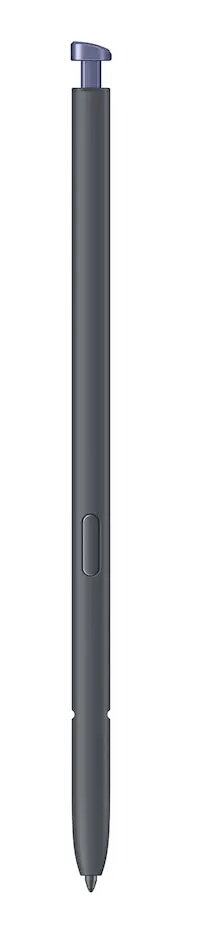
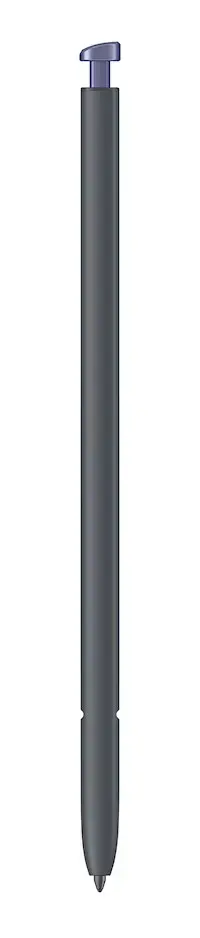
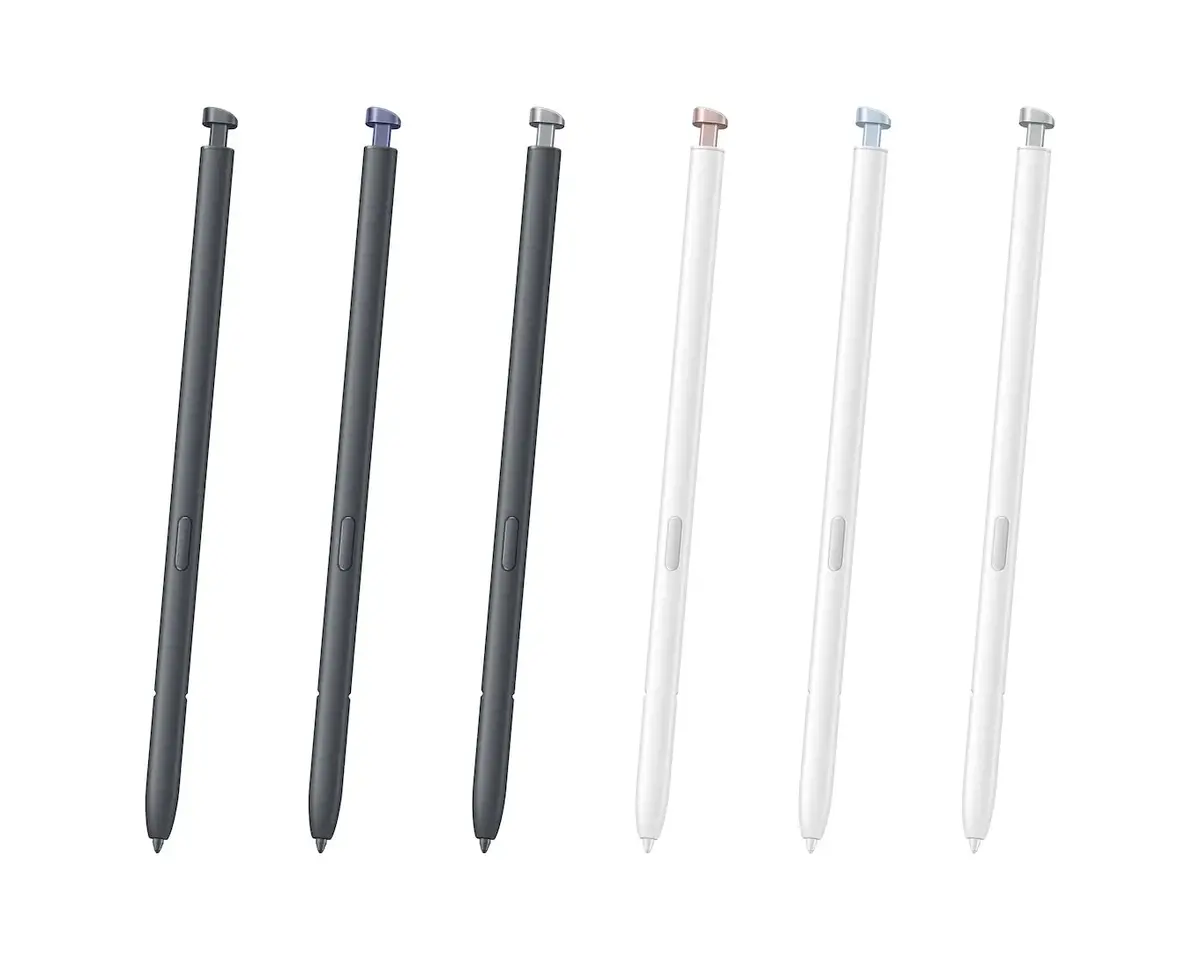
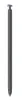
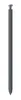
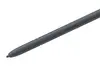
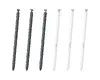
Stylus pen Samsung Galaxy S26 Ultra S Pen — compatible with Samsung smartphones, Black/Violet, 1 pc
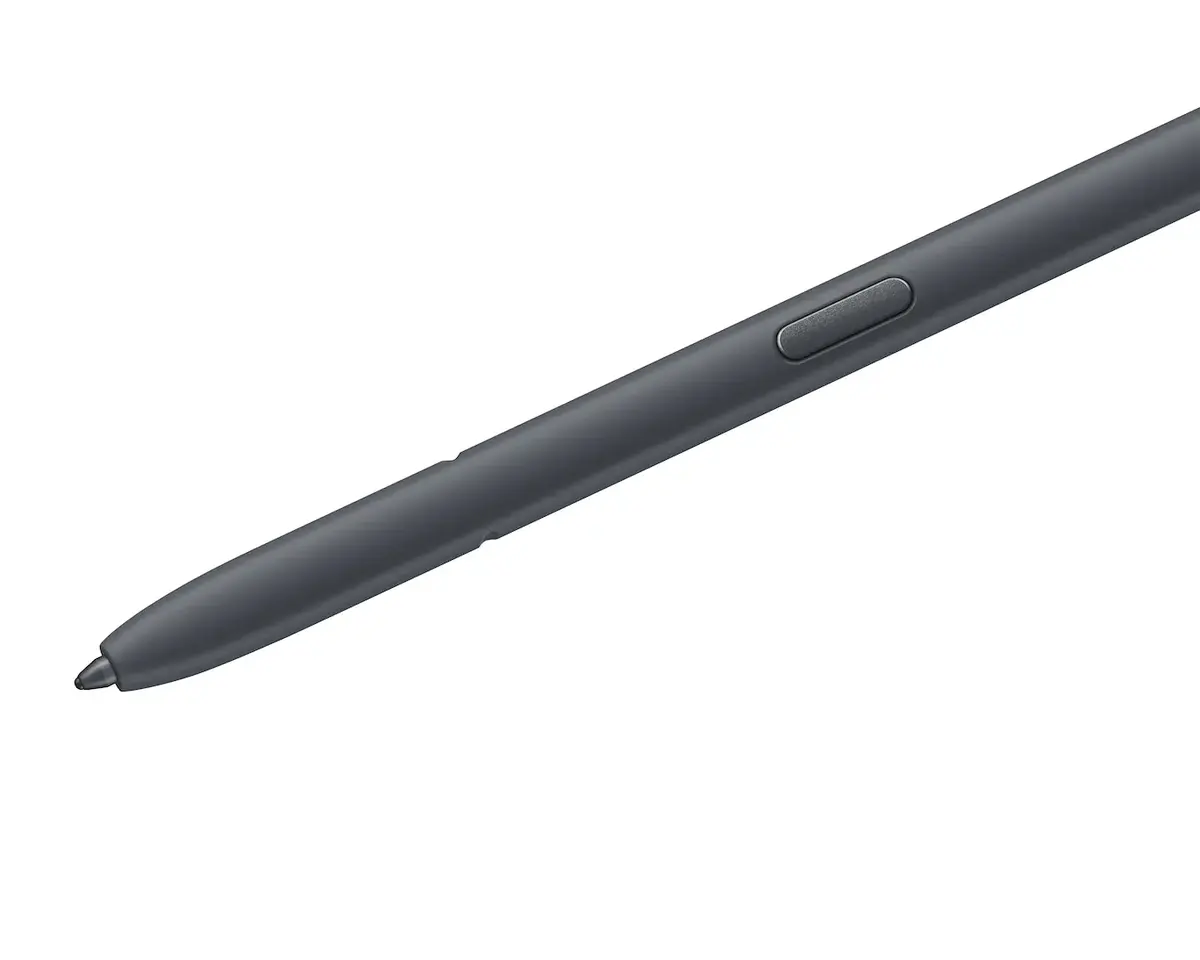
Samsung Galaxy S26 Ultra S Pen stylus is designed for precise input, handwriting, sketching and navigation on compatible Samsung smartphones. Supplied as a single unit in Black or Violet, the S Pen provides high responsiveness and natural control when used with devices that support S Pen input. It replaces or supplements an integrated pen for everyday tasks and creative work, allowing accurate selection, annotation and gesture-based commands on touchscreen displays.
The S Pen offers up to 4,096 levels of pressure sensitivity for fine control of strokes, lines and shading. It works without the need for charging or Bluetooth pairing for standard input functions, delivering instant response when touching the screen. The stylus is built to perform reliably with Samsung devices and supports Air Command features to access shortcuts and tools quickly. Water and dust resistance to IP68 adds durability for use in varied conditions.
Remove the S Pen from its holder or pick it up and place the tip gently on the touchscreen of a compatible Samsung smartphone. Use light to firm pressure to vary stroke thickness when writing or drawing, and open Air Command by pressing the pen button (if available) or using the device-specific gesture. For gesture-based Bluetooth functions, follow on-screen prompts in device settings to enable additional controls. After use, store the S Pen in its designated slot or a protective case to avoid damage.
Use the S Pen on displays designed for active stylus input and avoid applying excessive force to the tip. Keep the pen and screen clean and dry to maintain responsiveness. If Bluetooth features are needed, enable them in the phone’s settings and consult device documentation for pairing steps and available shortcuts.
{{highlightedFeature.featureTitle}}:
{{getProductFeatureValueById(product, highlightedFeature.featureId)}}