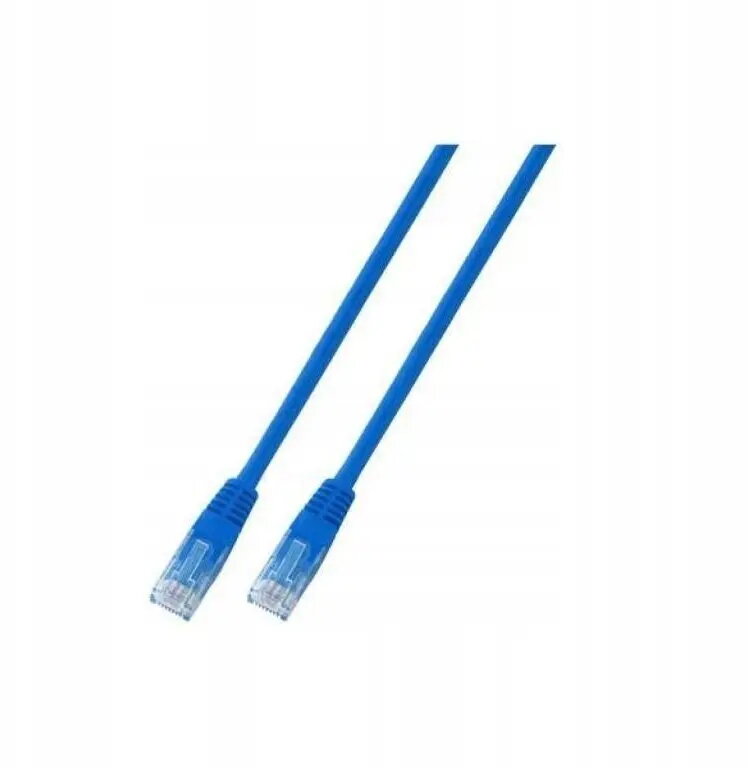
The SecurityNET UTP Cat.5e patch cable is a high-quality networking component designed to provide stable and reliable connectivity for various local area network applications. Measuring 1.5 meters in length, this cable is ideal for short-distance connections between network hardware, ensuring consistent data transfer speeds and minimal signal interference. Its robust construction and blue PVC jacket make it a practical choice for organizing and identifying network links in both home and professional office environments.
Advantages
This patch cable offers excellent performance for standard Ethernet networking needs, supporting high-speed data transmission required for modern internet connectivity. The use of high-quality materials ensures durability and long-term reliability, reducing the risk of connection drops or signal degradation. Its flexible design allows for easy routing through cable management systems, while the standardized connectors ensure broad compatibility with a wide range of networking equipment.
Suitable for
- Connecting computers to wall outlets or routers
- Linking network switches and patch panels
- Connecting modems to wireless access points
- Home office and small business network setups
When it may not be suitable
This cable is not intended for outdoor use, as the PVC jacket is not designed to withstand harsh weather conditions or prolonged exposure to direct sunlight. Additionally, it may not be suitable for high-bandwidth applications requiring Cat6 or Cat6a standards, such as professional-grade server backbones or long-distance high-speed data transfers.
Key specifications
- Cable category: Cat.5e
- Cable type: UTP (Unshielded Twisted Pair)
- Length: 1.5 meters
- Jacket material: PVC
- Color: Blue
How to use
To use the cable, simply insert one of the RJ45 connectors into the Ethernet port of your network device, such as a computer or printer, and the other end into your router, switch, or wall socket. Ensure that the connector is fully seated until you hear a click, which indicates that the locking tab has engaged. The cable is ready for immediate use without the need for additional configuration or software installation.
What to consider before purchase
- Verify the required length to ensure 1.5 meters is sufficient for your setup
- Check if your network hardware supports Cat.5e standards
- Consider if the blue color is suitable for your cable management color-coding scheme
Usage recommendations
For optimal performance, avoid bending the cable at sharp angles or placing heavy objects on top of it, as this can damage the internal wiring. Keep the cable away from power lines to prevent electromagnetic interference.