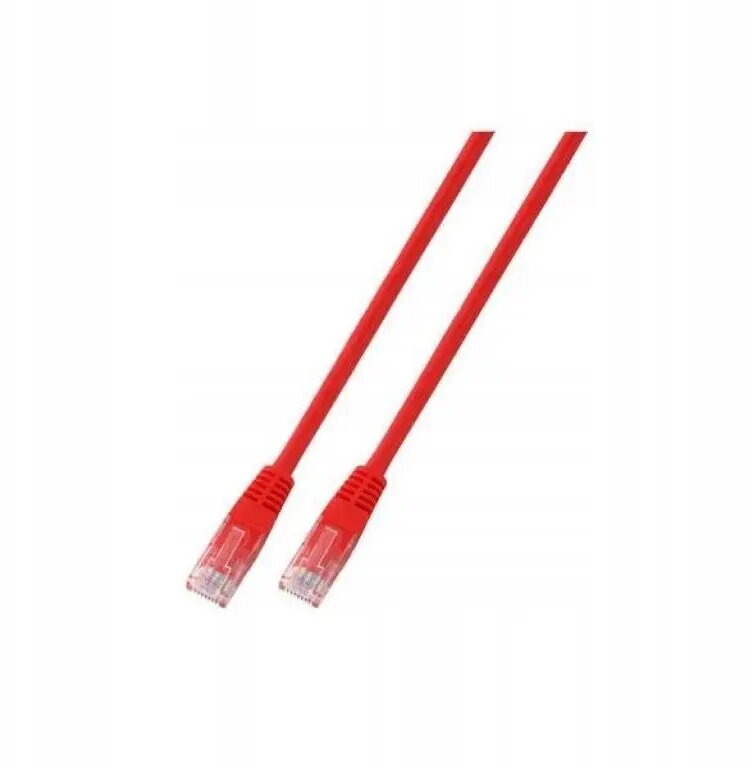
The SecurityNET UTP Cat.5e patch cable is a high-quality networking component designed to provide stable and efficient data transmission for various local area network applications. Measuring 3 meters in length and featuring a vibrant red PVC jacket, this cable is engineered to maintain signal integrity while offering flexibility and durability for everyday use in home or office environments.
Advantages
This patch cable offers reliable performance for standard Ethernet connectivity, ensuring that your devices remain connected with minimal signal loss. The Cat.5e standard supports data transfer speeds suitable for most common networking tasks, while the robust PVC outer layer provides protection against physical wear and tear. Its 3-meter length is optimal for connecting equipment located in close proximity, such as linking a computer to a wall outlet or a router to a network switch, helping to keep your workspace organized and functional.
Suitable for
- Connecting computers to network wall sockets
- Linking routers and modems to switches or hubs
- Home office network setups
- Small business local area network infrastructure
This cable may not be suitable for high-bandwidth professional data centers or enterprise-level server environments that require Cat.6, Cat.6a, or Cat.7 standards for faster speeds and greater interference protection. Additionally, it is not intended for outdoor use or environments where the cable will be exposed to extreme temperatures, moisture, or direct sunlight, as the standard PVC jacket is designed for indoor conditions.
Key specifications
- Cable category: Cat.5e
- Connector type: RJ45
- Cable type: UTP (Unshielded Twisted Pair)
- Length: 3 meters
- Jacket material: PVC
- Color: Red
To use this cable, simply insert the RJ45 connector into the corresponding port on your networking device until you hear a click, indicating that the plug is securely locked in place. Ensure that the cable is not bent at sharp angles or pinched by furniture, as this can damage the internal wiring and degrade network performance over time.
What to consider before purchase
- Verify the required cable length for your specific setup
- Check if your network equipment supports Cat.5e standards
- Ensure the environment is suitable for indoor-rated PVC cabling
For optimal network performance, avoid running Ethernet cables parallel to power lines to minimize potential electromagnetic interference. Regularly inspect the cable for any signs of physical damage to ensure continued connectivity.