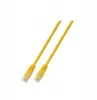
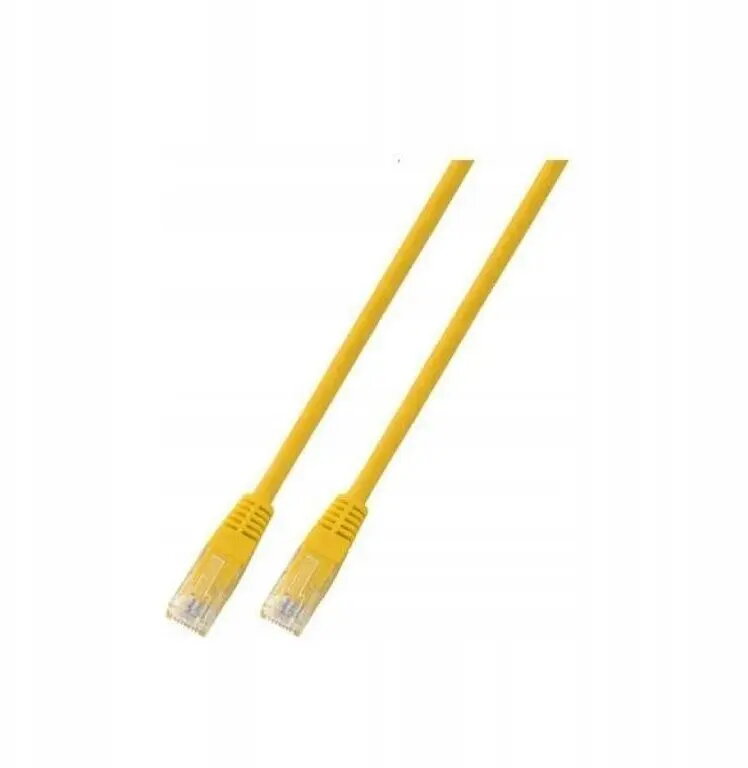
The SecurityNET UTP Cat.5e patch cord is a reliable networking solution designed for efficient data transmission in local area networks. Measuring 0.25 meters in length, this cable features a durable yellow PVC jacket, making it an excellent choice for organizing short-range connections within server racks, home offices, or professional network environments. It provides consistent performance for connecting devices such as routers, switches, and patch panels, ensuring stable connectivity for your hardware.
Advantages
This patch cord offers high-quality construction that minimizes signal interference and ensures data integrity during transmission. The compact 0.25-meter length is specifically engineered to reduce cable clutter in dense networking setups, promoting better airflow and easier cable management. The flexible yet robust PVC outer layer provides long-lasting protection against physical wear, while the vibrant yellow color allows for quick visual identification of specific network segments.
Suitable for
- Connecting network switches to patch panels
- Linking routers to modems or other networking hardware
- Short-distance connections in server cabinets
- Home office network setups
- Organizing structured cabling systems
When it may not be suitable
This cable is not intended for long-distance runs, as its short 0.25-meter length limits its reach to immediate proximity connections. It is also not suitable for outdoor use or environments with high levels of electromagnetic interference, as it lacks specialized shielding.
Key specifications
- Cable category: Cat.5e
- Cable type: UTP (Unshielded Twisted Pair)
- Length: 0.25 meters
- Jacket material: PVC
- Color: Yellow
How to use
To use the SecurityNET patch cord, simply insert the RJ45 connector into the corresponding port on your networking device until you hear a click, indicating that the locking tab is secure. Ensure that both ends of the cable are fully seated in their respective ports to maintain a stable connection. When disconnecting, gently press the plastic locking tab down before pulling the connector out to avoid damaging the port or the cable.
What to consider before purchase
- Verify the required length for your specific setup to ensure 0.25 meters is sufficient
- Check that your equipment supports Cat.5e standards
- Ensure the cable color fits your organizational or color-coding requirements
Usage recommendations
For optimal network performance, avoid bending the cable at sharp angles or placing heavy objects on top of it. Regularly inspect the connectors for dust or debris to maintain a reliable signal.