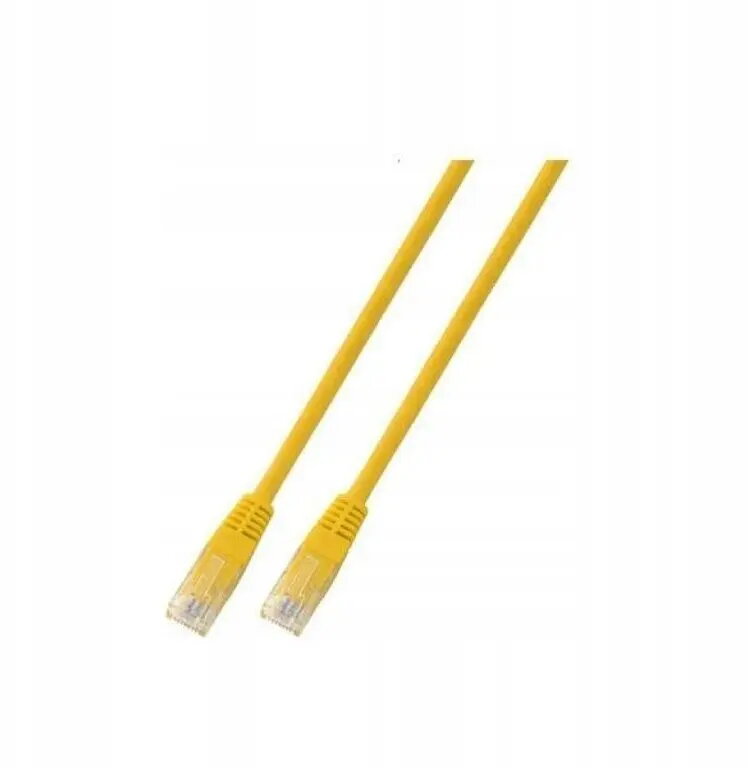
The SecurityNET UTP Cat.5e patch cable is a reliable networking solution designed to provide stable and efficient data transmission for various local area network applications. Measuring 3 meters in length, this cable features a flexible yet durable yellow PVC jacket, making it easy to identify and manage within complex cable setups. It is engineered to meet Cat.5e standards, ensuring consistent performance for high-speed internet connectivity and office network infrastructure.
Advantages
This patch cable offers excellent signal integrity, minimizing interference and data loss during transmission. The high-quality construction ensures a secure connection between devices, while the vibrant yellow color allows for quick visual identification, which is particularly beneficial in environments with multiple cables. The PVC material provides a good balance of flexibility and protection, ensuring the cable can withstand daily wear and tear in typical office or home settings.
Suitable for
- Connecting computers to network wall outlets
- Linking routers and switches in home or office networks
- Connecting network-enabled peripherals such as printers or IP cameras
- Temporary network setups requiring reliable data transfer
When it may not be suitable
This cable is not intended for outdoor use, as the PVC jacket is not designed to withstand prolonged exposure to direct sunlight, moisture, or extreme temperature fluctuations. Additionally, it is not suitable for high-bandwidth applications that require Cat6 or higher standards, such as 10Gbps data transfers.
Key specifications
- Cable category: Cat.5e
- Cable type: UTP (Unshielded Twisted Pair)
- Length: 3 meters
- Jacket material: PVC
- Color: Yellow
How to use
To use the cable, simply insert the RJ45 connector into the network port of your device until you hear a distinct click, indicating that the locking tab is engaged. Ensure that the cable is not bent at sharp angles or pinched by furniture, as this can damage the internal wires and degrade performance. When disconnecting, press the plastic locking tab down before pulling the connector out of the port to avoid damaging the socket.
What to consider before purchase
- Verify the required length for your specific setup to avoid excess cable clutter
- Ensure your network equipment supports Cat.5e standards
- Check if your environment requires shielded cables (STP) due to high electromagnetic interference
Usage recommendations
For optimal network performance, avoid running the cable parallel to power lines or near heavy electrical equipment to prevent potential signal interference. Keep the cable organized using cable ties or management trays to maintain a clean and safe workspace.