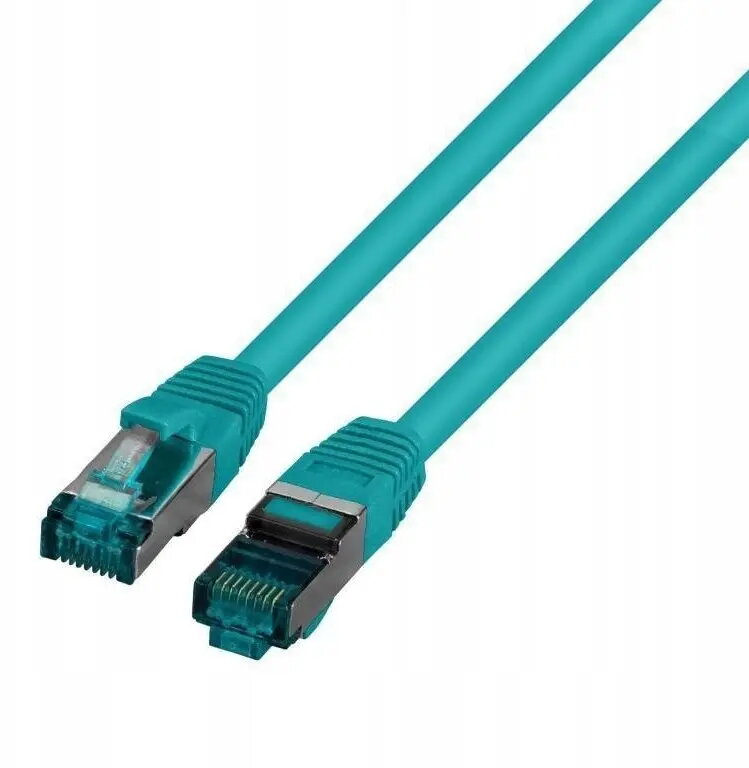
The SecurityNET S/FTP Cat.6A patch cable is a high-performance networking solution engineered for reliable, high-speed data transmission in demanding environments. Measuring 1 meter in length, this cable is designed to support advanced network infrastructures, ensuring stable connectivity for professional setups, data centers, and office environments where signal integrity is paramount.
Advantages
This patch cable features advanced S/FTP shielding, which provides comprehensive protection against electromagnetic interference and crosstalk, ensuring consistent data throughput even in environments with high cable density. The inclusion of a Low Smoke Zero Halogen (LSZH) jacket enhances safety by minimizing toxic smoke emissions in the event of a fire, making it a responsible choice for modern building installations. Its robust construction ensures long-term durability and reliable performance for high-bandwidth applications.
Suitable for
- High-speed local area networks (LAN)
- Data center server connections
- Professional office network installations
- Applications requiring high-bandwidth data transfer
When it may not be suitable
This cable may not be suitable for outdoor installations where exposure to direct sunlight, moisture, or extreme temperature fluctuations is expected, as the LSZH jacket is primarily designed for indoor use. Additionally, its 1-meter length is intended for short-range connections, such as within a server rack or between a wall outlet and a workstation, and will not be sufficient for long-distance cabling needs.
Key specifications
- Category: Cat.6A
- Shielding: S/FTP (Screened Foiled Twisted Pair)
- Jacket material: LSZH (Low Smoke Zero Halogen)
- Length: 1 meter
- Color: Green
How to use
To use the cable, simply insert the RJ45 connector into the corresponding network port on your device, such as a switch, router, or network interface card, until you hear a distinct click. Ensure that the cable is not bent beyond its minimum bend radius to maintain optimal signal quality. For best results, avoid routing the cable near high-voltage power lines to prevent potential signal degradation.
What to consider before purchase
- Verify the required length for your specific connection to ensure 1 meter is sufficient.
- Confirm that your networking equipment supports Cat.6A standards to achieve maximum performance.
- Ensure the installation environment complies with indoor safety requirements for LSZH cabling.
Usage recommendations: Regularly inspect the cable for physical damage or signs of wear to maintain network stability. Keep the connectors clean and free of dust to ensure a secure and reliable connection at all times.