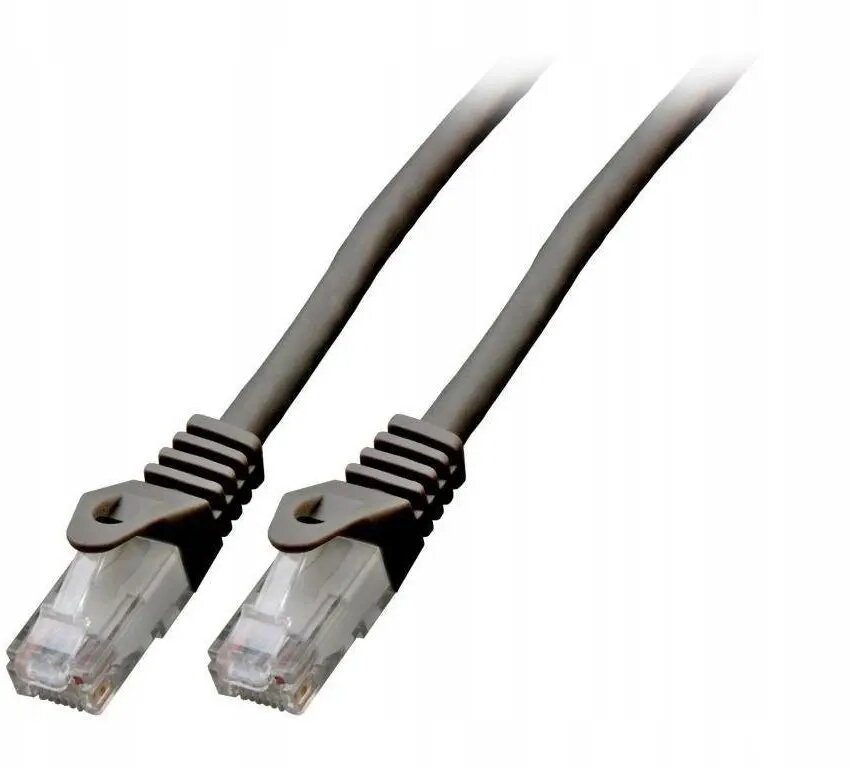
The SecurityNET UTP Cat.6 patch cable is a high-performance networking solution engineered for stable and efficient data transmission in modern Ethernet environments. Measuring 0.5 meters in length, this cable is designed to provide a reliable connection between networking hardware while maintaining signal integrity. The inclusion of an LSZH (Low Smoke Zero Halogen) jacket enhances safety by reducing the emission of toxic fumes in the event of a fire, making it a responsible choice for indoor installations.
Advantages
This patch cable offers superior reliability for high-speed network applications, ensuring minimal interference and consistent data throughput. The Cat.6 standard supports higher bandwidths compared to older generations, which is essential for modern digital demands. The LSZH outer material provides an added layer of safety, as it is flame-retardant and produces minimal smoke, which is a critical requirement for many commercial and residential building codes. Its compact 0.5-meter length is perfect for reducing cable clutter in server racks or desktop setups.
Suitable for
- Connecting routers and switches in home or office networks
- Linking computers to wall outlets or patch panels
- Short-distance connections within server cabinets
- Environments requiring fire-safety compliant cabling
When it may not be suitable
This cable is not intended for outdoor use, as the jacket is not designed to withstand prolonged exposure to UV radiation, moisture, or extreme temperature fluctuations. Additionally, the 0.5-meter length is insufficient for connecting devices located in different rooms or across large office spaces.
Key specifications
- Category: Cat.6
- Cable type: UTP (Unshielded Twisted Pair)
- Length: 0.5 meters
- Jacket material: LSZH (Low Smoke Zero Halogen)
- Color: Black
How to use
To use the cable, simply insert the RJ45 connector into the Ethernet port of your networking device, such as a router, switch, or computer, until you hear a distinct click. Ensure the cable is not bent at sharp angles or pinched by furniture, as this can damage the internal wires and degrade network performance. The cable is plug-and-play, requiring no additional configuration for immediate operation.
What to consider before purchase
- Verify the required length to ensure 0.5 meters is sufficient for your setup
- Check if your networking equipment supports Cat.6 standards
- Confirm the port type is compatible with standard RJ45 connectors
Usage recommendations
For optimal performance, avoid running network cables alongside power lines to prevent electromagnetic interference. Keep the cable organized using cable ties to maintain airflow and prevent physical strain on the connectors.