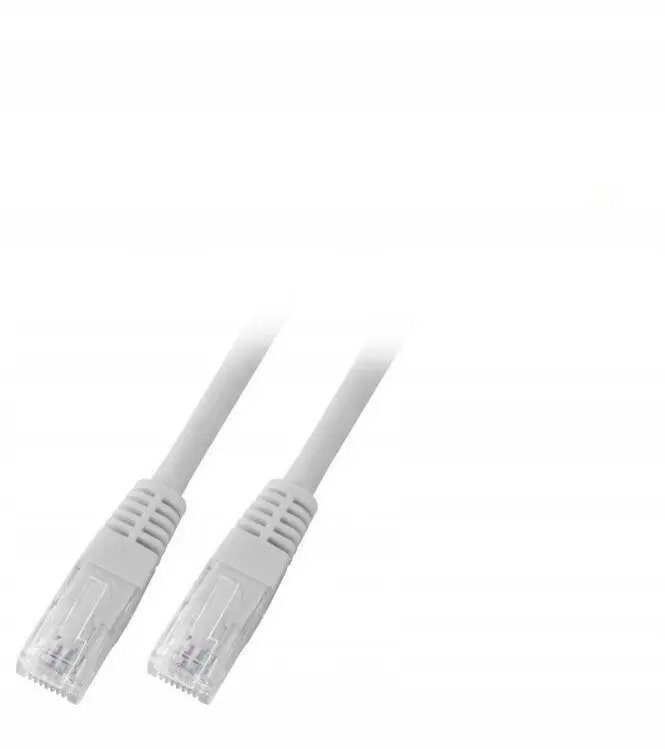
The SecurityNET UTP Cat.6 patch cable is a high-quality networking solution engineered to provide stable and efficient data transmission for various local area network applications. Measuring 5 meters in length, this cable offers sufficient reach for connecting hardware within home or office environments, ensuring reliable connectivity between your essential network devices.
Advantages
This Category 6 cable is built to support high-speed data transfer rates, making it an ideal choice for modern network setups that require consistent performance. The durable PVC jacket provides a protective layer that enhances the longevity of the cable, while the UTP design minimizes interference to maintain signal integrity. Its flexible construction allows for easy routing and installation in tight spaces, ensuring a neat and organized workspace.
Suitable for
- Connecting desktop computers and laptops to wall outlets
- Linking routers, switches, and modems
- Connecting network-attached storage devices
- Supporting VoIP phones and IP cameras
When it may not be suitable
This cable is not intended for outdoor use where it would be exposed to direct sunlight, moisture, or extreme temperature fluctuations, as the PVC jacket is designed for indoor environments. It is also not suitable for applications requiring shielded cables to prevent electromagnetic interference in industrial settings with high-voltage equipment.
Key specifications
- Category: 6
- Cable type: UTP (Unshielded Twisted Pair)
- Length: 5 meters
- Jacket material: PVC
- Color: Grey
How to use
To use the cable, simply insert the RJ45 connector into the network port of your device until you hear a distinct click, indicating that the connection is secure. Ensure that both ends are firmly plugged into the respective network ports of your hardware. Avoid bending the cable at sharp angles or placing heavy objects on top of it to prevent internal damage and maintain optimal data transmission speeds.
What to consider before purchase
- Verify the required length to ensure the 5-meter cable is sufficient for your setup
- Check if your network hardware supports Category 6 standards
- Confirm that your environment is suitable for an unshielded cable
Usage recommendations
For the best performance, avoid running the cable parallel to power lines to reduce the risk of signal interference. Always disconnect the cable by pulling the connector head rather than the cord itself to prevent damage to the internal wiring.