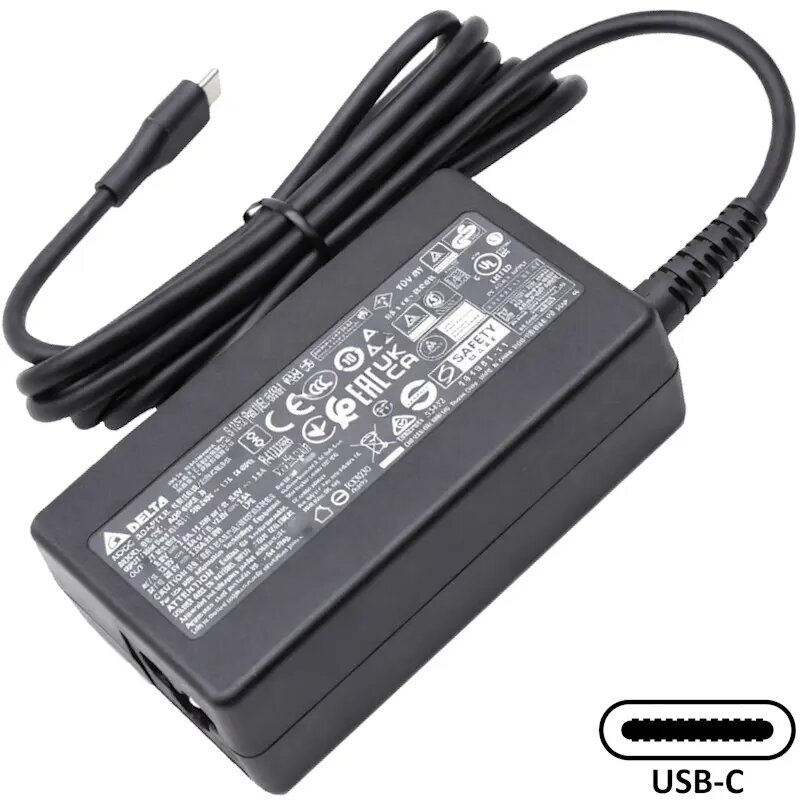
Original Acer power adapter compatible with a wide range of Acer laptops and Chromebooks. This SIL-branded adapter delivers up to 65W and supports selectable output voltages (9V, 15V, 20V), making it suitable as a replacement or spare power supply for many Aspire, Chromebook, Spin, Extensa, Swift, TravelMate and Vero series models.
Advantages
The adapter provides multiple common voltage outputs (9V, 15V, 20V) and up to 65W power output, allowing use with different Acer models without needing several chargers. It comes in a compact black housing and is designed for direct compatibility with the listed Acer laptop and Chromebook models. The unit is intended as an original-style replacement to maintain proper charging and power delivery.
Suitable for
- Charging and powering Acer Aspire series notebooks
- Powering Acer Chromebook models (CB, CBE, CP, etc.)
- Use with Acer Spin, Swift, Extensa, TravelMate and Vero series laptops
- Replacement or spare adapter for home, office or travel
When it may not be suitable
This adapter may not be suitable for non-Acer laptops or devices that require voltages or connectors other than 9V, 15V or 20V, or that need more than 65W power. Compatibility depends on the laptop's power input specifications and connector type, so confirm the required voltage and connector before use.
Key specifications
- Output power: up to 65W
- Selectable output voltages: 9V, 15V, 20V
- Color: black
- Intended device type: laptop / Chromebook power adapter
How to use
Connect the adapter to the laptop's DC input using the correct connector and set or allow the adapter to provide the required voltage for the device. Plug the adapter into a suitable mains outlet. When connected, verify the laptop is charging and operating normally. Disconnect from the mains before removing the adapter from the laptop.
What to consider before purchase
- Check that your laptop model is listed among supported Acer models or that it requires a 9V, 15V or 20V, 65W adapter.
- Confirm the connector type matches your laptop's DC input.
- Ensure your local mains voltage and plug type are compatible or use an appropriate mains lead/adapter.
Usage recommendations
Use this original-style SIL adapter as a direct replacement for compatible Acer models. Avoid using adapters that do not match the required voltage or exceed the recommended power rating for your laptop. Regularly inspect cables and connectors for wear and replace the adapter if damage is found.