

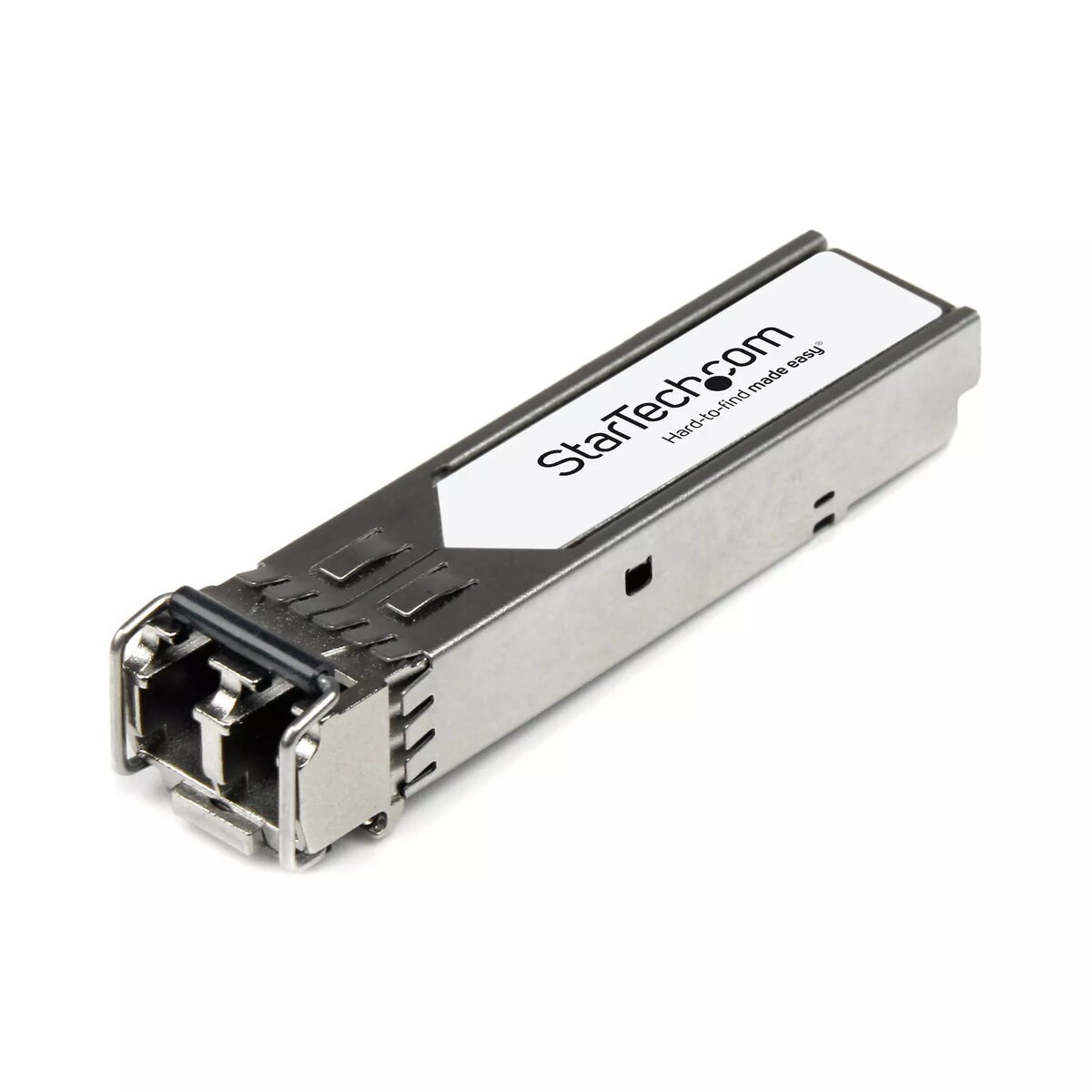
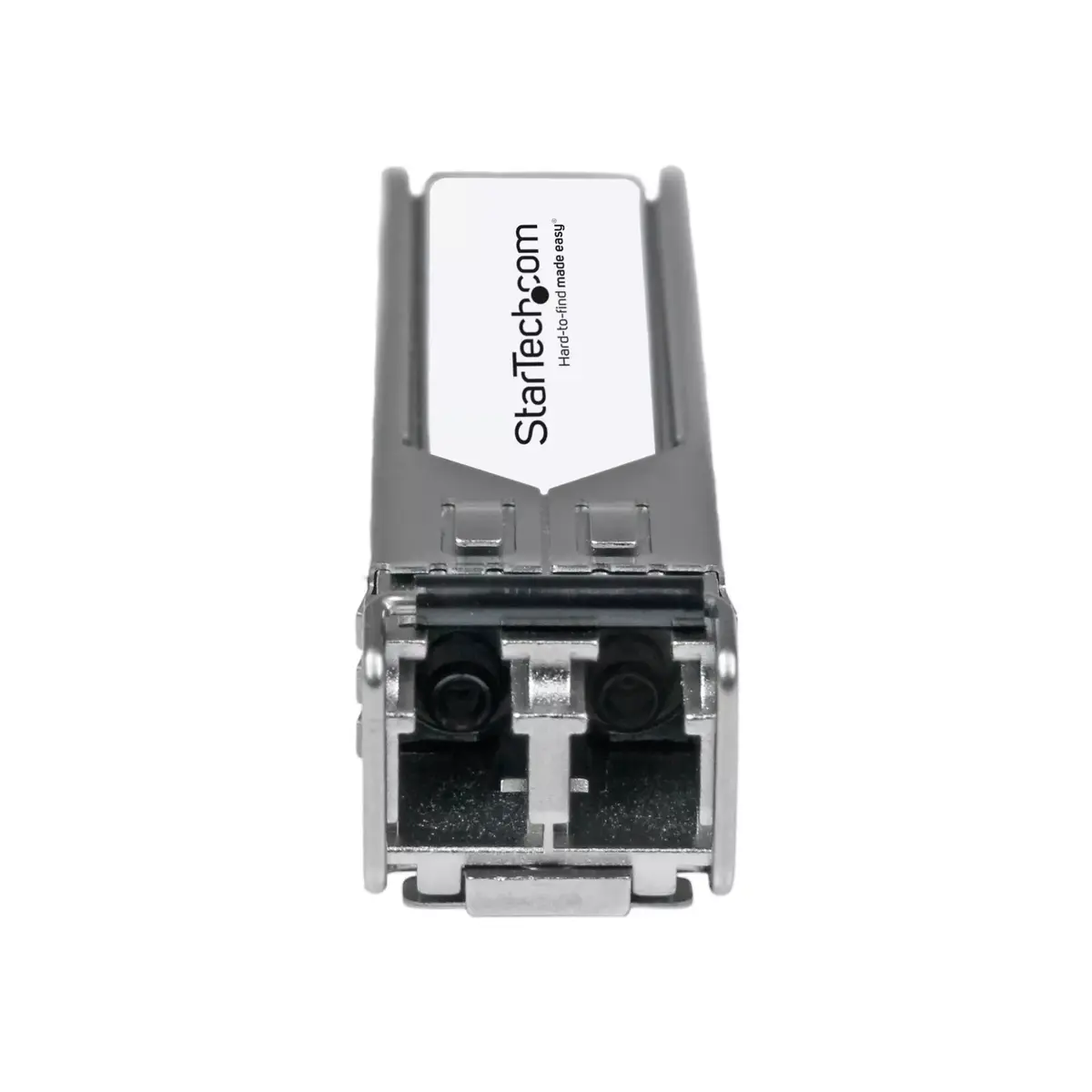
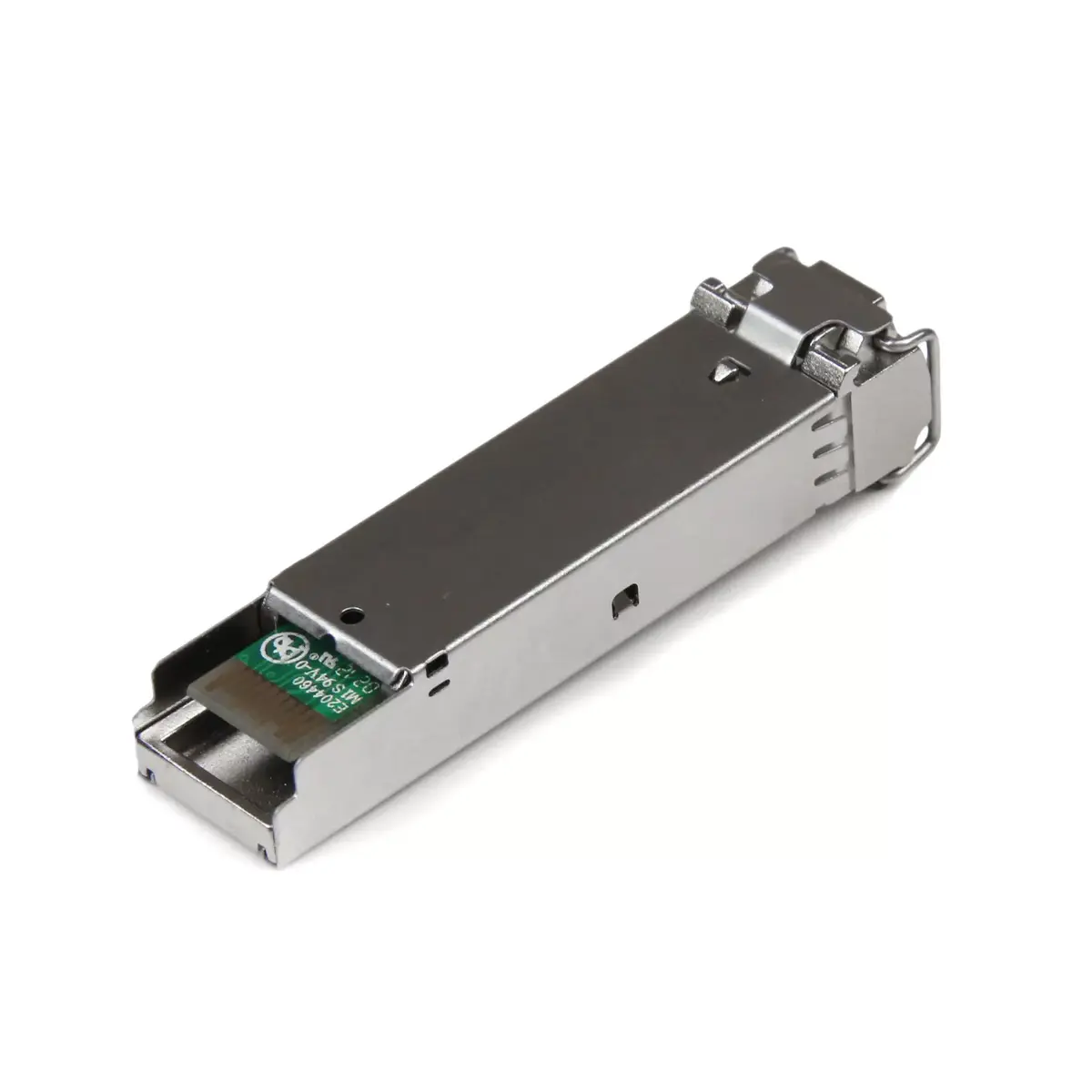
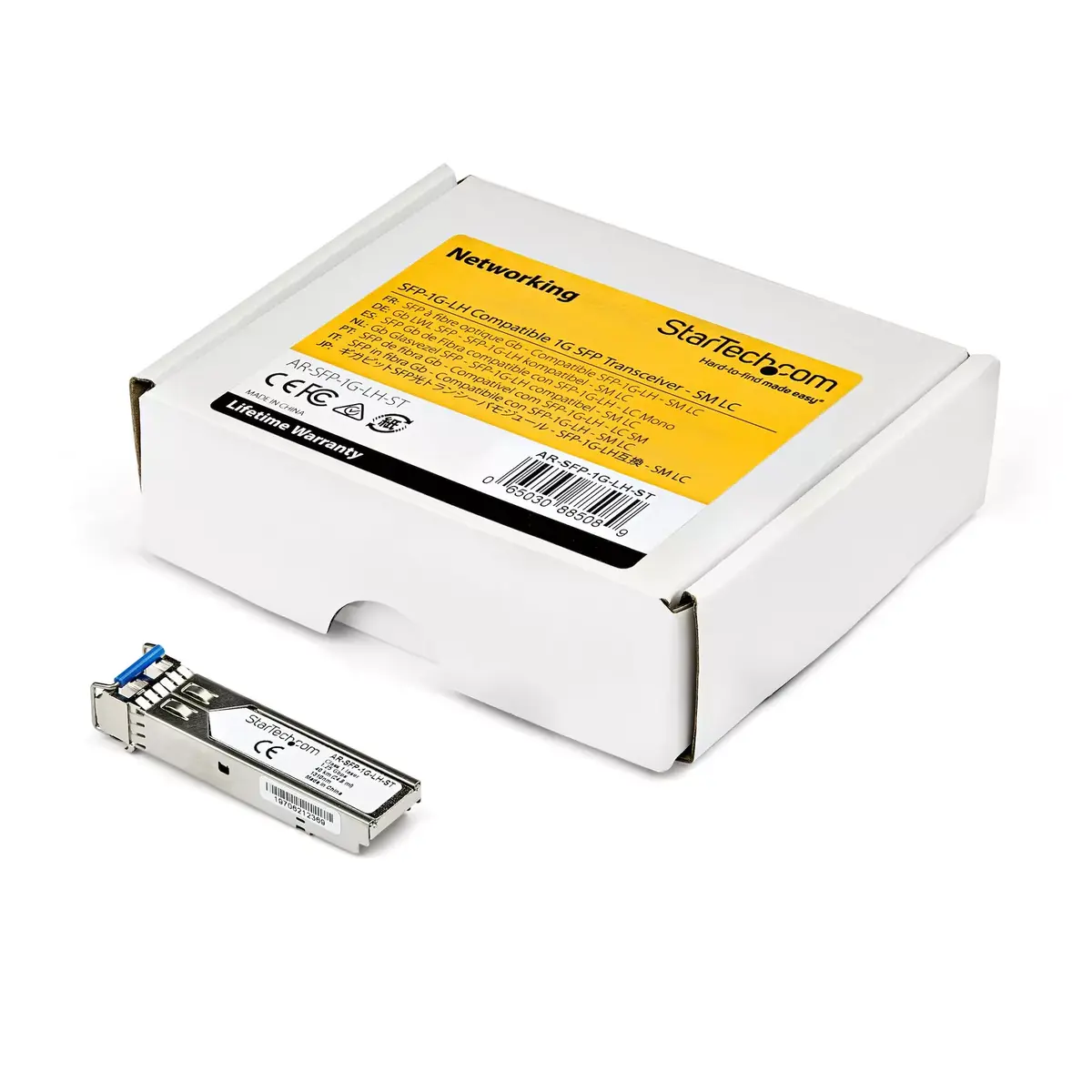
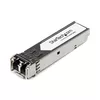
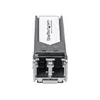
SFP Module StarTech.com SFP-1G-LX
41.49 €
{{selectedOffer && selectedOffer.price | formatAmount}}
Offer for legal entity, cashless payment.
Why is an item available only for a legal entity?
This is due to long delivery times and limited product warranties.
This is due to long delivery times and limited product warranties.
Short description
The StarTech.com SFP-1G-LX is a 1000BASE-LX compatible SFP module designed for single mode fiber connections. It supports data transfer rates up to 1250 Mbit/s and features a maximum distance of 10 km with a wavelength of 1310nm. This compact transceiver is ideal for Gigabit Ethernet applications, ensuring reliable performance with low power consumption of 1.3 W. It is compatible with Arista networks and has a robust design with a mean time between failures (MTBF) of over 634 million hours.
Cheapest delivery:
Unisend LV
Pick-up points
Unisend LV
Cost
1.79 €
Deliver
{{selectedOffer.parcelStationDeliveryString}}
Customer service center
2b. Kengaraga str., Riga, Latvia, LV-1063
26.08.2026
{{selectedOffer.officeDeliveryString}}
free
Courier Delivery
Please note that in case of a large parcel additional delivery costs may apply!
From 4.99 € (Weight: 0.05 kg)
Parcel couriers
Unisend LV / Venipak Pickup LV / Venipak Locker LV / Latvijas Pasts pakomāts / DPD Paku skapis / Omniva LV / Latvijas Pasts nodaļa
31.08.2026
{{selectedOffer.parcelStationDeliveryString}}
From 1.79 €

Payment Methods:
Bank transfer


