
This is due to long delivery times and limited product warranties.
Filters you can trust. Pure water every day.
In cart {{totalProductsCount}} item(s)
Your cart is empty
Docking Station StarTech.com DK30A2DHUUE
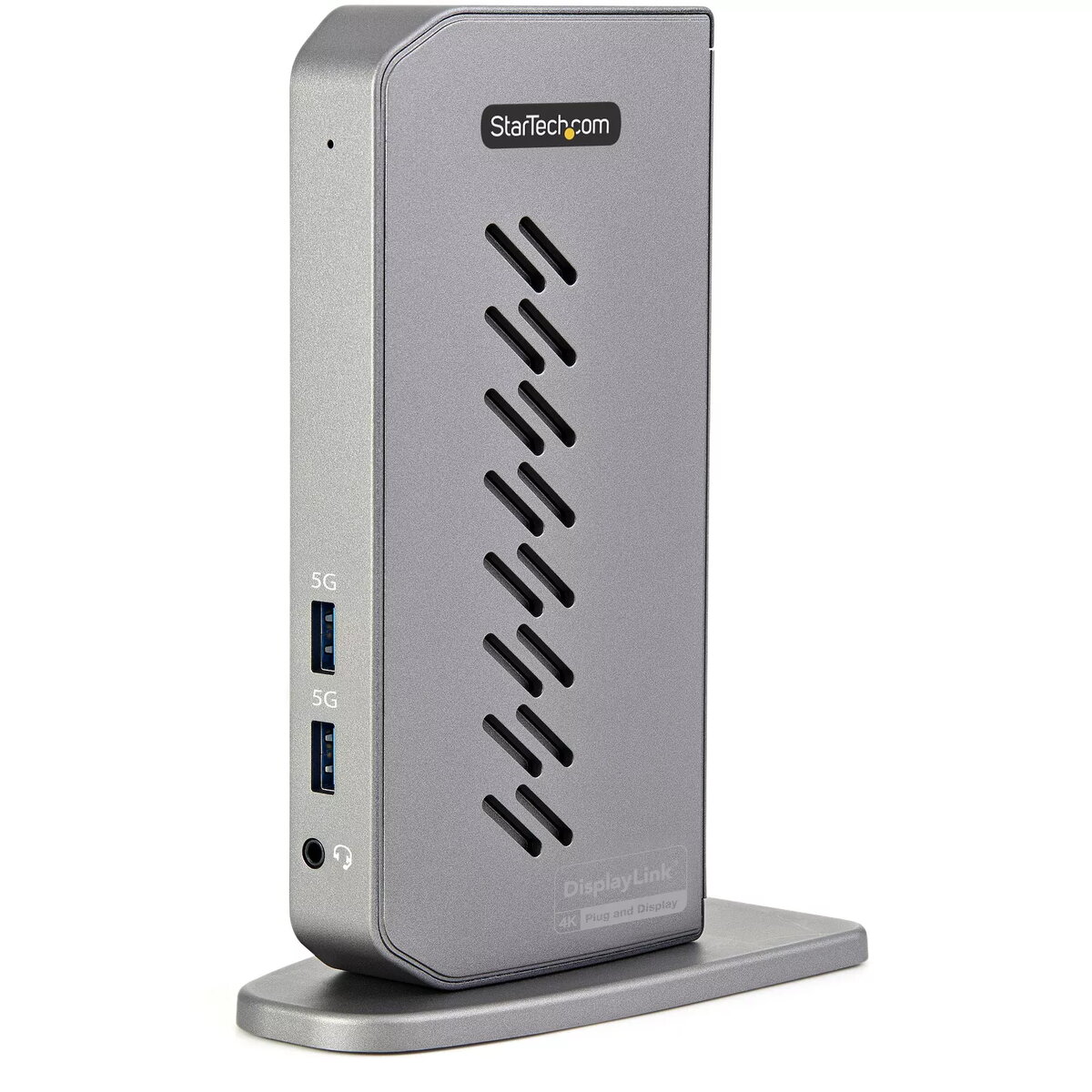
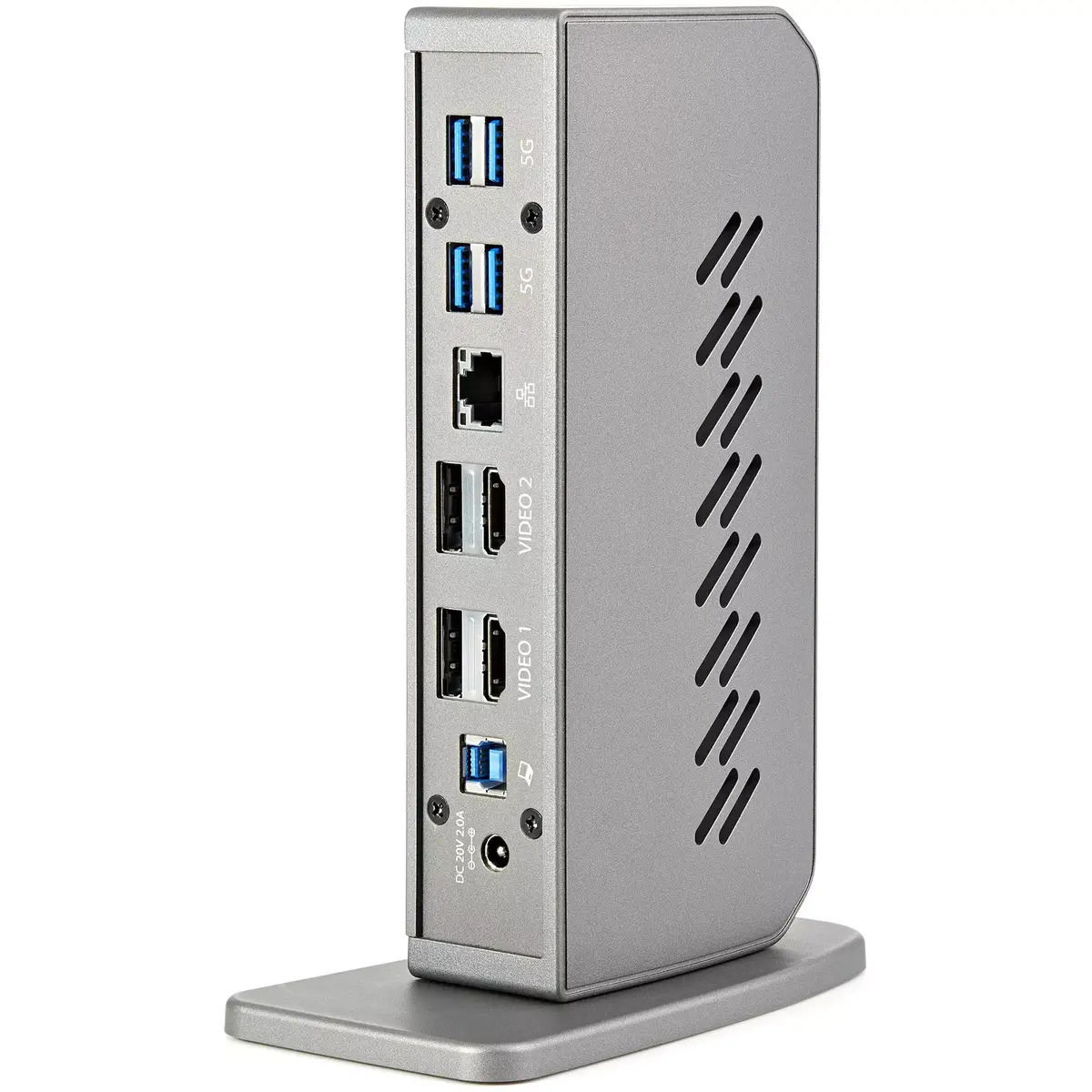
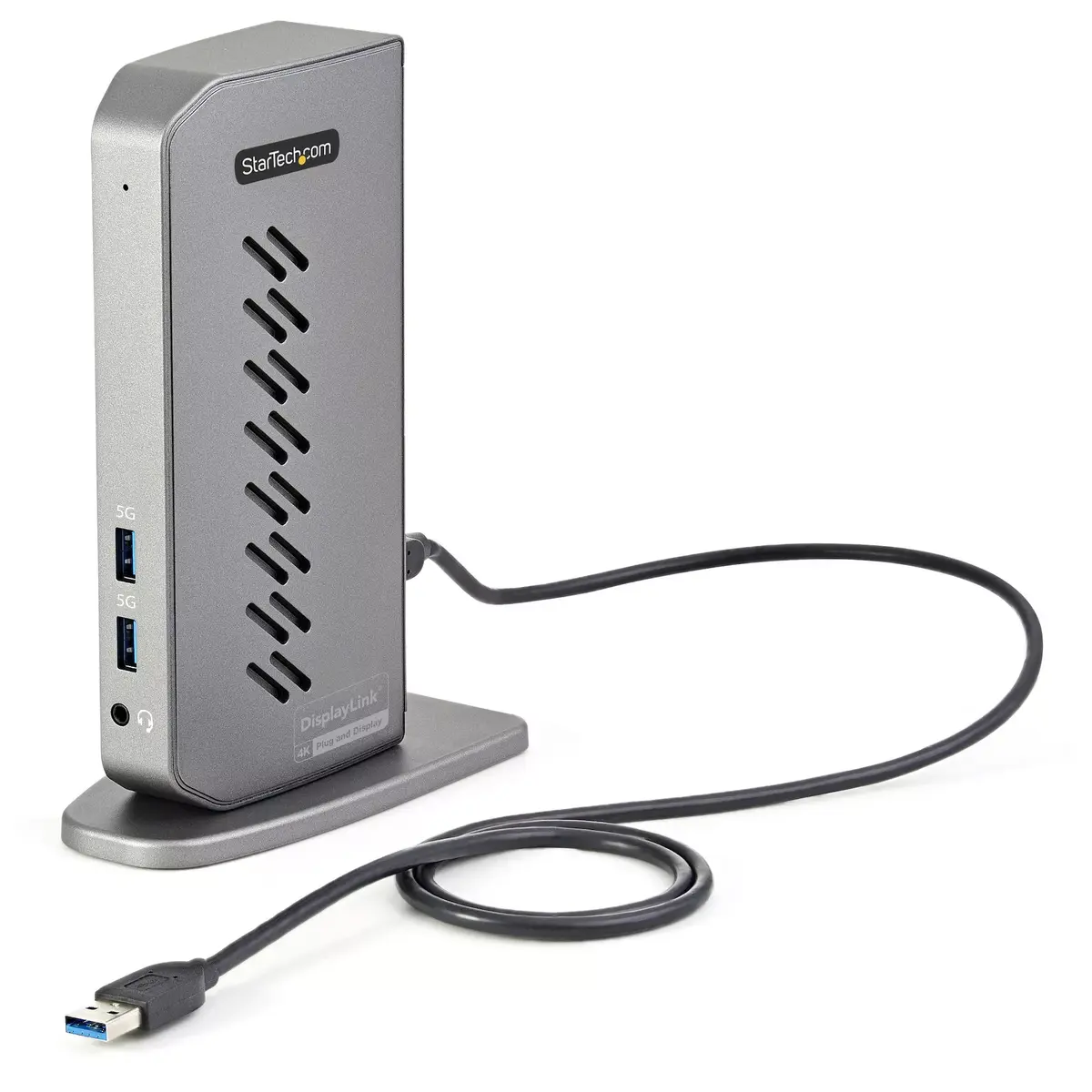
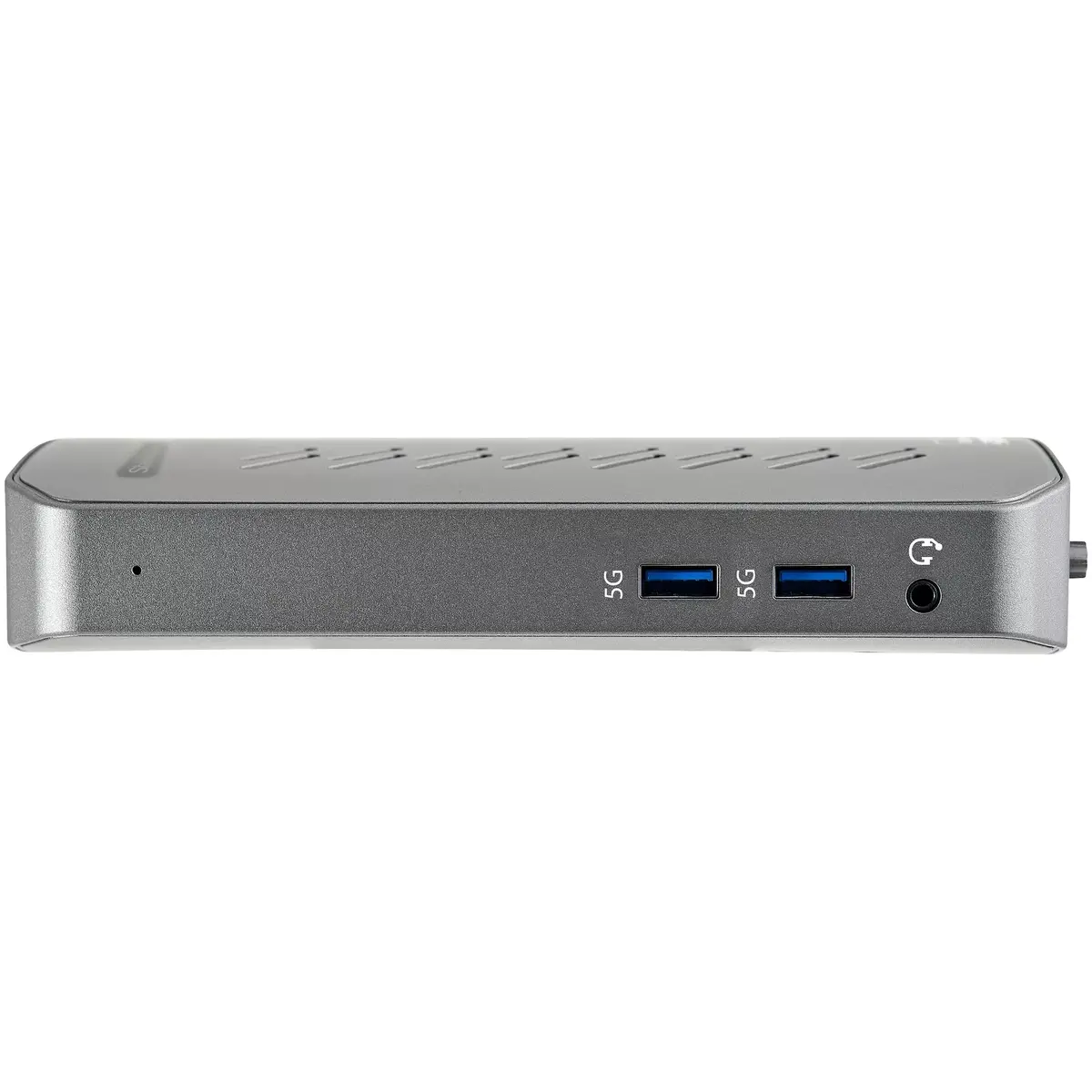
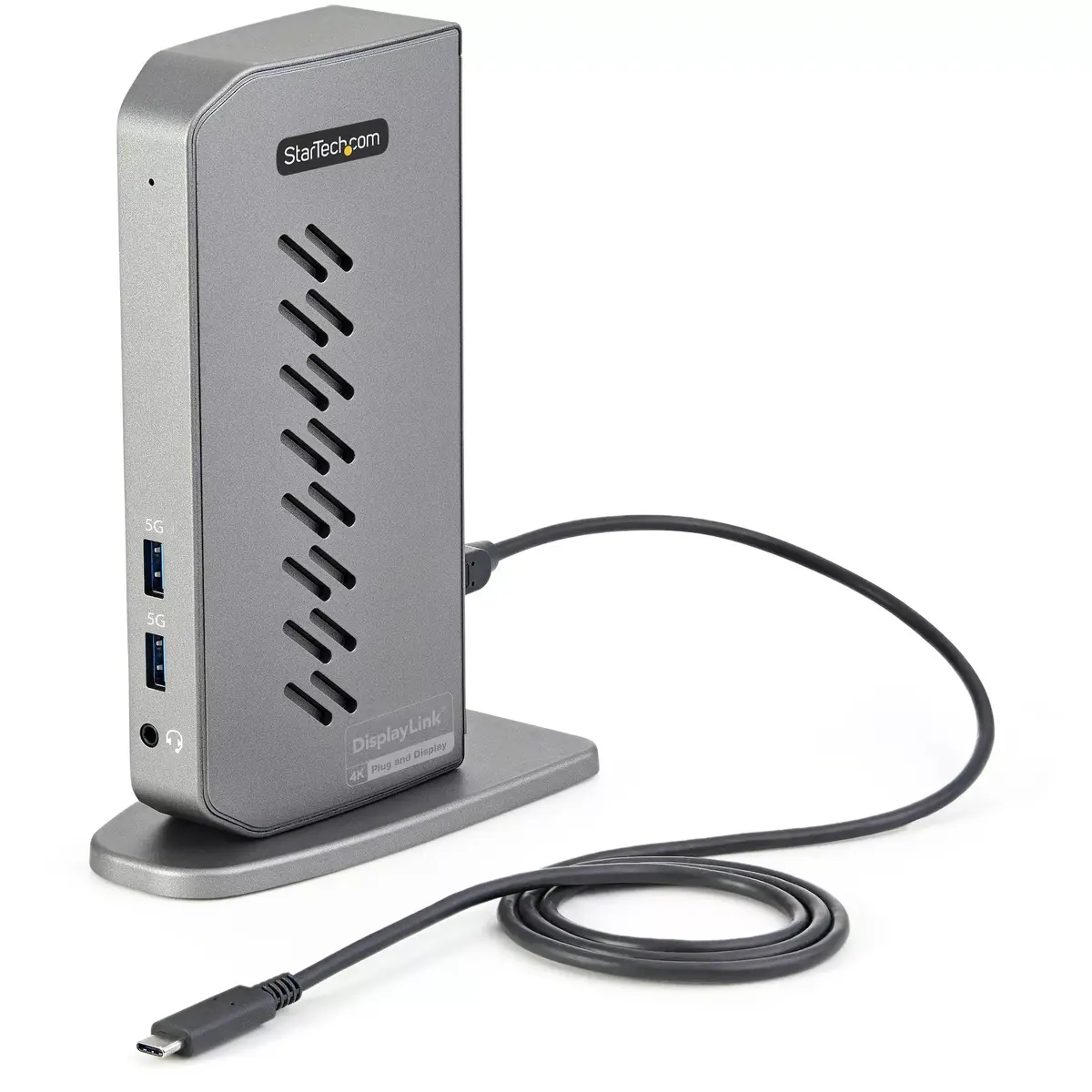
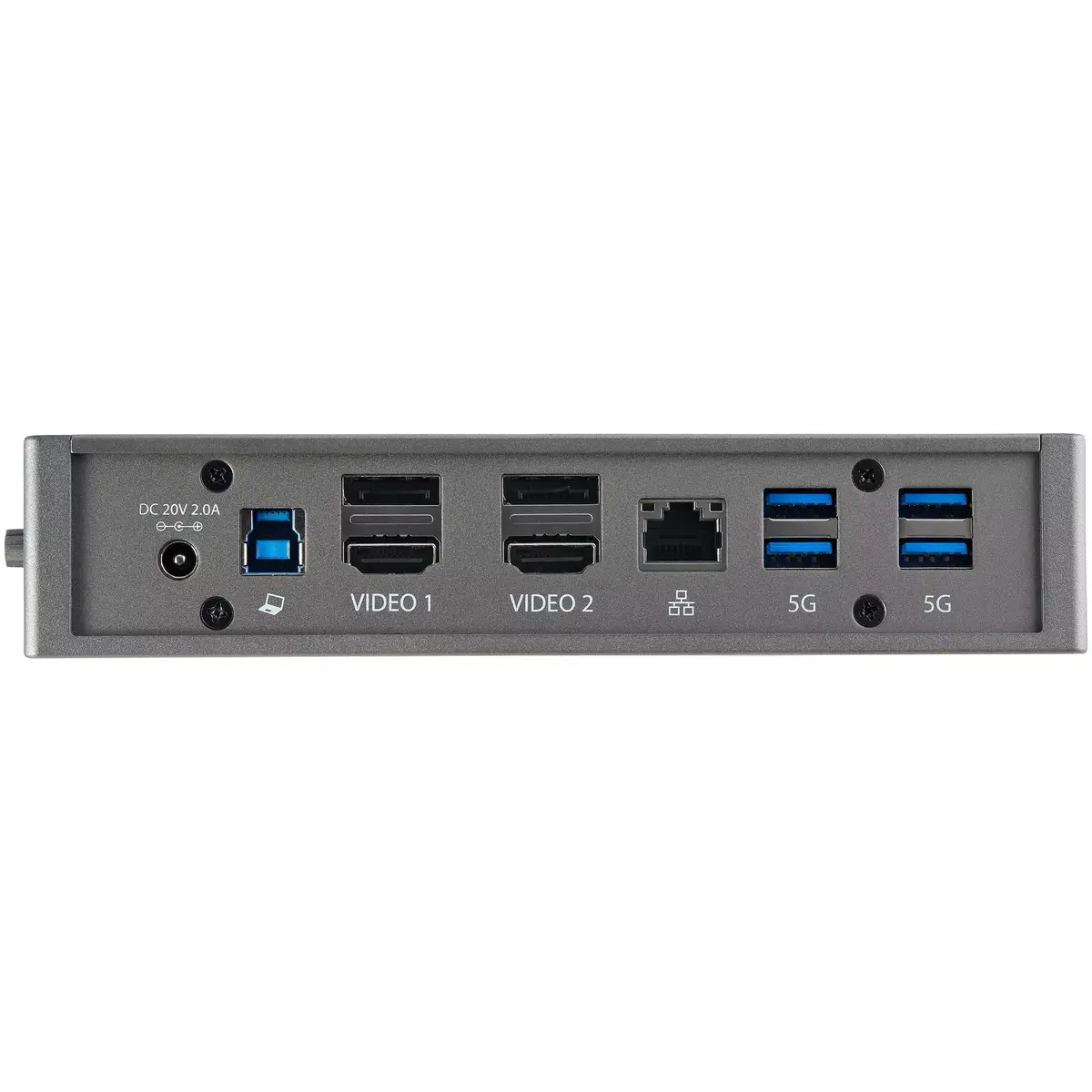
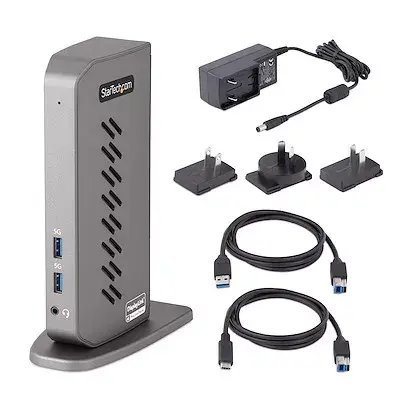
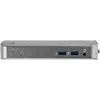
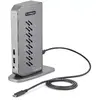
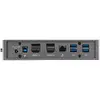
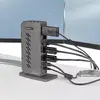
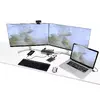
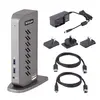
The StarTech.com DK30A2DHUUE docking station is a universal hybrid dock compatible with both USB Type-C and USB Type-A (USB 3.1/3.0) laptops. It supports dual 4K displays at 60Hz via HDMI and/or DisplayPort, provides six USB 3.2 Gen 1 (5 Gbps) Type-A downstream ports, a Gigabit Ethernet port and a 3.5 mm 4-position headset audio jack. Two host cables (USB-C and USB-A) are included for immediate connection and the dock can be positioned vertically using the included stand or laid flat on a desk.
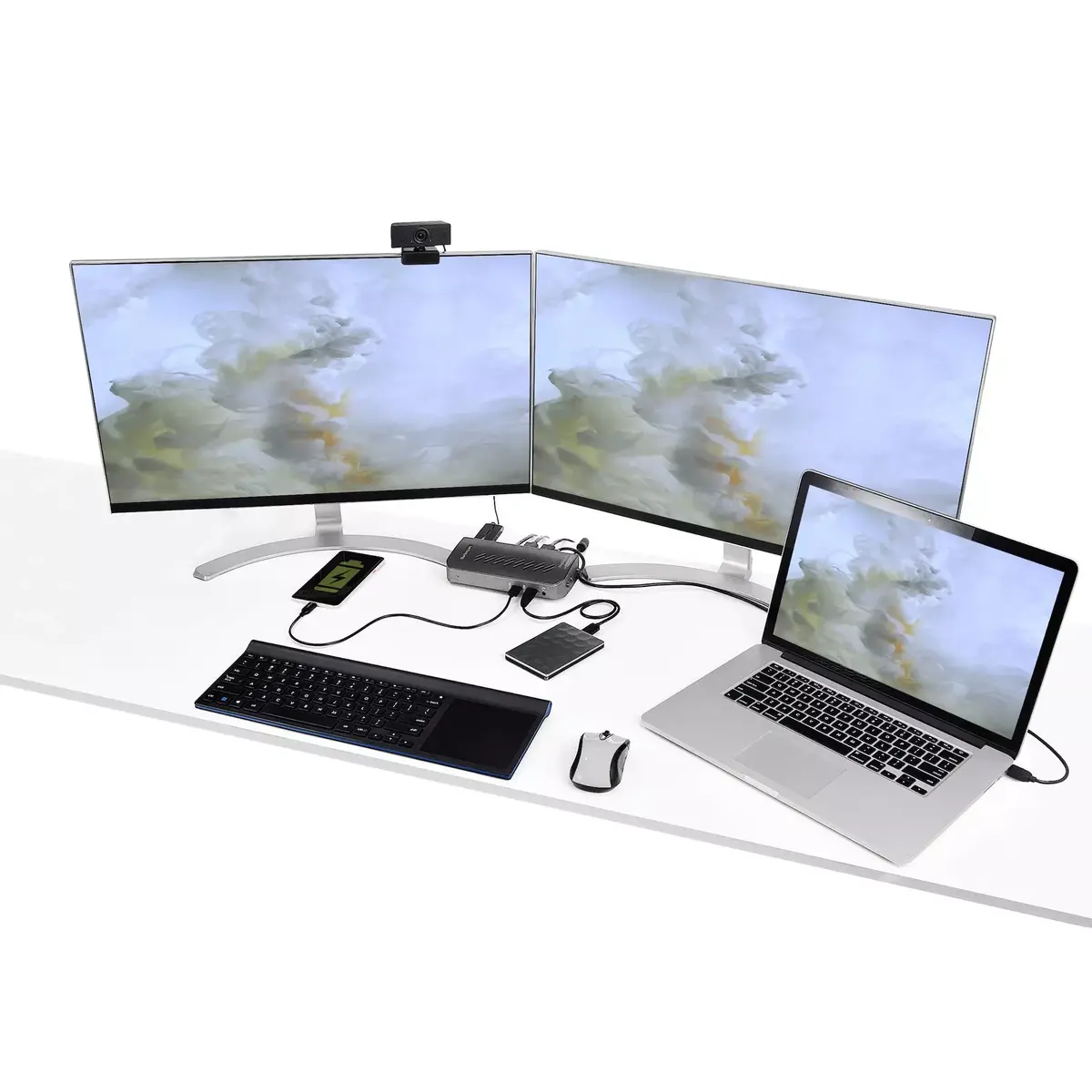
This docking station supports multiple high-resolution video configurations including dual 4K@60Hz over DisplayPort or HDMI, mixed DisplayPort+HDMI, and a single 5K DisplayPort mode (requires monitor support using two DP ports). It is DisplayLink certified for broad compatibility and consistent video performance. The unit offers six front/back USB Type-A ports for peripherals, integrated Gigabit Ethernet for reliable wired networking and headset audio for voice communication. The package includes both USB-C and USB-A host cables for flexible use with older and newer laptops.
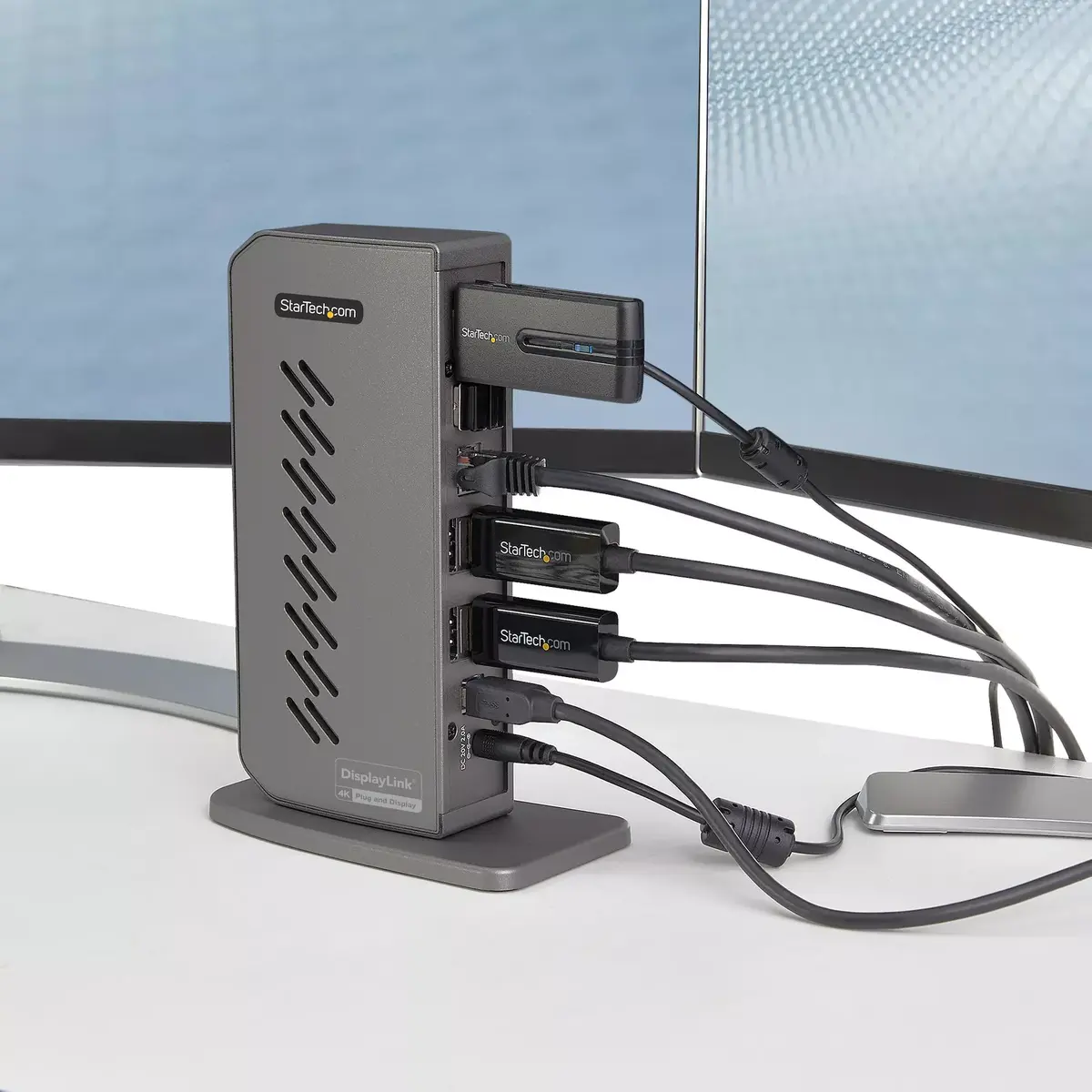
Choose the correct host cable (USB-C or USB-A) for your laptop and connect it to the dock’s host port. Attach up to two monitors using HDMI and/or DisplayPort connectors according to the supported configurations (dual 4K@60Hz or single 5K with compatible monitor). Connect peripherals to the six USB Type-A ports, plug a network cable into the Gigabit Ethernet port if needed, and connect a headset to the 3.5 mm jack. Position the dock vertically on the included stand or lay it flat to suit your desk layout. Install the DisplayLink drivers and StarTech.com Connectivity Tools application for optimal video performance and access to utilities such as window layouts, MAC address pass-through, USB event monitoring and Wi‑Fi auto switch.
For guaranteed 5K output, use a monitor that supports 5K over two DisplayPort inputs and ensure the monitor’s firmware and DisplayLink drivers are up to date. Use the included host cable matching your laptop’s port to ensure maximum data and video bandwidth. Install StarTech.com Connectivity Tools to manage network switching, monitor USB events and save custom window layouts for improved productivity.
{{highlightedFeature.featureTitle}}:
{{getProductFeatureValueById(product, highlightedFeature.featureId)}}
|
128.49 €
Stock:
8
Delivery Date:
08.07.2026
Warehouse: WH109
|
|
138.99 €
Stock:
6
Delivery Date:
22.06.2026
Best delivery
Warehouse: WH15
|
|
140.49 €
Stock:
9
Delivery Date:
22.06.2026
Best delivery
Warehouse: EU9
|
|
157.49 €
Stock:
1
Delivery Date:
22.06.2026
Best delivery
Warehouse: EU6
|