Save time and money with our discounts!
In cart {{totalProductsCount}} item(s)
Your cart is empty
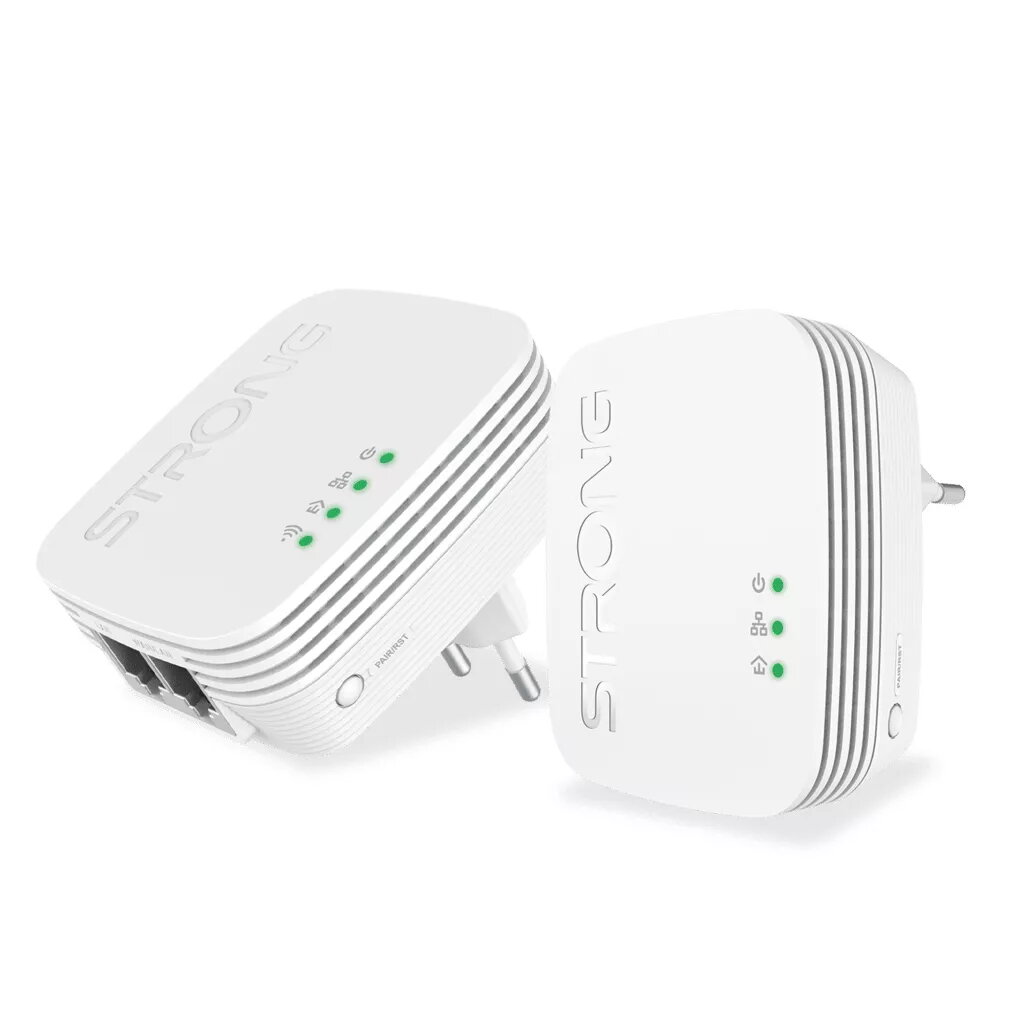
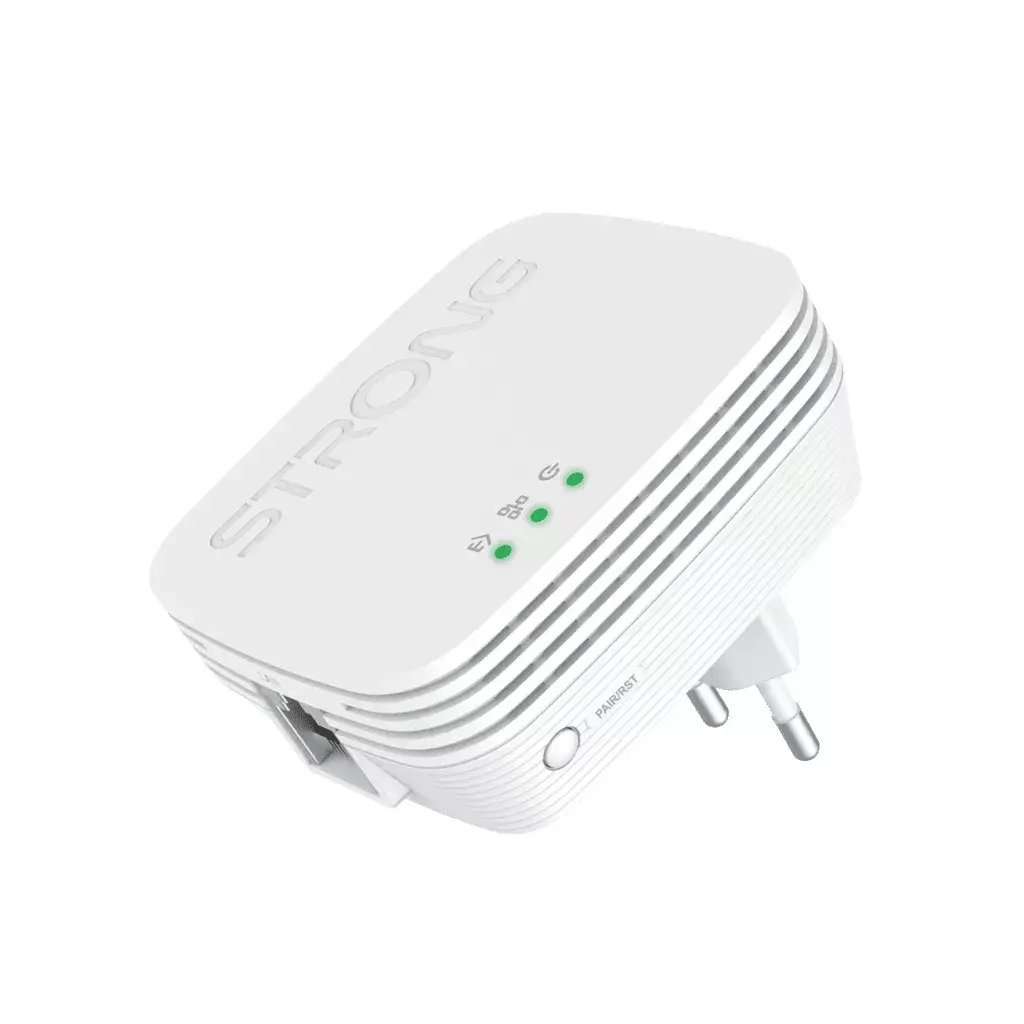
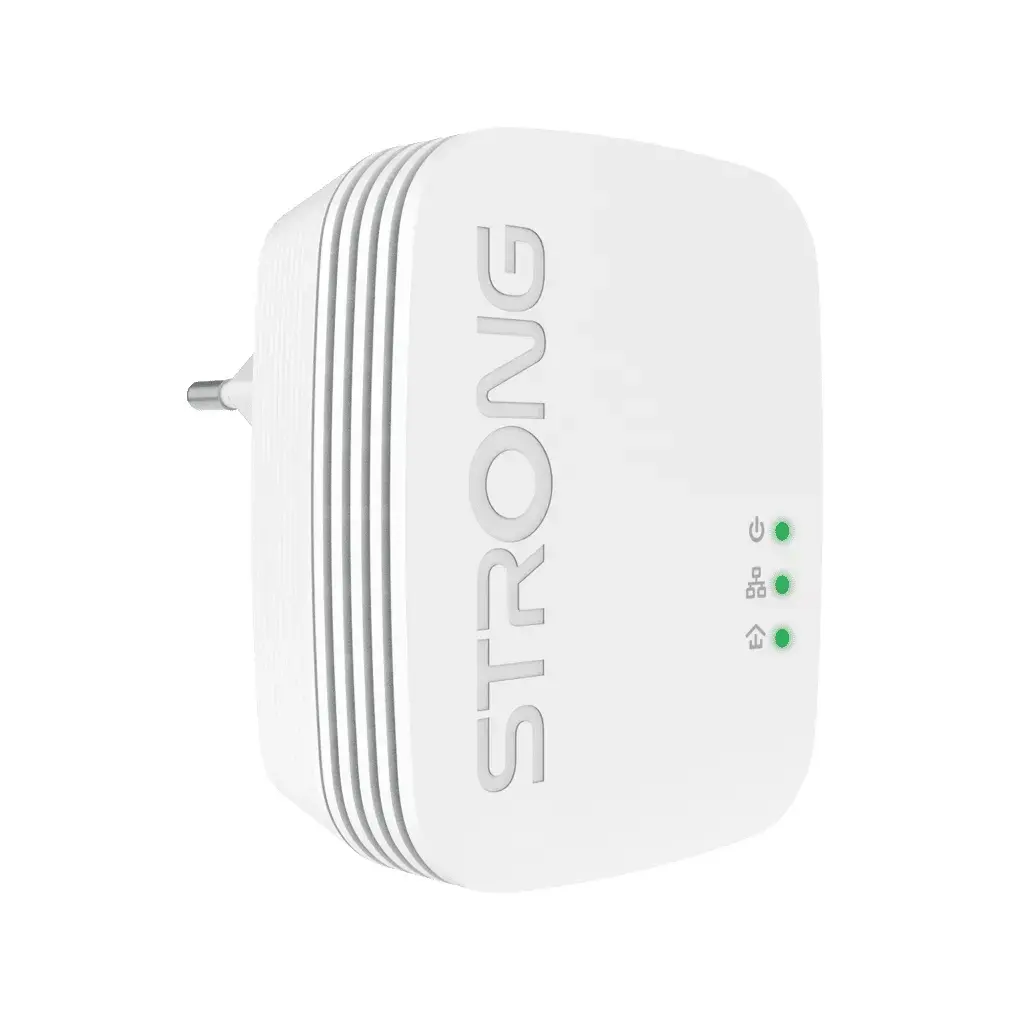
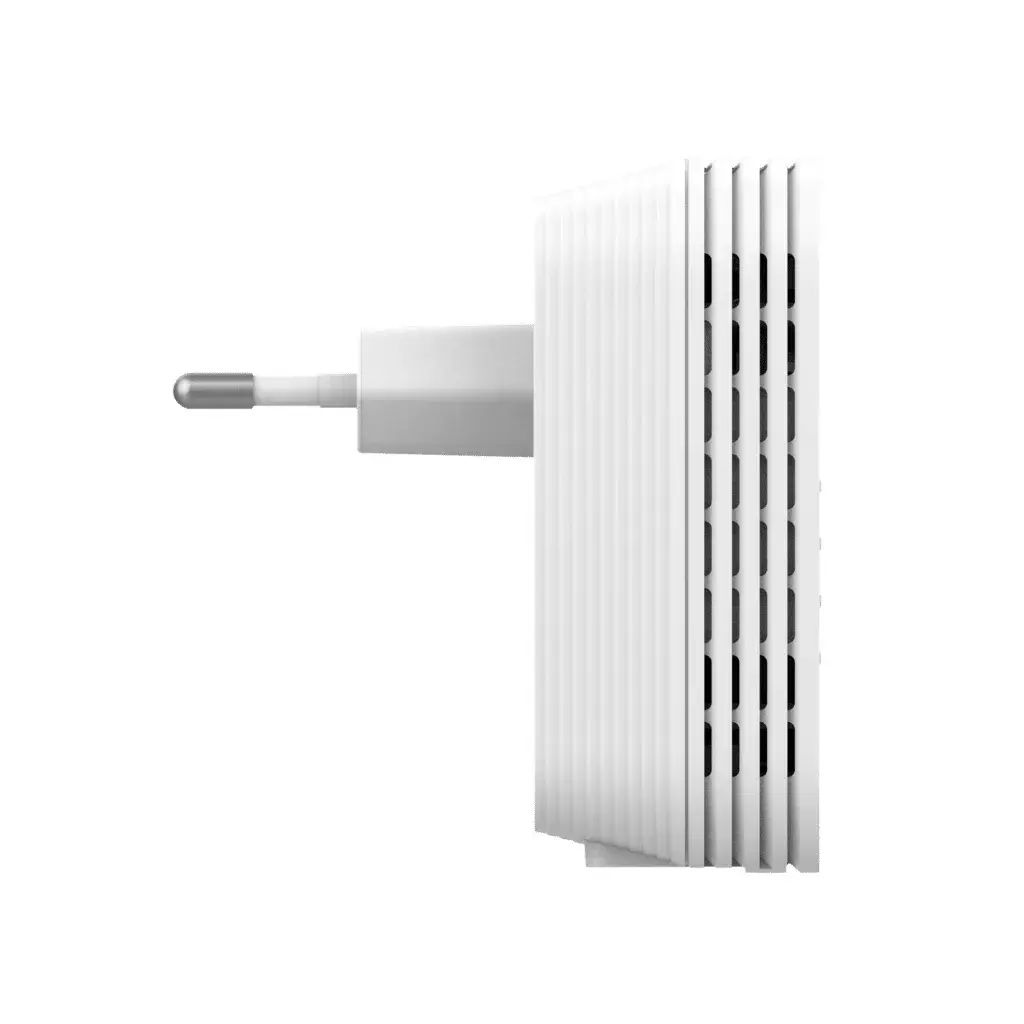
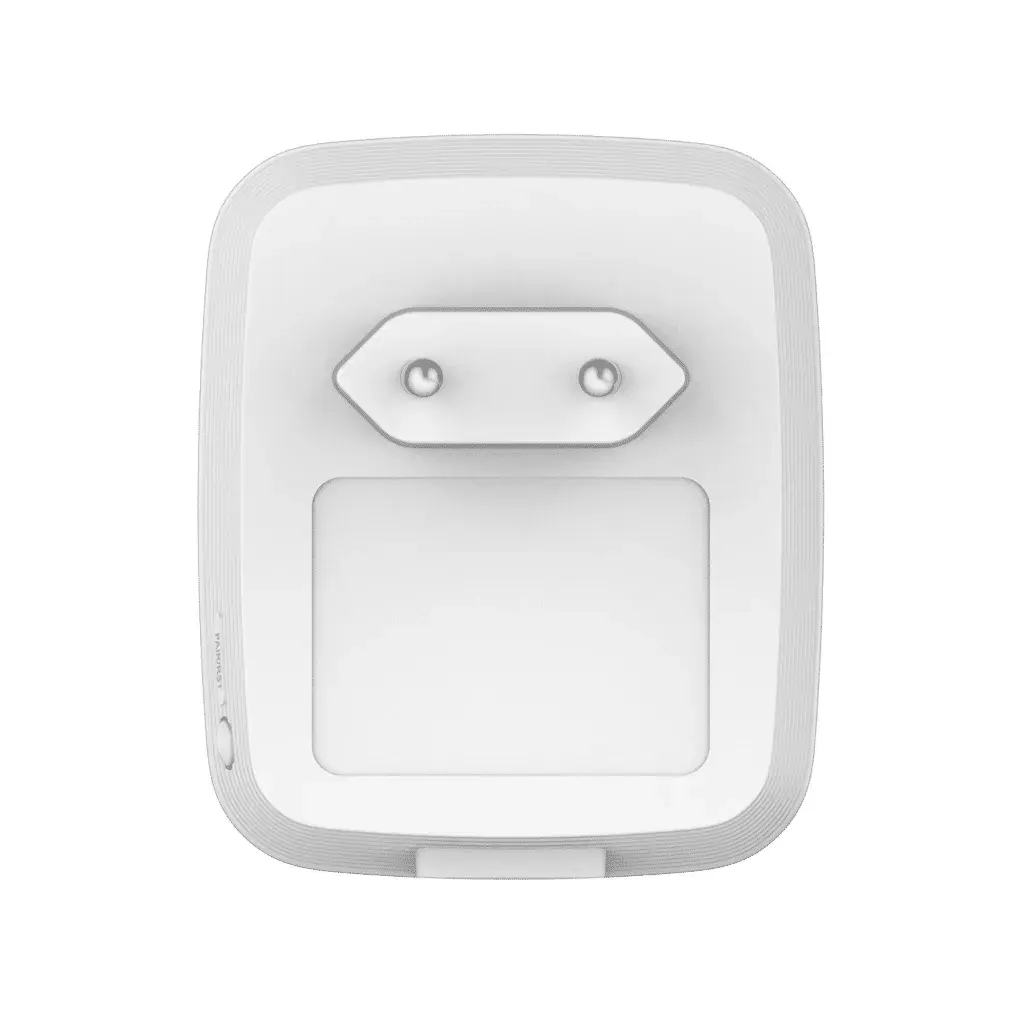
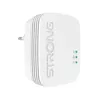
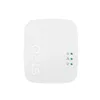
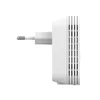
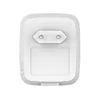
PowerLine Network Adapter Strong POWERLWF600DUOMINI 600 Mbit/s Ethernet LAN Wi-Fi White 2 pcs
The STRONG PowerLine 600 Mini kit includes one PowerLine 600 Mini adapter and one PowerLine Wi‑Fi 600 Mini adapter that create a wired and wireless network using your home electrical wiring. Simply connect the PowerLine 600 Mini to your existing modem or router via Ethernet and plug the Wi‑Fi adapter into any power outlet to create a new Wi‑Fi hotspot. The kit supports Powerline HomePlug AV and offers Powerline speeds up to 600 Mbit/s and Wi‑Fi up to 300 Mbit/s, compatible with IEEE 802.3/802.3u and 802.11n/b/g standards. The set is supplied in white and includes LAN (RJ‑45) cables for quick setup.
The kit provides immediate network access at any power socket without new cabling and combines wired Ethernet and wireless connectivity. Installation is plug‑and‑play with zero‑time configuration and does not require technical expertise. The PowerLine connection reaches up to 300 meters across the electrical circuit and supports AES‑128 encryption for PowerLine security and WPA/WPA2 for Wi‑Fi protection. A Connect & Secure button simplifies pairing and secures the network. The adapters include Ethernet ports to connect computers, smart TVs, set‑top boxes and other network devices.
Connect one adapter to your modem or router using the supplied Ethernet cable and plug it into a nearby mains socket. Plug the second PowerLine Wi‑Fi adapter into a power outlet in the room where you need network access. The devices will pair automatically or you can press the Connect & Secure button to establish an encrypted PowerLine link. Once paired, devices can connect via Ethernet to the adapter ports or via the newly created Wi‑Fi hotspot. No additional software is required for basic operation.
For best performance, plug adapters directly into wall sockets rather than into multi‑plug extensions or surge protectors. Keep the Wi‑Fi adapter in an open location for optimal wireless coverage and avoid placing it behind large metal objects. If you experience low throughput, try different power outlets on the same electrical circuit.
{{highlightedFeature.featureTitle}}:
{{getProductFeatureValueById(product, highlightedFeature.featureId)}}
{{ productComparisonGenerationError }}