


Leave your address - as soon as the price of the product goes down, you'll know about it right away
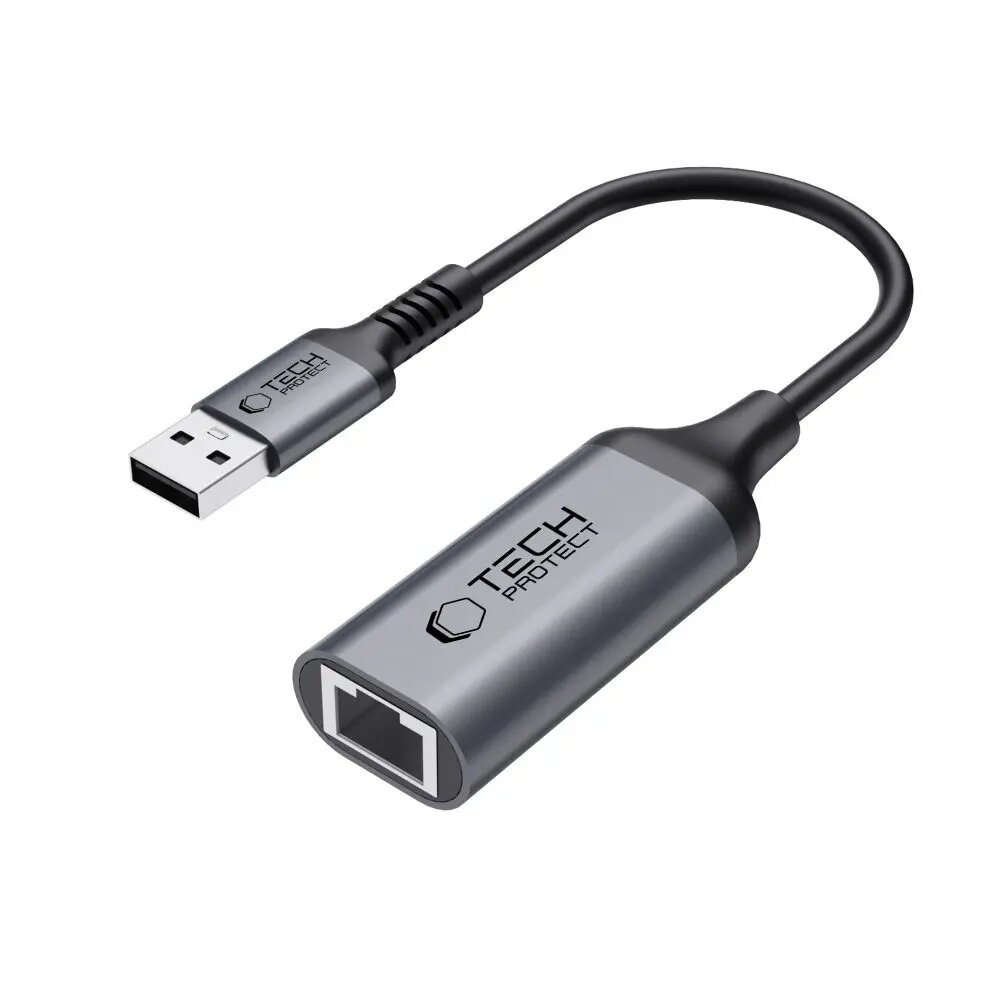
USB 3.0 to Ethernet RJ45 Adapter Tech-Protect ULTRABOOST 1000Mbps, black
In cart {{totalProductsCount}} item(s)
Your cart is empty
USB 3.0 to Ethernet RJ45 Adapter Tech-Protect ULTRABOOST 1000Mbps, black
Leave your address - as soon as the price of the product goes down, you'll know about it right away
USB 3.0 to Ethernet RJ45 Adapter Tech-Protect ULTRABOOST 1000Mbps, black
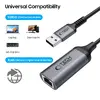
Tech-Protect ULTRABOOST USB 3.0 to Ethernet RJ45 adapter delivers a wired Gigabit connection up to 1000 Mbps for devices without a built-in Ethernet port. The compact, plug-and-play adapter adds a reliable RJ45 interface to laptops, tablets and desktops via a USB 3.0 port. Designed in black finish, it is suitable for situations that require stable streaming, smooth video calls and fast file transfers where wireless connectivity may be insufficient.
The adapter supports Gigabit Ethernet speeds over a USB 3.0 interface, offering low-latency and higher throughput compared with many wireless connections. Its plug-and-play operation requires no complex setup on most operating systems and the compact housing makes it convenient for travel and mobile work. The RJ45 connector provides a stable physical link that reduces packet loss and interference commonly experienced with Wi‑Fi.
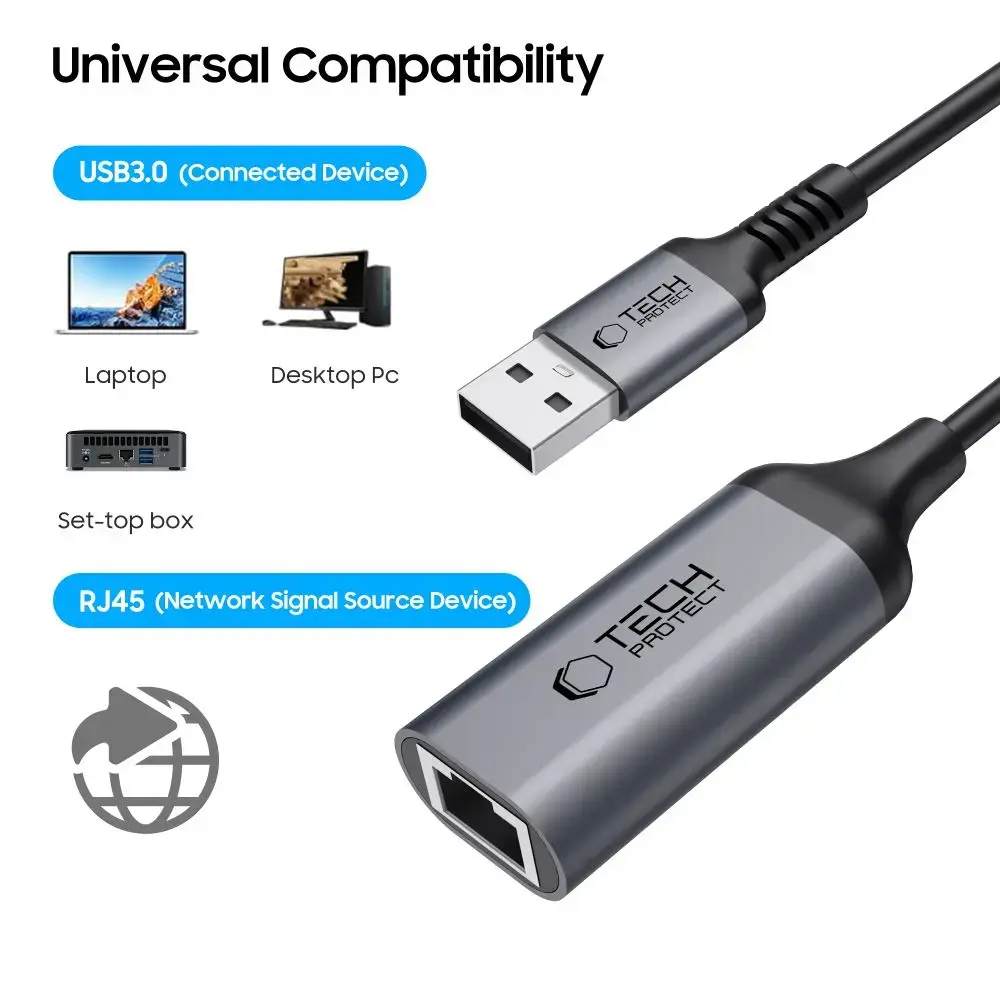
Plug the Tech-Protect ULTRABOOST adapter into an available USB 3.0 Type-A port on your laptop, tablet or desktop. Connect an Ethernet cable from your router, switch or modem to the RJ45 jack on the adapter. Most modern operating systems will detect the adapter automatically and configure network settings via DHCP. If manual configuration is required, use the network settings panel to set a static IP address or custom DNS as needed.
For best performance, connect to a USB 3.0 port (not USB 2.0) and use a quality Cat5e or Cat6 Ethernet cable. Place the adapter where the cable is not under tension and avoid sharp bends. When using on battery-powered devices, be aware that high network throughput can increase power consumption.
{{highlightedFeature.featureTitle}}:
{{getProductFeatureValueById(product, highlightedFeature.featureId)}}