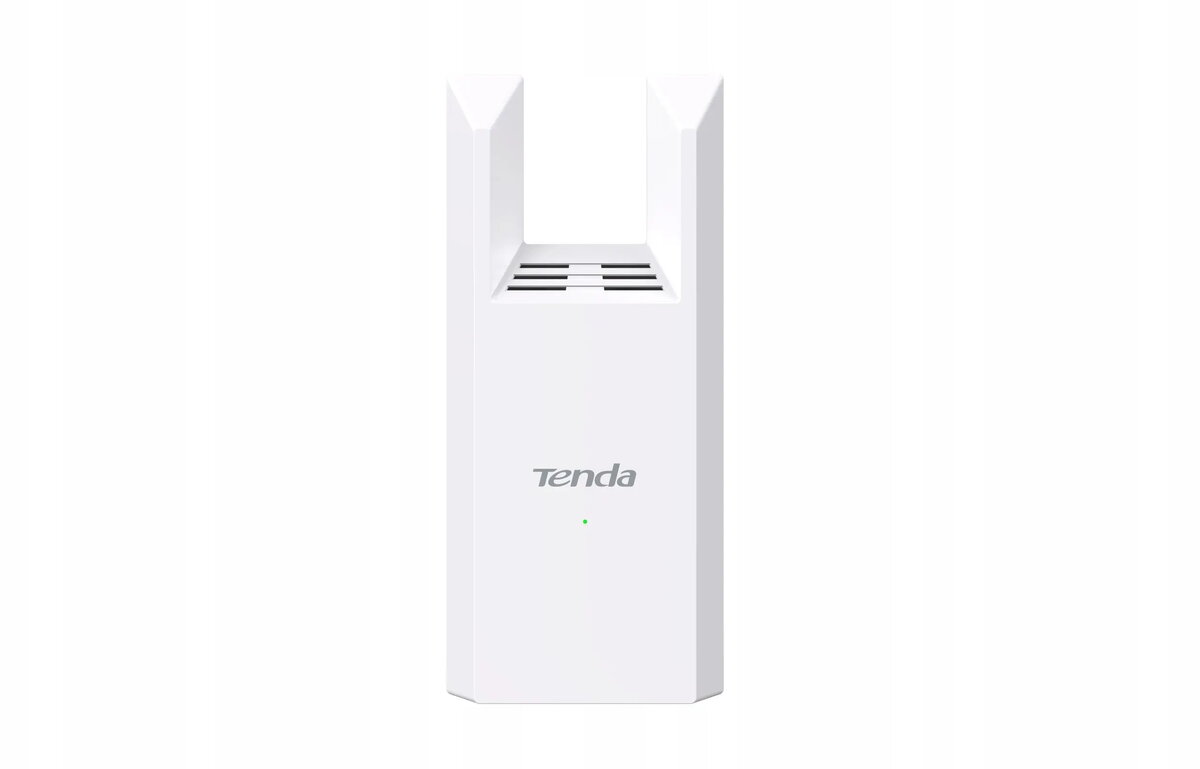
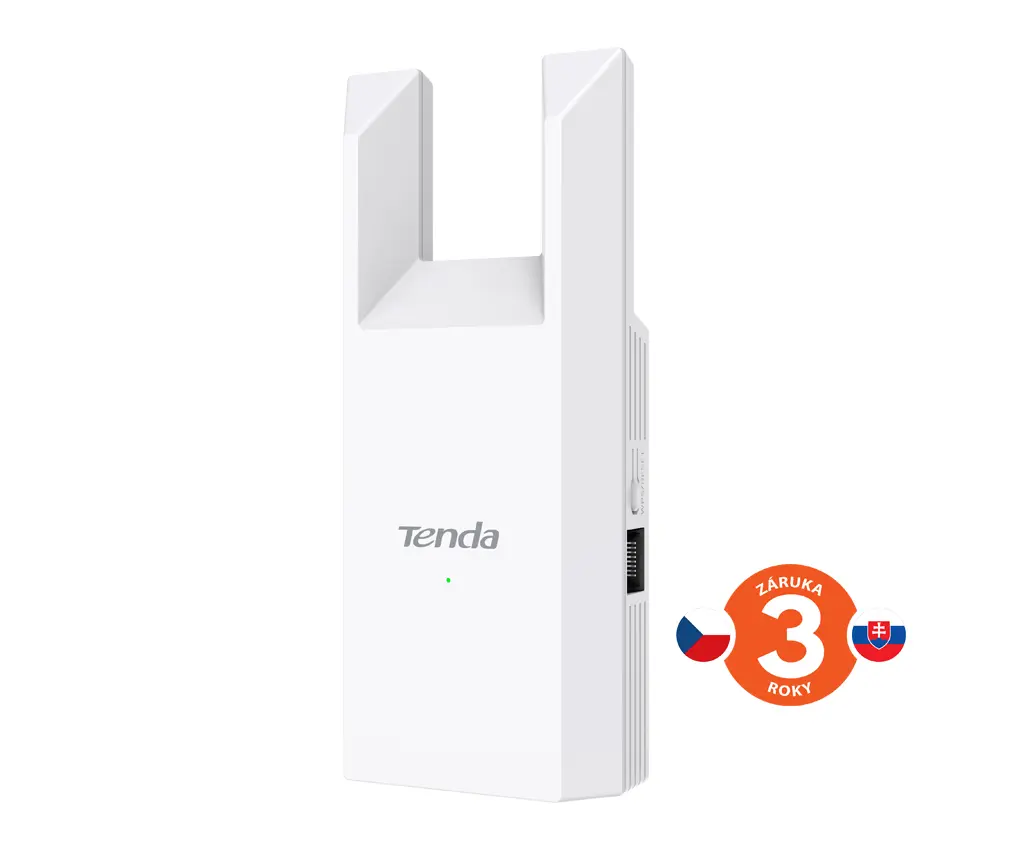
The Wireless Range Extender TENDA A18 PRO AC1200 Dual-Band Repeater is compared against several similar wireless range extenders, including the Tenda A18, QOLTEC AC1200, TP-Link AC1200 ME30, Xiaomi Mi AC1200, and TP-Link AC1200 Mesh. All these products share the common purpose of expanding wireless coverage, eliminating dead zones, and operating across dual frequency bands (2.4 GHz and 5 GHz). The primary differences lie in maximum data transfer rates, antenna configurations, companion setup apps, and advanced networking features such as Mesh support.
⚙️ The specifications comparison table below highlights key parameters such as data transfer rates, frequency bands, antenna types, and connectivity features to illustrate the technical differences between the products in real-world use.
| Parameter | Wireless Range Extender TENDA A18 PRO AC1200 Dual-Band Repeater | Tenda A18 Dual-Band Wi-Fi Range Extender | Wi‑Fi Signal Booster QOLTEC AC1200 | Wi-Fi Range Extender TP-Link AC1200 ME30 | Wi-Fi Range Extender Xiaomi Mi AC1200 Black EU | Network repeater TP-Link AC1200 Mesh Wi-Fi Range Extender | Practical significance of differences |
|---|
| Wi-Fi Speed | AC1200 | Up to 867 Mbit/s | AC1200 | Up to 1200 Mbit/s | Up to 1200 Mbit/s | Up to 867 Mbit/s | AC1200 class devices deliver higher aggregate throughput, supporting smoother video streaming and online gaming. |
| Frequency Bands | 2.4 GHz / 5 GHz | 2.4 GHz / 5 GHz | 2.4 GHz / 5 GHz | 2.4 GHz / 5 GHz | 2.4 GHz / 5 GHz | 2.4 GHz / 5 GHz | All compared devices support dual-band operation to help reduce interference and maintain stable connections. |
| Antennas | External antennas | Two external omni-directional antennas | Not specified | Not specified | Not specified | Internal antenna | External antennas generally provide better signal distribution and reception compared to internal options. |
| Ecosystem and Setup | Standard setup | Standard setup | Standard setup | Tether app | Mi Home app | Mesh technology | Dedicated apps and Mesh support make it easier to integrate the device into specific smart home setups. |
◎ The suitability table below evaluates different usage scenarios and buyer needs to help determine which product is most appropriate for specific environments.
| Use case | Recommended product | Why |
|---|
| Eliminating dead zones in standard homes or offices | Wireless Range Extender TENDA A18 PRO AC1200 Dual-Band Repeater | Reliable dual-band operation and AC1200 speeds effectively cover standard network expansion needs. |
| Integration with Xiaomi smart home ecosystem | Wi-Fi Range Extender Xiaomi Mi AC1200 Black EU | Features convenient configuration and management through the dedicated Mi Home mobile application. |
| Seamless multi-room network coverage | Network repeater TP-Link AC1200 Mesh Wi-Fi Range Extender | Mesh technology support enables a unified network name for seamless roaming across larger areas. |
The choice between the Wireless Range Extender TENDA A18 PRO AC1200 Dual-Band Repeater and alternative models depends on your setup preferences and network architecture requirements. The Tenda model is well suited for straightforward dual-band coverage extension, whereas alternatives featuring app integration or Mesh technology may be preferred for specific smart home environments.