Save time and money with our discounts!
In cart {{totalProductsCount}} item(s)
Your cart is empty
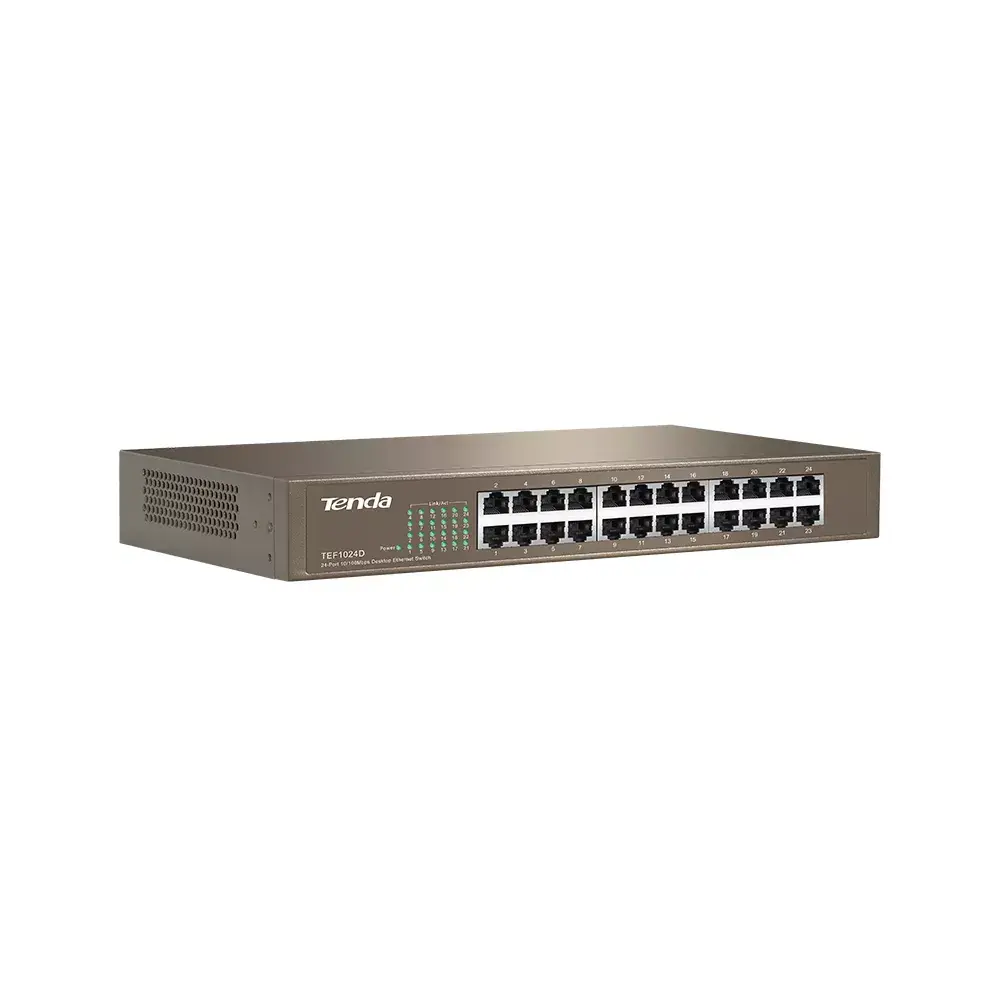
Tenda TEF1024D Unmanaged Fast Ethernet Network Switch with 24 RJ-45 Ports and 4.8 Gbit/s Switching Capacity
The Tenda TEF1024D Unmanaged Fast Ethernet Network Switch with 24 RJ-45 Ports and 4.8 Gbit/s Switching Capacity is engineered to provide a reliable and cost-effective solution for expanding local area networks in small and medium offices or campus environments. Featuring 24 autosensing Fast Ethernet ports, this unmanaged switch allows seamless connection for up to twenty-four devices such as computers, printers, and network-attached storage. Built into a sturdy metal housing with rack-mounting capabilities, it ensures stable performance, ease of use, and dependable operation for daily networking tasks.
The Tenda TEF1024D network switch offers high operational reliability through its plug-and-play functionality, eliminating the need for complex configurations or software installations. Its autosensing 10/100 Mbps ports automatically detect full or half-duplex modes and support auto MDI/MDI-X crossover detection to simplify cabling. The durable metal casing provides robust physical protection and supports standard 13-inch and 19-inch rack installations or desktop placement. Additionally, integrated lightning protection for the power supply and dynamic buffering help prevent frame drops and ensure network stability during standard data transmission.
This device may not be suitable for high-bandwidth environments requiring Gigabit or 10G speeds, as the basic switching ports operate at Fast Ethernet 10/100 levels. It also lacks Power over Ethernet capabilities, meaning it cannot supply electrical power to connected IP cameras or VoIP phones through network cables.
To set up the Tenda TEF1024D network switch, place it on a flat surface or mount it into a standard network rack using the appropriate mounting accessories. Connect the included power supply to an electrical outlet and plug the device into power. Use standard Ethernet cables to connect your router to one of the switch ports, and then connect your computers, printers, or other network devices to the remaining available ports. The switch will automatically configure the link speeds and duplex modes without requiring manual input.
Usage recommendations: Install the switch in a well-ventilated indoor environment away from excessive moisture and direct heat sources to maintain optimal hardware longevity and stable network performance.
{{highlightedFeature.featureTitle}}:
{{getProductFeatureValueById(product, highlightedFeature.featureId)}}
{{ productComparisonGenerationError }}