Dreame vacuums for fast and efficient cleaning!
In cart {{totalProductsCount}} item(s)
Your cart is empty
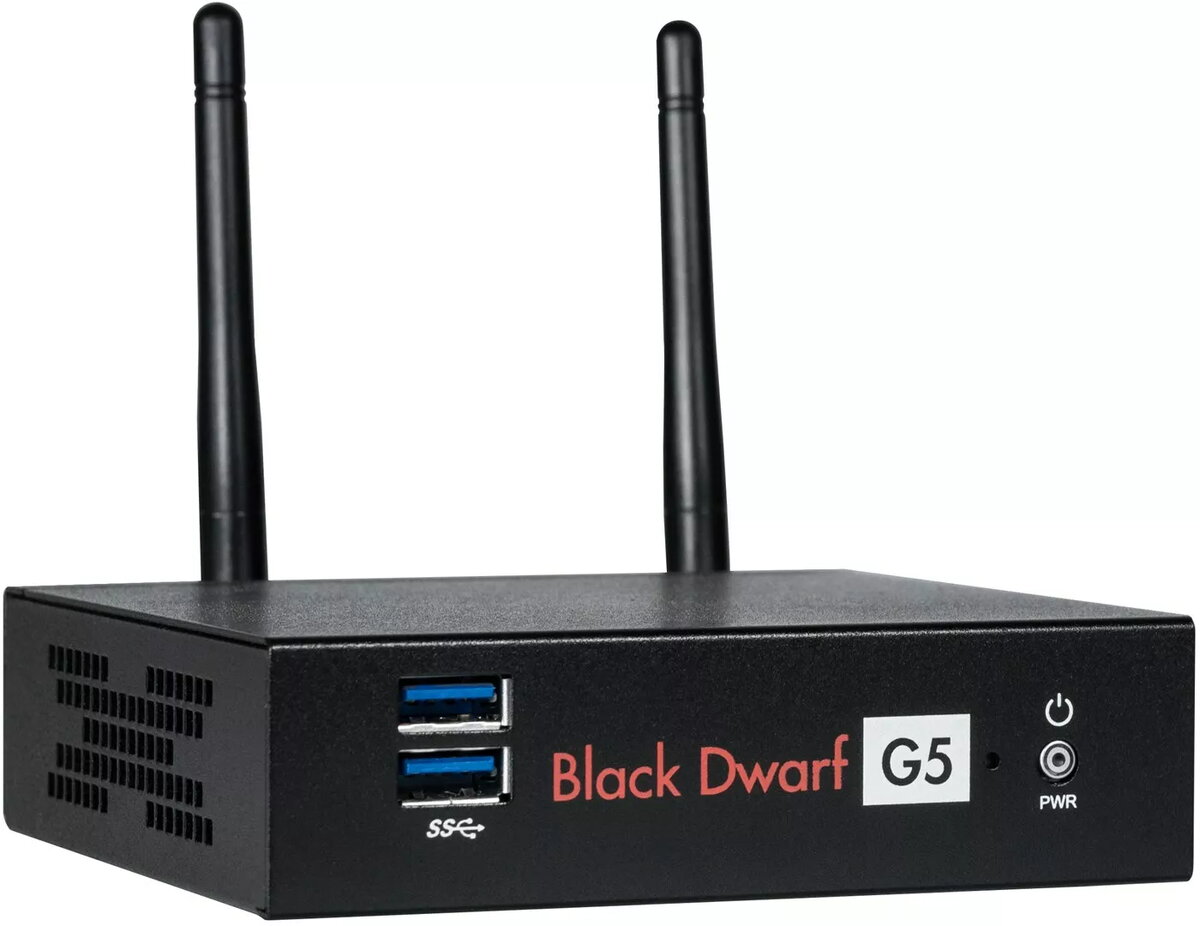
Wortmann AG TERRA Black Dwarf g5 hardware firewall Desktop 10 users Wired Wireless
The Wortmann AG TERRA Black Dwarf g5 is a compact desktop hardware firewall engineered to protect small offices and home networks for up to 10 users. The appliance provides both wired and wireless connectivity, with Gigabit Ethernet LAN throughput and integrated SSD storage for responsive system operation. The unit is supplied with a Securepoint Infinity UTM license bundle to deliver unified threat management features, enabling firewalling, VPN access, and layered security services in a single appliance.
The device combines a small desktop form factor with multiple connectivity options, supporting both wired Gigabit Ethernet and wireless network access. SSD storage ensures quick system boot and responsive logging and reporting. The included UTM license integrates firewall, intrusion detection/prevention, content filtering, and VPN capabilities to simplify security administration. Designed for ease of deployment, the Black Dwarf g5 requires minimal rack or shelf space and is intended for environments where a compact, managed security appliance is preferred.
Place the Black Dwarf g5 on a stable desktop or shelf near your internet connection and power source. Connect the WAN port to your modem or ISP gateway and attach local switches or wired clients to the LAN ports. Configure the wireless radio if you require Wi‑Fi access for client devices. Access the appliance management interface via a web browser on the local network to run the initial setup wizard, apply the included UTM license, set firewall rules, create VPN profiles, and configure network services such as DHCP and DNS forwarding.
Keep firmware and UTM signatures up to date to maintain protection against emerging threats. For environments with higher traffic or more users, consider monitoring throughput and log usage and plan for periodic backups of the device configuration. Place the unit in a ventilated location and ensure reliable power; use an uninterruptible power supply if consistent uptime is required.
{{highlightedFeature.featureTitle}}:
{{getProductFeatureValueById(product, highlightedFeature.featureId)}}
{{ productComparisonGenerationError }}