{{ totalProductsCount }}

In cart {{totalProductsCount}} item(s)

Total:
{{sum | formatAmount}}

Your cart is empty

header-product Wireless Range Extender TP-LINK AC750 REpeater Wi‑Fi (AC750) — TP-LINK 2147884

Wireless Range Extender TP-LINK AC750 REpeater Wi‑Fi (AC750) — TP-LINK 2147884

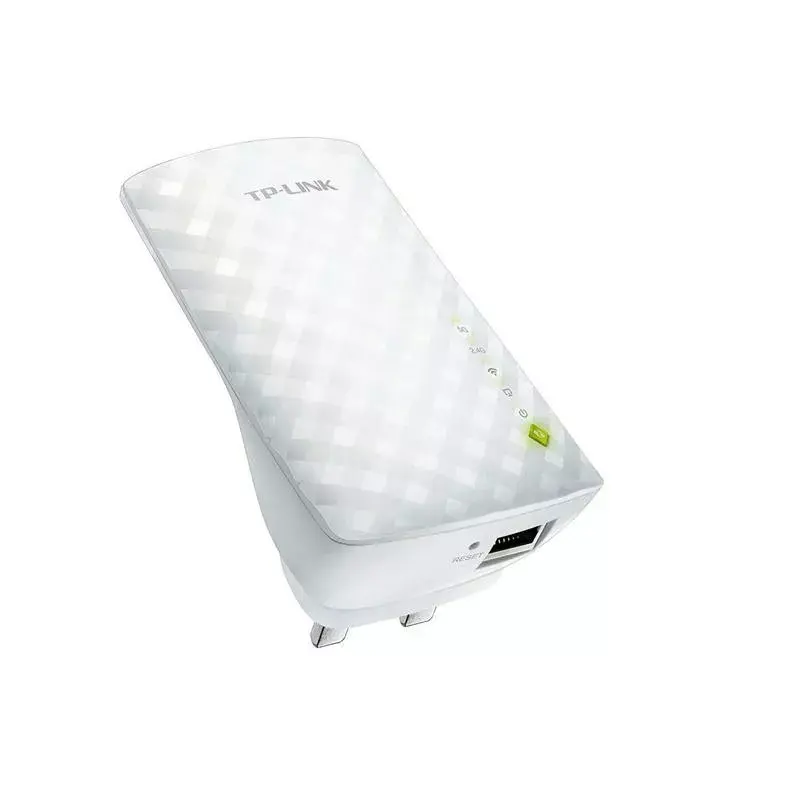
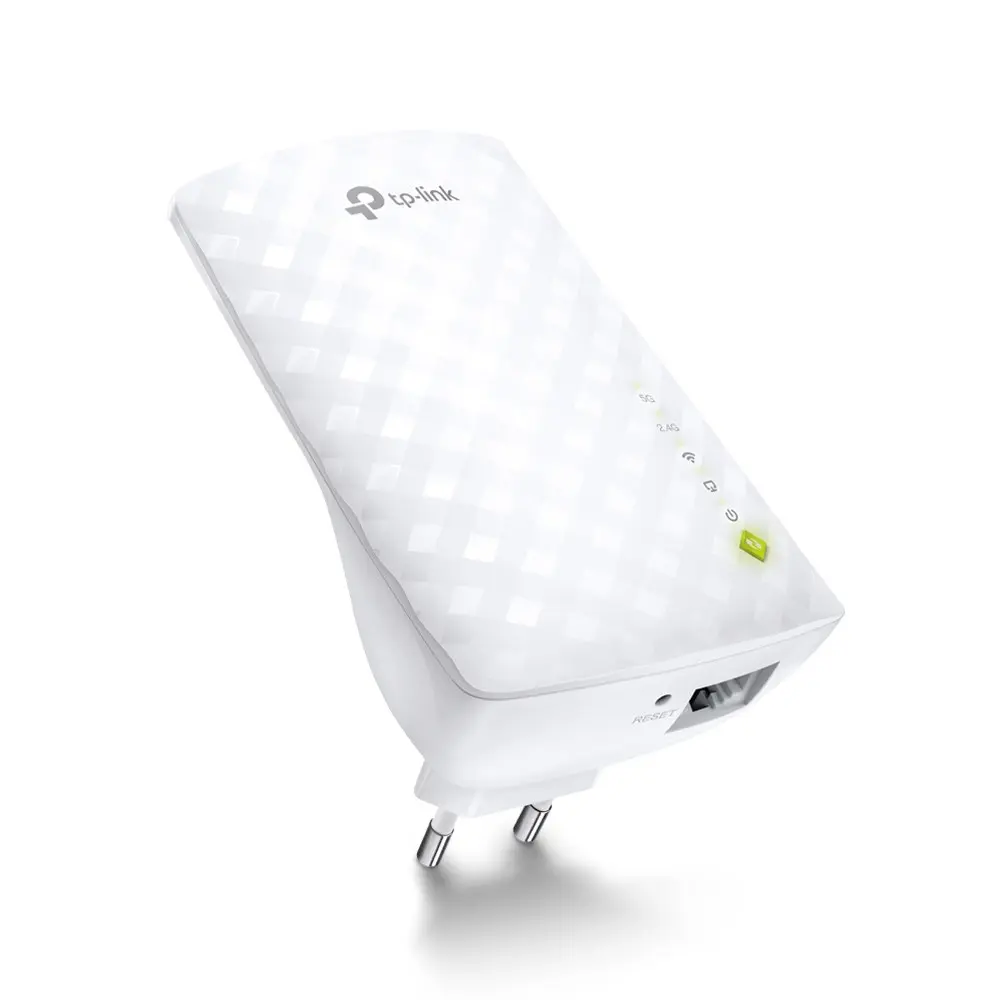
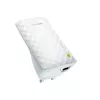
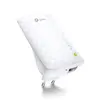
Wi‑Fi Range Extender TP‑LINK AC750 2147884 Photo 1
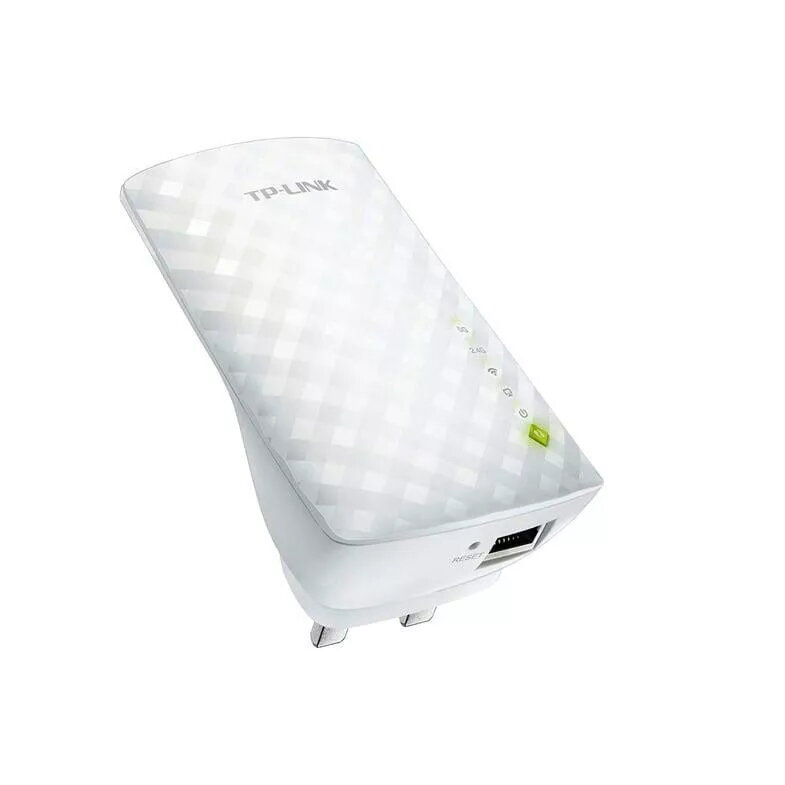
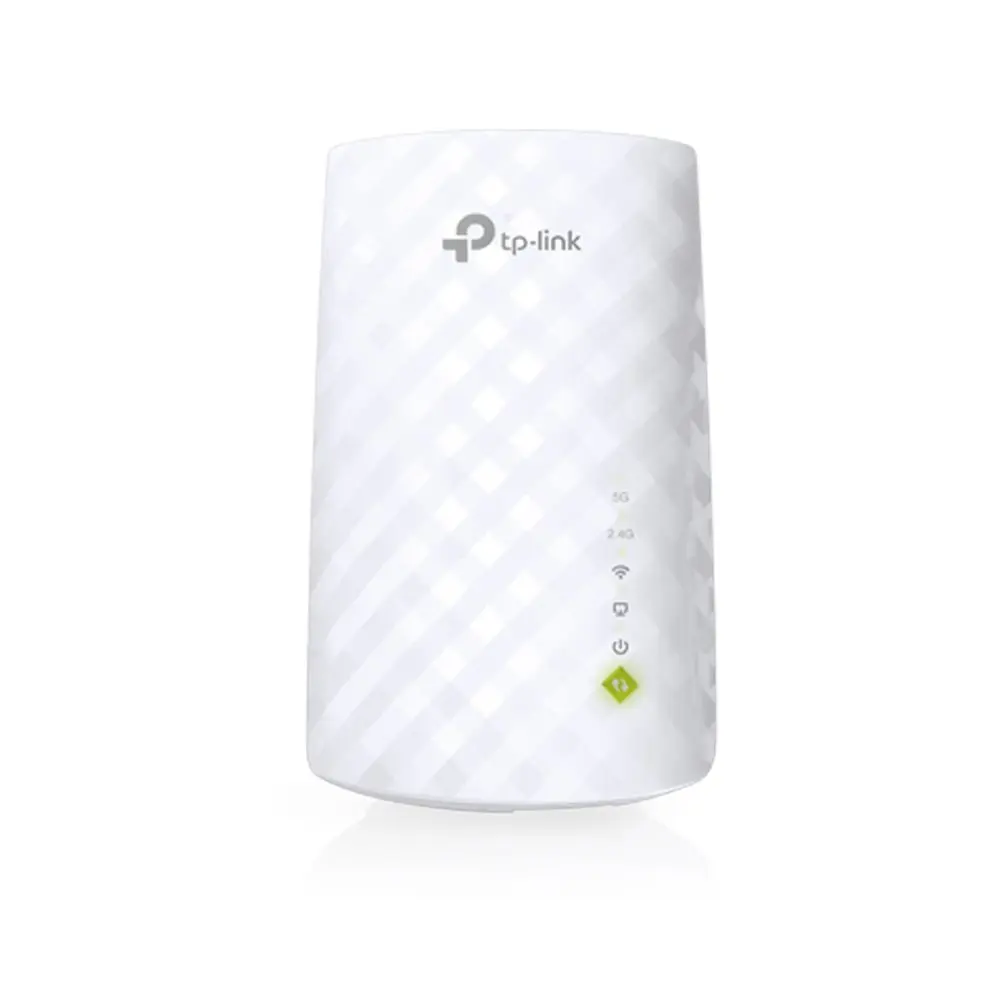
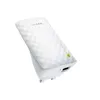
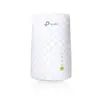
Wi‑Fi Range Extender TP‑LINK AC750 2147884 Photo 2
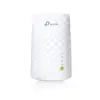
Wi‑Fi Range Extender TP‑LINK AC750 2147884 Photo 1
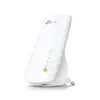
Wi‑Fi Range Extender TP‑LINK AC750 2147884 Photo 2
Out of stock.
View similar!

Short description

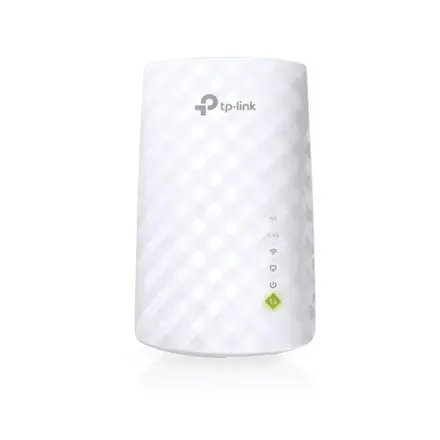
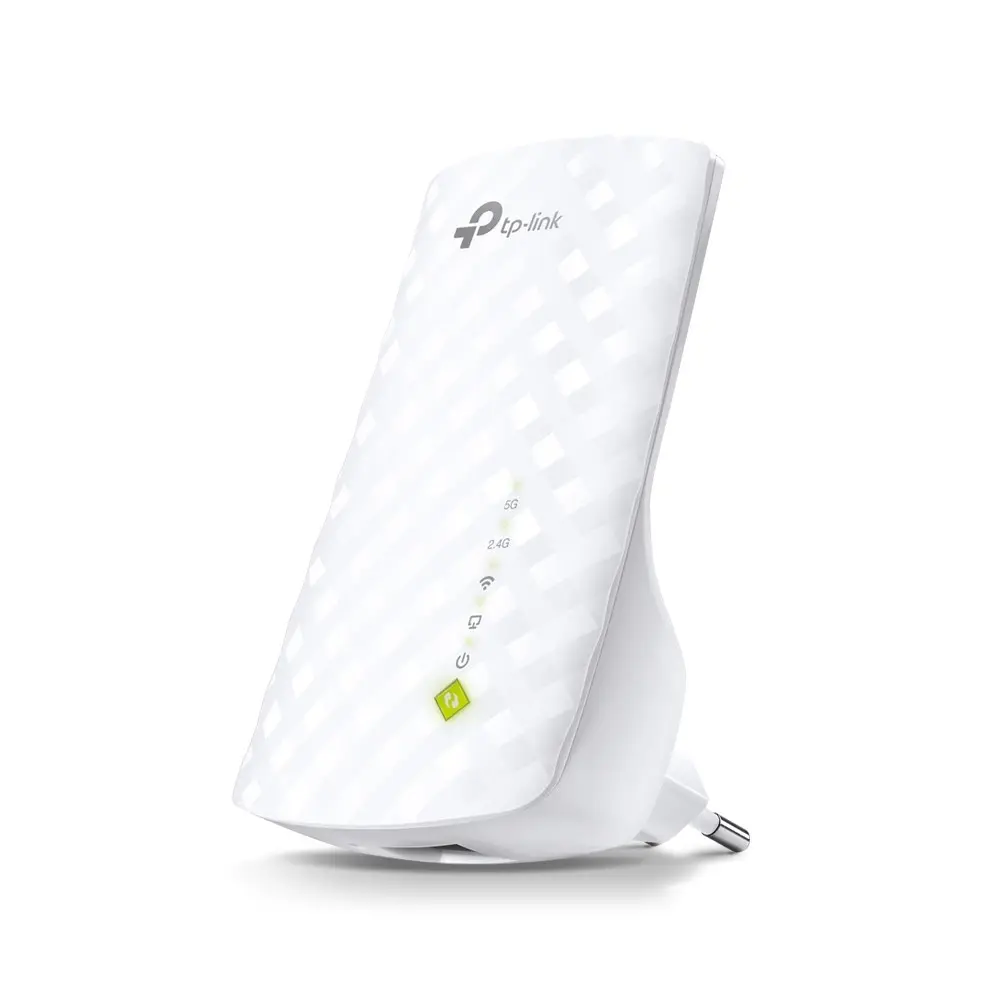
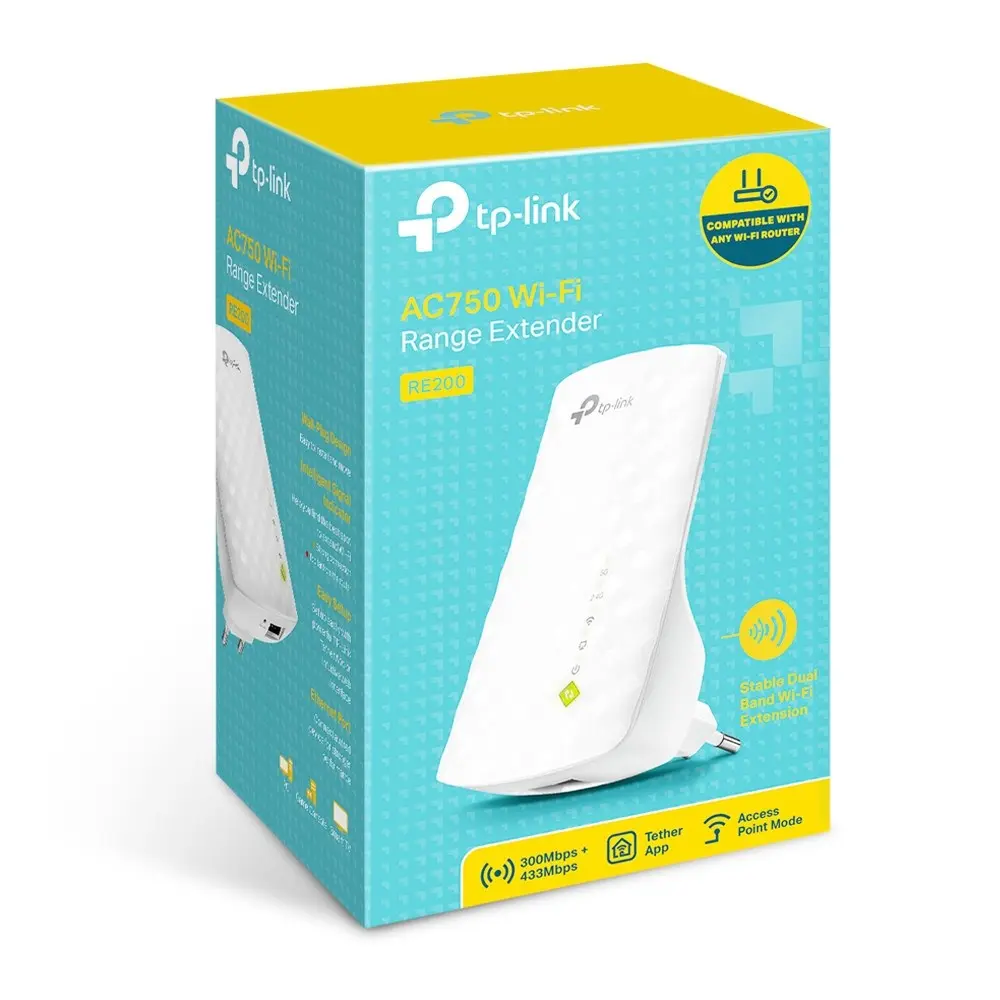
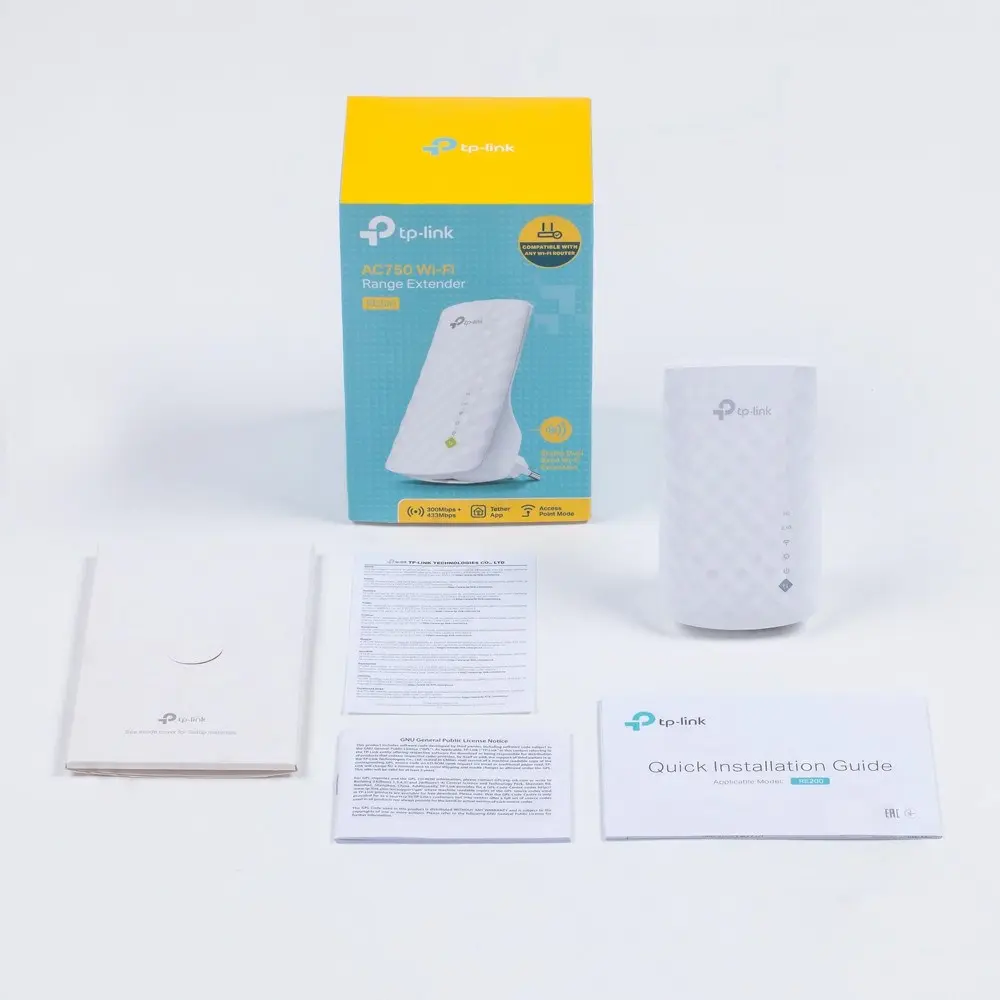
TP‑LINK AC750 Wi‑Fi range extender (model 2147884) is a wireless repeater designed to extend existing Wi‑Fi coverage and improve signal in dead zones. It supports dual‑band AC750 speeds and plugs into a wall outlet for easy placement. Use it to boost home or small office networks, extend coverage to distant rooms, and improve connection stability for streaming and browsing.
Warranty: 2 Years
SKU: 4576286
delivery
Information regarding the items availability for purchase will be posted on this site
price
Item cost information will be published on this site
Together cheaper
{{product.price | formatAmount}}
{{product.title}}
{{productBundle.reference.specialPrice | formatAmount}}
{{productBundle.title}}
{{productBundlePreviousPrice | formatAmount}}
{{productBundleSpecialPrice | formatAmount}}

You saving {{productBundleYouSave | formatAmount}}

Product information

Description

TP‑LINK AC750 Wi‑Fi range extender is a compact wireless repeater that expands the coverage of an existing Wi‑Fi network and reduces dead zones in homes and small offices. Supporting dual‑band operation with combined AC750 speeds, the device plugs directly into a power outlet for convenient placement and seamless integration with most routers. It is intended to improve wireless signal reach and connection stability for everyday tasks such as web browsing, video streaming and online meetings.

Advantages

The TP‑LINK AC750 extender offers dual‑band connectivity to separate traffic between 2.4 GHz and 5 GHz bands, increasing compatibility with older devices while providing higher speeds for modern equipment. Its plug‑in design simplifies installation and placement without occupying shelf space. Built‑in signal indicators and an easy setup process allow fast configuration and optimal positioning. The device is compatible with standard Wi‑Fi security protocols to maintain network protection.

Suitable for

  • Extending Wi‑Fi coverage to distant rooms or floors in a home
  • Improving signal in small office spaces and meeting rooms
  • Enhancing stability for video streaming and online conferencing
  • Providing better connectivity for smart home devices and laptops

Key specifications

  • Wireless standard: IEEE 802.11ac/n/g/b/a with dual‑band operation
  • Maximum combined data rate: AC750 (approximate combined throughput across bands)
  • Frequency bands: 2.4 GHz and 5 GHz
  • Form factor: Plug‑in wall outlet design
  • Indicators: Signal/connection status LEDs for placement assistance
  • Security: WPA/WPA2 wireless encryption support

How to use

Plug the extender into a mains outlet within range of your existing Wi‑Fi router, then use the manufacturer’s setup procedure to connect it to the router — this can typically be done via WPS or a web/mobile setup interface. After successful setup, move the extender to an intermediate location if needed to balance signal strength from the router and coverage to the target area. Connect client devices to the extended network using the same SSID or the extender’s network name as configured during setup.

Usage recommendations

Place the extender where the router signal is still strong enough for a stable link but within reach of the area that needs better coverage. Avoid installing the unit near large metal objects or sources of electromagnetic interference such as microwaves. For optimal performance, connect high‑bandwidth devices to the 5 GHz band and leave the 2.4 GHz band for long‑range or legacy devices.

All features

Weight & dimensions

Weight: Weight of the product without packaging (net weight). If possible, the net weight is given including standard accessories and supplies. Please note that sometimes the manufacturer leaves out the weight of accessories and/or supplies.
0.434 kg

Description

Machine translation. Load original

Similar products

{{product.title}}
Show details Hide details

{{highlightedFeature.featureTitle}}:

{{getProductFeatureValueById(product, highlightedFeature.featureId)}}

{{product.price | formatAmount}}

Product comparison

The wireless range extender Wireless Range Extender TP-LINK AC750 REpeater Wi‑Fi (AC750) — TP-LINK 2147884 is compared against several alternative network repeaters, including TP‑Link AC750 RE200 V2, TP‑LINK RE1500X(DE), AVM FRITZ!Repeater 2700, TP‑Link RE505X, and Mercusys ME20 AC750. All these devices are designed to extend existing wireless coverage, eliminate dead zones, and improve connection stability in homes and small offices. The main differences lie in their supported Wi-Fi standards (ranging from AC750 up to modern Wi-Fi 7), maximum data rates, wired port types (Fast Ethernet or Gigabit Ethernet), and antenna design.

⚙️ Below is a comparison of key specifications such as Wi-Fi standard, maximum speed, wired port type, and antenna design.

ParameterTP-LINK 2147884TP‑Link RE200 V2TP‑LINK RE1500X(DE)AVM FRITZ!Repeater 2700TP‑Link RE505XMercusys ME20Practical Significance
Device TypeWireless repeaterNetwork repeaterNetwork repeaterWi-Fi repeaterNetwork transmitter & receiverNetwork repeaterAll products perform network extension functions but differ in performance tiers and technologies.
Wi-Fi StandardAC750 (dual-band)AC750 (dual-band)Wi-Fi 6 (802.11ax)Wi-Fi 7Wi-Fi 6 (802.11ax)AC750 (Wi-Fi 5)Newer standards provide better efficiency and capacity for multiple connected devices.
Maximum SpeedUp to 750 MbpsUp to 750 MbpsHigh (Wi-Fi 6)High (Wi-Fi 7)1200 MbpsUp to 750 MbpsHigher-speed models are better suited for heavy streaming, online gaming, and large data transfers.
Wired PortNot specified10/100 Mbps EthernetGigabit EthernetNot specifiedGigabit Ethernet10/100 Mbps Fast EthernetGigabit ports enable wired client connections without bottlenecks on fast internet plans.
Antenna DesignNot specifiedInternalExternalNot specifiedExternalInternalExternal antennas often help improve signal range and reception quality.

◎ The table below evaluates how different models align with specific use cases and user needs.

Use CaseRecommended ProductWhy
Basic network extension for general browsing and streamingTP-LINK 2147884 or TP‑Link RE200 V2Provides reliable dual-band AC750 coverage for everyday tasks without paying for advanced standards.
Maximum performance and support for next-generation devicesTP‑LINK RE1500X(DE), AVM FRITZ!Repeater 2700 or TP‑Link RE505XWi-Fi 6 and Wi-Fi 7 support deliver higher speeds and gigabit ports for demanding network environments.
Budget-friendly dead zone elimination in smaller spacesMercusys ME20Offers dependable AC750 performance with a Fast Ethernet port for efficient home or office coverage.
The Wireless Range Extender TP-LINK AC750 REpeater Wi‑Fi (AC750) — TP-LINK 2147884 is a balanced AC750-class solution suitable for standard home or small office network extension. It is ideal for users seeking a straightforward and reliable device to eliminate dead zones without needing advanced technologies like Wi-Fi 6 or Wi-Fi 7. If your network demands higher throughput and support for multiple modern devices, alternatives featuring Wi-Fi 6 such as the TP‑Link RE505X or TP‑LINK RE1500X(DE) may be more appropriate.

Might be useful
{{product.manufacturerName}}
{{product.categoryName}}
{{product.title}}
{{product.specialPrice}}
{{product.price}}

Customer reviews

Customer questions

FAQ

What payment options are available?

AiO.lv offers several payment methods: Bank transfer. All transactions are 100% secure and encrypted.

Can this product be purchased for a company (with VAT)?

Yes. AiO.lv works with legal entities in Latvia and across Europe. The product price already includes VAT. For certain product categories, as well as for companies from other EU countries with a valid VAT number, a 0% VAT rate may apply. We issue the invoice immediately after the order is placed, support electronic BIS invoices, and automatically generate all necessary accounting documents. You can complete the purchase for a company online — simply select the company profile and choose bank transfer as the payment method during checkout.

What is the warranty period?

All TP-LINK products come with an official 2 Years warranty. It covers all manufacturing defects and malfunctions that may occur during use. The warranty is valid at all authorized TP-LINK service centers and through AiO.lv

Can the product be returned after purchase?

Yes, you can return the product within 14 days of purchase if you bought it as a consumer (not a legal entity). Returns are possible without giving any reason — the main condition is that the product retains its original appearance and full set of accessories. We will make the process as simple and convenient as possible: just contact our customer support team, and we will help you arrange the return.

Where should I contact for warranty service?

For warranty-related questions you can contact the AiO.lv (SIA VSPRO) customer support team. We will assist with consultation, warranty claim processing, and coordination with certified service centers.
warranty
14-Day Return Policy We are confident in our quality, but if the purchase doesn’t fit — you have 14 days to return the product with peace of mind.
shipping
Fast Delivery Get your orders as quickly as possible — right to your door, parcel lockers, or pickup points across Latvia and the EU.
payment
Secure Payment Pay the way you prefer: cash, VISA, MasterCard, Apple Pay, Google Pay, bank transfer, or 0% installment plan.
warranty
Quality Since 2008 AiO.lv has been on the market for over 18 years and has earned trust — with more than 6000 genuine positive reviews on Google.