
Save time and money with our discounts!
In cart {{totalProductsCount}} item(s)
Your cart is empty
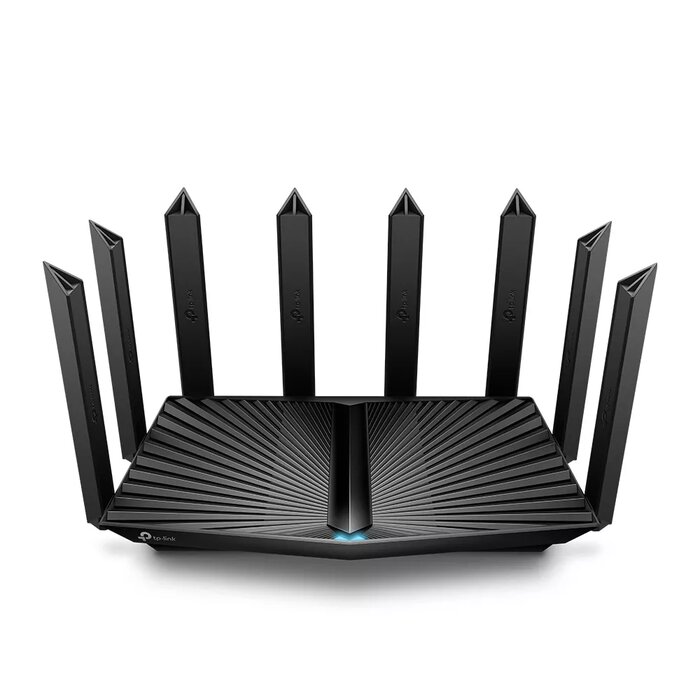
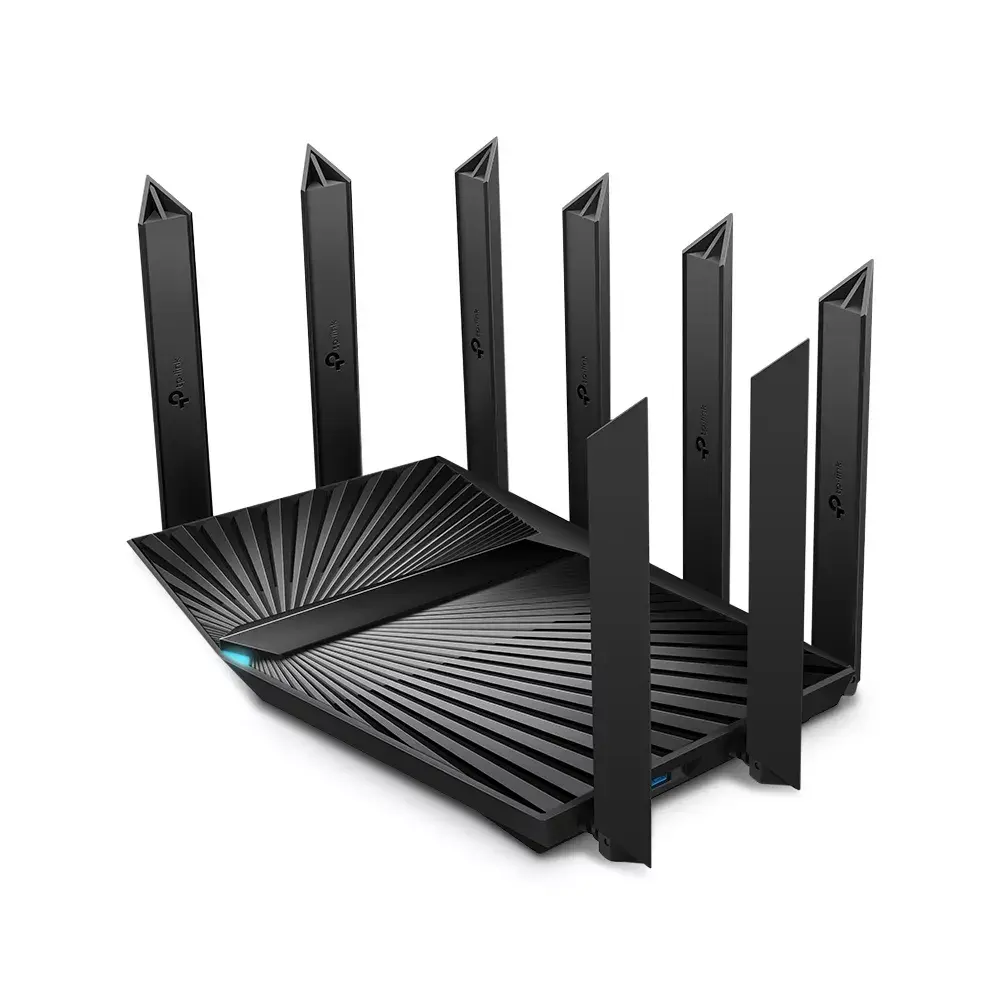
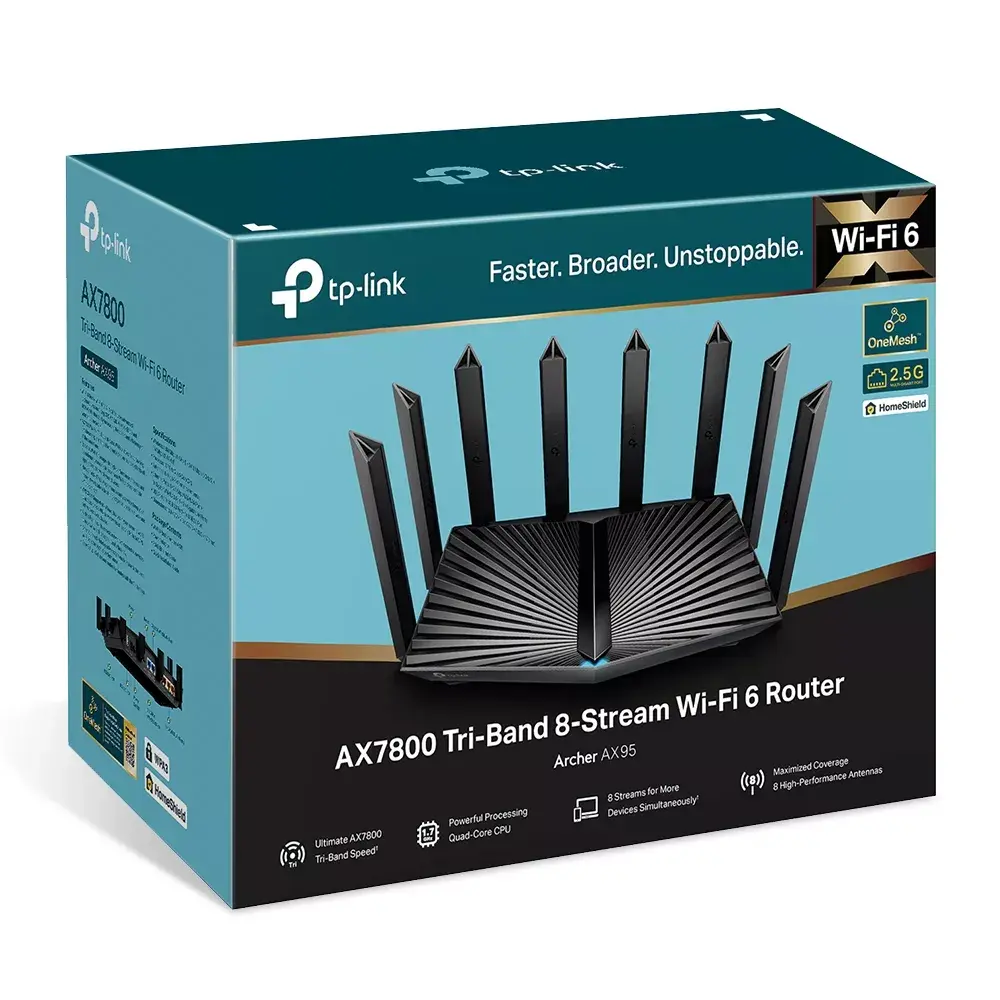
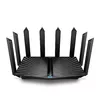
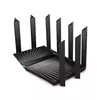
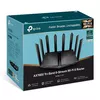
TP-Link Archer AX95 Tri-Band Wi-Fi 6 Router, 7800 Mbit/s, 8-Stream, Gigabit Ethernet
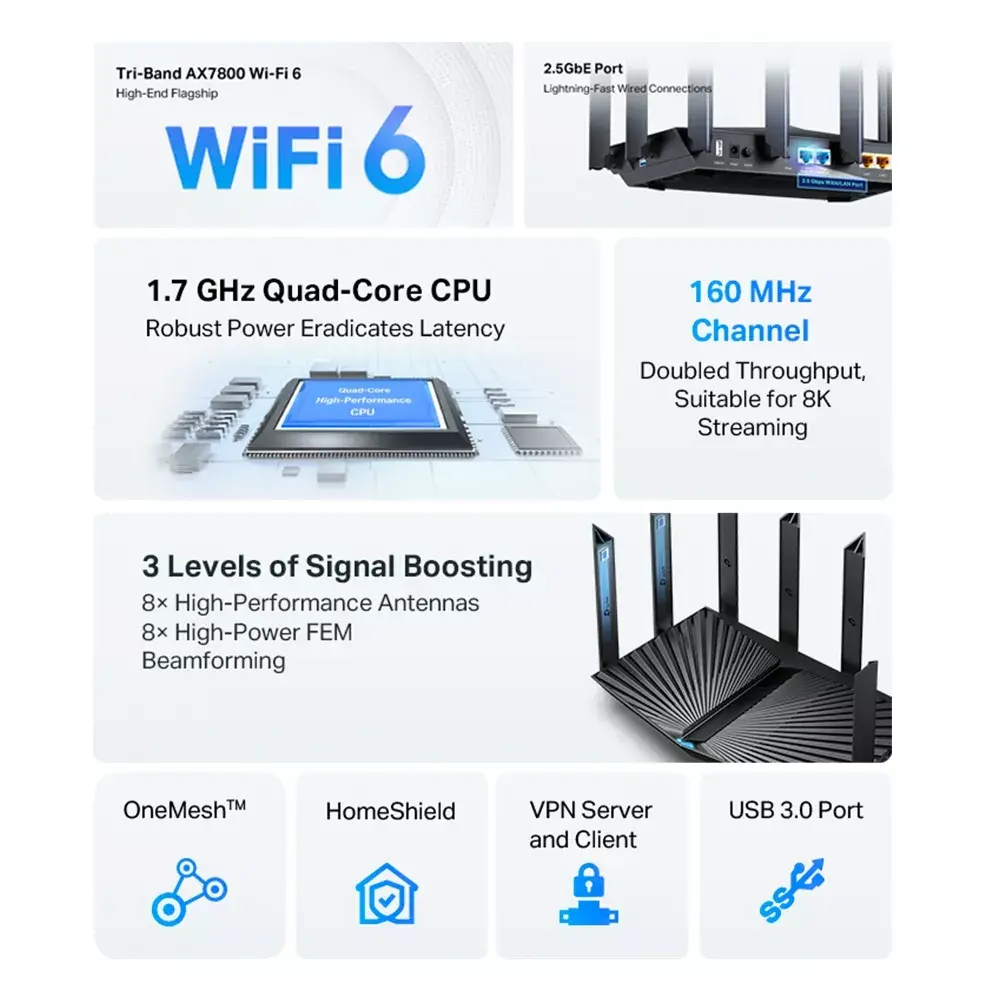
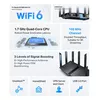
The TP-Link Archer AX95 is a high-performance tri-band Wi-Fi 6 router engineered to provide fast, reliable, and stable wireless connectivity for modern households. Utilizing 8-stream technology, this router delivers combined speeds of up to 7800 Mbit/s, significantly reducing network congestion and enhancing overall efficiency. Equipped with a powerful chipset and high-capacity memory, it ensures seamless performance even when managing heavy data traffic across numerous connected devices.
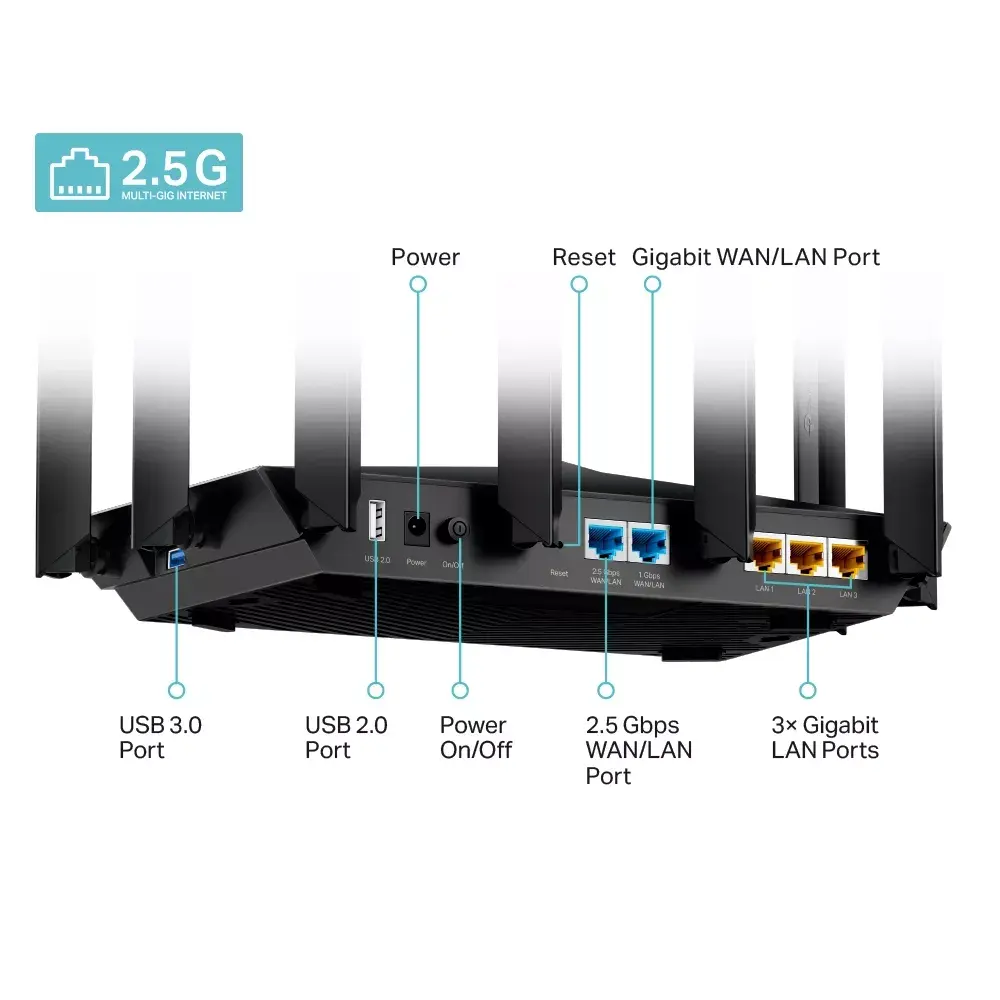
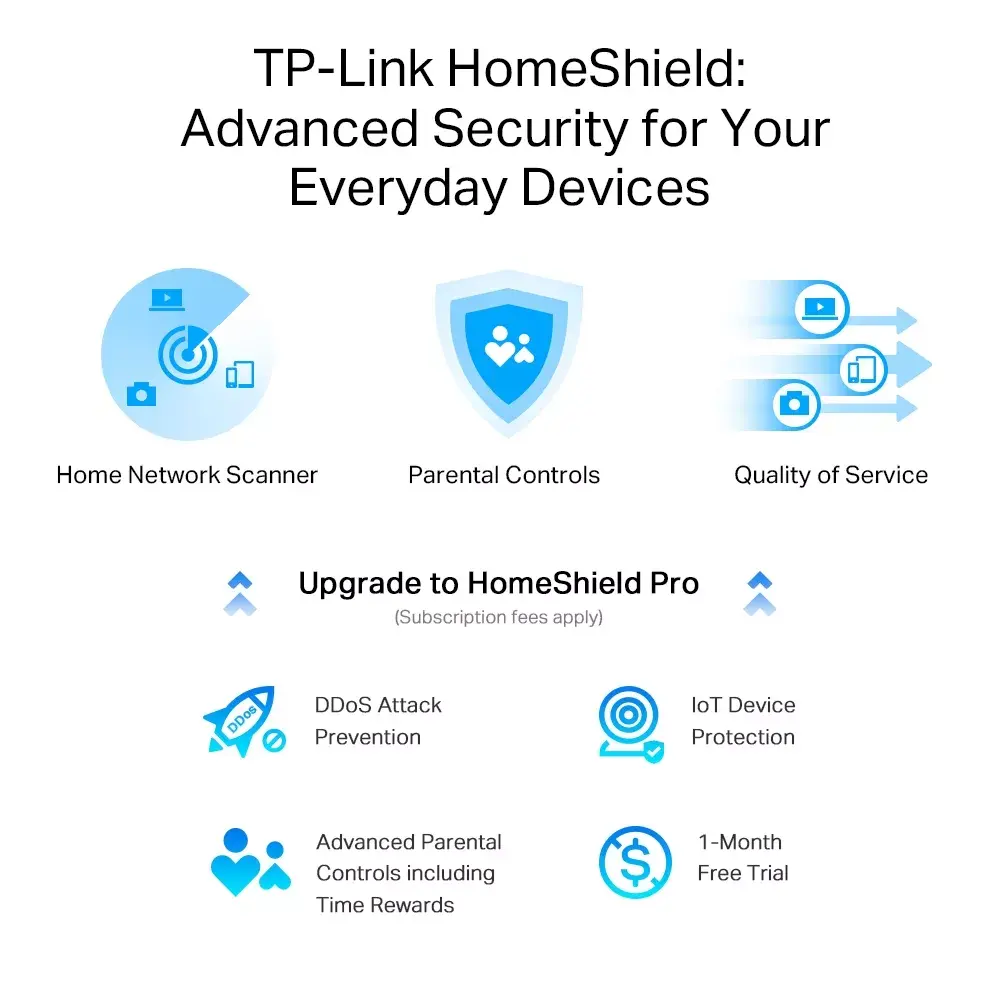
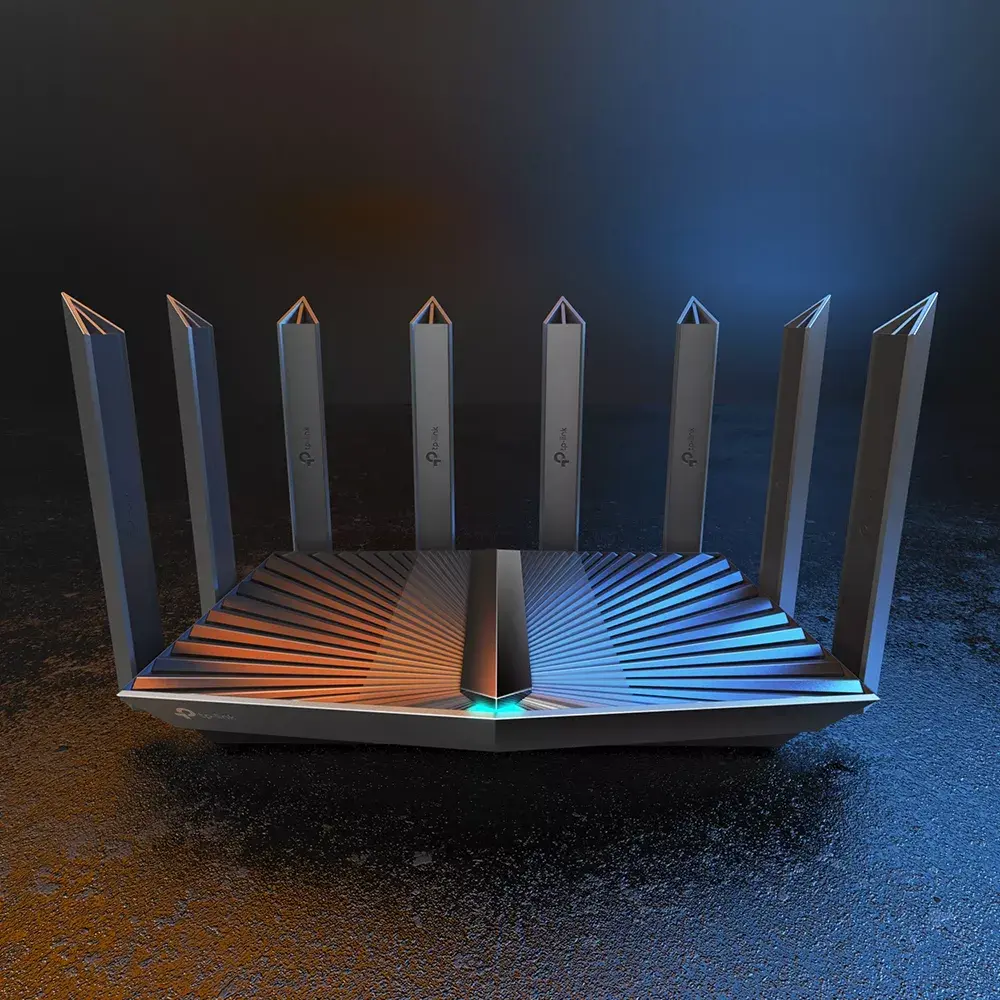
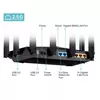
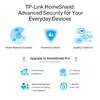
This router excels by offering a tri-band architecture that provides more available bandwidth for demanding tasks such as 4K streaming and online gaming. The inclusion of a 2.5G port allows users to break through traditional gigabit bottlenecks, ensuring that high-speed internet plans are fully utilized. With eight high-performance antennas and beamforming technology, the device provides extensive coverage, effectively eliminating dead zones. Furthermore, the support for TP-Link OneMesh technology allows for the creation of a unified, seamless network throughout the home, while advanced HomeShield security features provide robust protection for all connected devices.
The Archer AX95 may be overkill for small apartments or households with only a few basic internet-connected devices, where a more entry-level router would suffice. Additionally, users who do not have an internet service plan exceeding 1 Gbps may not fully benefit from the 2.5G port capabilities.
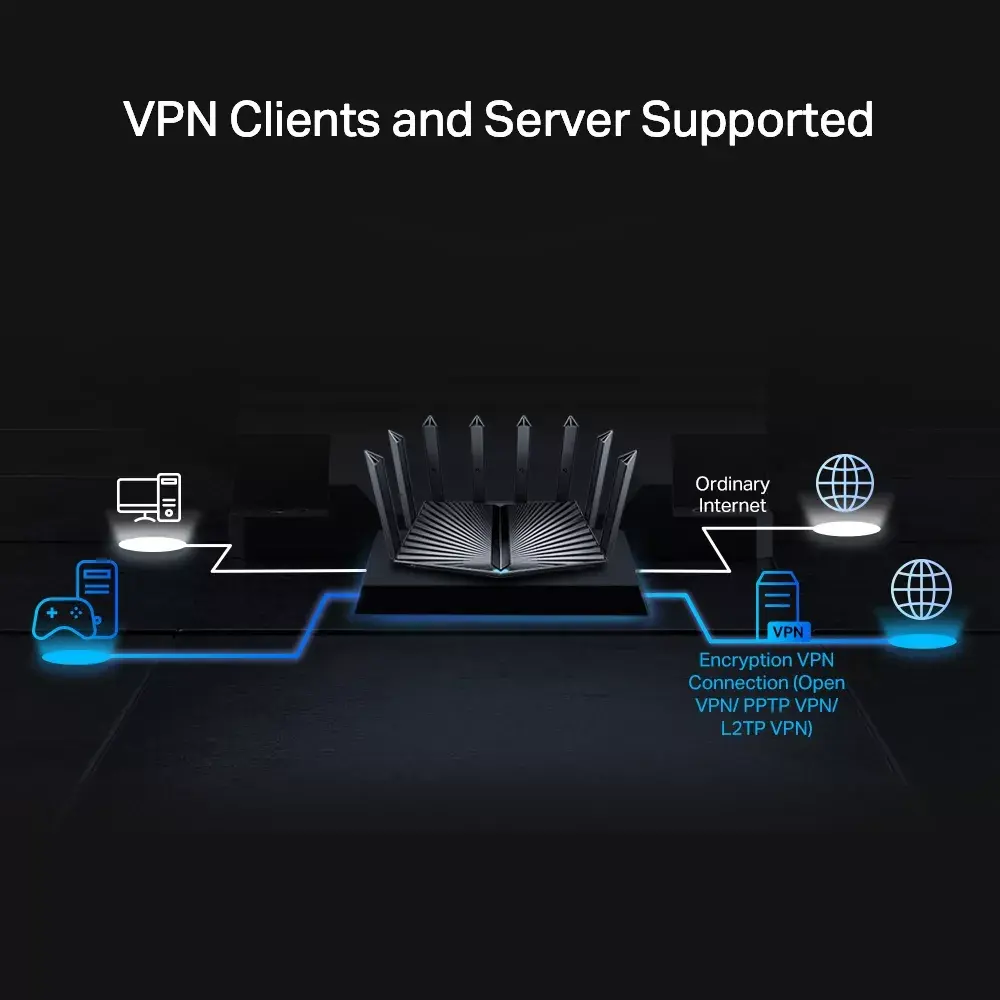
Setting up the Archer AX95 is straightforward using either the TP-Link Tether app on your smartphone or the web-based management interface. Simply connect the router to your modem via the WAN port, power it on, and follow the guided instructions in the app to configure your network name and password. Once initialized, you can manage security settings, parental controls, and firmware updates directly through the interface. For advanced users, the router also supports VPN client and server configurations to enhance network privacy.
For optimal performance, place the router in a central, elevated location away from obstructions and other electronic devices that may cause signal interference. Regularly check for firmware updates via the Tether app to ensure your network remains secure and up to date.
{{highlightedFeature.featureTitle}}:
{{getProductFeatureValueById(product, highlightedFeature.featureId)}}