


Filters you can trust. Pure water every day.
In cart {{totalProductsCount}} item(s)
Your cart is empty
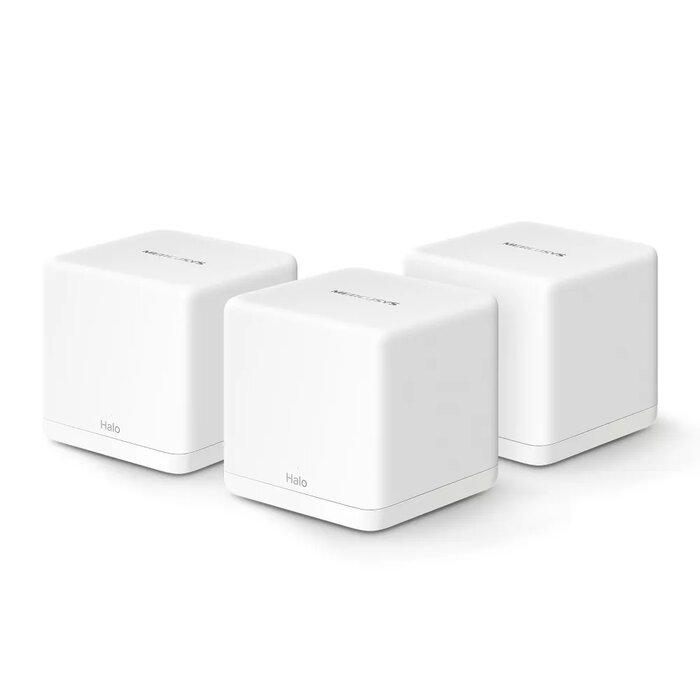
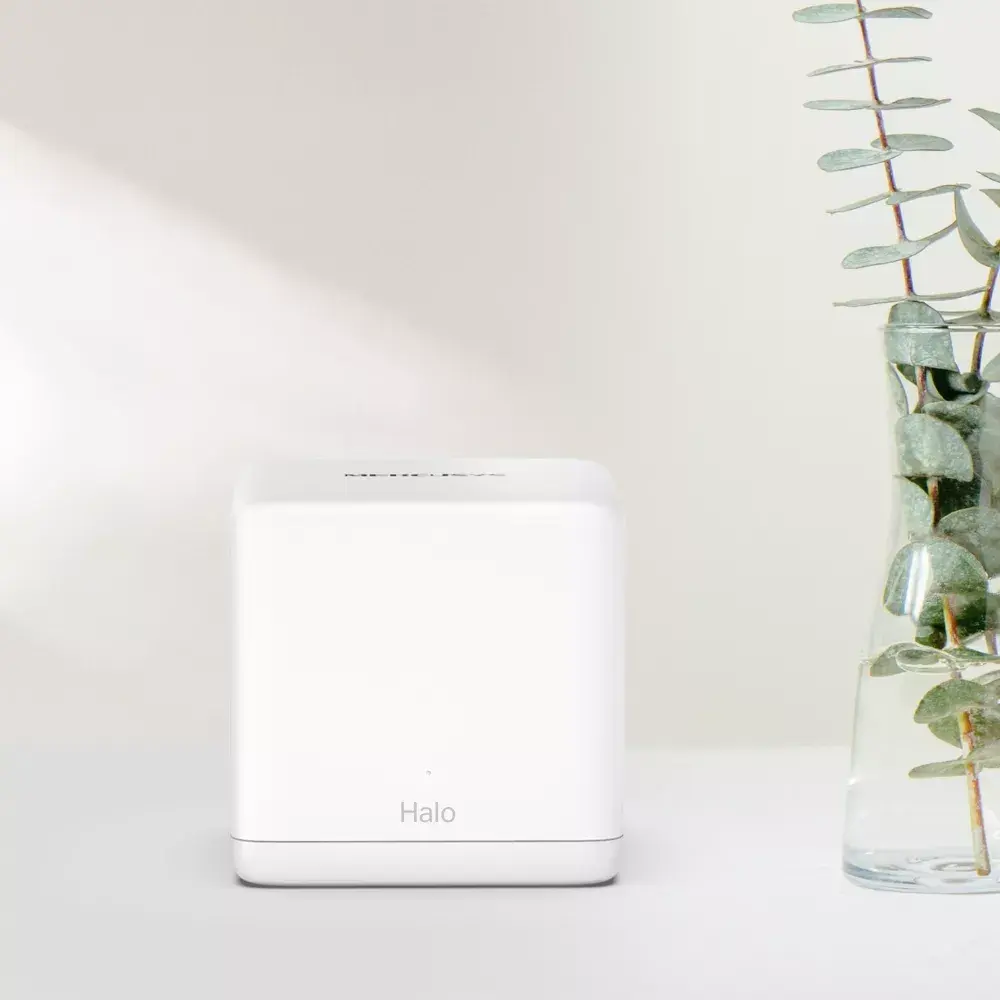
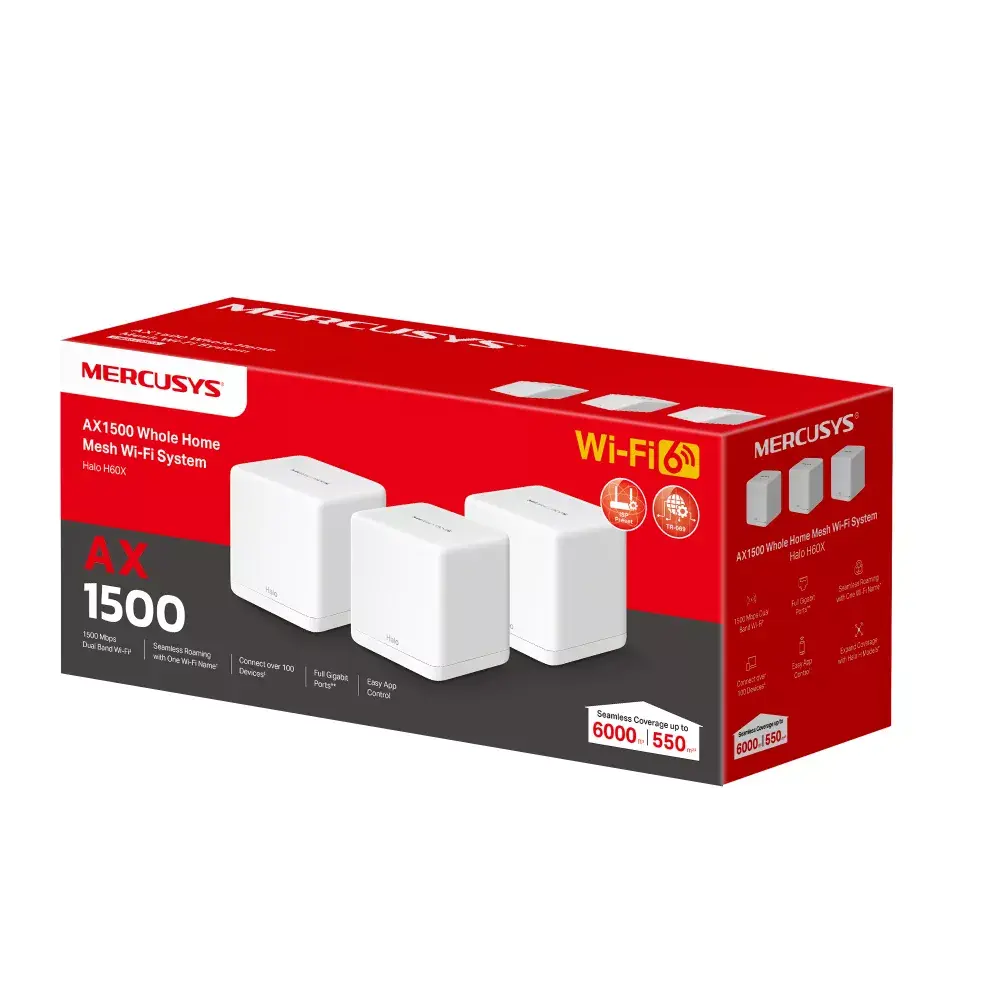
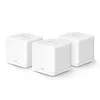
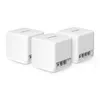
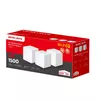
Mesh WiFi 6 system TP-LINK Halo H60X (3-pack) — AX1500 dual-band, 1500 Mbps, internal antennas, 2 LAN ports, white
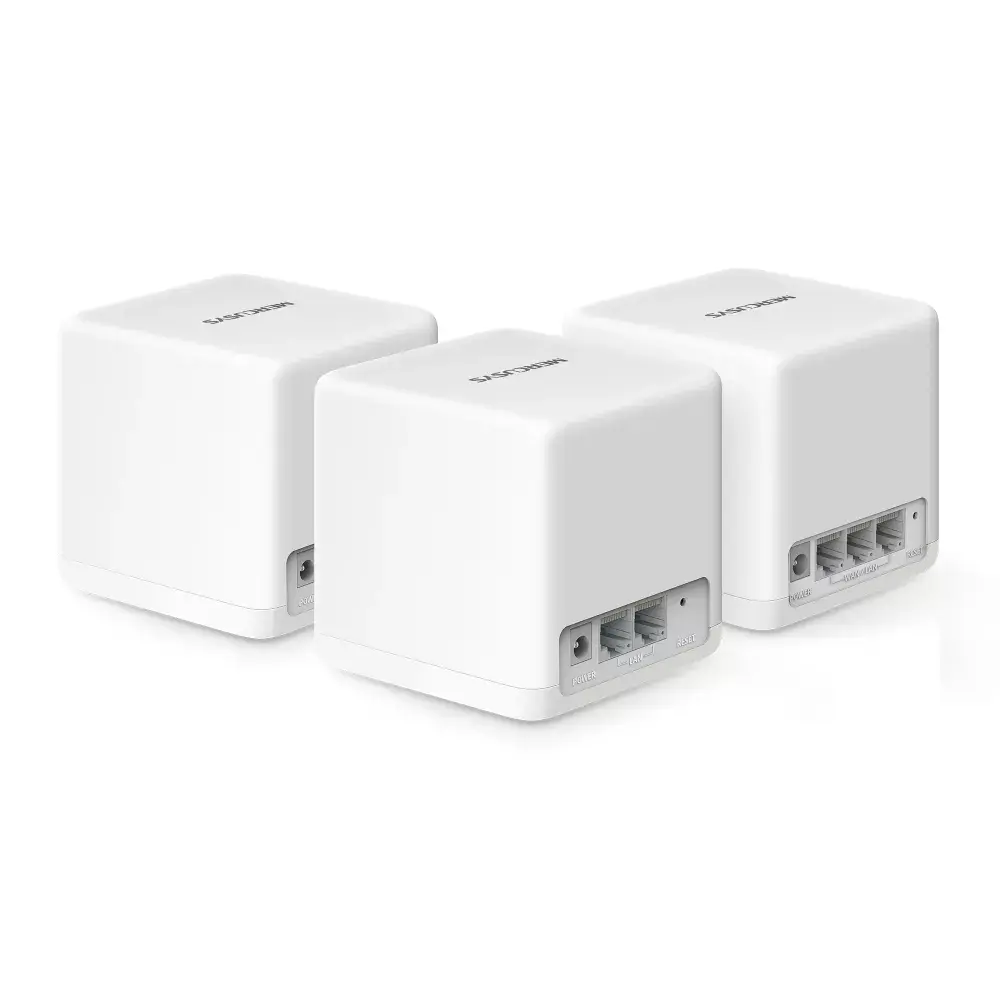
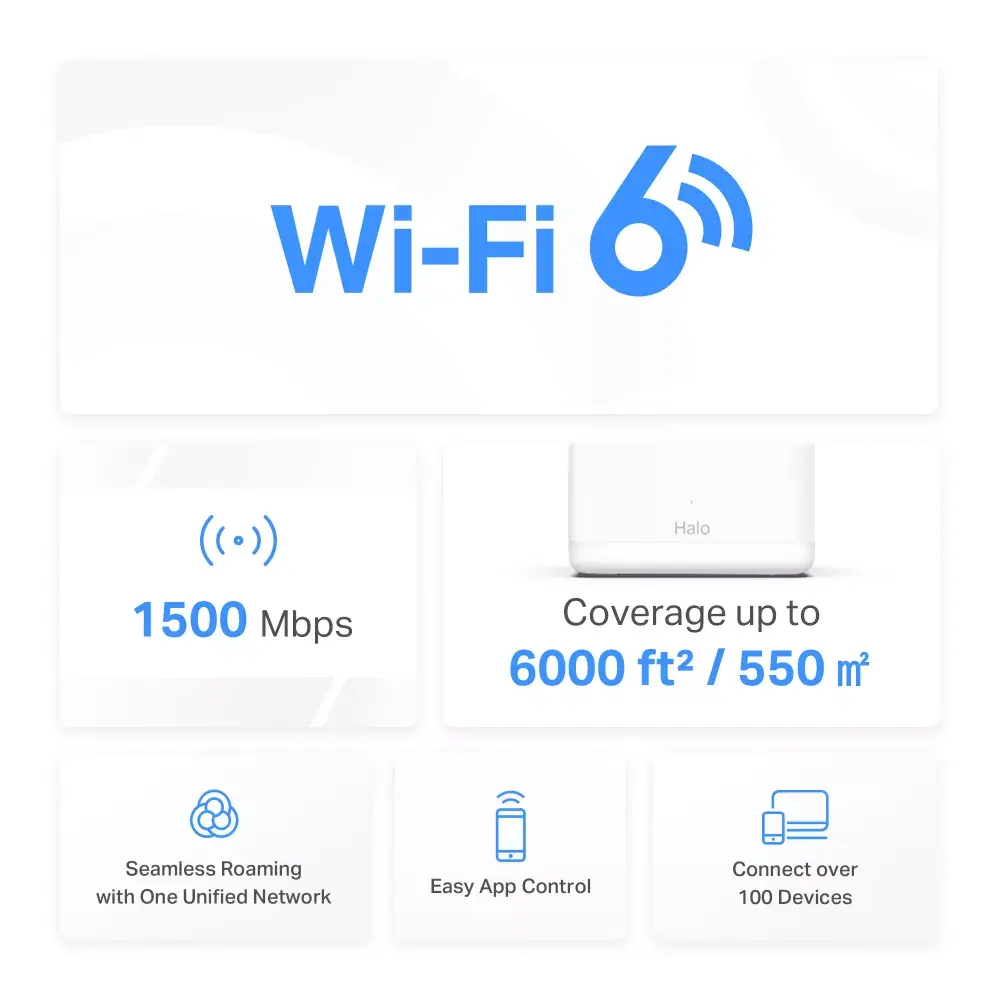
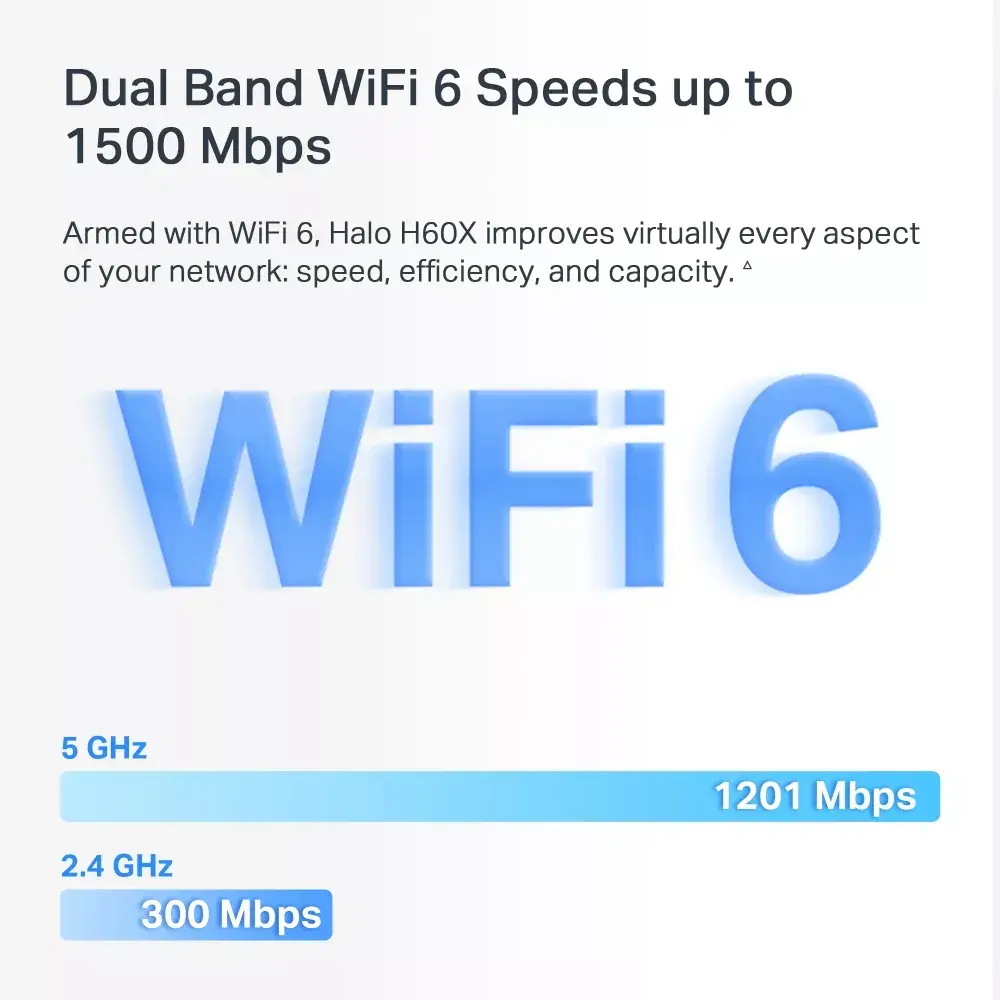
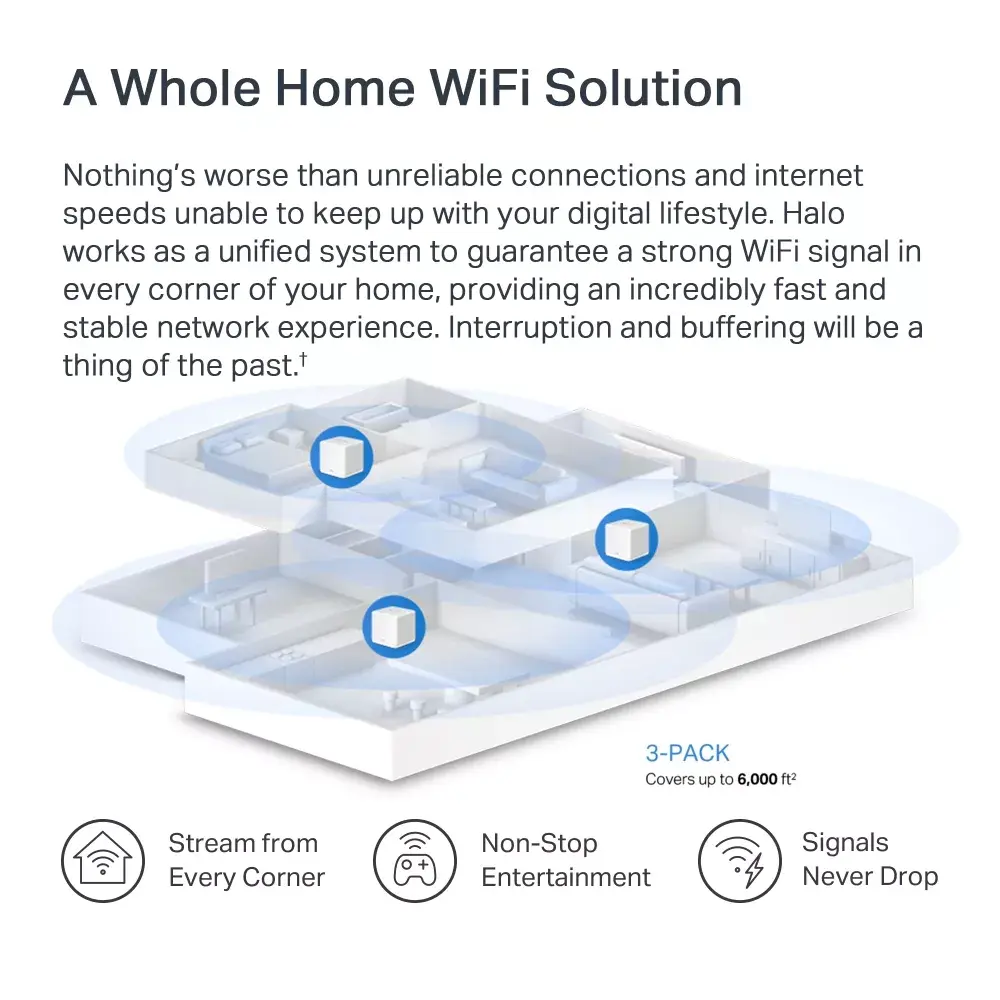
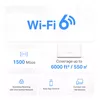
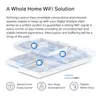
TP‑LINK Halo H60X AX1500 is a three‑unit mesh WiFi 6 system designed to provide whole‑home wireless coverage with combined dual‑band speeds up to 1500 Mbps. Each white unit features internal antennas and two Ethernet LAN ports, and the system implements basic network protection through an SPI firewall. The Halo H60X coordinates multiple nodes into a single network name to enable seamless roaming and stable connectivity across larger homes, supporting many connected devices and simplified central management.
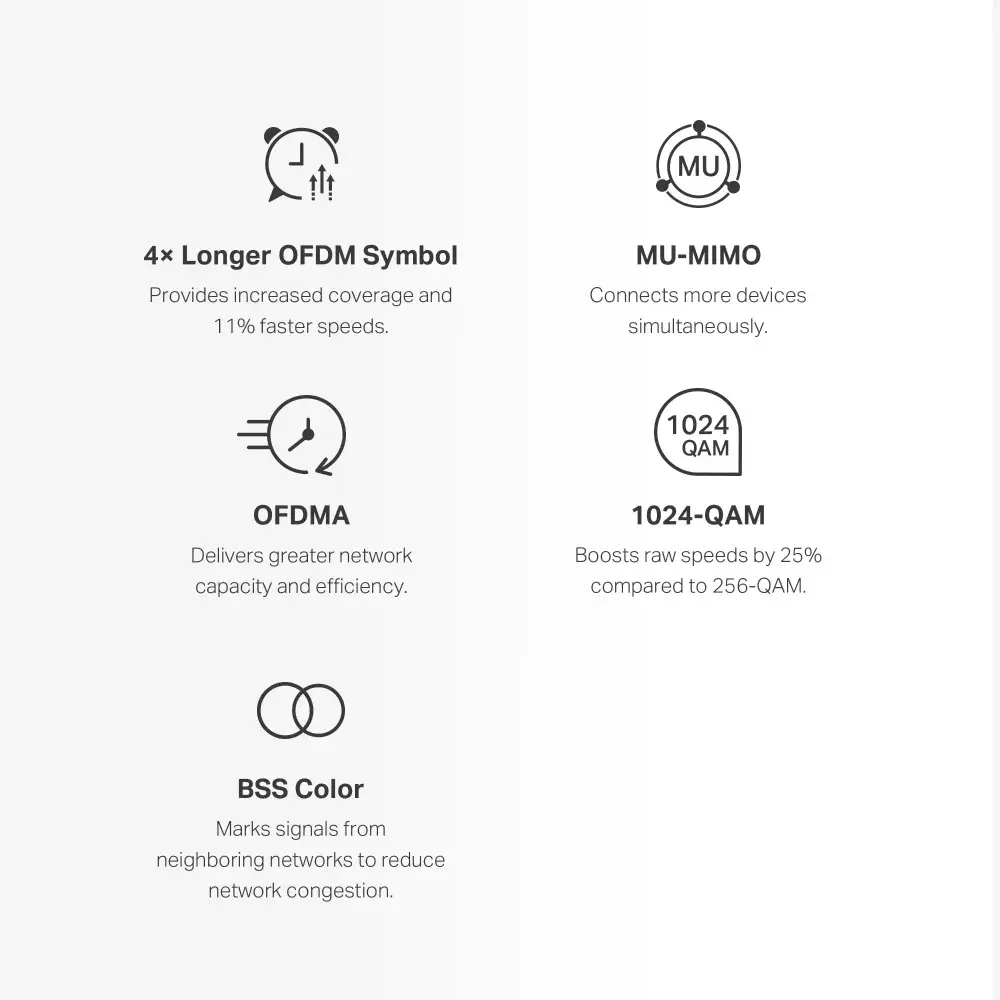
The Halo H60X uses WiFi 6 technologies such as OFDMA and MU‑MIMO to increase efficiency and capacity, helping maintain performance when many devices are connected. Beamforming and refined signal amplifiers improve signal direction and strength for better coverage. Auto‑selecting best routes between units provides self‑healing mesh behavior, while dual‑band operation balances throughput and range. The system’s two Ethernet LAN ports per unit allow wired device connections and WAN/LAN auto‑sensing simplifies physical setup. A built‑in SPI firewall adds a layer of basic network protection.
Place the three Halo units throughout the home to provide overlapping coverage, ideally with one unit near the internet gateway and the others positioned to extend signal to distant rooms. Power on each unit and connect one to your modem or existing router via Ethernet if required; the units support WAN/LAN auto‑sensing so port identification is not necessary. Use the TP‑LINK or compatible app to follow on‑screen setup steps, create a single network name (SSID) and password, and allow the system to automatically optimise connections and routes between nodes. Connect your wireless and wired devices to the network and confirm coverage and speeds in different areas of the home.
For best performance, place units in open areas away from large metal objects and thick walls, keep firmware updated via the app, and distribute units so that each has a reliable connection to at least one other Halo. Use wired connections for stationary high‑bandwidth devices when possible and enable parental controls or security settings through the app to manage device access.
{{highlightedFeature.featureTitle}}:
{{getProductFeatureValueById(product, highlightedFeature.featureId)}}
{{ productComparisonGenerationError }}
