
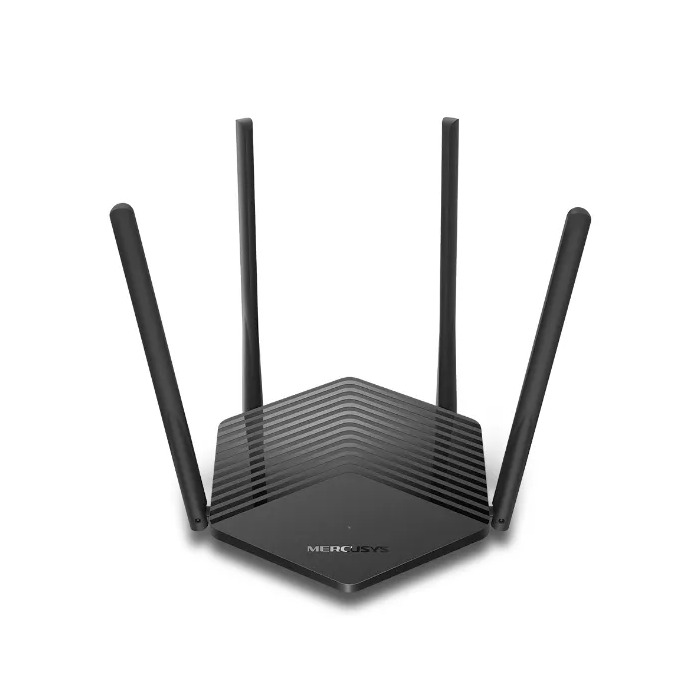
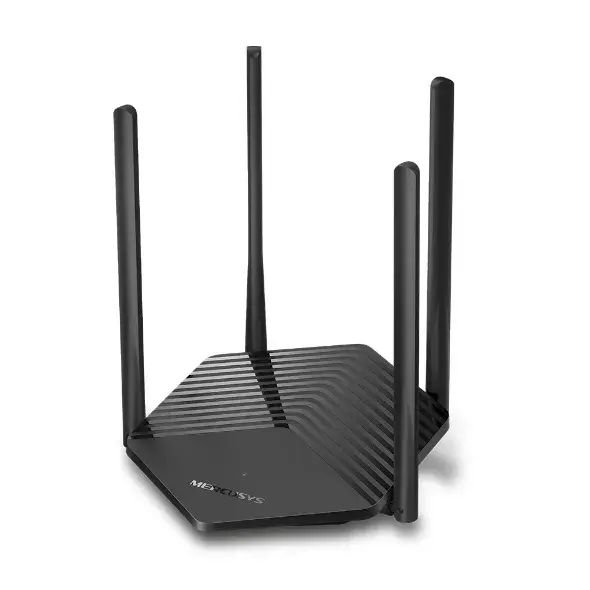
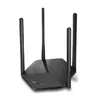
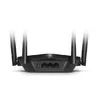
Router Mercusys AX1800 Dual-Band WiFi 6
{{selectedOffer && selectedOffer.price | formatAmount}}
{{selectedOffer && selectedOffer.price | formatAmount}}
Short description
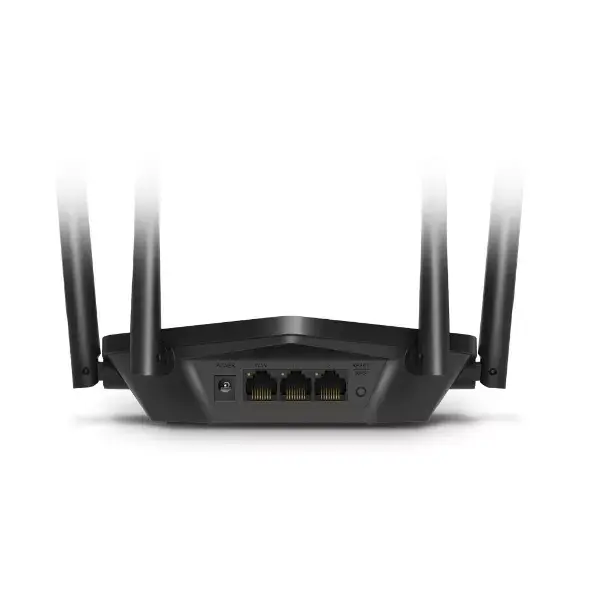
The Mercusys AX1800 Dual-Band WiFi 6 Router offers high-speed connectivity with a maximum WLAN data transfer rate of 1501 Mbit/s. It supports dual-band frequencies (2.4 GHz and 5 GHz) and features Gigabit Ethernet ports for fast wired connections. Enhanced security is provided through WPA, WPA2, and WPA3 protocols, along with SPI Firewall. Ideal for seamless streaming and gaming, this router is designed for optimal performance in modern homes.
Available for order:
24 pcs.
Warranty:
2 Years
SKU:
10638609

 Charging device included

Cheapest delivery:
Unisend LV
Pick-up points
Unisend LV
Cost
1.79 €
Deliver
{{selectedOffer.parcelStationDeliveryString}}
Customer service center
2b. Kengaraga str., Riga, Latvia, LV-1063
21.09.2026
{{selectedOffer.officeDeliveryString}}
free
Courier Delivery
Please note that in case of a large parcel additional delivery costs may apply!
From 4.99 € (Weight: 0.65 kg)
Parcel couriers
Unisend LV / Venipak Pickup LV / Venipak Locker LV / Latvijas Pasts pakomāts / DPD Paku skapis / Omniva LV / Latvijas Pasts nodaļa
24.09.2026
{{selectedOffer.parcelStationDeliveryString}}
From 1.79 €

Payment Methods:
Bank transfer, Bank cards on-line, Apple Pay, Google Pay


