





Leave your address - as soon as the price of the product goes down, you'll know about it right away
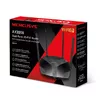
Tabletop Router Mercusys AX3000 Dual-Band Wi-Fi 6 3000 Mbit/s
In cart {{totalProductsCount}} item(s)
Your cart is empty
Tabletop Router Mercusys AX3000 Dual-Band Wi-Fi 6 3000 Mbit/s
Leave your address - as soon as the price of the product goes down, you'll know about it right away
Tabletop Router Mercusys AX3000 Dual-Band Wi-Fi 6 3000 Mbit/s
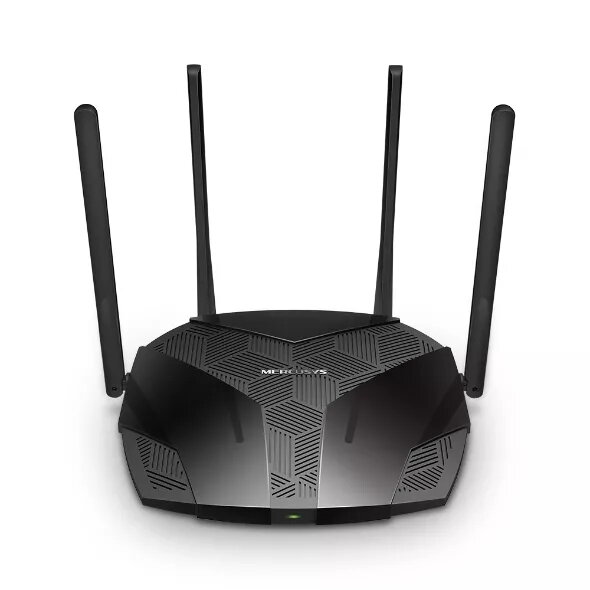
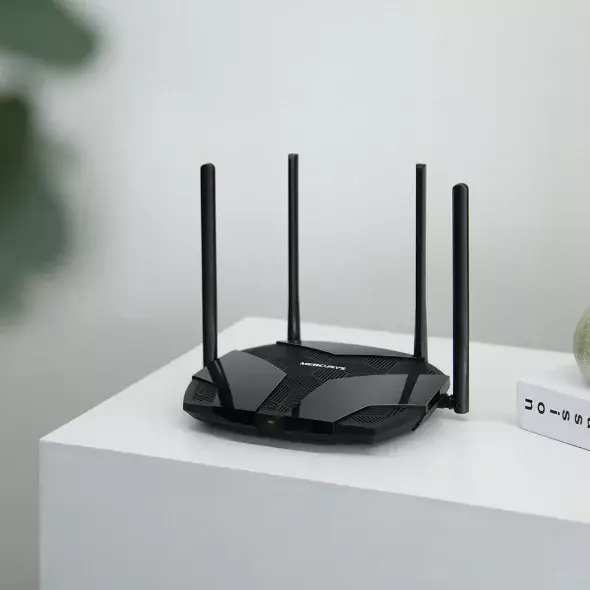
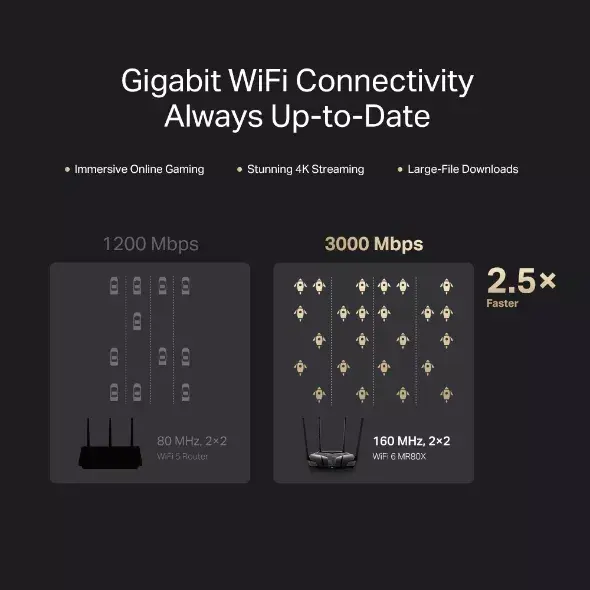
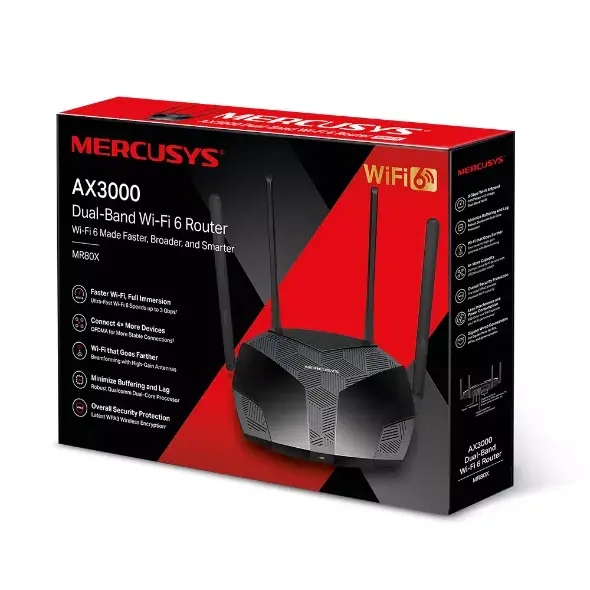
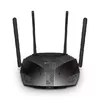
The Mercusys AX3000 Dual-Band Wi-Fi 6 router is designed to provide high-speed internet connectivity for modern homes. By utilizing 160 MHz channel width and advanced Wi-Fi 6 technology, it delivers speeds of up to 3000 Mbit/s, ensuring smooth 4K streaming and rapid file downloads. The device is powered by a Qualcomm chipset that supports stable connections for numerous devices simultaneously, making it a reliable hub for your home network.
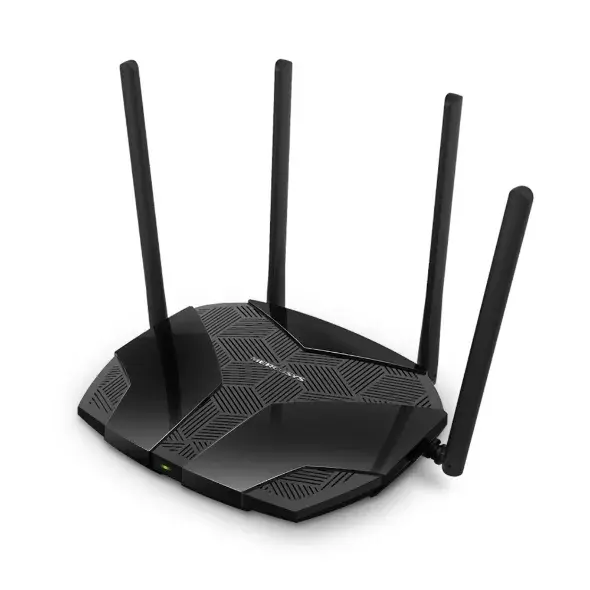
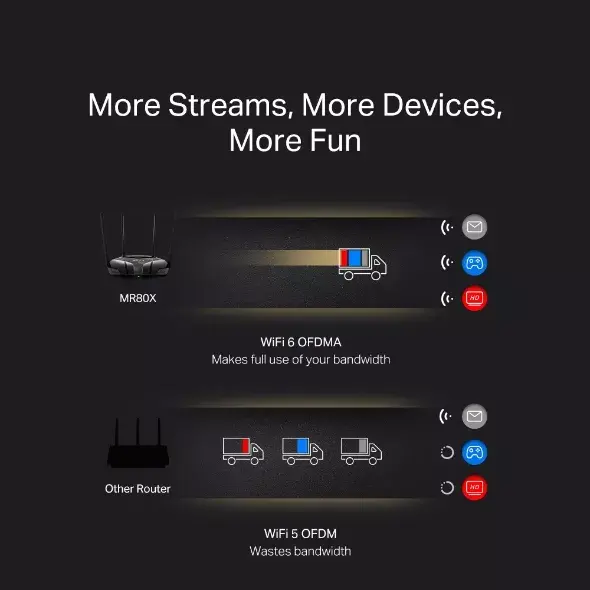
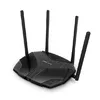
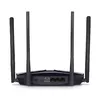
This router significantly enhances network capacity through OFDMA and MU-MIMO technologies, allowing multiple devices to transmit data at the same time without performance degradation. The inclusion of BSS Coloring helps reduce signal interference from neighboring networks, which is particularly beneficial in dense residential areas. Furthermore, the router features four high-gain antennas with beamforming technology to ensure signals penetrate walls effectively, while the Target Wake Time feature helps conserve battery life for connected mobile and IoT devices.
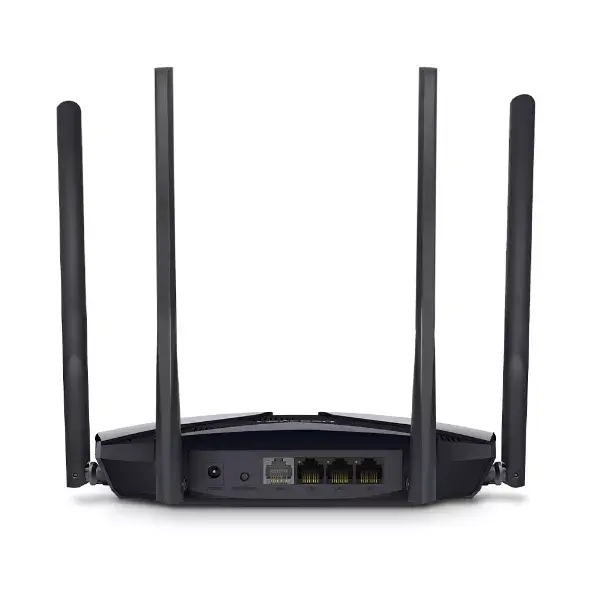
This router may not be the ideal choice for extremely large commercial spaces or multi-story buildings where a mesh system might be required to ensure total coverage. Additionally, users who require more than three wired Ethernet connections may need to purchase an additional network switch.
To set up the router, connect it to your modem using an Ethernet cable and power it on. Access the web-based management interface through a browser on a connected device to follow the initial configuration steps. You can use the Smart Connect feature to allow the router to automatically assign your devices to the optimal frequency band, ensuring the best possible speed and signal strength as you move throughout your home.
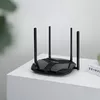
For optimal performance, place the router in a central, elevated location away from large metal objects or thick concrete walls to maximize signal distribution throughout your home.
{{highlightedFeature.featureTitle}}:
{{getProductFeatureValueById(product, highlightedFeature.featureId)}}