
Save time and money with our discounts!
In cart {{totalProductsCount}} item(s)
Your cart is empty
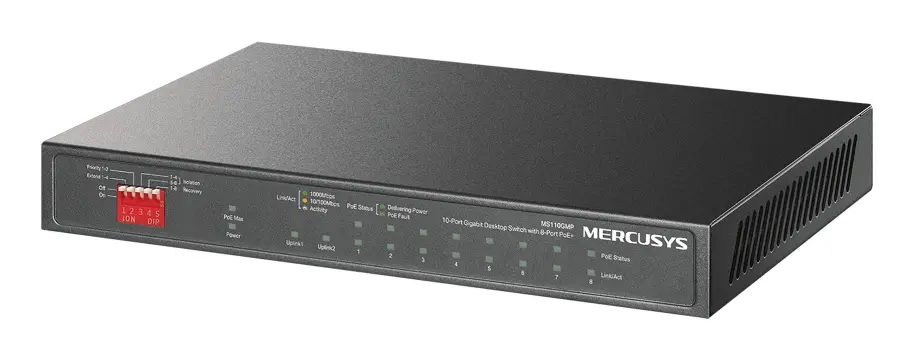
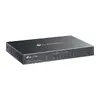
TP-LINK Mercusys MS110GMP Network Switch Gigabit Ethernet 10 Ports PoE Black
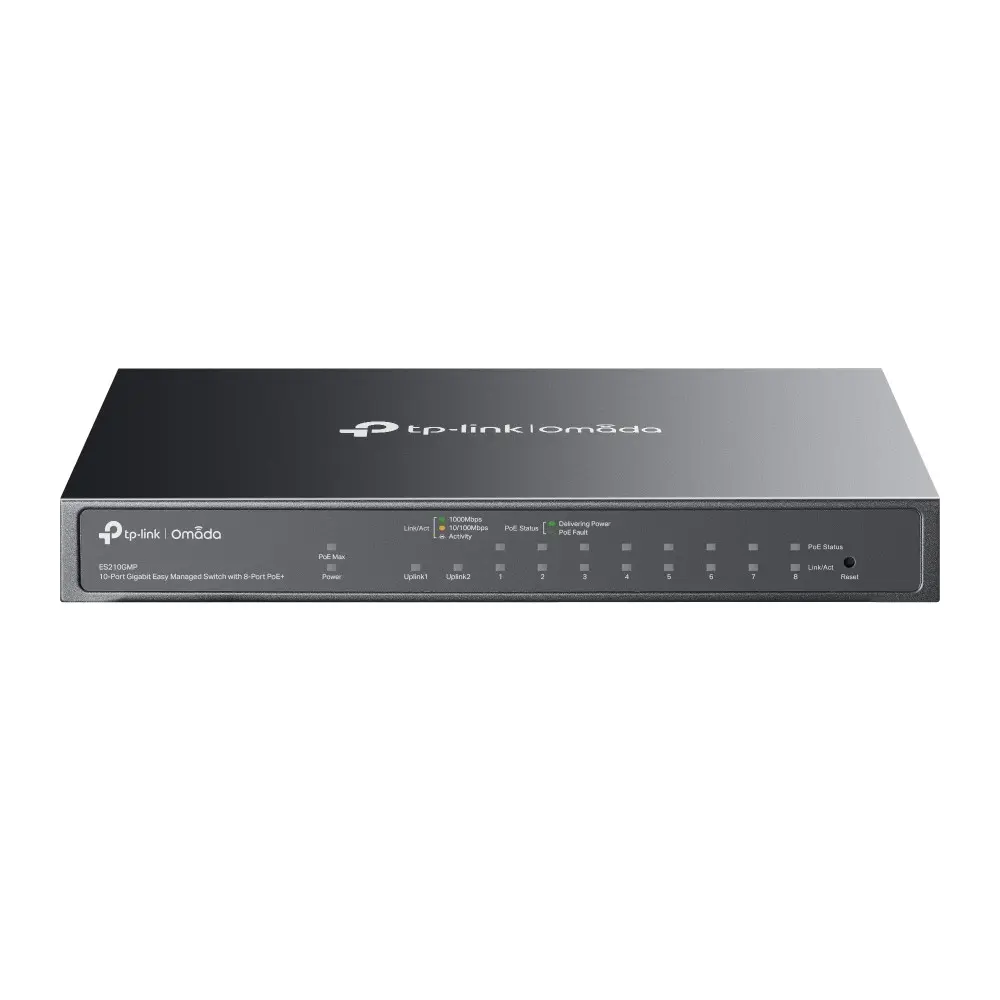
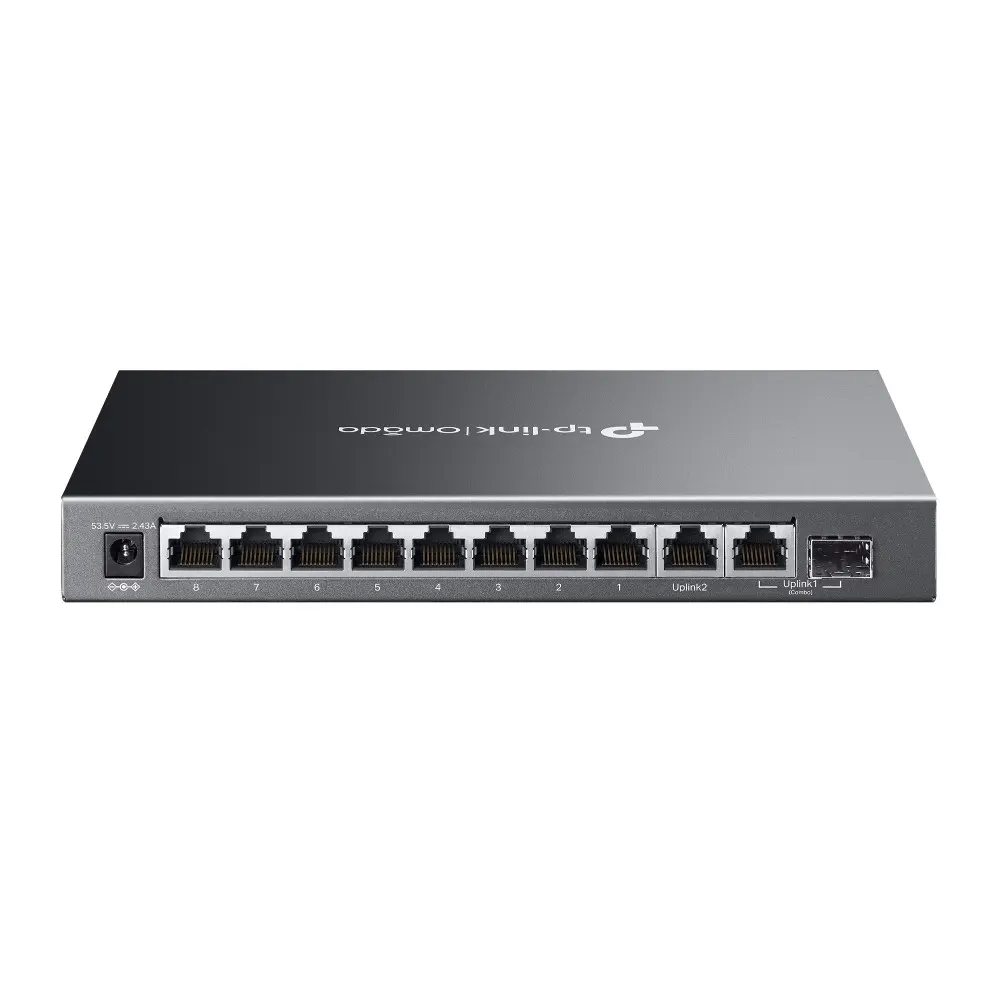
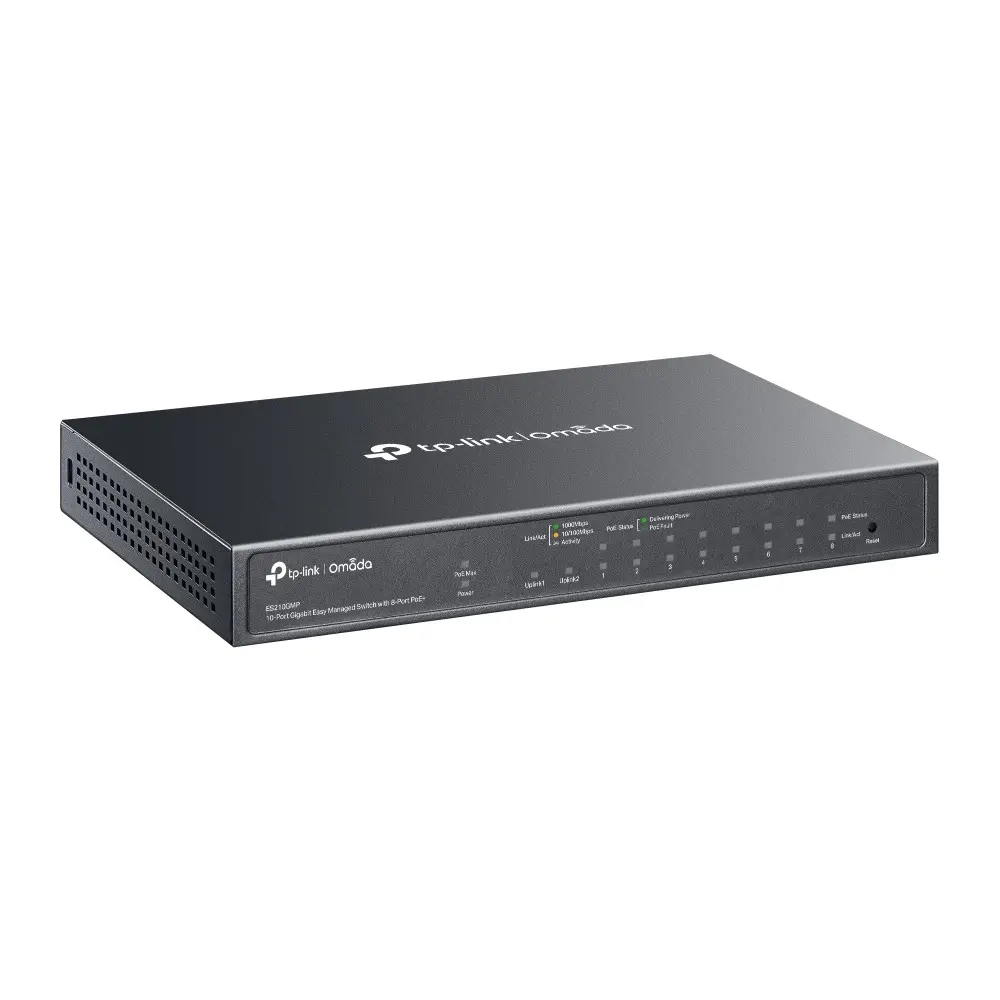
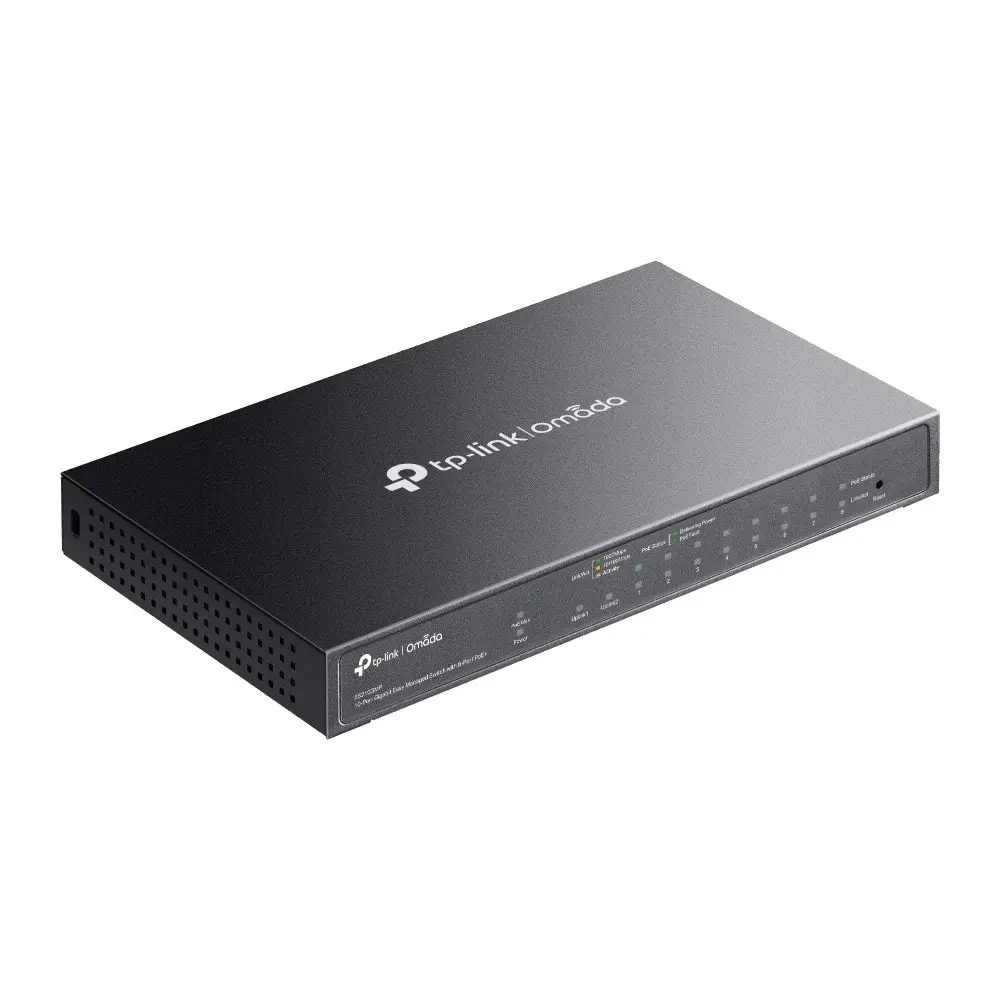
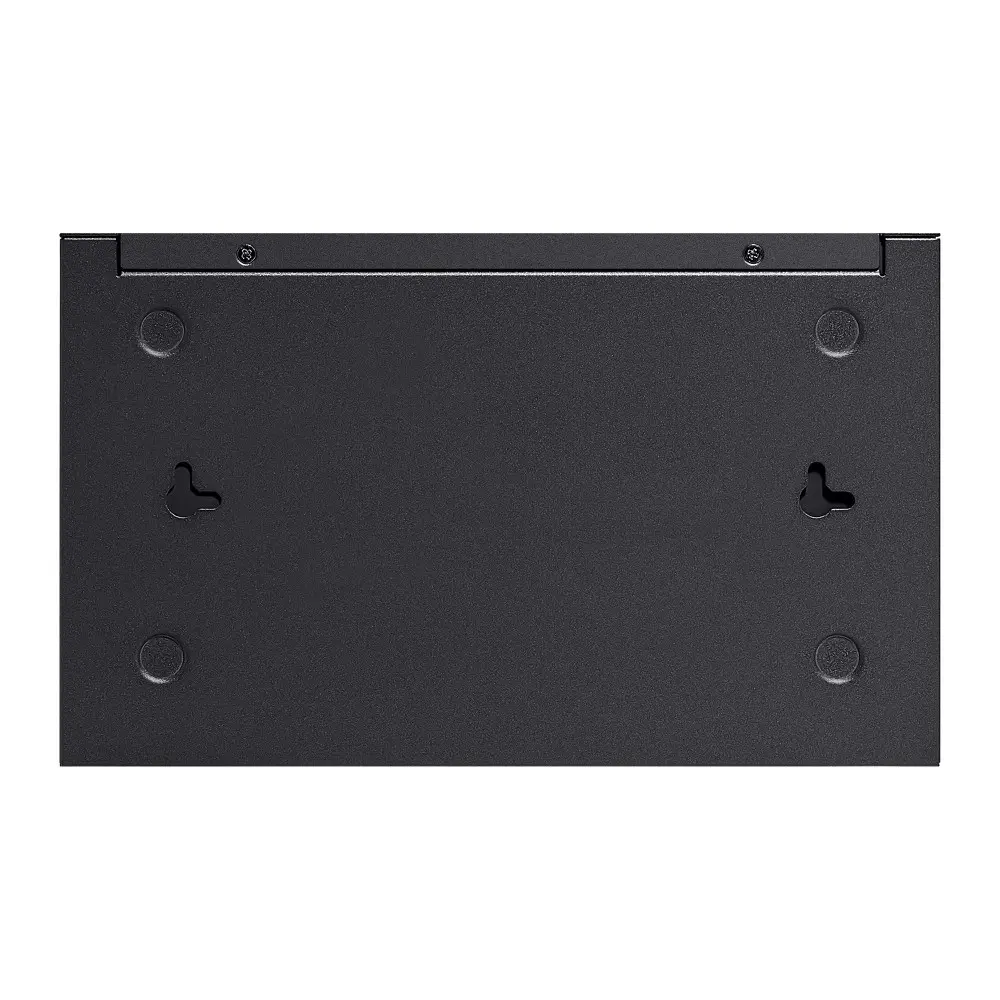
The TP-LINK Mercusys MS110GMP Network Switch Gigabit Ethernet 10 Ports PoE Black is a reliable and efficient networking solution designed for expanding small business, office, or home networks. Featuring 10 Gigabit Ethernet RJ-45 ports, including 8 PoE+ ports and 2 uplink ports, this switch allows you to connect multiple devices while delivering both data and power over a single Ethernet cable. With a switching capacity of 20 Gbit/s and a 4000-entry MAC address table, it ensures smooth and stable data transmission for connected devices. The durable black casing is wall-mountable, and the fanless design ensures silent operation without disturbing your working environment.
This network switch simplifies installation by combining power and data delivery through Power over Ethernet technology, eliminating the need for separate power cables for connected devices like IP cameras or access points. The inclusion of special operational modes, such as Extend Mode for long-distance transmission, Priority Mode for critical ports, and Isolation Mode for enhanced security, offers flexible network management. Its plug-and-play functionality requires no complex configuration, allowing users to set up their network quickly. Additionally, the fanless construction contributes to energy efficiency and quiet performance, making it suitable for noise-sensitive spaces.
This network switch is not designed for large-scale enterprise environments that require rack mounting or stackable capabilities. It also lacks 10G support and SFP module slots, making it unsuitable for high-speed fiber optic connections or core network backbones.
To use the TP-LINK Mercusys MS110GMP, connect the included power supply to the switch and plug it into a standard electrical outlet. Connect your router to one of the uplink ports using an Ethernet cable to provide internet access. Next, connect your network devices, such as computers or PoE-enabled IP cameras, to the remaining Ethernet ports using standard network cables. The switch will automatically configure the connections and begin transferring data and power without requiring manual software setup.
For optimal performance, place the network switch in a well-ventilated area despite its fanless design, and use high-quality Ethernet cables to ensure stable data and power transmission over longer distances.
{{highlightedFeature.featureTitle}}:
{{getProductFeatureValueById(product, highlightedFeature.featureId)}}
The TP-LINK Mercusys MS110GMP Network Switch Gigabit Ethernet 10 Ports PoE Black network switch is compared with several alternative networking models from the same manufacturer: Managed Switch TP-Link Omada ES210GMP 10 Ports Gigabit Ethernet PoE, Managed Switch TP-Link FESTA FS308GP 8x Gigabit Ethernet PoE, TP-Link TL-SG1008MP 8-Port Gigabit Unmanaged Network Switch with PoE, TP-Link Festa FS318GP L2/L2+ Gigabit Ethernet PoE Switch 16 Ports, and TP-Link TL-SG1210P Unmanaged Gigabit Ethernet Network Switch with 9 RJ-45 Ports and Power over Ethernet PoE Grey. All compared products share gigabit network speeds and Power over Ethernet (PoE) technology support to power connected devices such as IP cameras or access points. The main differences lie in the port count, management type (managed versus unmanaged models), presence of optional SFP fiber optic modules, MAC address table capacity, and mounting options (wall-mountable or rack-mountable).
⚙️ The table below compares the key characteristics of the devices: port count and type, supported switching capacity, MAC address table size, presence of SFP modules, switch management type, and mounting features.
| Parameter | TP-LINK Mercusys MS110GMP | Managed Switch TP-Link Omada ES210GMP | Managed Switch TP-Link FESTA FS308GP | TP-Link TL-SG1008MP | TP-Link Festa FS318GP | TP-Link TL-SG1210P | Practical significance |
|---|---|---|---|---|---|---|---|
| Ethernet ports | 10 x Gigabit RJ-45 | 10 x Gigabit RJ-45 | 8 x Gigabit RJ-45 | 8 x Gigabit RJ-45 | 16 x Gigabit RJ-45 | 9 x Gigabit RJ-45 | The port count determines the maximum number of devices that can be directly connected via cable. |
| SFP modules | None | None | 2 SFP | None | None | None | SFP ports allow connecting the switch to fiber optic communication lines over long distances. |
| Switch type | Unspecified (basic) | Managed | Managed | Unmanaged | Managed (L2/L2+) | Unmanaged | Managed switches suit complex networks requiring VLAN configuration, while unmanaged models offer simpler plug-and-play installation. |
| Switching capacity | 20 Gbit/s | 20 Gbit/s | 16 Gbit/s | 16 Gbit/s | 36 Gbit/s | 20 Gbit/s | Higher bandwidth prevents data bottlenecks when all ports are active simultaneously. |
| MAC address table | 4000 entries | 8000 entries | 8000 entries | 4000 entries | 8000 entries | 4000 entries | A larger table size efficiently handles larger local area networks with numerous connected devices. |
| Mounting | Wall-mounted | Wall-mounted | Rack-mountable | Rack-mountable | Rack-mountable | Wall-mounted | The installation method determines whether a server rack is required or if the device can be secured on a wall in compact spaces. |
◎ The table below evaluates how different models align with specific use cases and buyer needs to help select the most suitable option.
| Use case | Recommended product | Why |
|---|---|---|
| Basic network expansion with PoE power for 10 devices | TP-LINK Mercusys MS110GMP | Provides 10 gigabit ports with PoE support and wall mounting for straightforward home or office setups. |
| Building a managed network with advanced control | Managed Switch TP-Link Omada ES210GMP | Offers 10 ports and management features for administrative control over network traffic. |
| Combining fiber optic connectivity with network management | Managed Switch TP-Link FESTA FS308GP | Contains 8 gigabit ports, 2 SFP modules for fiber optics, and network management capabilities. |
| Simple connection of up to 8 devices with rack mounting | TP-Link TL-SG1008MP | An unmanaged switch with PoE support and the ability to be installed in a standard server rack. |
| Large office network with high port density | TP-Link Festa FS318GP | Equipped with 16 ports and high switching capacity for large-scale network infrastructures. |
| Compact connection of a small number of devices at home | TP-Link TL-SG1210P | Features 9 ports for basic wired network expansion without requiring complex configuration. |
The TP-LINK Mercusys MS110GMP Network Switch Gigabit Ethernet 10 Ports PoE Black differs from alternative models by combining 10 gigabit ports with PoE support, a compact wall-mountable design, and straightforward basic operation without complex administrative features. It is best suited for users who need reliable and affordable network expansion with power delivery to IP devices without the complexity of configuring advanced networking policies. A buyer should choose this model if they need a balanced 10-port switch for a home or small office with wall-mounting capabilities, whereas alternatives are better suited when rack mounting, managed switch features, or fiber optic SFP modules are required.
