
Dreame vacuums for fast and efficient cleaning!
In cart {{totalProductsCount}} item(s)
Your cart is empty
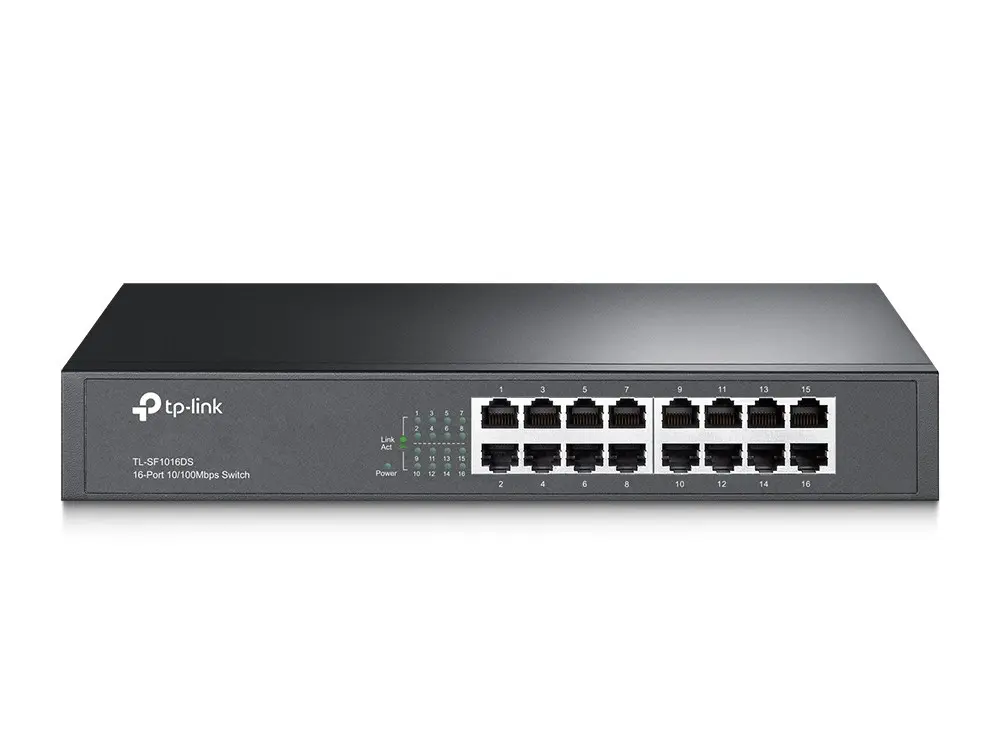
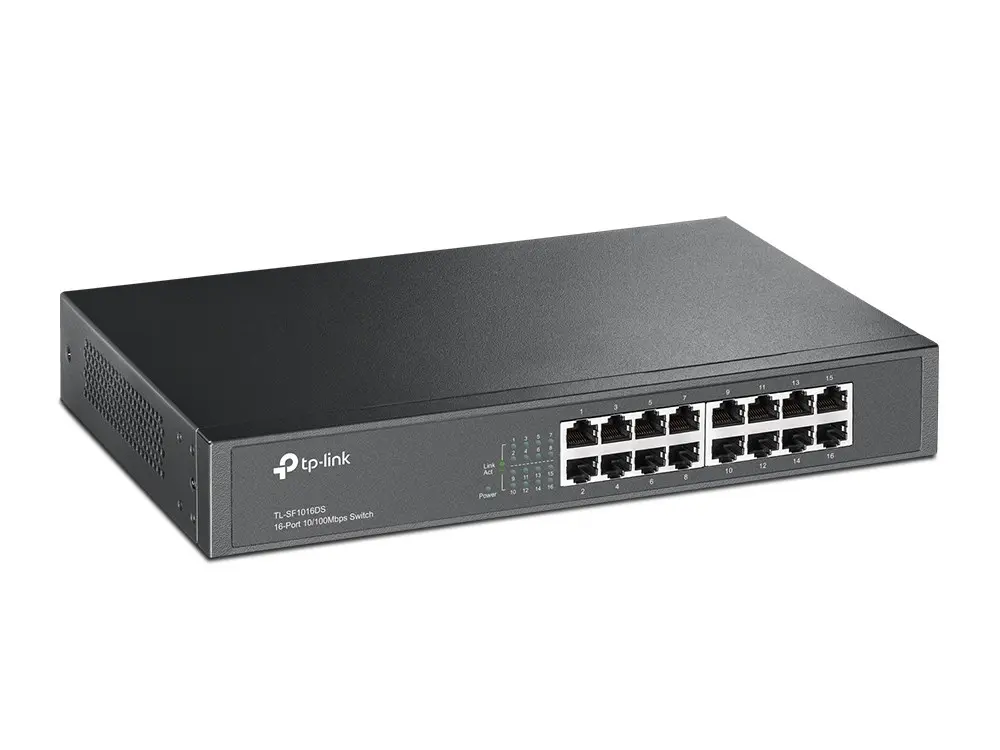
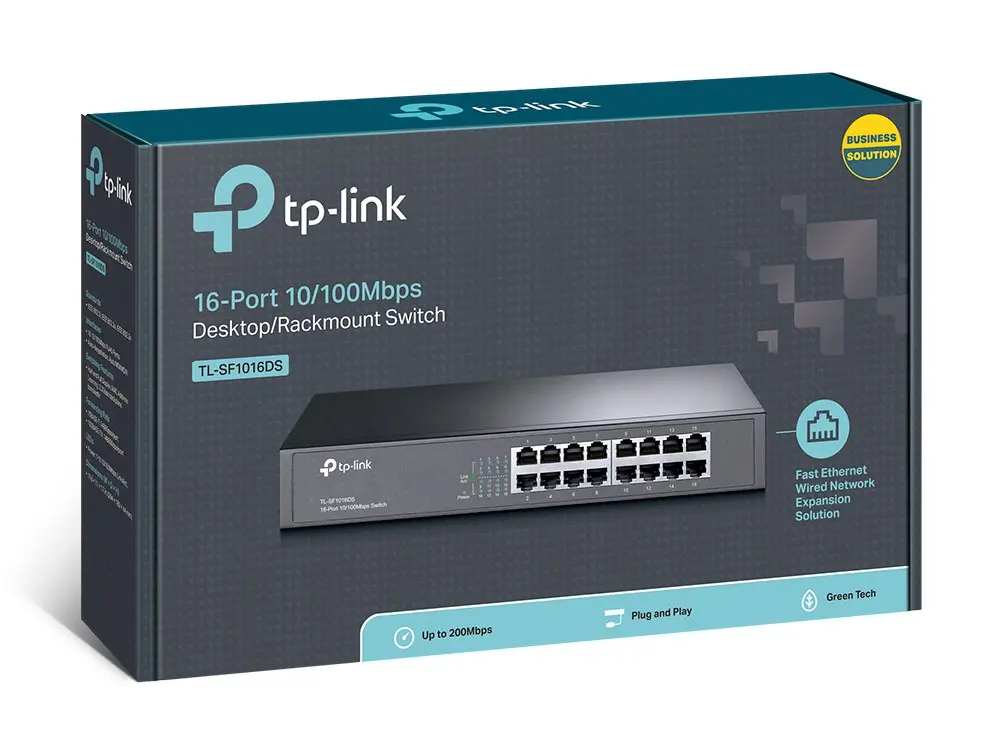
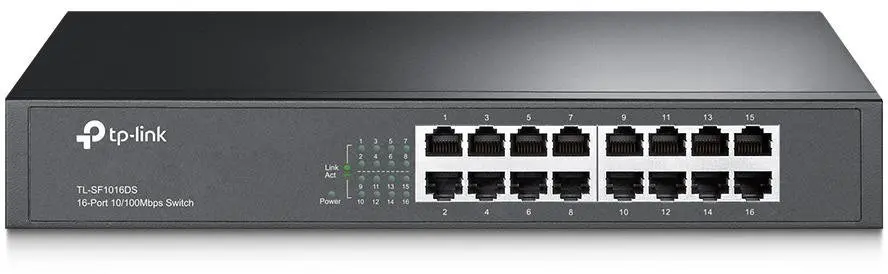
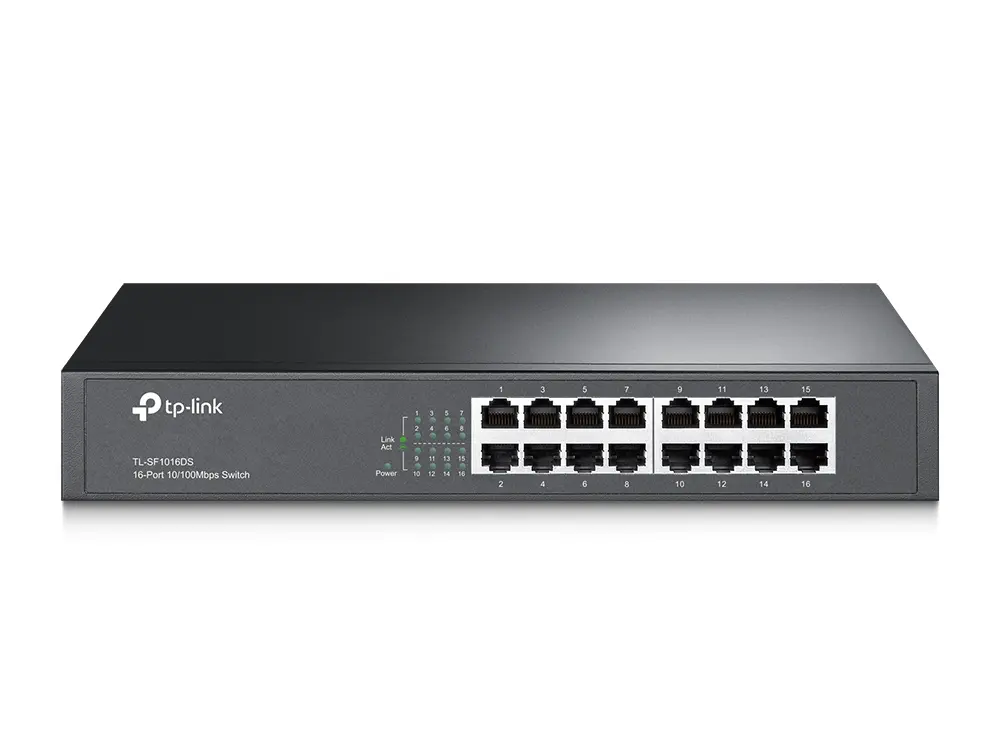
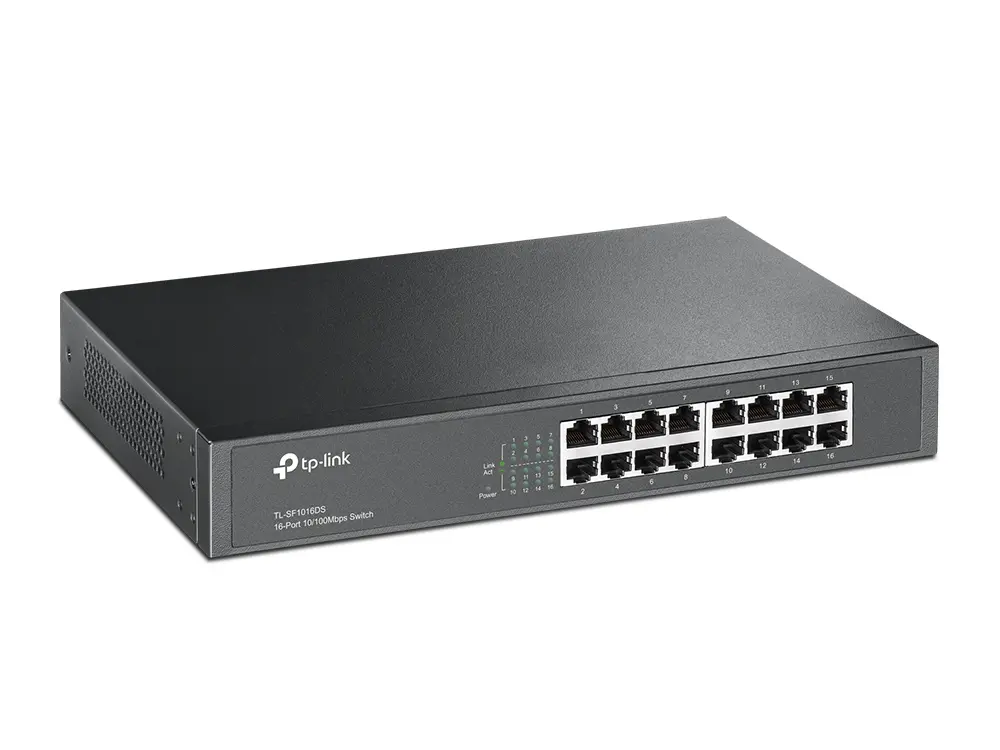
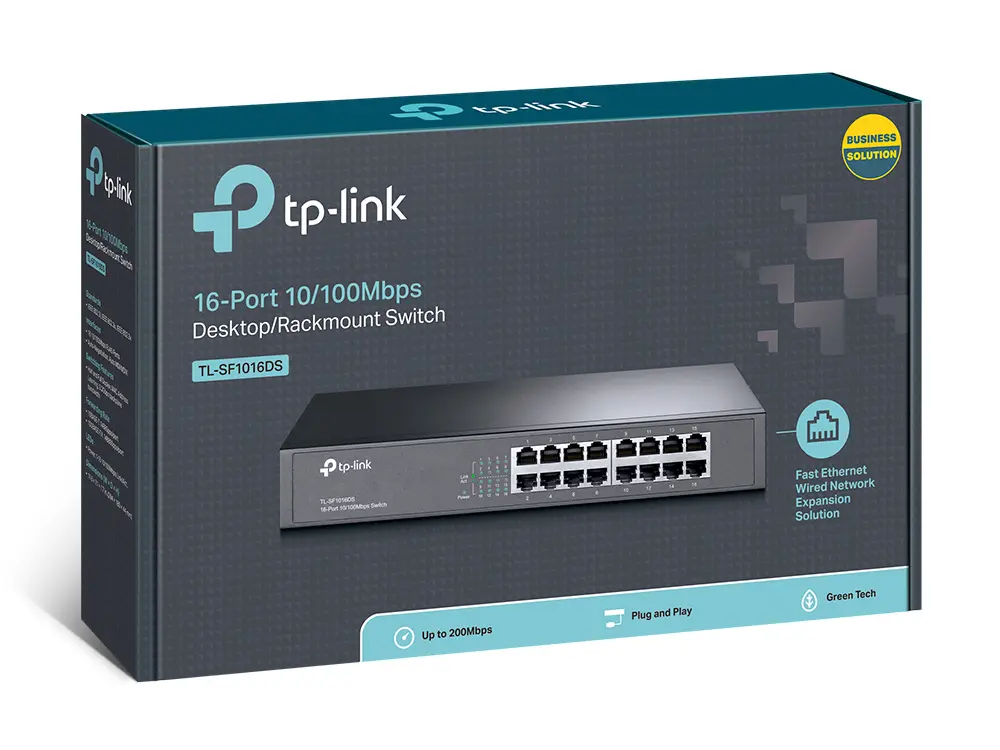
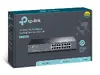
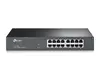
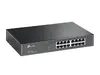
TP-Link TL-SF1016DS Unmanaged Fast Ethernet Network Switch with 16 RJ-45 Ports 1U Black
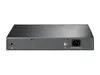
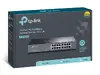
The TP-Link TL-SF1016DS Unmanaged Fast Ethernet Network Switch is designed to provide a reliable and straightforward method for expanding wired local area networks. Equipped with 16 RJ-45 ports supporting Fast Ethernet speeds, this network device enables seamless connectivity for multiple computers, printers, network-attached storage, and other Ethernet-enabled hardware. It functions as an unmanaged switch, meaning it requires no complex configuration, software installation, or ongoing management, making it accessible for users of all technical skill levels. Built into a sturdy 1U black metal case, the unit is versatile enough for placement on a desktop or installation inside a standard server rack using the included mounting hardware.
This network switch offers robust performance backed by a 3.2 Gbit/s switching capacity and an 8000-entry MAC address table, ensuring efficient data packet handling across connected devices. The integration of auto MDI/MDIX technology eliminates the need for specialized crossover cables, while auto-negotiation on every port automatically detects the optimal speed of connected hardware. Furthermore, energy-efficient Green Ethernet technology helps minimize power consumption by adjusting output based on link status and cable length. The inclusion of an internal AC power supply and a durable steel housing ensures reliable, long-term operation in various environments.
This device is not suitable for high-bandwidth enterprise environments that require Gigabit or 10-Gigabit speeds, as the ports are strictly limited to Fast Ethernet 10/100 Mbps. Additionally, because it is an unmanaged switch, it lacks advanced network management, VLAN support, Quality of Service configuration, and Power over Ethernet capabilities.
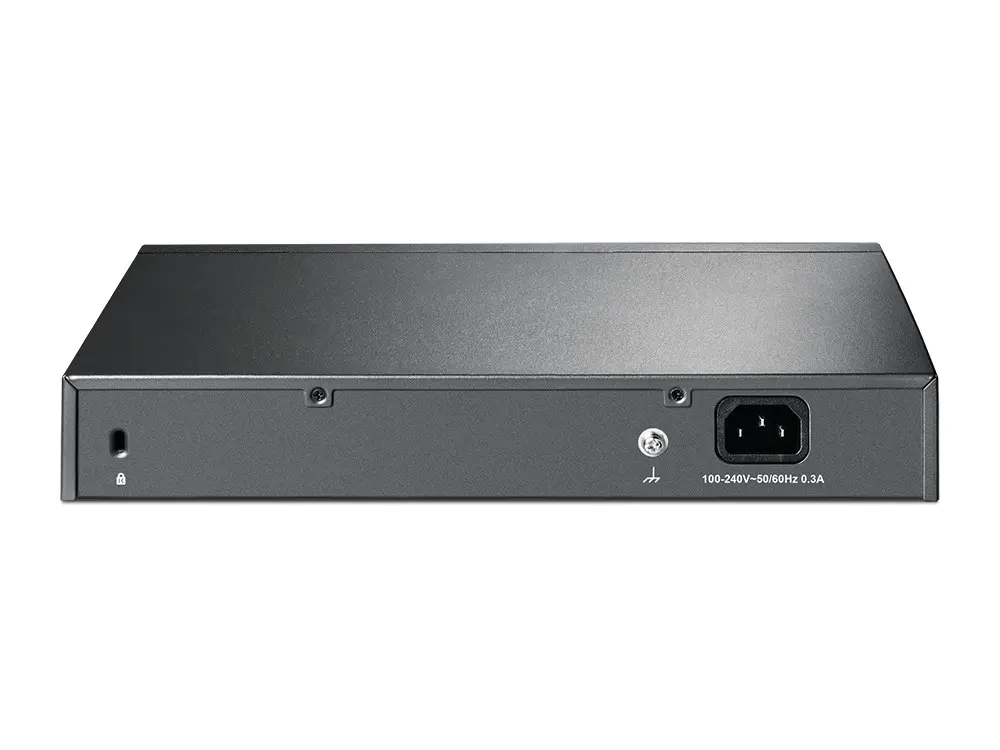
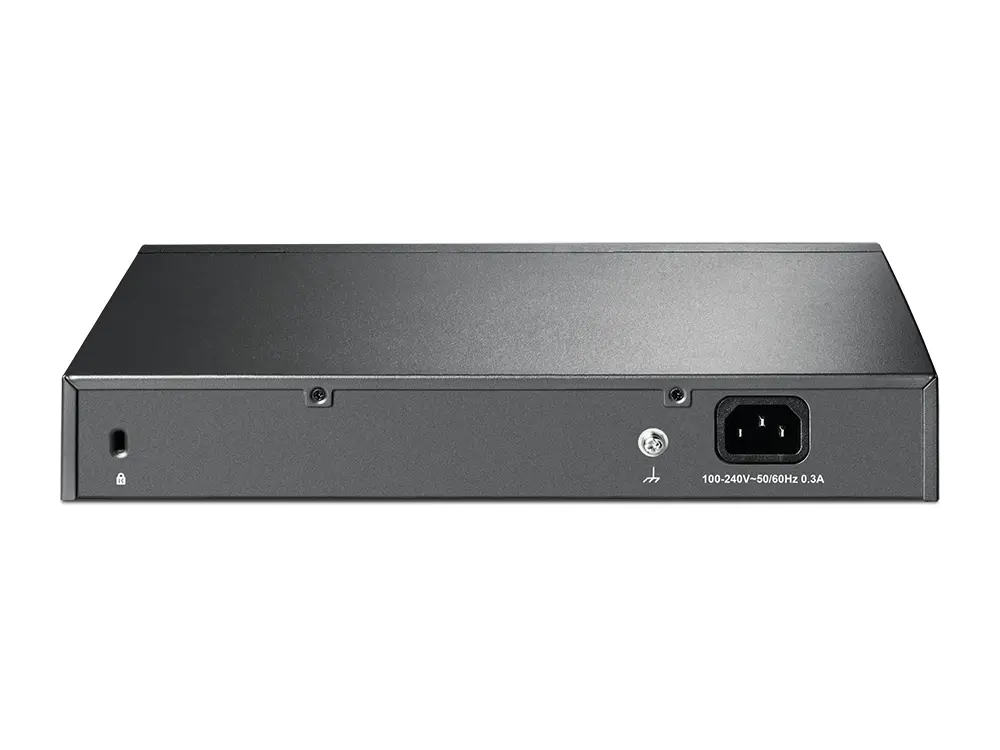
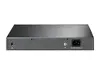
To set up the TP-Link TL-SF1016DS network switch, place it on a flat surface or mount it into a 1U rack using appropriate mounting brackets. Connect the included power supply cable to the rear of the switch and plug it into a standard AC electrical outlet. Connect your router or main network source to any of the available RJ-45 ports using standard Ethernet cables. Then, connect your computers, network printers, or other wired devices to the remaining ports. The switch will automatically initialize, negotiate link speeds, and establish data transmission without requiring any manual software configuration.
For optimal performance, use standard Ethernet patch cables rated for your network setup and ensure adequate ventilation around the metal casing when installed in a rack environment.
{{highlightedFeature.featureTitle}}:
{{getProductFeatureValueById(product, highlightedFeature.featureId)}}
This product page focuses on the TP-Link TL-SF1016DS network switch, which is compared against closely related modifications and alternatives from the TP-Link brand, such as TP-Link TL-SF1016DS (16-Port), TP-Link TL-SF1016DS V3.0, TP-Link TL-SF1016DS (Black), TP-Link TL-SF1016 V12.0, and TP-Link TL-SF1016. All of these devices are unmanaged 16-port Fast Ethernet switches featuring the exact same 3.2 Gbit/s switching capacity and an 8000-entry MAC address table. The main differences among them primarily lie in part numbers, version revisions, and minor packaging or aesthetic details while sharing identical core specifications.
⚙️ Below is a comparison of the main technical characteristics, including switch type, port count and speed, rack-mounting support, and MAC address table capacity.
| Specification | TP-Link TL-SF1016DS | TP-Link TL-SF1016DS (2057) | TP-Link TL-SF1016DS V3.0 | TP-Link TL-SF1016DS (4821961) | TP-Link TL-SF1016 V12.0 | TP-Link TL-SF1016 | Practical significance |
|---|---|---|---|---|---|---|---|
| Port type | 16 x Fast Ethernet (10/100) | 16 x Fast Ethernet (10/100) | 16 x Fast Ethernet (10/100) | 16 x Fast Ethernet (10/100) | 16 x Fast Ethernet (10/100) | 16 x Fast Ethernet (10/100) | All models provide the same wired connection speed for basic office tasks. |
| Switching capacity | 3.2 Gbit/s | 3.2 Gbit/s | 3.2 Gbit/s | 3.2 Gbit/s | 3.2 Gbit/s | 3.2 Gbit/s | Network data processing capacity is completely identical across all listed options. |
| Rack mounting | Yes (1U) | Yes | Yes | Yes | Yes (1U) | Yes (1U) | All units support standard installation in a 19-inch rack or on a desktop. |
| Switch type | Unmanaged | Unmanaged | Unmanaged | Unmanaged | Unmanaged | Unmanaged | Requires no complex configuration, operating on a simple plug-and-play basis. |
◎ The table below evaluates the suitability of the compared devices for various usage scenarios and buyer needs.
| Use case | Recommended product | Why |
|---|---|---|
| Expanding a local network in a small office | TP-Link TL-SF1016DS | Provides a stable wired connection for up to 16 devices without requiring configuration. |
| Installation in a 1U server rack | Any model from the comparison | All reviewed switches support mounting in a standard equipment rack. |
| Setting up a simple network at home or work | Any alternative (e.g., TL-SF1016) | Core specifications and performance are completely identical across all variants. |
The main product TP-Link TL-SF1016DS and its alternatives are functionally identical unmanaged switches with 16 Fast Ethernet ports. By choosing TP-Link TL-SF1016DS, you receive a reliable solution for expanding your wired network that is fully equivalent to any other series modification. This switch is best suited for small offices and home environments where straightforward, plug-and-play equipment connection is required without complex administration.
